Build marketing campaigns worth sending
Launch on-brand product announcements, newsletters, and promotions across channels, without waiting on engineering.



Reach any audience in one send
Pick an audience, design your message, and send it now or schedule it for later across email, in-app, push, and SMS.
The Getting started session broadcast as a draft, at Collab.io: an invite to a live getting started session for people who signed up lately. The New signups audience is picked from the audience menu, and the total fills in (1,248 recipients). The send time is set by typing tuesday at 9am, which resolves to next Tuesday at 9:00 AM. Its steps: the session invite email, a 2 day delay, then an in-app feed reminder on the day of the session.
Send one-time messages to any audience across any channel.
one send / any audience
Campaigns for every moment worth sharing
Pick your agent and a campaign, then use the prompt to build it.
Your agent
Use case
Your prompt
Prompt
Announce our latest feature with Knock. Based on what we're building, create a broadcast to users on plans that include it, with an email and an in-app banner that links to the feature.
All starter prompts, for people and agents
Connect your agent to the Knock MCP server at https://mcp.knock.app/mcp, or install the Knock CLI with npm install -g @knocklabs/cli. Then use any prompt below.
- Knock: Build in Knock
- Claude: First make sure to install the Knock connector.
- ChatGPT: First make sure to install the Knock plugin.
- Cursor: First make sure to install the Knock plugin.
- Grok: First make sure to install the Knock plugin.
- Slack: First make sure to connect Knock in Slack.
- MCP: First make sure to connect the Knock MCP server.
- CLI: First make sure to install the Knock CLI.
Product launches (Campaigns)
Announce our latest feature with [Knock](https://knock.app). Based on what we're building, create a broadcast to users on plans that include it, with an email and an in-app banner that links to the feature.
Newsletters (Campaigns)
Create a monthly newsletter template in [Knock](https://knock.app) using our email layout. Based on what we're building, add sections for product updates, tips, and customer stories, then draft a broadcast to all subscribers.
Promotions and offers (Campaigns)
Send an upgrade offer to free users who have been active in the last 14 days using [Knock](https://knock.app). Based on what we're building, create a broadcast with an email and an in-app modal, and schedule it for Tuesday at 10am in each user's timezone.
Event invitations (Campaigns)
Invite customers to our upcoming webinar with [Knock](https://knock.app). Based on what we're building, create a broadcast with an invitation email and an in-app card, then send a reminder to everyone who registered the day before.
Policy and service updates (Campaigns)
Notify every account admin about an upcoming change to our terms using [Knock](https://knock.app). Based on what we're building, create a broadcast with an email and an in-app banner that links to the details.
Surveys and feedback (Campaigns)
Ask users who tried our latest feature for feedback using [Knock](https://knock.app). Based on what we're building, create a broadcast with an in-app modal that links to a short survey, and send an email to anyone who has not responded after 3 days.
Launch campaigns inside your product
Pair every marketing campaign with in-app banners, modals, and cards that reach users while they're active in your product.
Introducing: faster uploads
You’ve never seen file uploads like this.
Introducing: Collab.io 4.0
A whole new way to collaborate with your team.

Bigger, bolder assets
Upgrade to upload and store assets over 250+ megabytes
Introducing Collab AI

Build and collaborate - faster than ever - with a helpful set of AI tools.
Publish your site
Learn how to publish your work to your clients
Publish to web
Create a website from your Collab pages
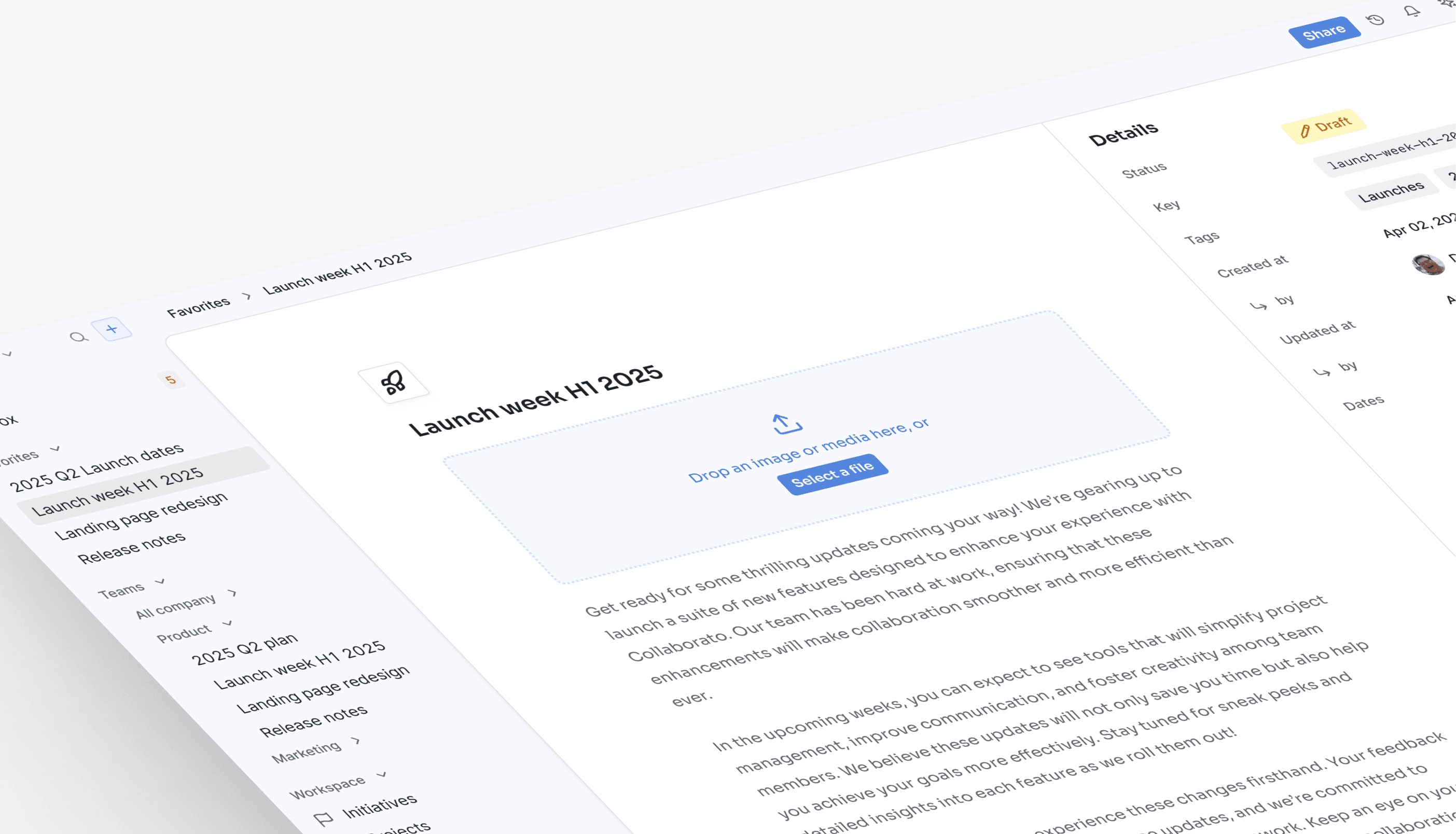
Launch week H1 2025
We’re excited to share a series of updates to Collaborato, all focused on streamlining collaboration for you and your team!
A preview of what’s to come...
Top reasons marketing teams choose Knock
Learn why marketing teams choose Knock to send campaigns to the right users at the right moments.
Agentic customer engagement
Build customer journeys with a prompt, generate on-brand templates, and manage all your messaging from Claude, Slack, or the terminal.
Broadcasts across any channel
Send one-time campaigns across email, in-app, push, and SMS from one broadcast, and schedule each send for the right time.
A/B testing
Split a broadcast's audience into random cohorts to test subject lines, content, and channels, and learn which version drives the most engagement.
Dynamic audiences
Build audiences from customer properties, behavior, and plan, so every campaign reaches the people it's meant for.
AI-powered template editor
Design responsive emails from reusable blocks in a visual editor, or have an agent draft them for you. No HTML required.
On-brand, shared templates
Keep every campaign on brand with shared layouts, partials, and reusable content blocks, and check each one with live email client previews.
Advanced sending controls
Throttle and batch messages, and set send windows, so users don't get too many messages at once.
Preference-aware sends
Every broadcast respects preferences and unsubscribes, so customers get the campaigns they signed up for.
Campaign analytics
Track delivery, opens, and clicks for every broadcast to learn which campaigns drive engagement.
Reach the right customers with your data
Sync customer data from your CDP or warehouse to build an audience for every campaign.
Product usage from the Knock SDKs, traits from a CDP such as Segment, Amplitude, PostHog, RudderStack, Hightouch, or Census, app data from Stripe, Clerk, Supabase, Shopify, WorkOS, or Clay, and account data synced from a warehouse such as Snowflake, Databricks, Redshift, BigQuery, or PostgreSQL flow into one user model in Knock as user properties.
A dynamic audience updates as those properties change, and a user entering the audience triggers a workflow.
Messaging infrastructure you can trust
99.99% uptime
We run Knock as critical infrastructure for your product.
Scaled delivery
Knock delivers hundreds of millions of messages per month.
Dedicated success
Our team helps you plan, build, and launch your messaging.
Secure access
Security is standard with support for SSO, RBAC, and SCIM.

HIPAA


SOC2

GDPR

CCPA
Trusted in production at






“The product does a great job of balancing power and ease-of-use”
Our Lifecycle team can now launch in-product messages and email alerts with no assistance from operations! Also, purchasing Knock was one of the best sales processes I've taken part in as a buyer. The team was very technical and knowledgable when it came to our complex setup.

GTM Ops • Clay
Frequently asked questions
Use a broadcast. Pick an audience, design the message, and send it now or schedule it for later across email, in-app, push, and SMS.
Yes. The template editor uses your brand's layouts and shared components, so marketers write and design campaigns while the look stays consistent.
The audience you choose. Build audiences from user attributes, events, and relations, or sync them from your CDP or warehouse.
Recipients choose which messages they receive and on which channels from a preference center, and Knock applies those choices to every send.
Yes. Send a broadcast to the in-app feed, or launch a guide such as a banner or modal that appears in your product.
Engagement analytics show deliveries, opens, clicks, and what recipients did next, so you can compare campaigns and plan the next send.