Automate lifecycle messaging that grows with your users
Build onboarding, activation, and retention journeys triggered by product events and audience changes.



Build user journeys based on behavior
Trigger messages that maximize engagement. Wait for the right signal, filter users with advanced conditions, and reach them on the channel they use most.
Welcome new users and walk them to their first project.
welcome / checklist / nudge
Launch lifecycle journeys with a prompt
Pick your agent and a journey, then use the prompt to build it.
Your agent
Use case
Your prompt
Prompt
Build an onboarding journey for new signups using Knock. Based on what we're building, create a welcome email on day 0, show an in-app guide on first login, and send a tips email on day 3 if they have not created a project.
All starter prompts, for people and agents
Connect your agent to the Knock MCP server at https://mcp.knock.app/mcp, or install the Knock CLI with npm install -g @knocklabs/cli. Then use any prompt below.
- Knock: Build in Knock
- Claude: First make sure to install the Knock connector.
- ChatGPT: First make sure to install the Knock plugin.
- Cursor: First make sure to install the Knock plugin.
- Grok: First make sure to install the Knock plugin.
- Slack: First make sure to connect Knock in Slack.
- MCP: First make sure to connect the Knock MCP server.
- CLI: First make sure to install the Knock CLI.
Onboarding (Lifecycle)
Build an onboarding journey for new signups using [Knock](https://knock.app). Based on what we're building, create a welcome email on day 0, show an in-app guide on first login, and send a tips email on day 3 if they have not created a project.
Trial conversion (Lifecycle)
When a trial has 3 days left. Based on what we're building, create an email and show an in-app banner with an upgrade button using [Knock](https://knock.app). Stop as soon as the account upgrades.
Feature adoption (Lifecycle)
Find users who have not tried a feature that similar accounts use. Based on what we're building, create an in-app guide and a follow-up email using [Knock](https://knock.app) that show them how to try it.
Re-engagement (Lifecycle)
Find users with no activity in the last 30 days. Based on what we're building, create a win-back sequence using [Knock](https://knock.app) across email and push. Stop the sequence as soon as a user comes back.
Renewals and expansion (Lifecycle)
When an account is 14 days from renewal, or reaches 80% of its plan limit. Based on what we're building, create an email and an in-app banner using [Knock](https://knock.app) for its admins, with an upgrade button. Stop as soon as the account renews or upgrades.
Milestones and nudges (Lifecycle)
When a user creates their first project. Based on what we're building, create an in-app message using [Knock](https://knock.app) right away and a follow-up email the next day that suggests the next step.
Nudge users inside your product
Show onboarding checklists, feature announcements, and upgrade prompts with in-app guides that look native to your product.
Introducing: faster uploads
You’ve never seen file uploads like this.
Introducing: Collab.io 4.0
A whole new way to collaborate with your team.

Bigger, bolder assets
Upgrade to upload and store assets over 250+ megabytes
Introducing Collab AI

Build and collaborate - faster than ever - with a helpful set of AI tools.
Publish your site
Learn how to publish your work to your clients
Publish to web
Create a website from your Collab pages
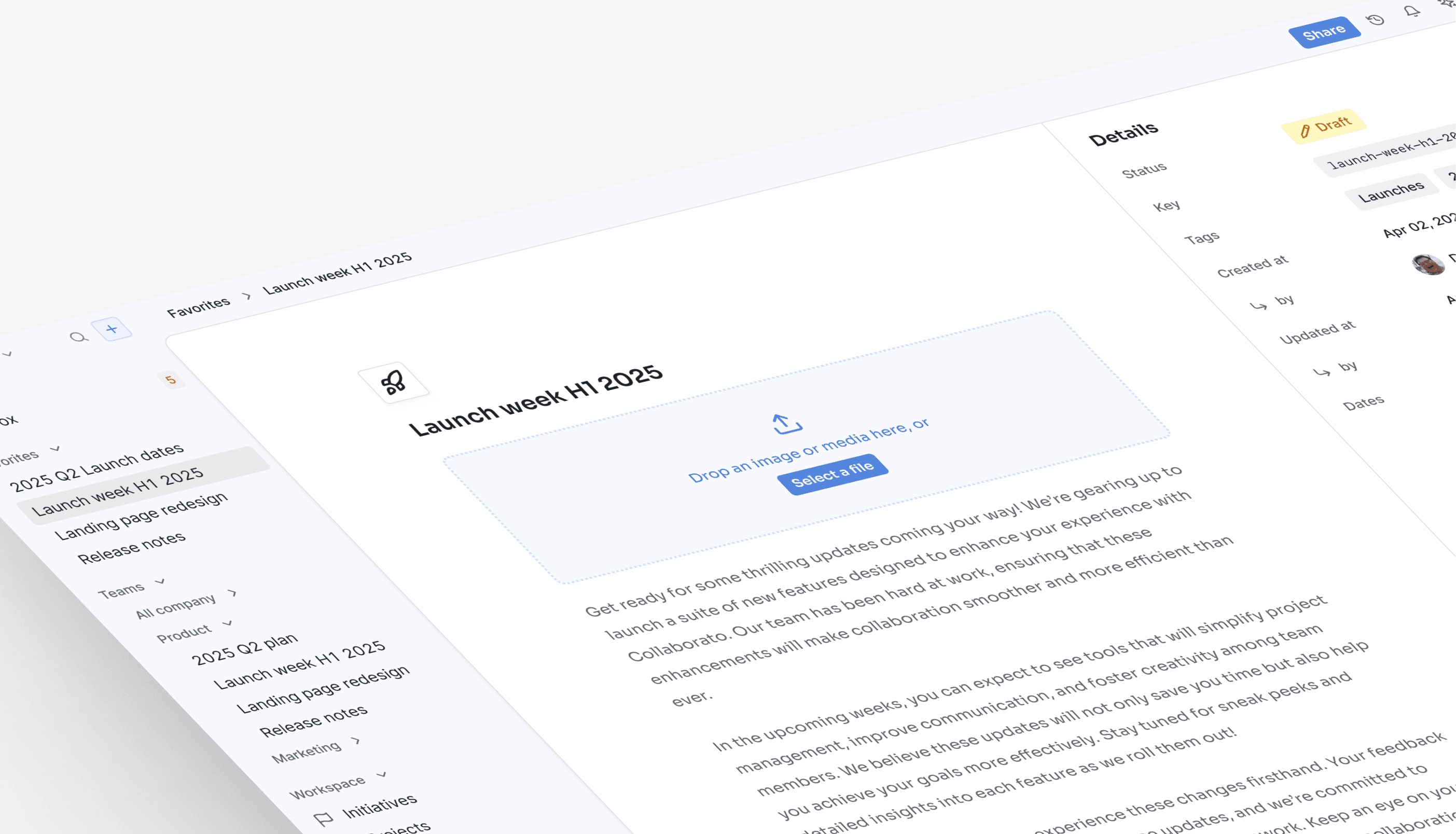
Launch week H1 2025
We’re excited to share a series of updates to Collaborato, all focused on streamlining collaboration for you and your team!
A preview of what’s to come...
Top reasons lifecycle marketers choose Knock
Learn why lifecycle marketers choose Knock to automate lifecycle messaging triggered from product events and dynamic audiences.
Agentic customer engagement
Build customer journeys with a prompt, generate on-brand templates, and manage all your messaging from Claude, Slack, or the terminal.
Visual journey builder
Build journeys with branches, delays, and conditions in a visual workflow builder, without filing an engineering ticket.
Dynamic audiences
Build audiences from user properties and behavior that update as your data changes, and start a journey when a user joins.
Data activation
Sync data from your product, CDP, and warehouse with tools like Segment and Hightouch to target users by behavior.
One system for all messaging
Coordinate email, in-app, push, SMS, and chat in one journey, so every message builds on the last.
Native in-app messaging
Ship banners, modals, and checklists with your own components, coordinated with the rest of your lifecycle messaging.
User-controlled preferences
Give users a preference center to choose the topics and channels they care about, so they get messages when and where they expect.
Advanced sending controls
Throttle and batch messages, and set send windows, so users don't get too many messages at once.
Engagement analytics
Track delivery, opens, clicks, and conversions across every journey to learn which messages drive activation and retention.
Activate your product data
Sync product, CDP, and warehouse data into Knock, then start journeys when users enter a dynamic audience.
Product usage from the Knock SDKs, traits from a CDP such as Segment, Amplitude, PostHog, RudderStack, Hightouch, or Census, app data from Stripe, Clerk, Supabase, Shopify, WorkOS, or Clay, and account data synced from a warehouse such as Snowflake, Databricks, Redshift, BigQuery, or PostgreSQL flow into one user model in Knock as user properties.
A dynamic audience updates as those properties change, and a user entering the audience triggers a workflow.
Review changes before they go live
Approve journeys, copy, and templates before you hit send.
An agent's branch forks off main in coral. A person merges it and publishes it, and the change turns ink and goes live, where every run is logged and any version can be reverted.
Work on a branch
Agents work in isolation, not on your live messaging.
Merge and publish
A person reads the diff, then merges and publishes it.
Monitor every run
Logs show details for every step of every run.
Analyze performance
Measure the impact of your messaging across channels.
Manage from your repo
Merge and promote from the Knock CLI and CI/CD.
Messaging infrastructure you can trust
99.99% uptime
We run Knock as critical infrastructure for your product.
Scaled delivery
Knock delivers hundreds of millions of messages per month.
Dedicated success
Our team helps you plan, build, and launch your messaging.
Secure access
Security is standard with support for SSO, RBAC, and SCIM.

HIPAA


SOC2

GDPR

CCPA
Trusted in production at






“A powerful system for running data-driven growth plays”
Knock helps us send timely, data-driven e-mail notifications and usage digests that build strong user habits. The product is reliable and flexible, and the team is fantastic to partner with.

Product Marketing • Clay
Frequently asked questions
Teams build onboarding, activation, trial conversion, feature adoption, renewal, and win-back journeys across email, in-app, push, SMS, and Slack.
Developers connect your product data and channels once. After that, marketers build workflows, edit templates, and launch journeys from the dashboard or with an agent.
Yes. Build audiences from user attributes, events, and relations. Sync data from your product, CDP, or warehouse, and trigger a journey when a user enters an audience.
Yes. Branch steps check what a user did, so a user who invites a teammate or upgrades exits the journey instead of receiving the next reminder.
Engagement analytics show what recipients do after each message. Split an audience into cohorts to test copy, channel, or timing, and keep the version that performs.
Braze and Customer.io center on campaigns that marketing teams run. Knock starts from event-driven workflows on your product data, so lifecycle, product, and transactional messaging share the same data and templates.