
You can now add custom filtered log keys to control exactly which data Knock keeps out of your logs, so sensitive values, such as one-time passcodes and password reset tokens, are never stored going forward.
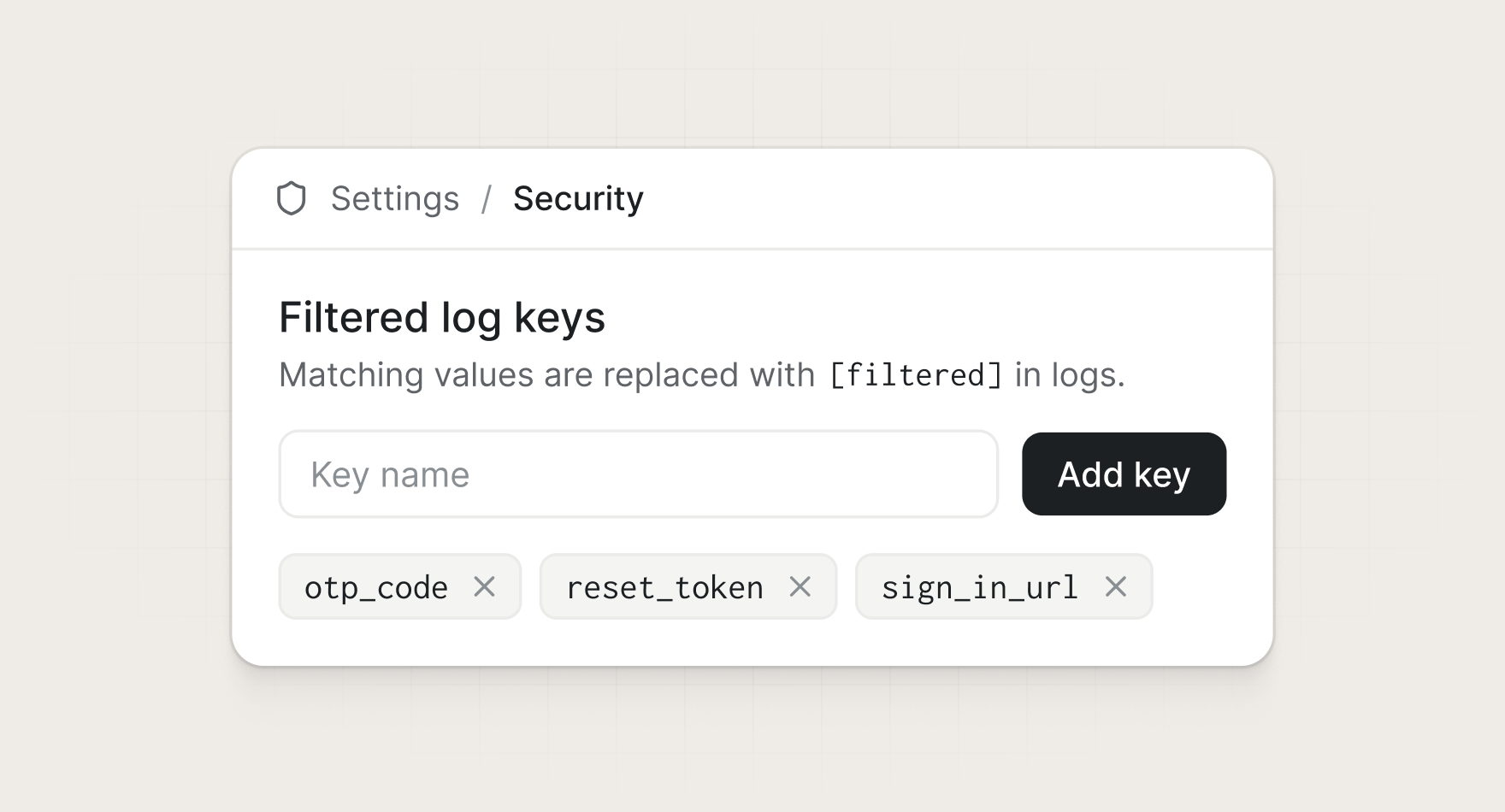
Knock already filters common sensitive keys, such as password and api_key, by default. Custom filtered log keys extend that list with key names specific to your data.
How it works
Account owners and admins can add keys on the Security page in account settings. When Knock writes a log, it replaces the value of any matching key with [filtered], even inside nested objects and arrays.
Filtering applies to API logs, workflow run logs, message delivery logs, and source event logs across every environment in your account. Your workflows and templates still receive the full values. Only the logged copy is filtered.
Get started
Custom log obfuscation rules are now live for all Knock customers. Learn more about filtered log keys in our documentation.