
You can now sync customer data from your warehouse into Knock, making it easier than ever to power your lifecycle and transactional messaging with up-to-date user, tenant, and object data.
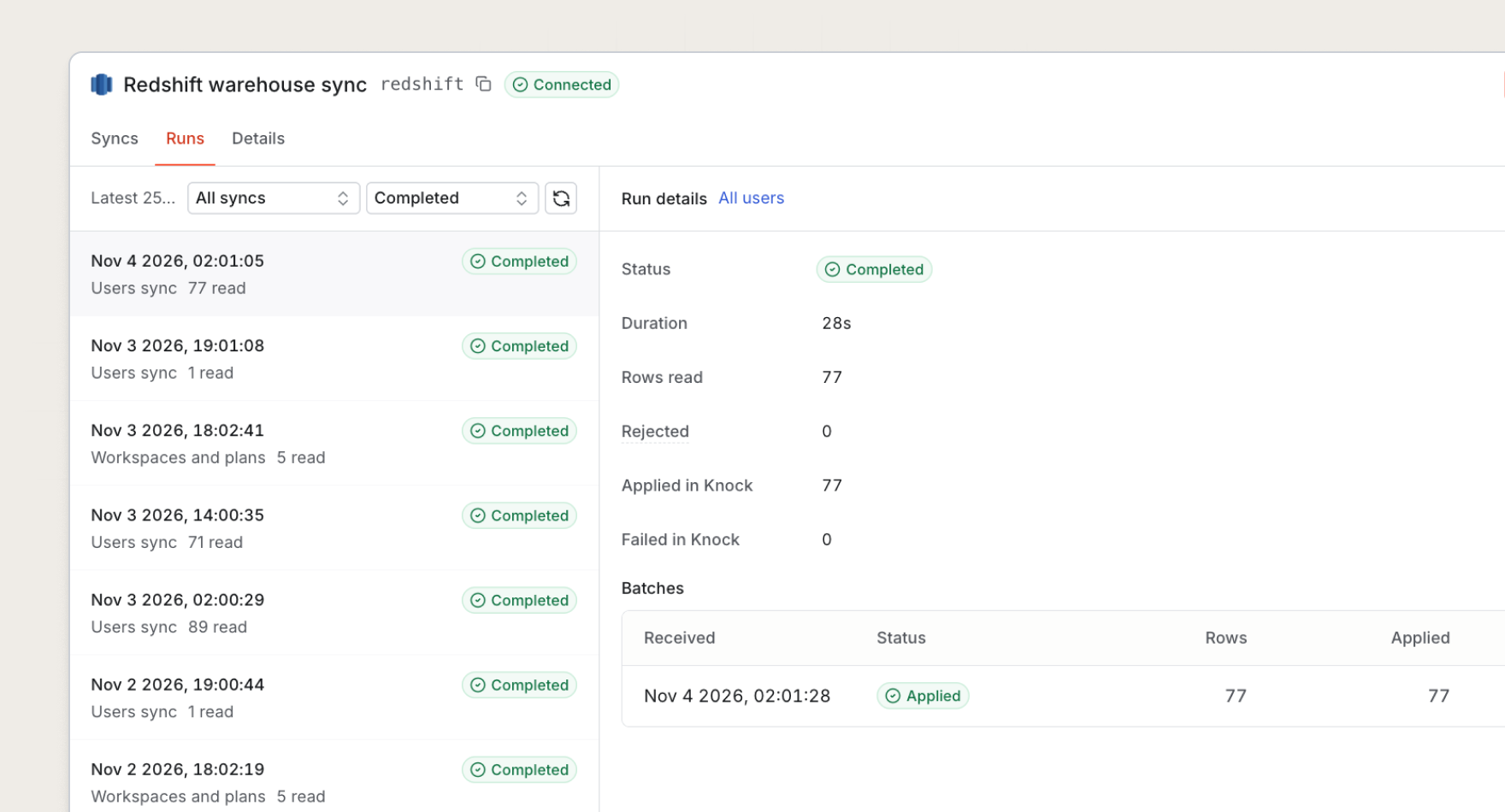
How it works
Use the warehouse you already run as the source of truth for your Knock entities. Have the Knock agent connect a warehouse, pick a table, and map it onto an entity. Knock keeps those entities in sync as rows are added, updated, or removed.
Warehouse sync has two parts:
- Sources. A source is the connection to your data warehouse. Knock currently supports Snowflake, Databricks (coming soon), Amazon Redshift, Google BigQuery, and PostgreSQL.
- Models. A model maps a table onto a Knock entity, such as users, tenants, objects, audiences, or subscriptions, and maps the table's columns onto that entity's properties.
With up-to-date, formatted customer data, you can power all sorts of product-led messaging use cases, such as a nudge when an account nears its plan limit, a feature adoption guide when a user hasn't tried a feature, or a win-back campaign when usage drops.
Manage syncs as code
You can ask the Knock agent to connect a warehouse, create the model, map the columns, and start the sync. The agent writes those source and model definitions through the Knock CLI and the Management API, and you promote them across environments like the rest of your Knock configuration.
For example, you can tell the Knock agent to map a Snowflake users table onto Knock users, with columns for email, name, and plan. Once you review it, you can promote that model from development to production, alongside the workflow that nudges an account as it nears its plan limit.
Get started
Warehouse sync is now available for Knock enterprise customers. You can set this up in the dashboard, or hand the same steps to the Knock agent.
To set up warehouse sync in the dashboard:
- Navigate to Sources in the dashboard and connect a new warehouse source, such as Redshift or Postgres.
- Create a model, pick the entity type and table, and map columns to properties.
- Test the mapping and start a sync.
To set up warehouse sync with the Knock agent, use this prompt:
Prompt
I want to sync user properties from my warehouse into Knock user profiles. First, connect my [ Snowflake | Databricks | Amazon Redshift | Google BigQuery | PostgreSQL ] warehouse as a source in Knock. Create a model querying the `users` table. Set the `id` column as the primary key in Knock, and then map the `email`, `name`, and `plan` columns to the matching columns in Knock. Set the sync to run every [ 10 minutes | 15 minutes | hour | 6 hours | 12 hours | day]. Ask me for any sync details you still need. Test the mapping, then start the sync in development. Show me the source and model before you promote anything to production.
Learn more about warehouse syncs in our documentation.