
You can now manage data in Knock with a visual editor instead of writing JSON by hand, making it easier for less technical team members to read and write data in Knock.
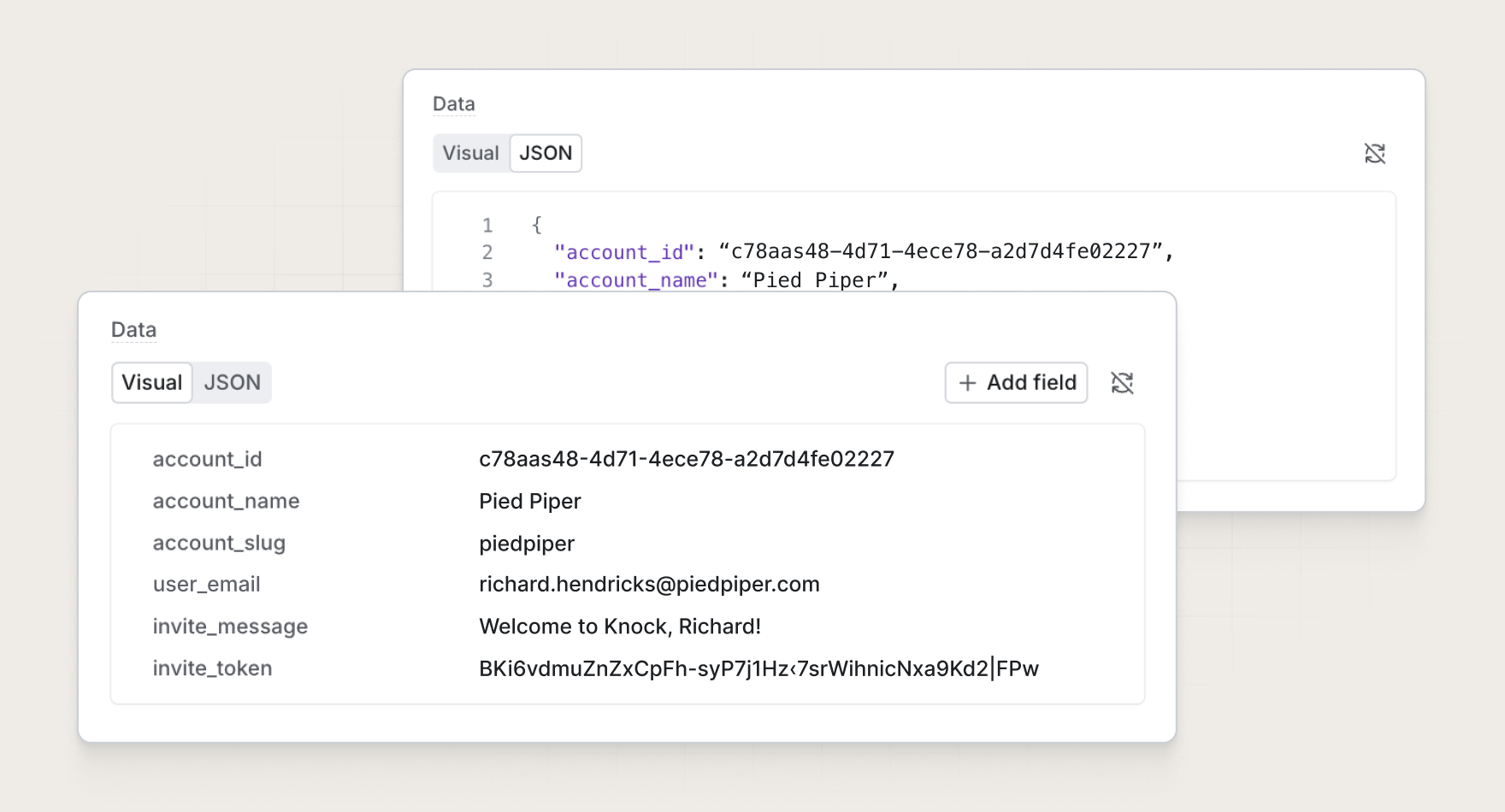
Each row represents a key and its value, with support for all types: strings, numbers, booleans, objects, arrays, or null. Adding a field adds a value to the JSON object.
Where you'll see visual JSON
The visual view is now the default used throughout the Knock dashboard, including several read-only sections, so you can review logs, mappings, and more without parsing a raw payload. You can switch back to JSON any time you want.
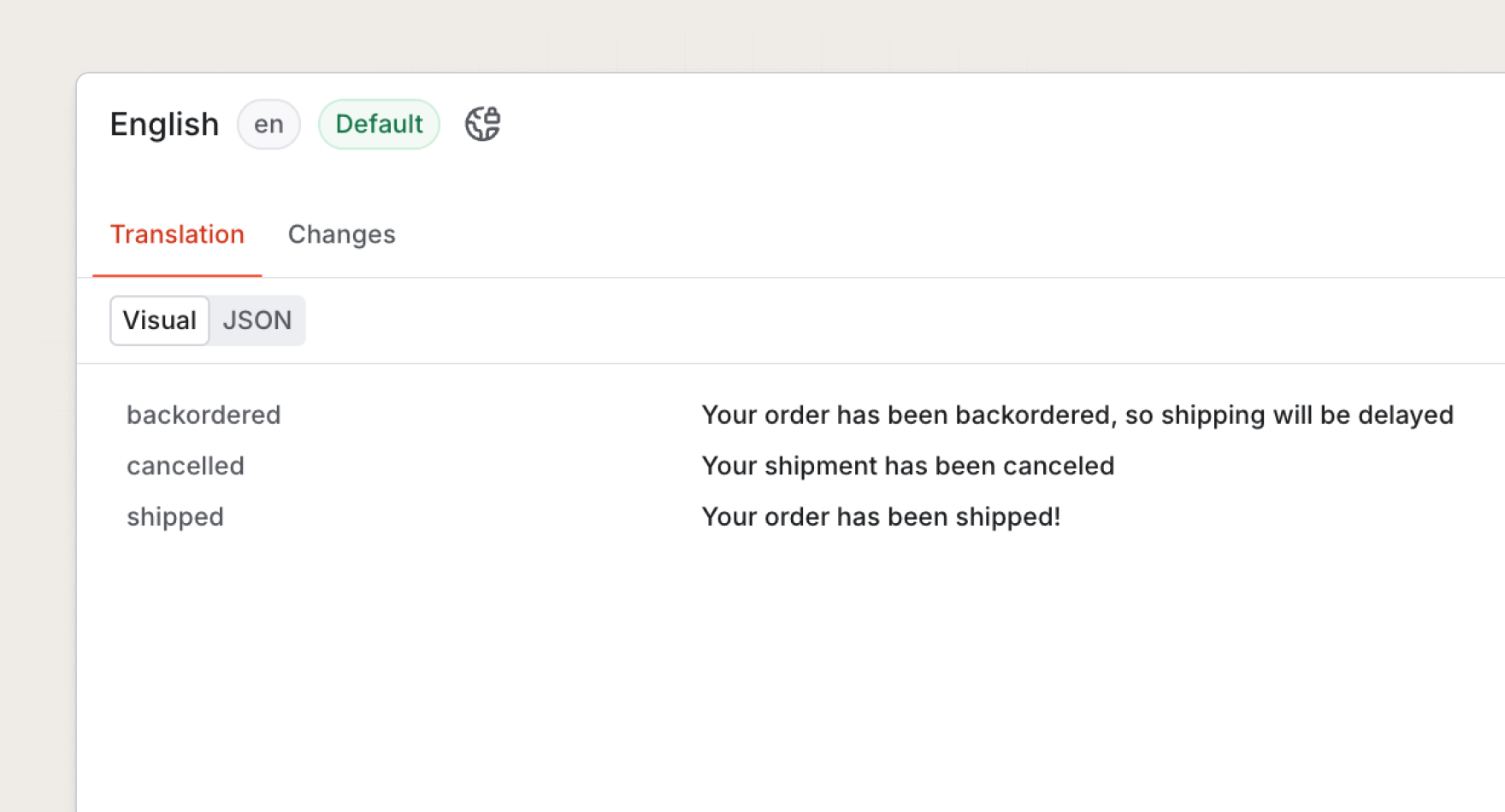
Improved translation experience
Translations now open in the visual view, so marketers and localization teams can review and update copy for each locale without editing a raw JSON payload. Each translation key sits next to its string, which makes it simple to spot missing or outdated copy and keep messages consistent across languages.
Easier to read log data
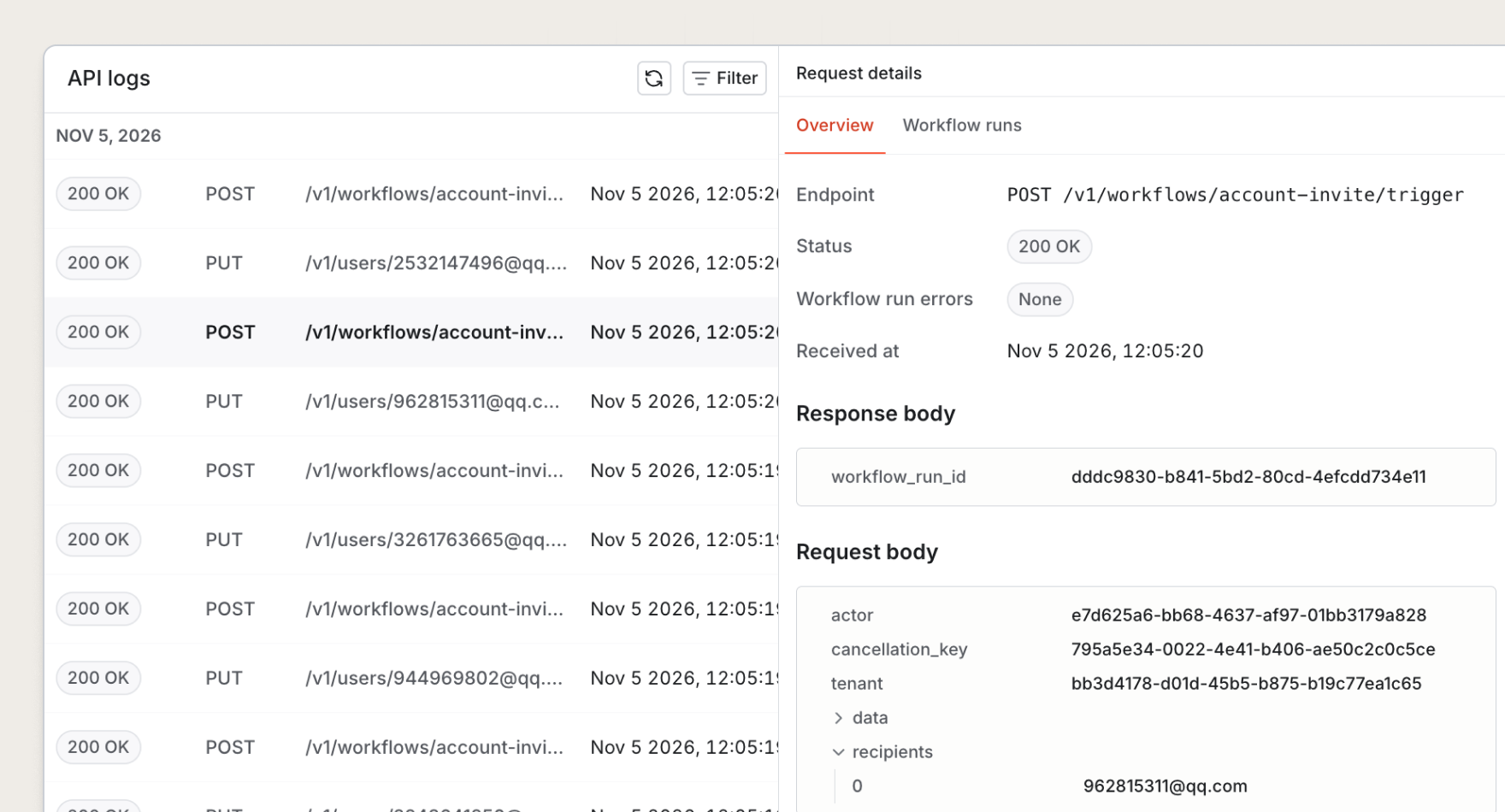
API logs, message logs, and workflow runs now render request and response bodies as skimmable key/value pairs instead of raw JSON. Nested objects and arrays collapse and expand, so you can scan the top-level fields and open only the data you need, such as a trigger's recipients or data payload. This makes it quicker to scan logs to debug a notification or answer a support question.
Workflow test runner improvements
The workflow test runner now reads the shape of the data your workflow expects and turns it into a simple form. Instead of writing a test payload by hand, you fill in each field, toggle booleans, and search recipient properties. Non-technical team members get a structured, easy way to edit workflow test data and preview messages before they go out.
Other dashboard sections
You'll find the same visual view anywhere you read or write JSON in Knock:
- Workflows. Edit workflow state, test runner data, and fetch step request bodies.
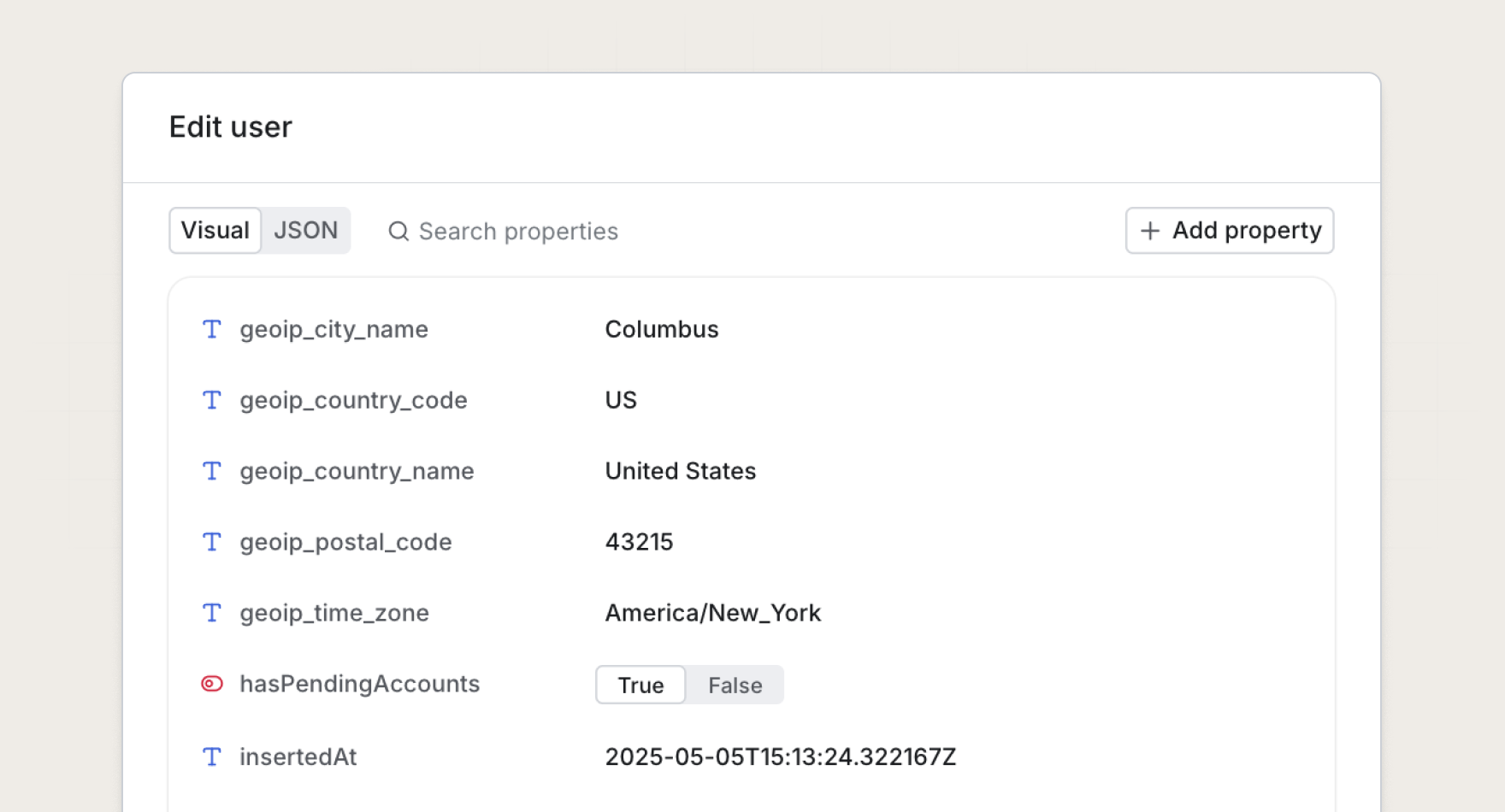
- Data. Update custom data on users, objects, and tenants.
- Content. Edit JSON blocks in partials, message types, and translations.
- Logs and agents. Read API requests, responses, and action mappings.
Get started
The visual JSON editor is available today for all Knock customers. Open the workflow test runner in the Knock dashboard to try it out.