You can now test run a single step of a workflow, without running the entire workflow.
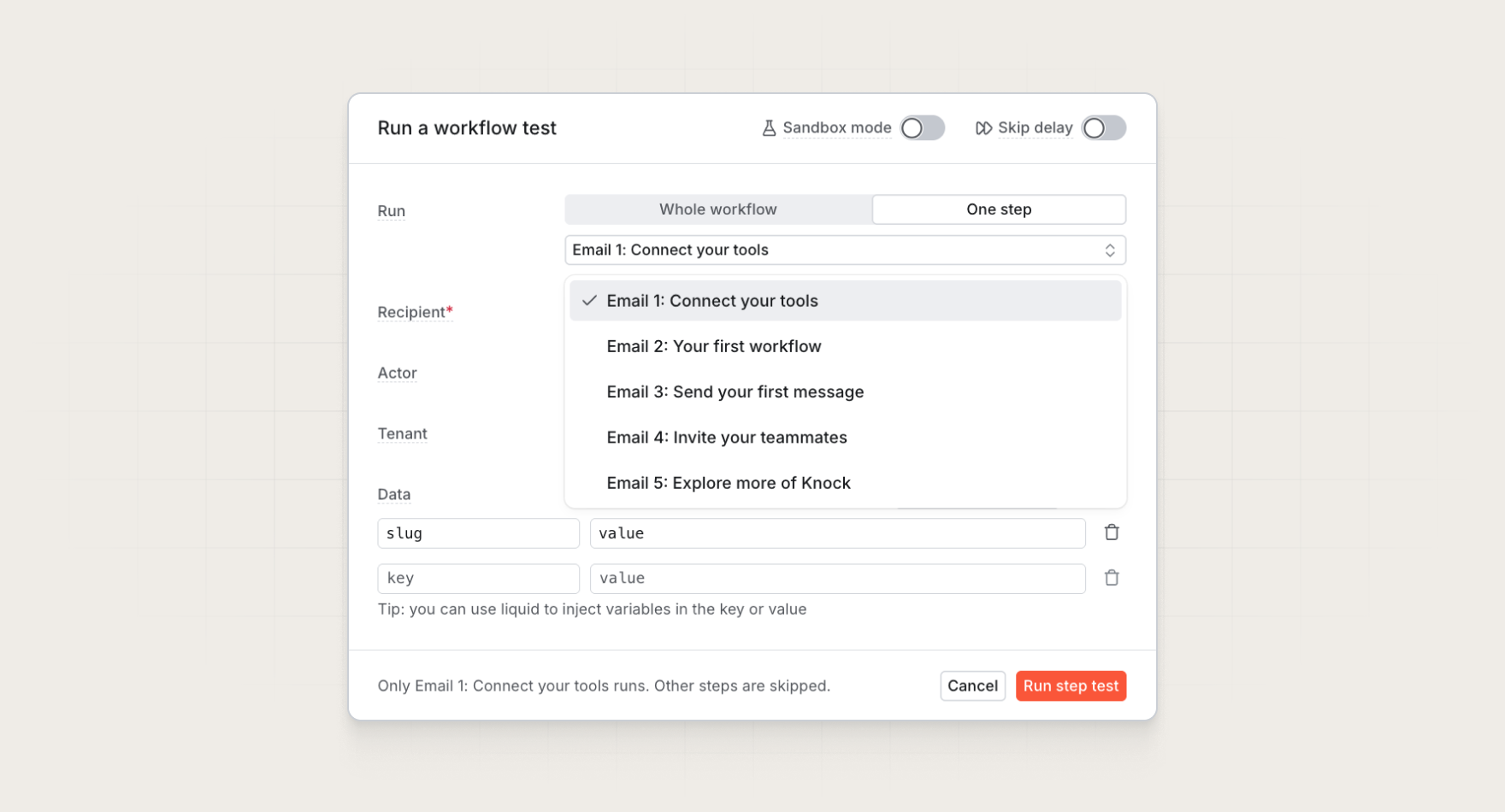
When you're working on an email that sits behind delays, branches, and conditions, you no longer have to run the entire workflow to test that message. Pick one step from the test runner, run it, and see the result of just that step.
How it works
Single-step test runs use the same recipient and data you already test with. If your test step references outputs from earlier steps, you can add that data to your test payload to see it in the output.
Like with workflow test runs, you can enable sandbox mode on single-step test runs to preview the rendered message without sending it through your provider.
Every single-step test creates a workflow run you can open in the workflow debugger. It shows the test's rendered output, message, and any template errors. Every other step gets marked as skipped rather than failed.
Available everywhere you test
Single-step runs work across the same surfaces as skip delays: the dashboard, the Management API, the Knock CLI, and the Knock MCP server. That means your agents can test one step of a workflow the same way you can.
Together with sandbox mode and skip delays, running a single workflow step makes testing workflows that much easier.
Get started
Single-step test runs are available today for all Knock customers. Learn more in our testing workflows docs.