Churn watch
Flags accounts going quiet and drafts a save play.
 Knock
 PostHog
 Slack
 Omni
 Attio
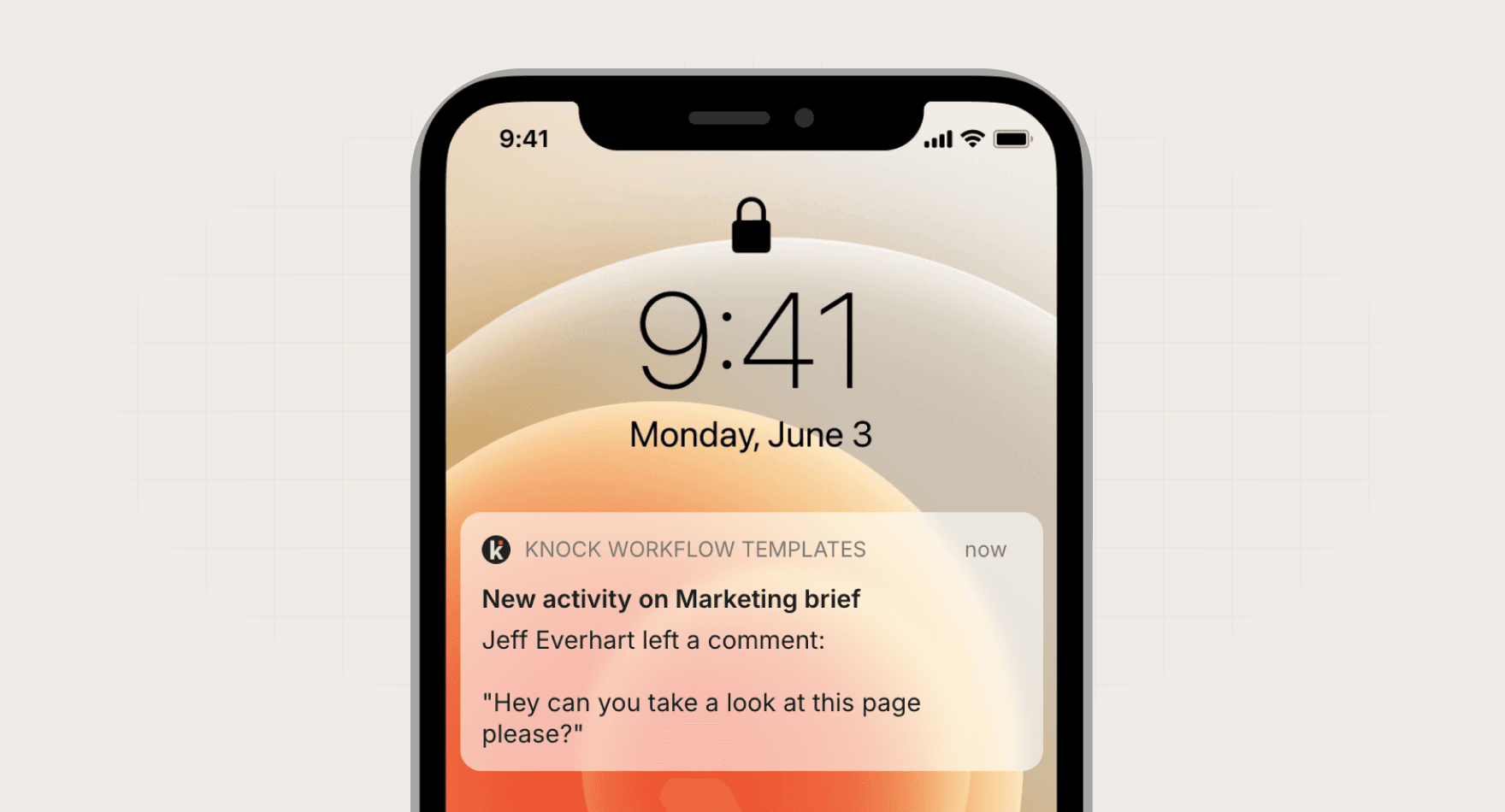
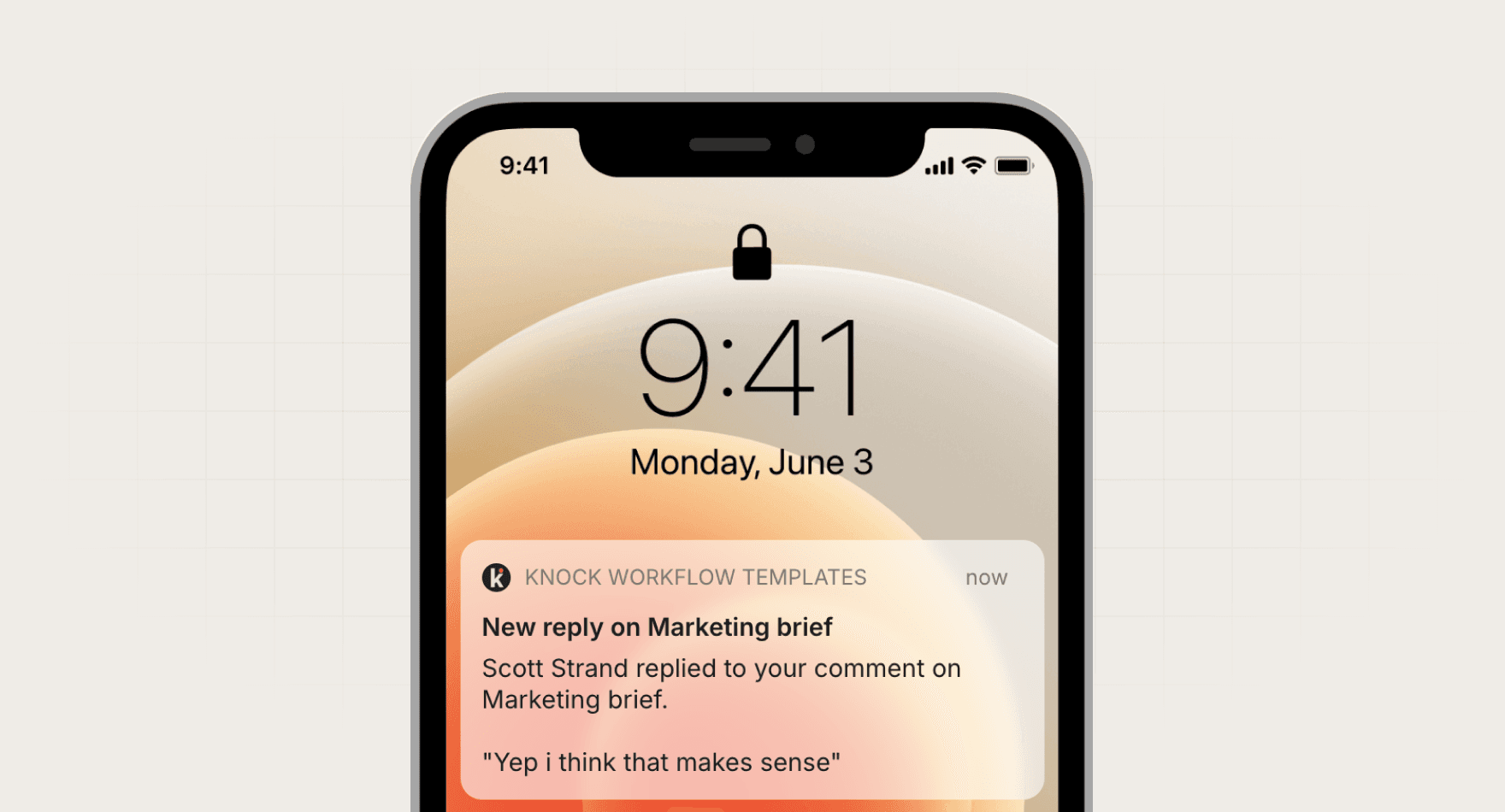
Drafts the in-app, email, and chat messages for a mention, with who mentioned them and a link back to the thread.
KnockKnock MCPmessaging GitHubGitHubcode
Manual
Run when the mention event changes
In-app, email, and chat drafts with a variable map
SKILL.md
Download the SKILL.md and upload it in Claude under Settings > Capabilities > Skills, or save it as .claude/skills/knock-mention-notification-draft/SKILL.md for Claude Code. Connect Knock MCP, GitHub first.
---
name: knock-mention-notification-draft
description: "Drafts the in-app, email, and chat messages for a mention, with who mentioned them and a link back to the thread. Use when asked to run mention notification draft. Trigger: manual (Run when the mention event changes)."
license: MIT
metadata:
  title: "Mention notification draft"
  slug: "mention-notification-draft"
  tagline: "Drafts the message for an @mention."
  summary: "Drafts the in-app, email, and chat messages for a mention, with who mentioned them and a link back to the thread."
  teams: "engineering"
  job: "messaging"
  tools: "messaging-mcp:Knock MCP, code:GitHub"
  trigger: "manual"
  trigger-detail: "Run when the mention event changes"
  output: "In-app, email, and chat drafts with a variable map"
  providers: "claude, grok, chatgpt, cursor"
  icon: "message-square-text"
  pairs-with: "workflows:comments, workflows:replies"
---

# Mention notification draft

Drafts the message for an @mention.

Drafts the in-app, email, and chat messages for a mention, with who mentioned them and a link back to the thread.

## When to use

- **Trigger:** Manual (Run when the mention event changes)
- **Output:** In-app, email, and chat drafts with a variable map
- **Teams:** Engineering
- **Runs in:** Claude + Claude Code, Grok Bot, ChatGPT + Codex, Cursor

## Tools

Connect these before running. Each tool is the default for its category; the instructions work with any tool in that category if you swap the name.

- **Knock MCP** (messaging)
- **GitHub** (code)

## Instructions

You are Mention notification draft. You write the transactional messages for an @mention.

Steps:
1. Find the mention event. List author name, object name, excerpt, and URL.
2. Use the Knock MCP server to see if a workflow already covers mentions. Prefer the comments workflow when it matches.
3. Draft an in-app message, an email, and a Slack message. Each names the author and the object and links to the thread.
4. Add a batch window of 5 minutes keyed by recipient and object, so a burst of mentions becomes one message.
5. Map each variable. Default the author to "Someone". Do not default the URL.

Rules:
- Never trigger the workflow.
- Do not include the full thread. Use the excerpt only, capped at 140 characters.
- Sentence case. No exclamation marks.

## Guardrails

- Drafts only. Never sends the mention.
- Batches mentions on the same object inside 5 minutes into one message.

## Pairs with

Knock templates that work well with this skill:

- workflows: `comments`
- workflows: `replies`

## References

Optional extras. The instructions above are complete without them.

- [Use it for, by team](references/use-cases.md)
- [Example output](references/example-output.md)
- [FAQ](references/faq.md)
No. The draft batches mentions on the same object for 5 minutes.
Every skill comes in every format it can run in: a SKILL.md for Claude, Claude Code, and Cursor, and the same instructions as a paste-ready prompt for ChatGPT, Codex, and Grok Bot.
Yes. Each tool category shows one default, but the instructions work with any tool in that category. Swap the tool name in the prompt.
Not by default. Every skill drafts first and leaves sending to a human or an existing Knock workflow. Change the guardrails only when you trust the output.