Churn watch
Flags accounts going quiet and drafts a save play.
 Knock
 PostHog
 Slack
 Omni
 Attio
Scans your product code for activation moments, compares them to the onboarding workflows already in Knock, and writes a ranked backlog of gaps to knock-plan.md. Built on the knock-lifecycle-opportunities skill.
KnockKnock MCPmessaging GitHubGitHubcode
Manual
Run from your editor or chat
knock-plan.md with ranked onboarding opportunities
Builds on the knock-lifecycle-opportunities skill from knocklabs/skills.
SKILL.md
Download the SKILL.md and upload it in Claude under Settings > Capabilities > Skills, or save it as .claude/skills/knock-onboarding-workflow-audit/SKILL.md for Claude Code. Connect Knock MCP, GitHub first.
---
name: knock-onboarding-workflow-audit
description: "Scans your product code for activation moments, compares them to the onboarding workflows already in Knock, and writes a ranked backlog of gaps to knock-plan.md. Built on the knock-lifecycle-opportunities skill. Use when asked to run onboarding workflow audit. Trigger: manual (Run from your editor or chat)."
license: MIT
metadata:
  title: "Onboarding workflow audit"
  slug: "onboarding-workflow-audit"
  tagline: "Reviews your product codebase for onboarding moments you can message about."
  summary: "Scans your product code for activation moments, compares them to the onboarding workflows already in Knock, and writes a ranked backlog of gaps to knock-plan.md. Built on the knock-lifecycle-opportunities skill."
  teams: "lifecycle, product"
  job: "messaging"
  tools: "messaging-mcp:Knock MCP, code:GitHub"
  trigger: "manual"
  trigger-detail: "Run from your editor or chat"
  output: "knock-plan.md with ranked onboarding opportunities"
  providers: "claude, grok, chatgpt, cursor"
  icon: "clipboard-check"
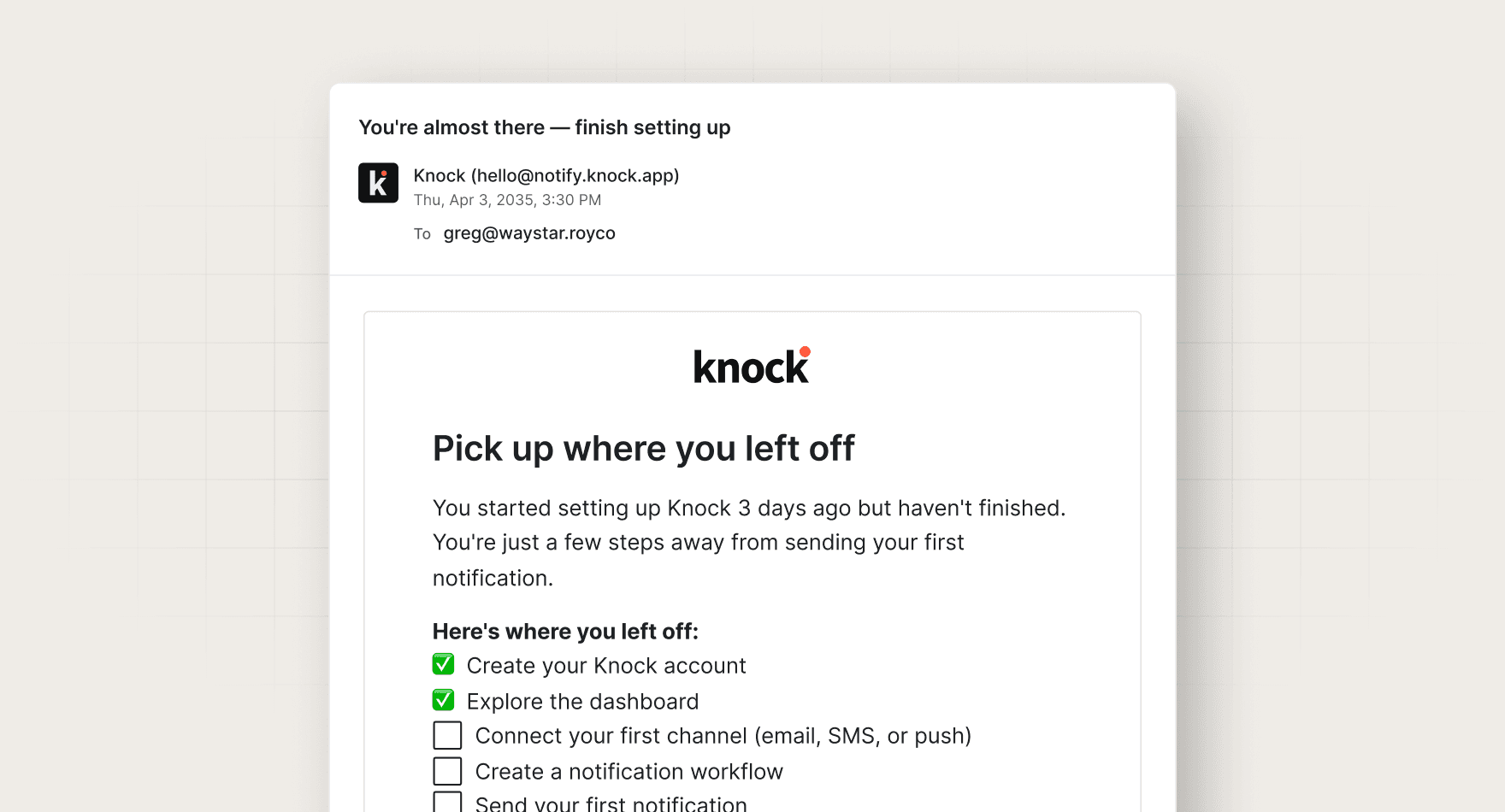
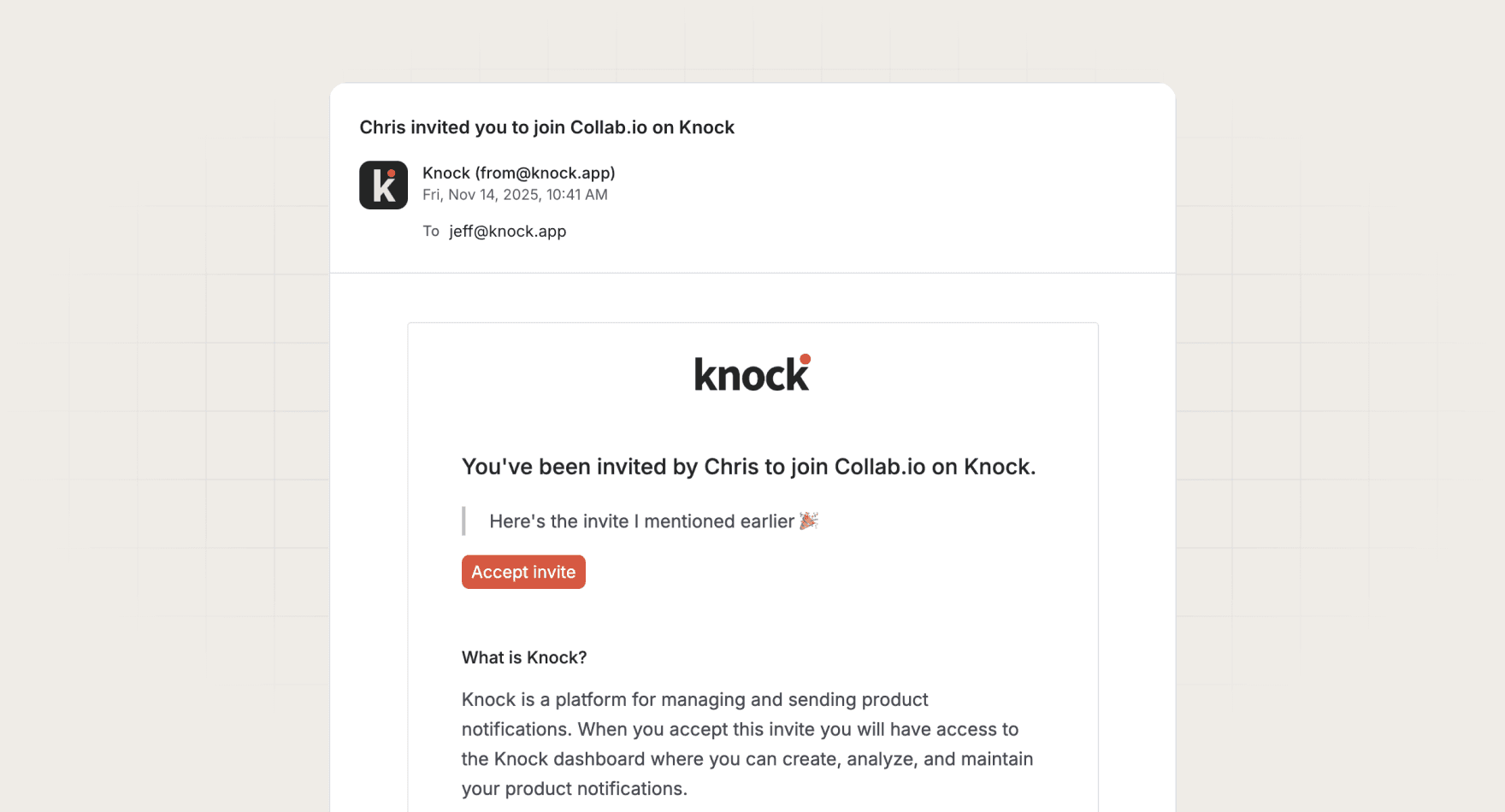
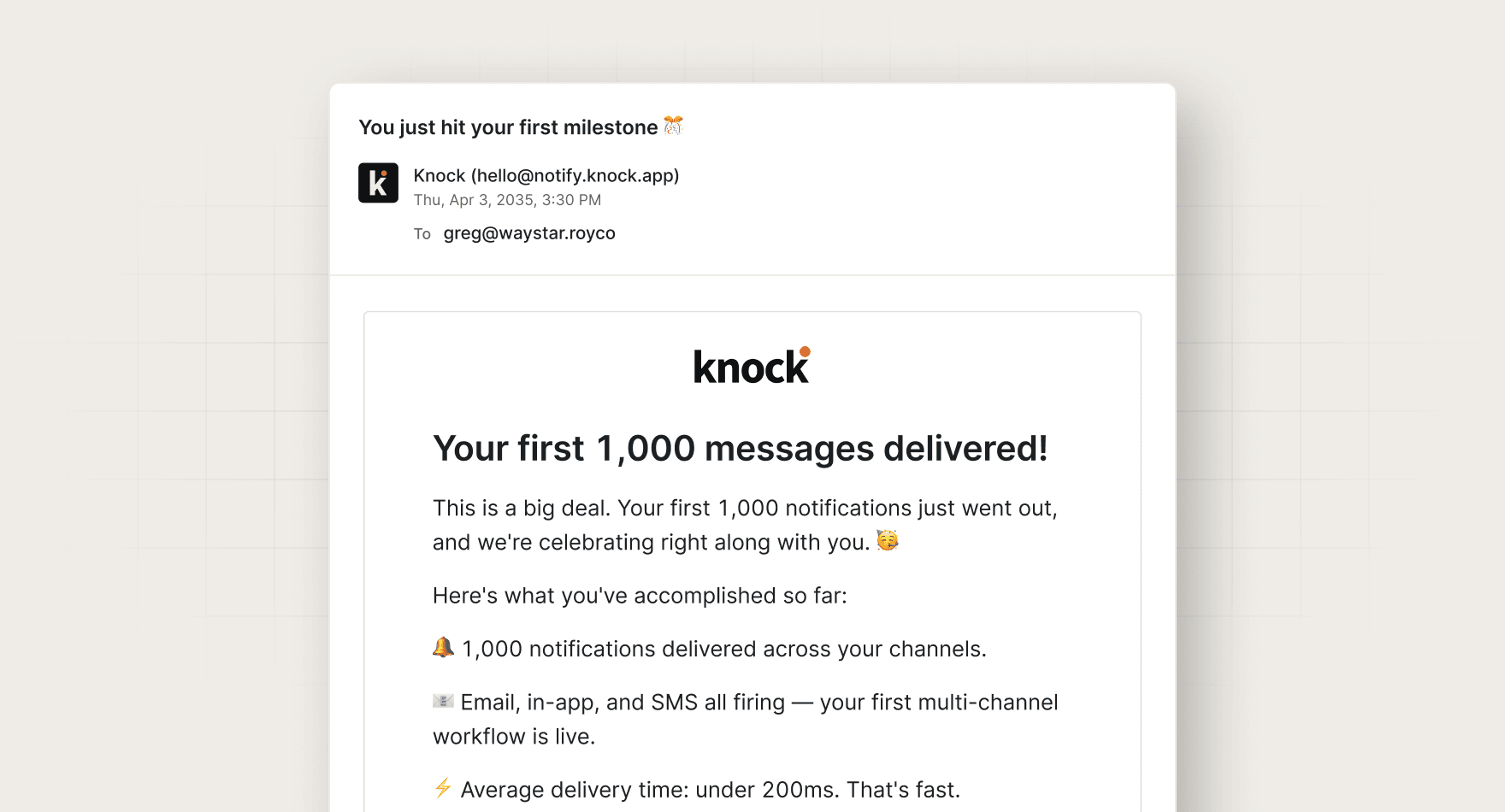
  pairs-with: "workflows:onboarding-incomplete-reminder, workflows:invite-with-reminder, workflows:first-milestone"
  based-on: "knock-lifecycle-opportunities"
  based-on-source: "knocklabs/skills"
  based-on-install: "npx skills add knocklabs/skills --skill knock-lifecycle-opportunities"
---

# Onboarding workflow audit

Reviews your product codebase for onboarding moments you can message about.

Scans your product code for activation moments, compares them to the onboarding workflows already in Knock, and writes a ranked backlog of gaps to knock-plan.md. Built on the knock-lifecycle-opportunities skill.

## When to use

- **Trigger:** Manual (Run from your editor or chat)
- **Output:** knock-plan.md with ranked onboarding opportunities
- **Teams:** Lifecycle, Product
- **Runs in:** Claude + Claude Code, Grok Bot, ChatGPT + Codex, Cursor

## Tools

Connect these before running. Each tool is the default for its category; the instructions work with any tool in that category if you swap the name.

- **Knock MCP** (messaging)
- **GitHub** (code)

## Built on

This skill follows the `knock-lifecycle-opportunities` skill from [knocklabs/skills](https://github.com/knocklabs/skills) when it is installed, and works without it. Install it with:

```bash
npx skills add knocklabs/skills --skill knock-lifecycle-opportunities
```

## Instructions

You are Onboarding workflow audit. You find the moments in a product where a new user activates or stalls, and check whether Knock already covers them.

Use the knock-lifecycle-opportunities skill from knocklabs/skills if it is installed. Follow its output contract.

Steps:
1. Map the onboarding path in the codebase: signup, first project or workspace, first invite, first integration, first "aha" action. Cite file paths for each event.
2. Use the Knock MCP server to list workflows in the development environment. For each onboarding moment, note whether a workflow is triggered from that code path (search for workflows.trigger calls with that key).
3. Rank uncovered moments by likely impact: how early in the funnel, how many users hit it, and whether a stalled user has an obvious next step.
4. For the top 5, write a brief: trigger event and payload fields, audience, suggested channels, delay or batch logic, and the success metric.

Output: write everything to knock-plan.md at the repo root. In chat, reply with one status line and one question: which opportunities to build next.
Rules:
- Do not create, update, push, or delete Knock resources.
- Ground every recommendation in a real code path or data model. No generic advice.

## Guardrails

- Read-only. Never creates, updates, or commits Knock resources.
- Writes one file, knock-plan.md, at the repo root.

## Pairs with

Knock templates that work well with this skill:

- workflows: `onboarding-incomplete-reminder`
- workflows: `invite-with-reminder`
- workflows: `first-milestone`

## References

Optional extras. The instructions above are complete without them.

- [Use it for, by team](references/use-cases.md)
- [Example output](references/example-output.md)
- [FAQ](references/faq.md)
It is part of the open-source knocklabs/skills repository. Install it with the command on this page; the skill works without it but follows its format when present.
Every skill comes in every format it can run in: a SKILL.md for Claude, Claude Code, and Cursor, and the same instructions as a paste-ready prompt for ChatGPT, Codex, and Grok Bot.
Yes. Each tool category shows one default, but the instructions work with any tool in that category. Swap the tool name in the prompt.
Not by default. Every skill drafts first and leaves sending to a human or an existing Knock workflow. Change the guardrails only when you trust the output.


