Churn watch
Flags accounts going quiet and drafts a save play.
 Knock
 PostHog
 Slack
 Omni
 Attio
Reviews the last week of Knock message stats, calls out bounces, spam complaints, and links that 404, and suggests one experiment.
KnockKnock MCPmessagingSlackSlackchat GoogleGoogleweb search
Schedule
Mondays at 8:00 AM
Slack summary of delivery issues and one experiment to try
SKILL.md
Download the SKILL.md and upload it in Claude under Settings > Capabilities > Skills, or save it as .claude/skills/knock-deliverability-watch/SKILL.md for Claude Code. Connect Knock MCP, Slack, Google first.
---
name: knock-deliverability-watch
description: "Reviews the last week of Knock message stats, calls out bounces, spam complaints, and links that 404, and suggests one experiment. Use when asked to run deliverability watch. Trigger: schedule (Mondays at 8:00 AM)."
license: MIT
metadata:
  title: "Deliverability watch"
  slug: "deliverability-watch"
  tagline: "Flags deliverability drops and broken links each week."
  summary: "Reviews the last week of Knock message stats, calls out bounces, spam complaints, and links that 404, and suggests one experiment."
  teams: "lifecycle, engineering"
  job: "messaging"
  tools: "messaging-mcp:Knock MCP, chat:Slack, search:Google"
  trigger: "schedule"
  trigger-detail: "Mondays at 8:00 AM"
  output: "Slack summary of delivery issues and one experiment to try"
  providers: "claude, grok, chatgpt, cursor"
  icon: "list-checks"
  pairs-with: "workflows:trial-ending, partials:button-with-utm-link"
---

# Deliverability watch

Flags deliverability drops and broken links each week.

Reviews the last week of Knock message stats, calls out bounces, spam complaints, and links that 404, and suggests one experiment.

## When to use

- **Trigger:** Schedule (Mondays at 8:00 AM)
- **Output:** Slack summary of delivery issues and one experiment to try
- **Teams:** Lifecycle, Engineering
- **Runs in:** Claude + Claude Code, Grok Bot, ChatGPT + Codex, Cursor

## Tools

Connect these before running. Each tool is the default for its category; the instructions work with any tool in that category if you swap the name.

- **Knock MCP** (messaging)
- **Slack** (chat)
- **Google** (web search)

## Instructions

You are Deliverability watch. You look at the last 7 days of messages and report what broke.

Steps:
1. Use the Knock MCP server to read message metrics by workflow: sent, delivered, bounced, and spam complaints.
2. Flag any workflow whose bounce rate or complaint rate rose by more than 1 percentage point versus the prior 4 weeks.
3. Open the top templates for those workflows and request each https link. Note any non-200 response.
4. Suggest one experiment: a subject-line change, a send-time change, or a suppressed segment. Explain the metric that would tell you it worked.
5. Post the summary to the Slack channel in the prompt.
Rules:
- Never update a workflow, template, or suppression list.
- If metrics are missing, say which workflow and skip it.

## Guardrails

- Reports and suggests. Never pauses a workflow or edits a template.
- Checks links it mentions. Does not guess status codes.

## Pairs with

Knock templates that work well with this skill:

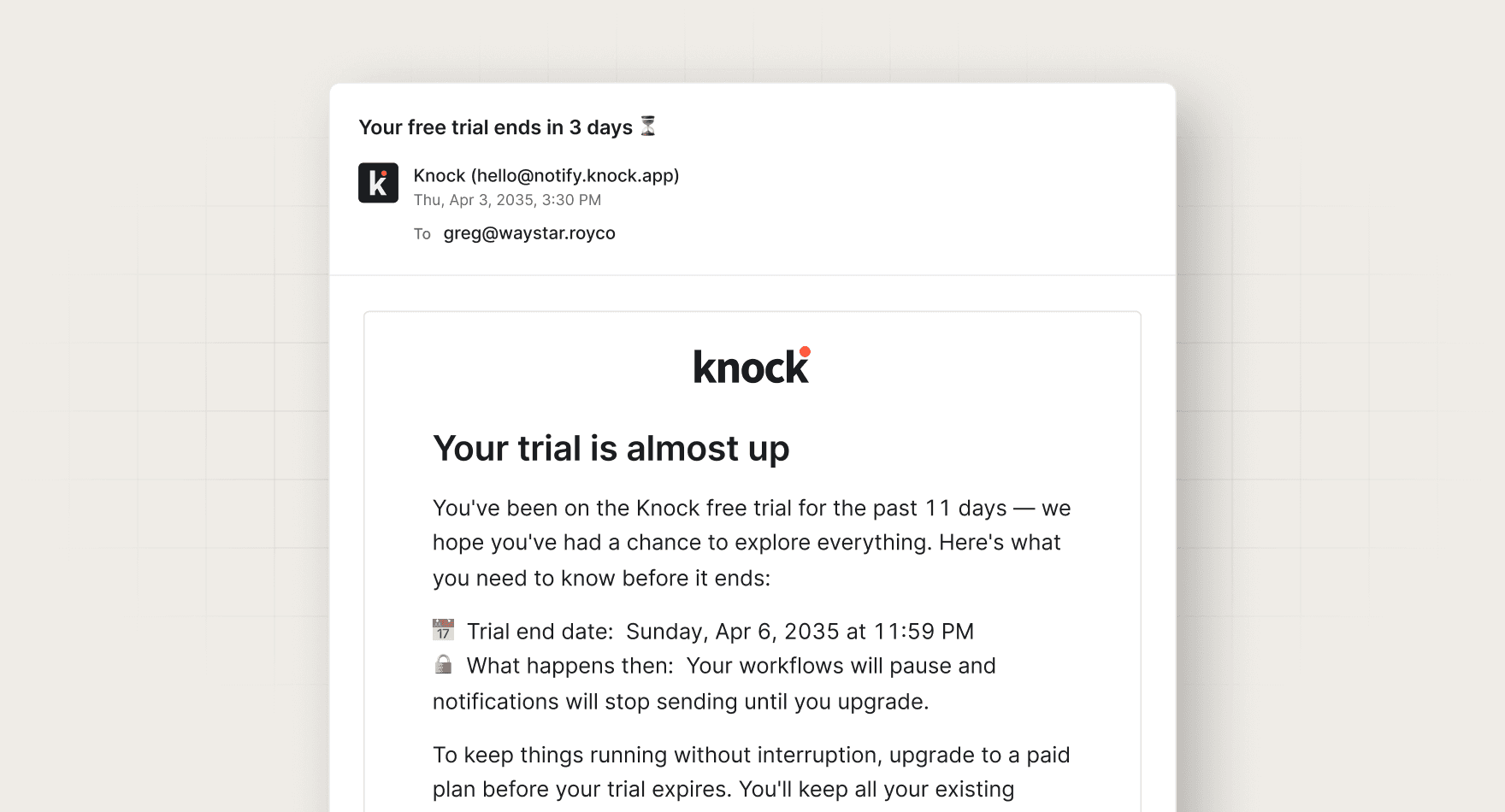
- workflows: `trial-ending`
- partials: `button-with-utm-link`

## References

Optional extras. The instructions above are complete without them.

- [Use it for, by team](references/use-cases.md)
- [Example output](references/example-output.md)
- [FAQ](references/faq.md)
No. It reports the workflow and a suggested experiment. A person decides whether to change the send.
Every skill comes in every format it can run in: a SKILL.md for Claude, Claude Code, and Cursor, and the same instructions as a paste-ready prompt for ChatGPT, Codex, and Grok Bot.
Yes. Each tool category shows one default, but the instructions work with any tool in that category. Swap the tool name in the prompt.
Not by default. Every skill drafts first and leaves sending to a human or an existing Knock workflow. Change the guardrails only when you trust the output.
