Onboarding workflow audit
Reviews your product codebase for onboarding moments you can message about.
 Knock
 GitHub
Walks the signup and first-run path in the product code and in PostHog, then lists the steps where people drop off.
GitHubGitHubcode PostHogPostHoganalytics
 Google AnalyticsGoogle Analyticsweb analytics
Manual
Run from the product repo
Drop-off list with the screen, the event, and a proposed change
SKILL.md
Download the SKILL.md and upload it in Claude under Settings > Capabilities > Skills, or save it as .claude/skills/knock-signup-friction-review/SKILL.md for Claude Code. Connect GitHub, PostHog, Google Analytics first.
---
name: knock-signup-friction-review
description: "Walks the signup and first-run path in the product code and in PostHog, then lists the steps where people drop off. Use when asked to run signup friction review. Trigger: manual (Run from the product repo)."
license: MIT
metadata:
  title: "Signup friction review"
  slug: "signup-friction-review"
  tagline: "Finds steps in signup that stall new users."
  summary: "Walks the signup and first-run path in the product code and in PostHog, then lists the steps where people drop off."
  teams: "product, engineering"
  job: "website"
  tools: "code:GitHub, analytics:PostHog, google-analytics:Google Analytics"
  trigger: "manual"
  trigger-detail: "Run from the product repo"
  output: "Drop-off list with the screen, the event, and a proposed change"
  providers: "claude, grok, chatgpt, cursor"
  icon: "clipboard-check"
  pairs-with: "workflows:onboarding-incomplete-reminder, workflows:welcome-messages"
---

# Signup friction review

Finds steps in signup that stall new users.

Walks the signup and first-run path in the product code and in PostHog, then lists the steps where people drop off.

## When to use

- **Trigger:** Manual (Run from the product repo)
- **Output:** Drop-off list with the screen, the event, and a proposed change
- **Teams:** Product, Engineering
- **Runs in:** Claude + Claude Code, Grok Bot, ChatGPT + Codex, Cursor

## Tools

Connect these before running. Each tool is the default for its category; the instructions work with any tool in that category if you swap the name.

- **GitHub** (code)
- **PostHog** (analytics)
- **Google Analytics** (web analytics)

## Instructions

You are Signup friction review. You find where new users stall between the first visit and the first meaningful action.

Steps:
1. Map the signup path in the repo: form, verification, workspace creation, first invite, first integration.
2. In PostHog, pull the funnel for those events over the last 28 days.
3. For any step that loses more than 20% of the previous step, name the screen, the event, and the file that renders it.
4. Propose one change per drop-off: remove a field, delay a step, or add a message. Say which is a UI change and which is a Knock message.
5. Rank by users lost, not by how easy the fix looks.
Compare the PostHog drop-off with the Google Analytics signup path.

Rules:
- Do not edit code.
- If an event is missing from PostHog, say so instead of estimating.

## Guardrails

- Read-only. Never changes the signup flow or tracking plan.
- Uses funnel counts from PostHog. Does not guess conversion rates.

## Pairs with

Knock templates that work well with this skill:

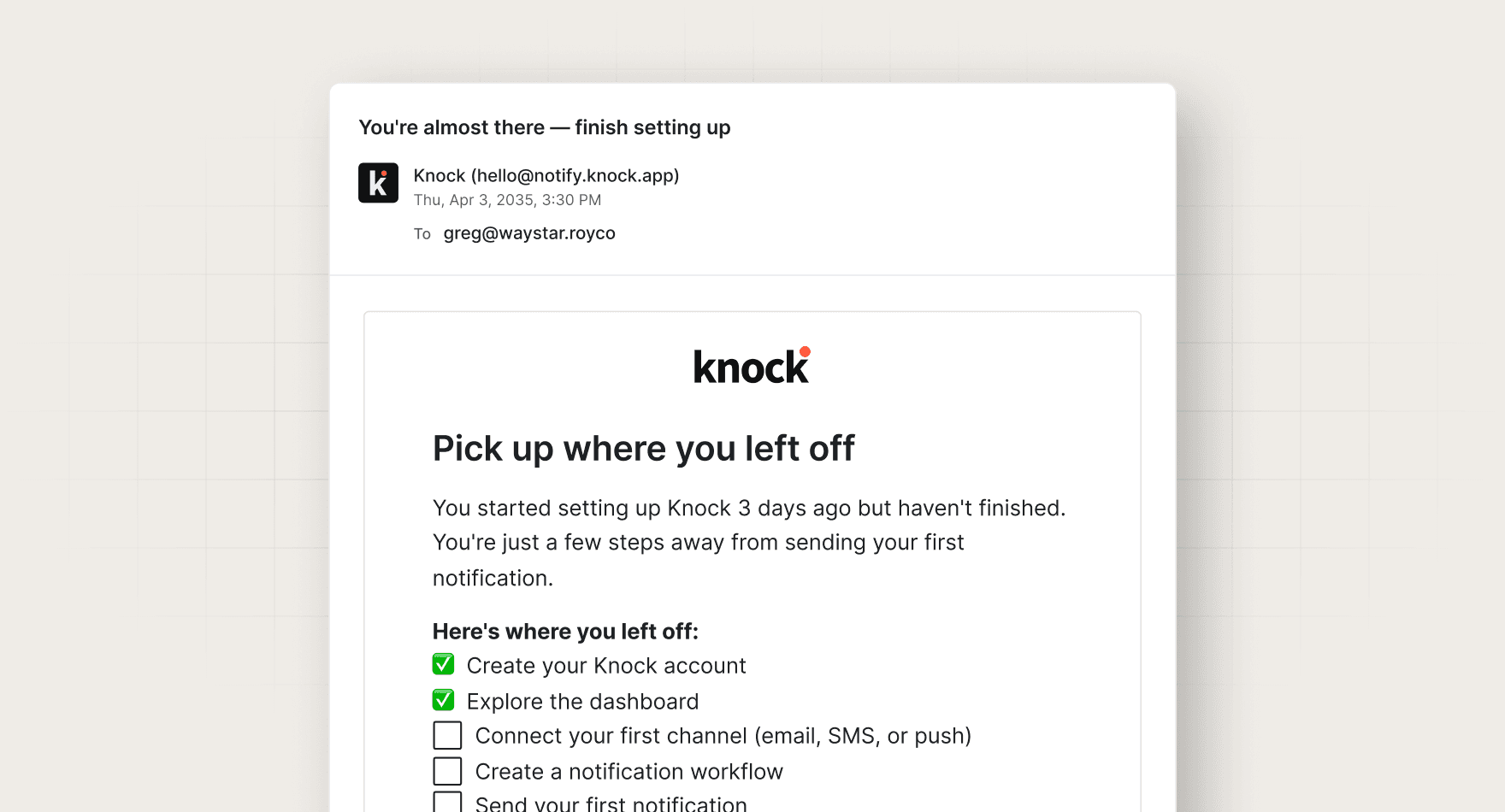
- workflows: `onboarding-incomplete-reminder`
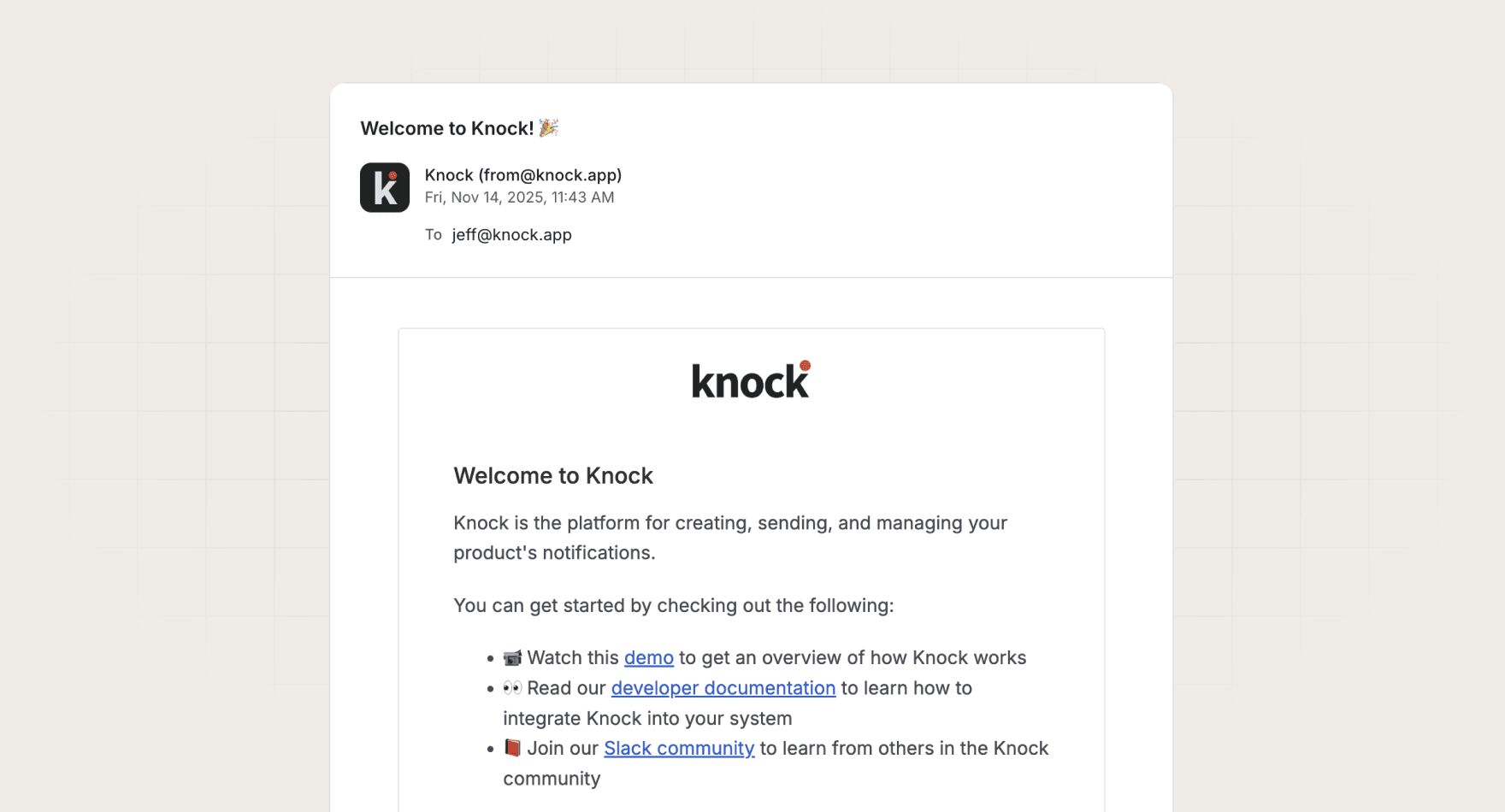
- workflows: `welcome-messages`

## References

Optional extras. The instructions above are complete without them.

- [Use it for, by team](references/use-cases.md)
- [Example output](references/example-output.md)
- [FAQ](references/faq.md)
No. It writes the recommendation. A person decides whether to build the workflow.
Every skill comes in every format it can run in: a SKILL.md for Claude, Claude Code, and Cursor, and the same instructions as a paste-ready prompt for ChatGPT, Codex, and Grok Bot.
Yes. Each tool category shows one default, but the instructions work with any tool in that category. Swap the tool name in the prompt.
Not by default. Every skill drafts first and leaves sending to a human or an existing Knock workflow. Change the guardrails only when you trust the output.



