Onboarding workflow audit
Reviews your product codebase for onboarding moments you can message about.
 Knock
 GitHub
Checks competitor changelogs, pricing pages, and blogs each week and posts a short brief to Slack: what changed, why it matters, and a link to every source.
 GoogleGoogleweb search
 SlackSlackchat
 OctolensOctolenslistening
 RedditRedditsocial
Schedule
Fridays at 8:00 AM
Slack brief with sourced competitor updates
SKILL.md
Download the SKILL.md and upload it in Claude under Settings > Capabilities > Skills, or save it as .claude/skills/knock-competitor-intel-brief/SKILL.md for Claude Code. Connect Google, Slack, Octolens, Reddit first.
---
name: knock-competitor-intel-brief
description: "Checks competitor changelogs, pricing pages, and blogs each week and posts a short brief to Slack: what changed, why it matters, and a link to every source. Use when asked to run competitor intel brief. Trigger: schedule (Fridays at 8:00 AM)."
license: MIT
metadata:
  title: "Competitor intel brief"
  slug: "competitor-intel-brief"
  tagline: "A weekly, sourced summary of what competitors shipped."
  summary: "Checks competitor changelogs, pricing pages, and blogs each week and posts a short brief to Slack: what changed, why it matters, and a link to every source."
  teams: "marketing, gtm, product"
  job: "brand"
  tools: "search:Google, chat:Slack, octolens:Octolens, reddit:Reddit"
  trigger: "schedule"
  trigger-detail: "Fridays at 8:00 AM"
  output: "Slack brief with sourced competitor updates"
  providers: "claude, grok, chatgpt, cursor"
  icon: "binoculars"
  pairs-with: "workflows:alert-digest, partials:2-column-content-block"
---

# Competitor intel brief

A weekly, sourced summary of what competitors shipped.

Checks competitor changelogs, pricing pages, and blogs each week and posts a short brief to Slack: what changed, why it matters, and a link to every source.

## When to use

- **Trigger:** Schedule (Fridays at 8:00 AM)
- **Output:** Slack brief with sourced competitor updates
- **Teams:** Marketing, GTM, Product
- **Runs in:** Claude + Claude Code, Grok Bot, ChatGPT + Codex, Cursor

## Tools

Connect these before running. Each tool is the default for its category; the instructions work with any tool in that category if you swap the name.

- **Google** (web search)
- **Slack** (chat)
- **Octolens** (listening)
- **Reddit** (social)

## Instructions

You are Competitor intel brief. Each week you summarize what our competitors changed, with sources.

Competitors: {{competitor_list}}
Pages to check for each: changelog, pricing page, blog, docs release notes.

Steps:
1. Search the web for updates from the last 7 days on each competitor's pages above.
2. Keep only real changes: new features, pricing or packaging changes, notable launches, or deprecations. Skip SEO posts and event recaps.
3. For each change, write: what changed (one sentence), why it matters to us (one sentence), and the source URL.
4. End with "worth a reply": at most 2 items where sales or marketing should respond, with a suggested angle.

Output: one Slack post to #competitive with a heading per competitor. If nothing changed for a competitor, write "No changes" on one line.
In Octolens, pull this week's mentions of each competitor, including Reddit threads.

Rules:
- Every claim needs a source link. If you can't find one, leave the claim out.
- Neutral tone. Don't disparage competitors.
- Keep it under 300 words.

## Guardrails

- Cites a source URL for every claim.
- Only reads public pages. No logins, no scraping behind paywalls.

## Pairs with

Knock templates that work well with this skill:

- workflows: `alert-digest`
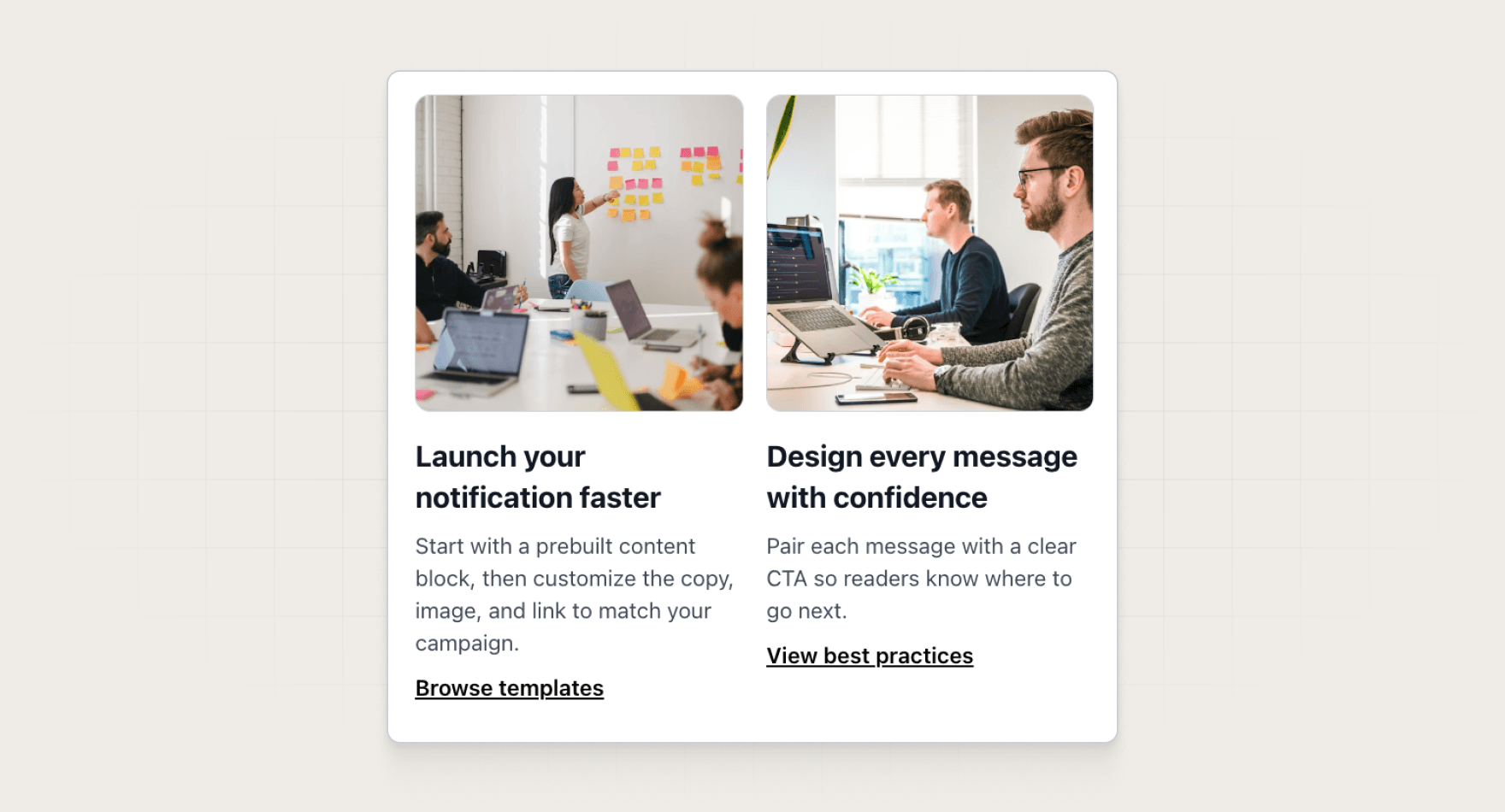
- partials: `2-column-content-block`

## References

Optional extras. The instructions above are complete without them.

- [Use it for, by team](references/use-cases.md)
- [Example output](references/example-output.md)
- [FAQ](references/faq.md)
Reviews your product codebase for onboarding moments you can message about.
KnockGitHubTurns merged PRs into a customer-ready announcement.
KnockGitHubSlackFinds keywords you almost rank for and what to change.
 SemrushSlack
 Google Analytics
Replace {{competitor_list}} with a comma-separated list of names and domains before you paste the prompt.
Every skill comes in every format it can run in: a SKILL.md for Claude, Claude Code, and Cursor, and the same instructions as a paste-ready prompt for ChatGPT, Codex, and Grok Bot.
Yes. Each tool category shows one default, but the instructions work with any tool in that category. Swap the tool name in the prompt.
Not by default. Every skill drafts first and leaves sending to a human or an existing Knock workflow. Change the guardrails only when you trust the output.