Today Knock is available as a plugin in ChatGPT and Codex. You can now build, manage, and send all your cross-channel messaging from where you already work.
Messaging has never been easier
Knock is powerful messaging infrastructure to send messages across any channel, including email, in-app, SMS, push, and chat.
With the ChatGPT and Codex plugin, you can now leverage the same tool you've been using to write product code to build the email and in-app messaging that ships with it.
Once installed, prompt ChatGPT or Codex to manage your messaging workflows, one-time sends, in-app messaging, and more.
The plugin runs on Knock's remote MCP server, enabling total flexibility and access to our specialized internal Knock agent.
It also includes a suite of skills to craft engagement flows based on best practices, helping you optimize onboarding, improve your existing messaging, win back churned customers, and find opportunities for growth.
What you can do from a conversation
The plugin is most useful for any messaging work that tends to sit in a backlog because it's tedious rather than hard.
Ask for a new user welcome sequence and ChatGPT or Codex will assemble the necessary steps, templates, and conditions. Point it at what you already send to tighten copy across different channel templates, or ask it to pull message logs and summarize any deliverability concerns.
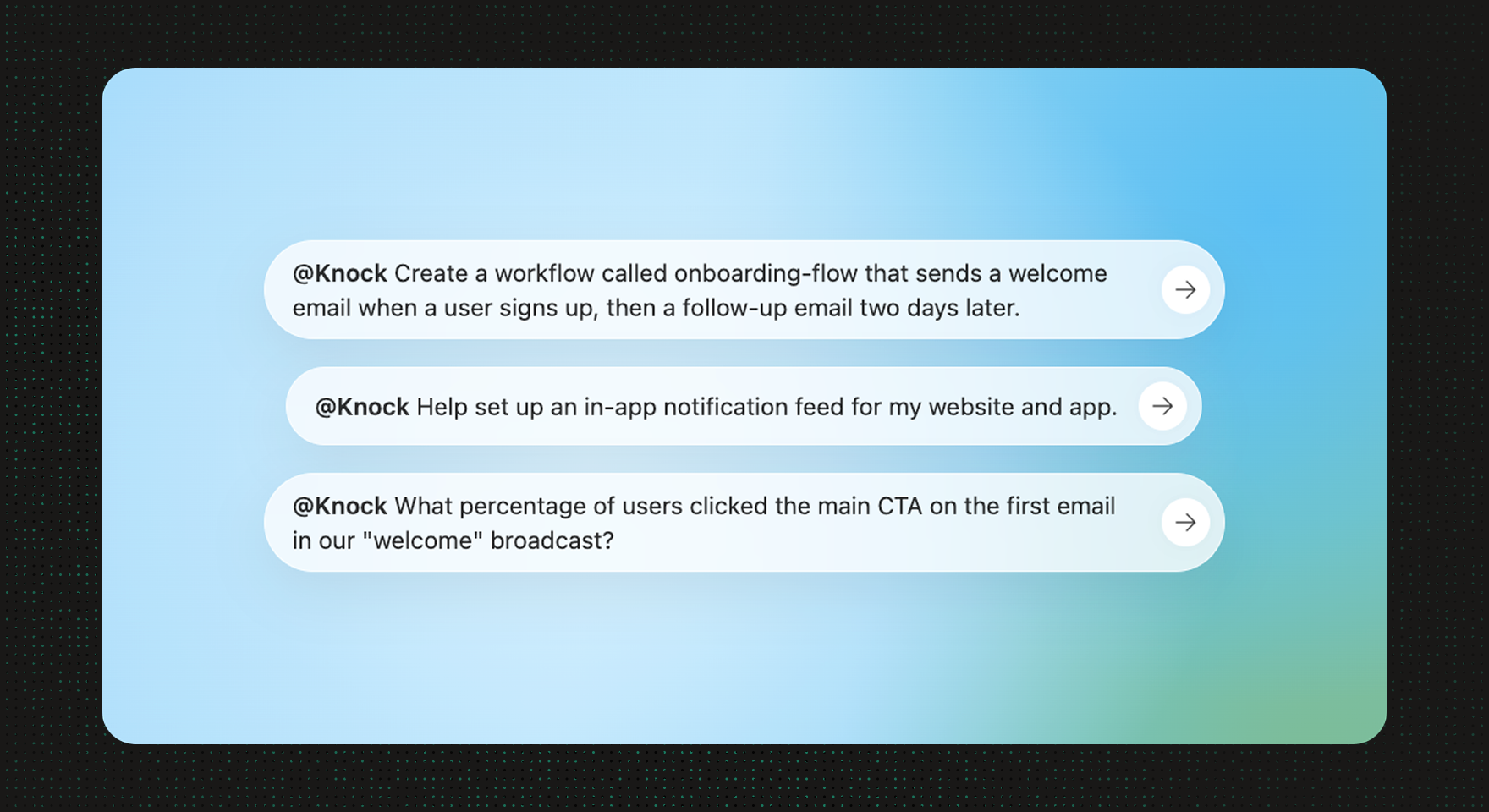
Because the plugin is connected to your real Knock account, the output is an actual resource your whole team can review, edit, and send, not a plan someone has to build later.
Getting started
Knock is listed in the shared ChatGPT and Codex plugin directory. To install, open the Knock listing, click "Install plugin," and connect your existing Knock account or create a new one from scratch.
If you work in Codex, install it from the Plugins tab in the ChatGPT desktop app, or run /plugins in Codex CLI. Start a new session after you install so the Knock skills and tools load.
To read more about the tools behind the plugin, including how to connect the same MCP server from Claude or Cursor, see our docs on the MCP server and the Knock AI overview.