Today we're shipping the in-app guide step. Add this step to a workflow or broadcast to show recipients a banner, modal, or other in-app message the next time they're in your product.
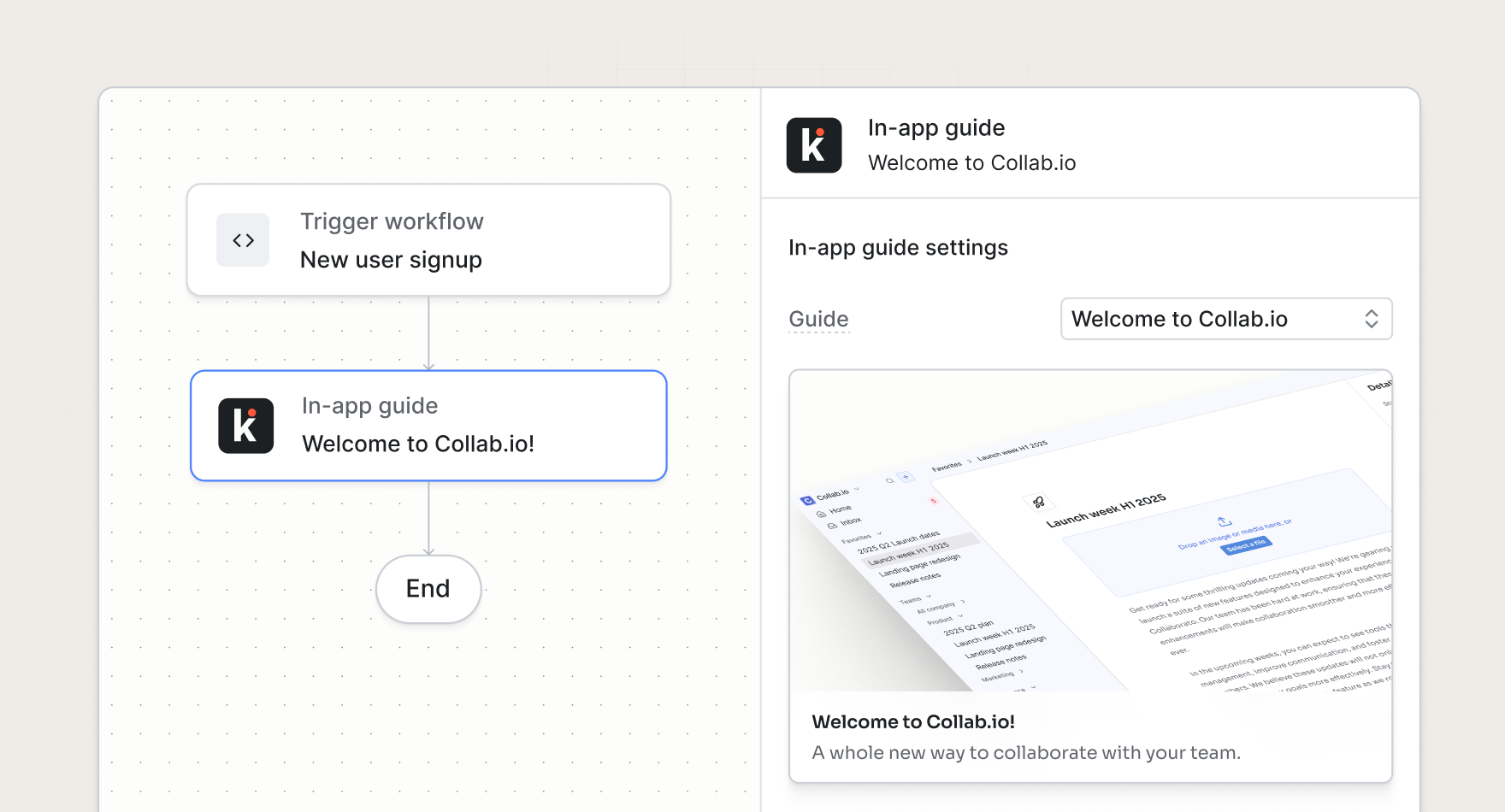
In-app messages at the right moment
Use the in-app guide step when you want to extend your messaging campaign beyond standard channels like email, SMS, and push, so your users see a relevant message once they log in.
In-app messaging can be added to customer journeys like:
- Onboarding tours. After a user completes signup, trigger an in-app welcome modal that encourages the user to complete the next onboarding step.
- Feature launches. Follow up a launch email with an in-product modal to encourage the user to try it out.
- Upgrade prompts. When a workspace hits a usage limit, send an email and surface an in-app upgrade prompt that takes them to the billing page.
- Re-engagement campaigns. Meet returning users with an in-app catch-up banner, tied to the same campaign that sends your win-back email.
Control eligibility from workflows
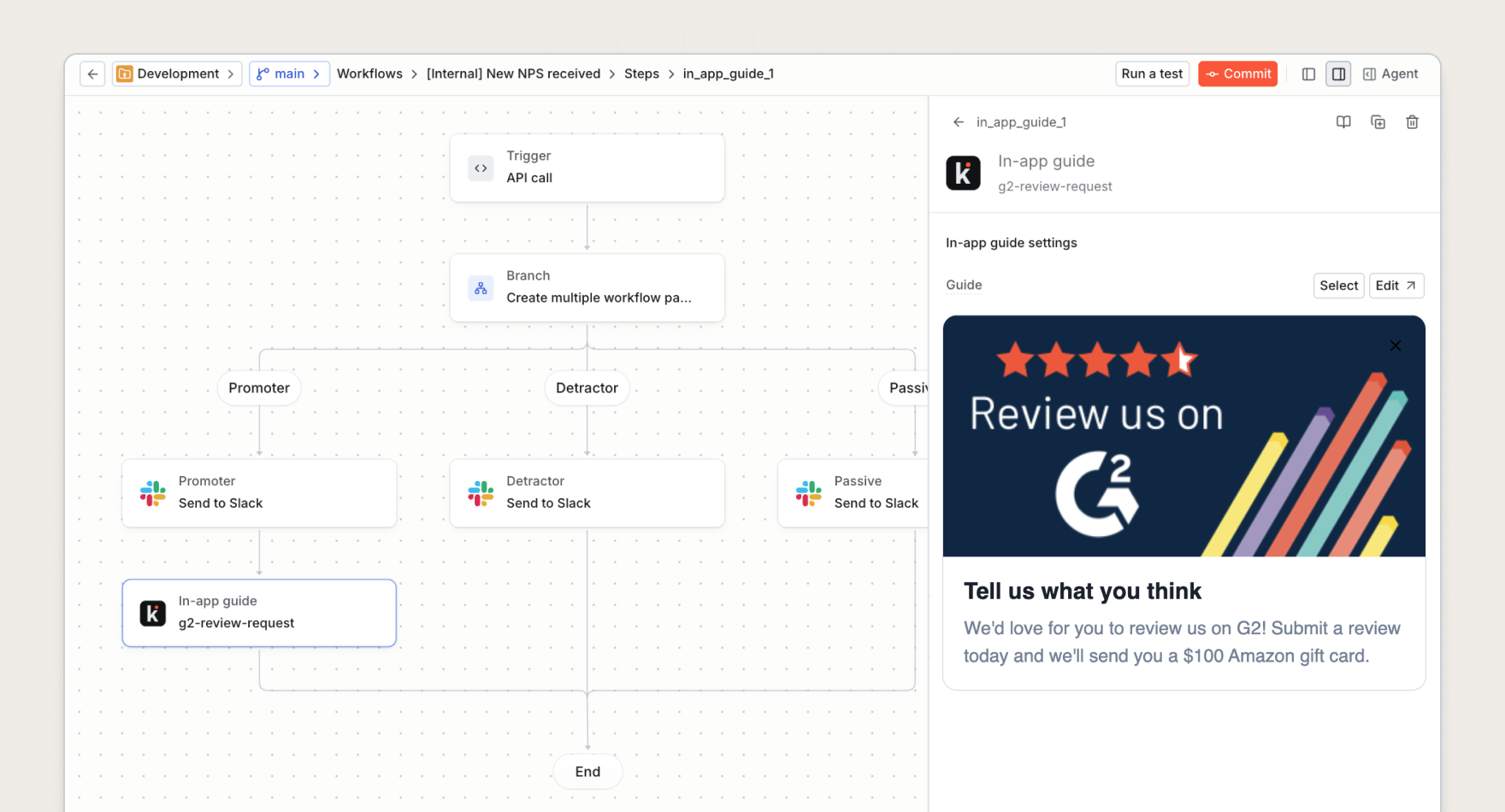
The in-app guide step sits alongside other channel steps in the workflow and broadcast editors. Similar to other steps, you can add conditions to control when it runs, or put it on a branch so only some recipients become eligible.
That means you can:
- Run one campaign across channels. Orchestrate email, push, and in-product messaging in a single workflow instead of maintaining a separate targeting setup for each guide.
- Reuse the logic you already have. Eligibility follows your workflow or broadcast, including branches, delays, and conditions.
- See what triggers a guide. Each guide shows which workflows and broadcasts make users eligible, so your team can trace an in-product message back to the campaign behind it.
You can still set audience targeting and activation rules at the guide-level, so becoming eligible from an in-app guide step is not the same as immediately showing a message.
Get started
The in-app guide step is available to all Knock customers today. Read more in our documentation.