Today Knock is available as a connector in Claude. Add it once so you can prompt Claude to build and manage all your messaging resources, including workflows, guides, broadcasts, templates, and audiences.
Your Knock account, one sign-in away
Claude is the harness most teams already work in. The connector enables any team, technical or non-technical, to make messaging ideas come to life with nothing more than a prompt.
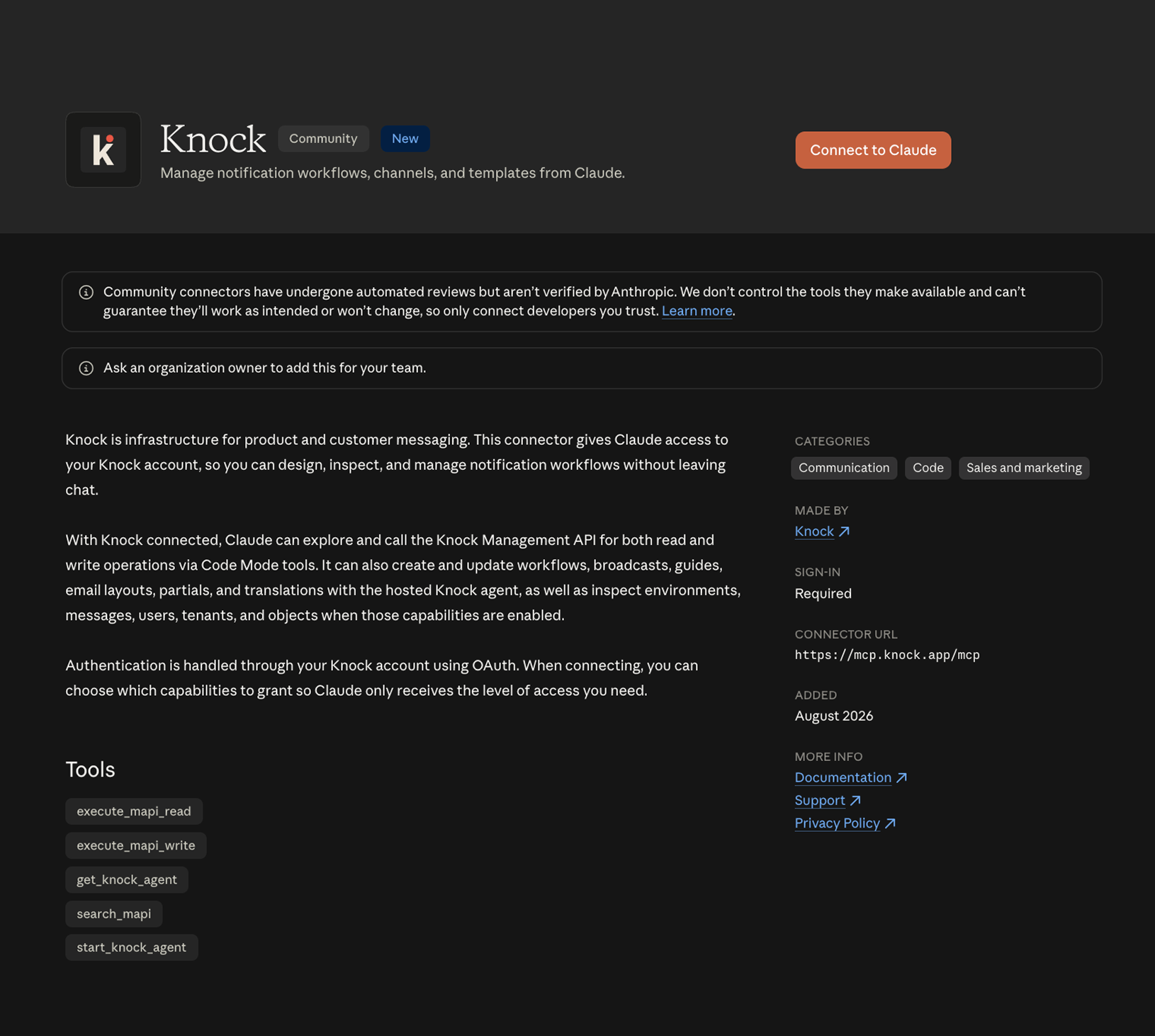
The connector runs on Knock's remote MCP server. There's no local setup and no service token to manage. You sign in with your Knock account, and Claude picks up a set of tools for working with the resources in your workspace.
You also decide how much of Knock to expose. Reading and managing your configuration are enabled by default, along with the Knock agent, which handles multi-step work using the same knowledge of Knock it uses in the dashboard. Debugging, user and tenant data, and documentation search stay off until you turn them on, so the tool list stays short and the blast radius stays small.
What you can do from a conversation
The connector is most useful for any messaging work that tends to sit in a backlog because it's tedious rather than hard.
- Build workflows from a prompt. Ask for a new user welcome sequence, and Claude assembles the relevant steps, templates, and conditions.
- Rework copy across channels. Point Claude at existing workflows and ask it to tighten subject lines or adapt an email template for SMS and push.
- Audit what you already send. Ask which workflows have gone quiet, where errors might be occurring, or which templates still use outdated branding.
- Plan before you build. Talk through a lifecycle program and turn the plan into deliverables once you're happy with it.
- Debug a delivery question. Pull message logs for a recipient to see what sent, what rendered, and where a workflow run stopped.
Because Claude is connected to your real Knock account, the output is an actual resource your whole team can review, edit, and send, not a plan someone has to build later.
Guardrails your team already trusts
The connector inherits all of the controls and permissions you already set in Knock.
- Make changes in development. Everything Claude creates is a versioned resource. You review it in the dashboard, then commit and promote it to production on your own schedule.
- Nothing gets deleted. The MCP server has no delete tools, so an agent cannot remove a workflow, template, or audience.
- User-based access. The connector authenticates through individual Knock accounts, so it reflects the same per-user permissions.
- You choose the surface area. Enable only the capabilities a task calls for, and leave the rest disabled.
Get started
Knock is now listed in Anthropic's connectors directory. Open the Knock listing, click "Connect to Claude," and sign in with your Knock account when prompted. From there you can choose which capabilities to grant.
To read more about the tools behind the connector, including how to connect the same MCP server from Claude Code or Cursor, see our docs on the MCP server and the Knock AI overview.