Today we're introducing the Knock agent for Slack, giving teams a new way to build, manage, and ship customer messaging from where they already work.
Prompt @Knock from Slack
Knock is the agent-led customer engagement platform for managing all the messages your users receive across channels.
After connecting Knock to Slack, simply tag @Knock in any channel, describe what you want, and let the agent work in the background to build campaigns, draft messaging, and update lifecycle workflows.
The agent gathers the context from your account, posts progress updates in the thread as it works, and provides a link to the resource when it's ready to review.
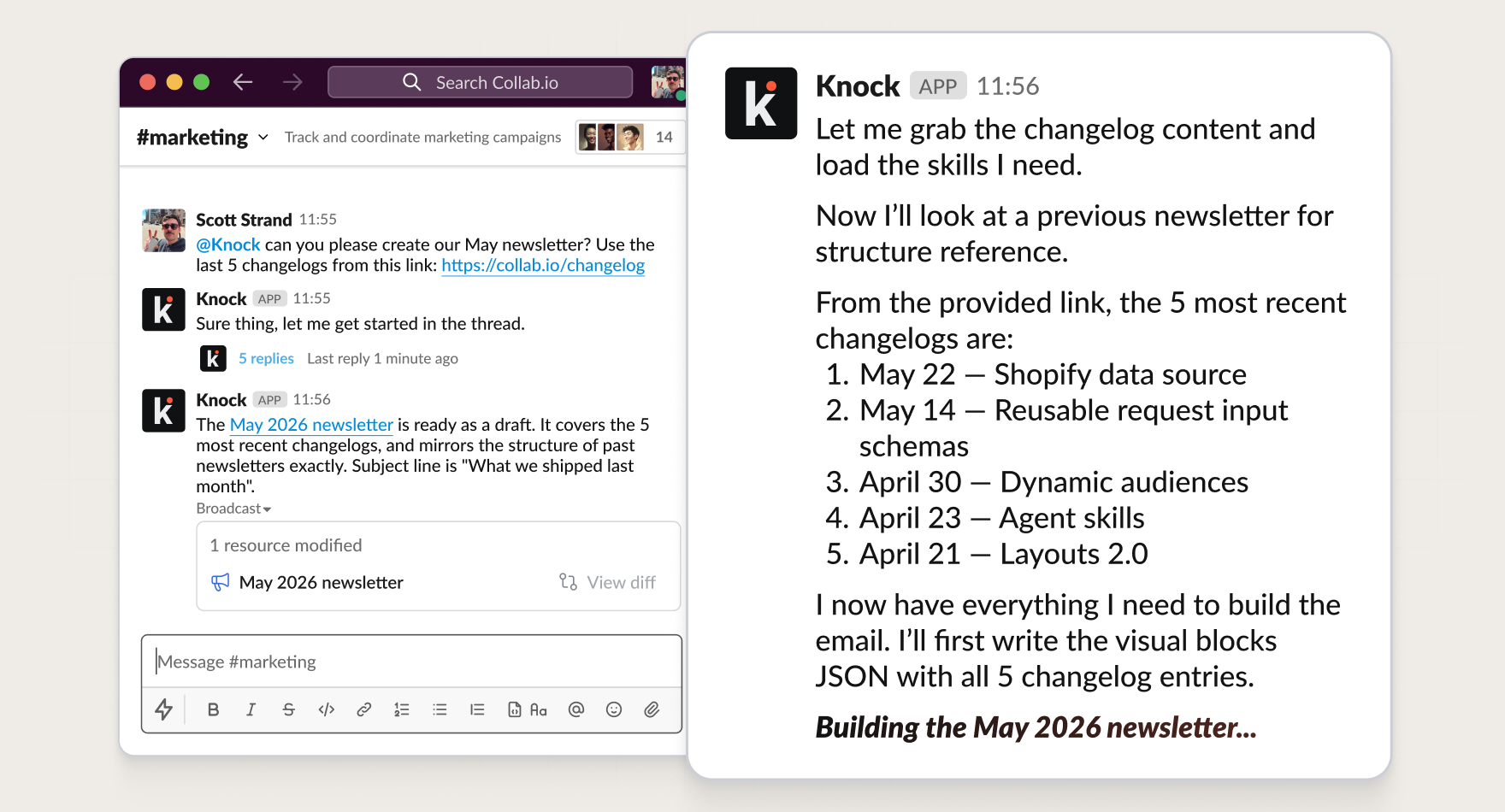
Turn a request like "create a reactivation campaign for users who have not logged in for 30 days" into on-brand deliverables in moments, right from where you work and collaborate with your team.
Built on your messaging system
The Knock agent can work across all of your customer engagement resources:
- Create and manage onboarding and lifecycle workflows.
- Build and schedule newsletters and announcements.
- Draft and publish in-app tooltips, upgrade nudges, and more.
- Filter and target audiences in real-time.
It uses your team's approved layouts, styles, and components, so the output is always on-brand.
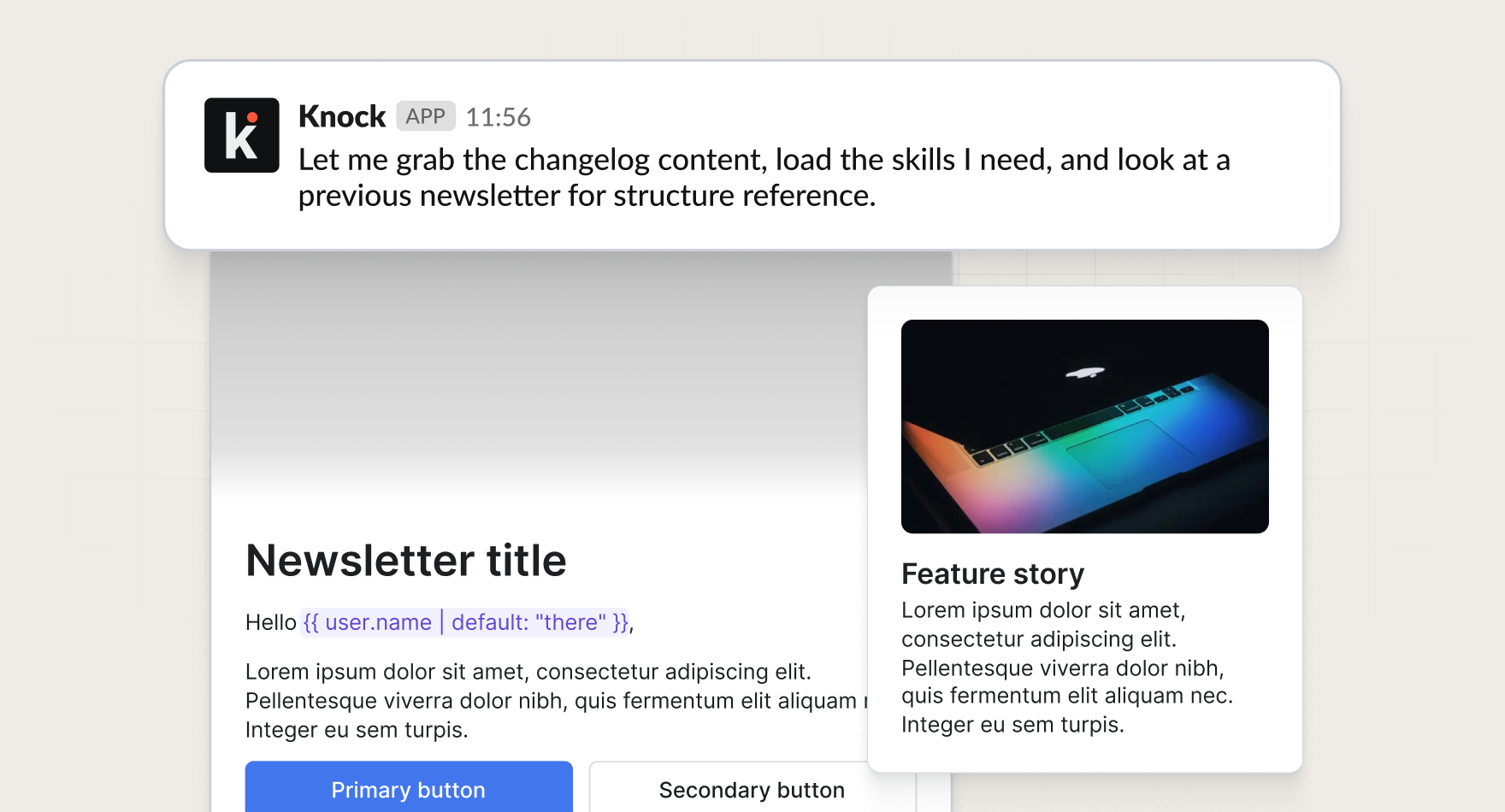
Since the Knock agent has access to all of your customer engagement resources, it can help answer general questions about your messaging setup.
Ask it questions like:
- Which workflows message users after signup?
- What audiences are used for onboarding?
- Where is this email template being reused?
- What messages touch a specific segment?
Review changes before launch
When the agent wraps up a request, it provides a direct link to any modified resources in Knock. You can click to open the workflow, broadcast, guide, or audience and review the output.
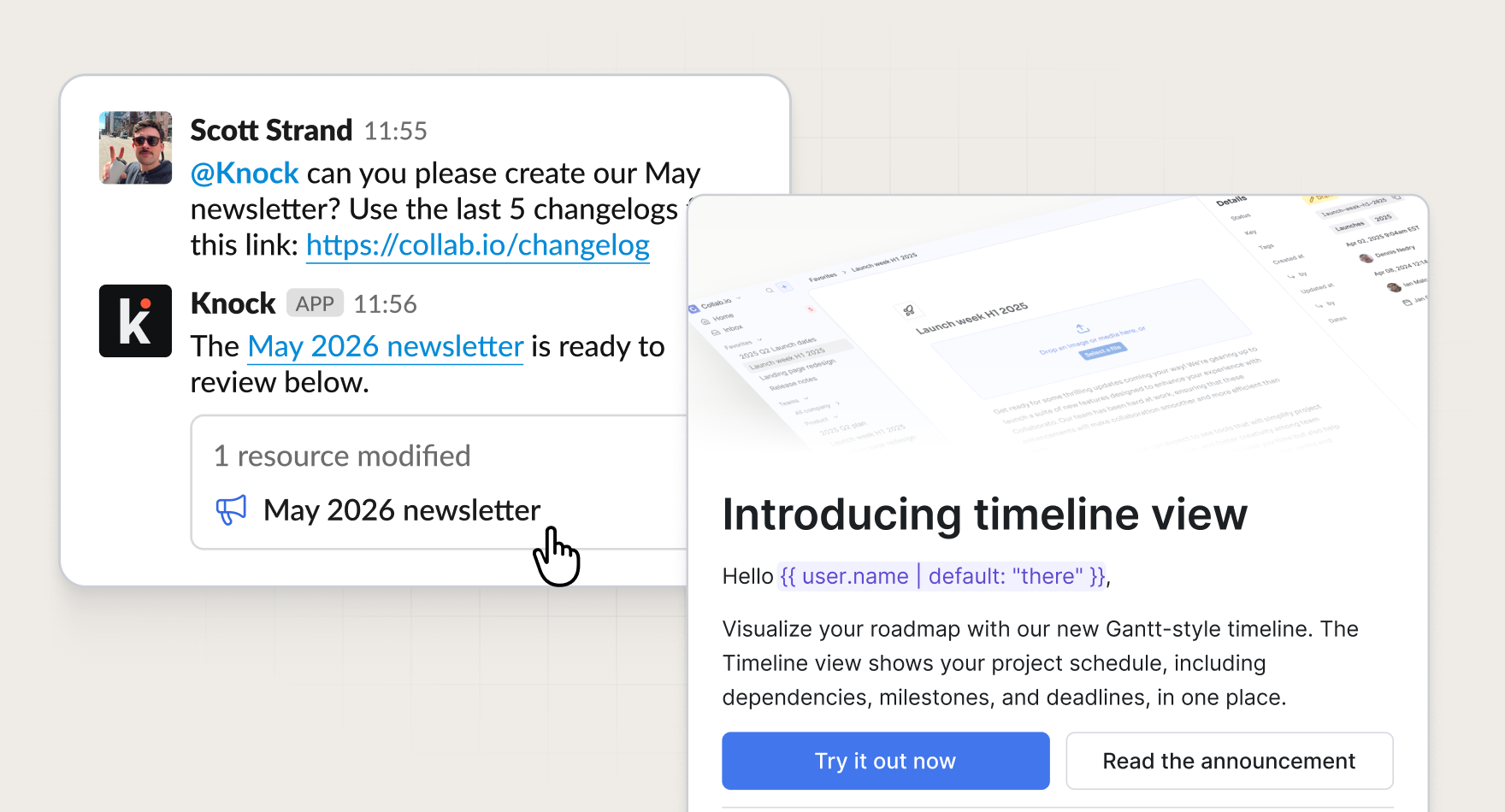
From there, you can make tweaks by hand, or ask the agent to make follow-up changes, right in the same thread where it left off.
Get started
The Knock agent for Slack is available today for all Knock customers. To get started, connect Knock to your Slack organization and invite the Knock agent to the channels where your team collaborates. You can learn more in our documentation.