Today we're adding three new input types for partials: color, number, and list.
Partials help teams create reusable, on-brand building blocks for emails in Knock. With these new input types, content editors get more control over how the final message looks, while keeping everything structured within your design system.
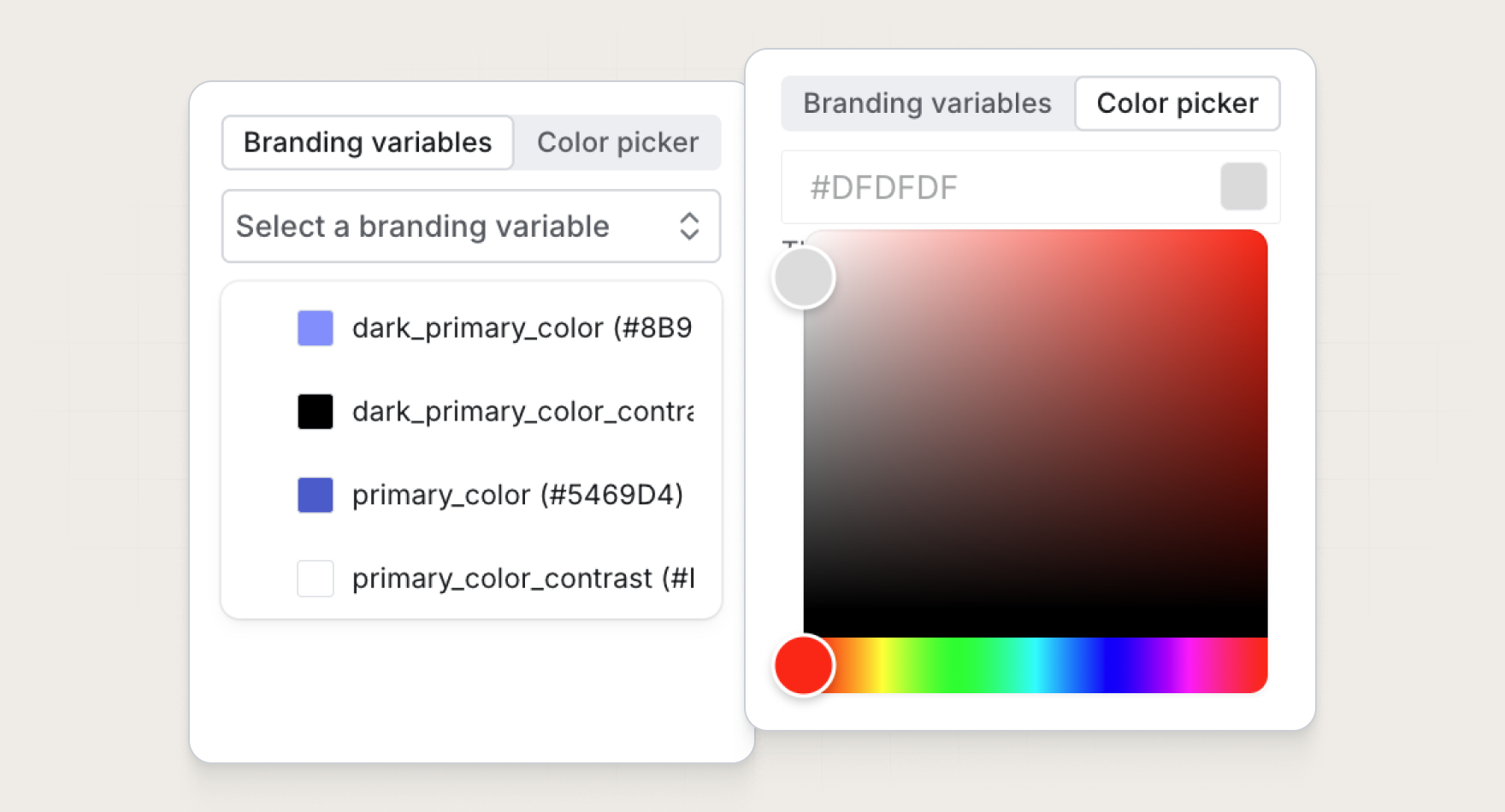
Choose colors with a color picker
The color picker input enables editors to choose a color value directly from the editor. This makes it easier for marketers to customize the look of a message without needing to remember or manually enter exact hex codes.
Use color picker inputs to update things like background colors, accent sections, and CTA blocks. They can be configured as a freeform picker or limited to an approved set of hex values from your design system.
Control styles with number inputs
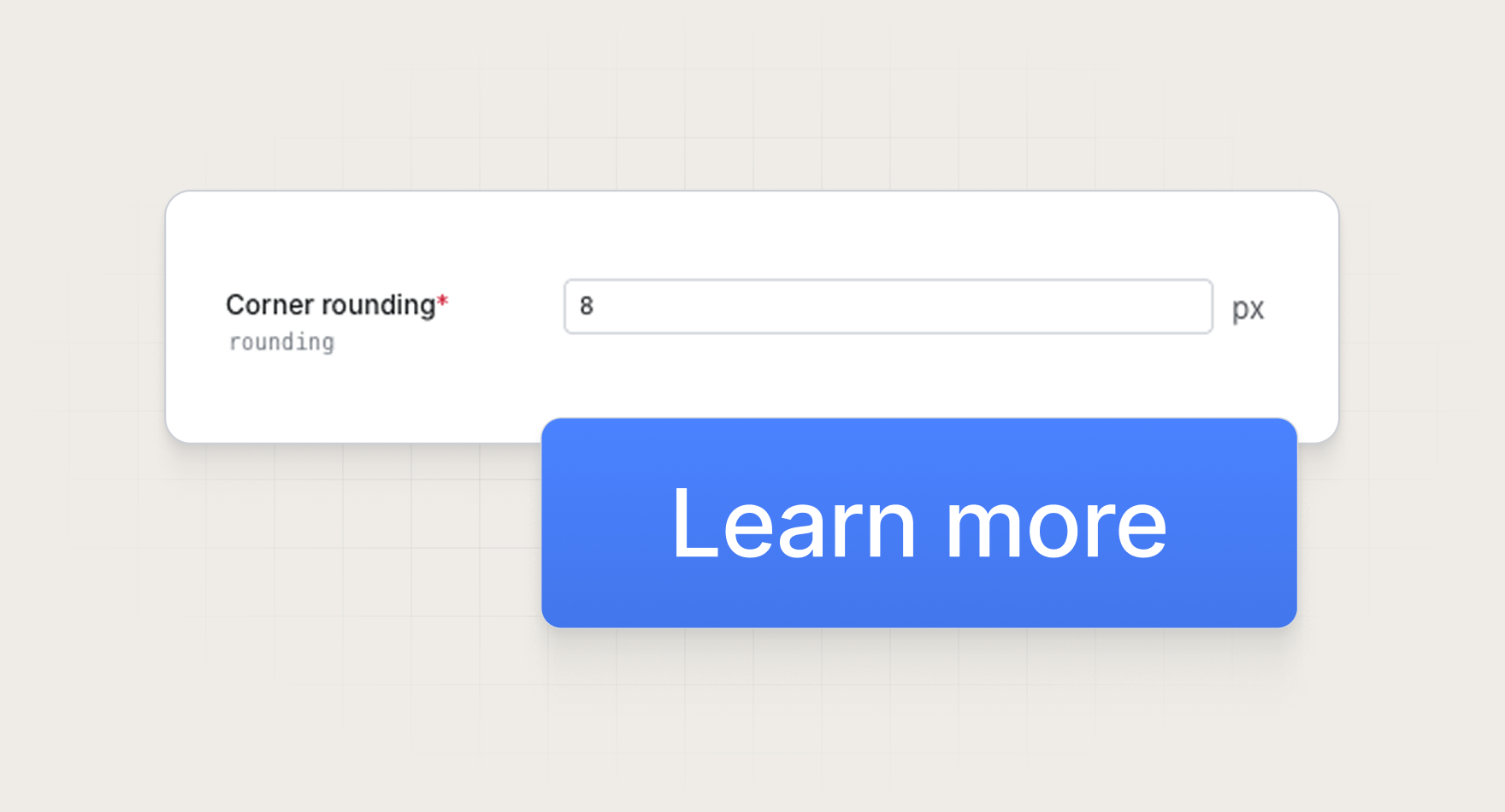
Number inputs let you expose numeric values inside a partial, such as font size, padding, border radius, width, or other style-related settings.
You can also add a unit label to make the expected value clear, such as px, %, or another unit. This helps editors understand what they're changing without needing to know how the partial is implemented.
Use number inputs for fields like:
- Padding and spacing
- Font sizes
- Border radius
- Widths and layout controls
This gives teams a safer way to make template styling adjustable while keeping those controls scoped to the parts of the partial that should be editable.
Create repeatable content with list inputs
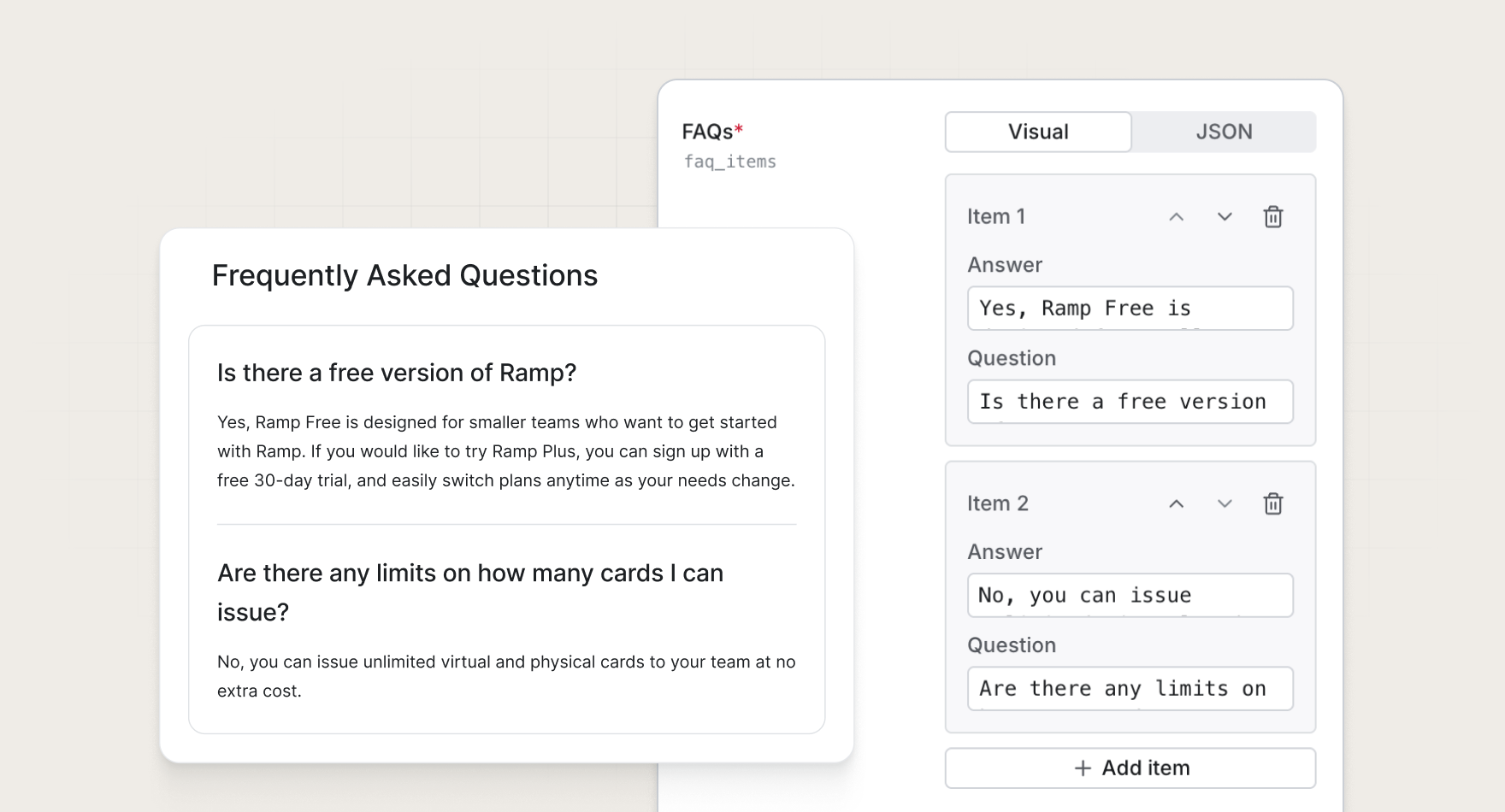
List inputs let you define a repeatable item shape inside a partial, then allow editors to add as many items as they need.
This is useful for structured content that follows the same format from campaign to campaign, but changes in length or content each time. Instead of hardcoding a fixed number of fields or asking editors to work with raw JSON, you can give them a cleaner way to add, remove, and edit each item.
Use list inputs for content like:
- FAQs
- Feature lists
- Icon lists
- Testimonials
- Agenda items
- Repeating content blocks
For example, a team can create an "FAQ" partial where each item includes a question and an answer. A marketer can then add as many FAQ items as they need while the partial keeps the formatting consistent.
Get started
These new partial input types are available today for all Knock customers. Learn more in our documentation.