Today we're releasing skills for the Knock agent. Skills let you package a set of repeatable tasks into a single command you can run from anywhere in the Knock dashboard, so the work you do over and over gets done in one step.
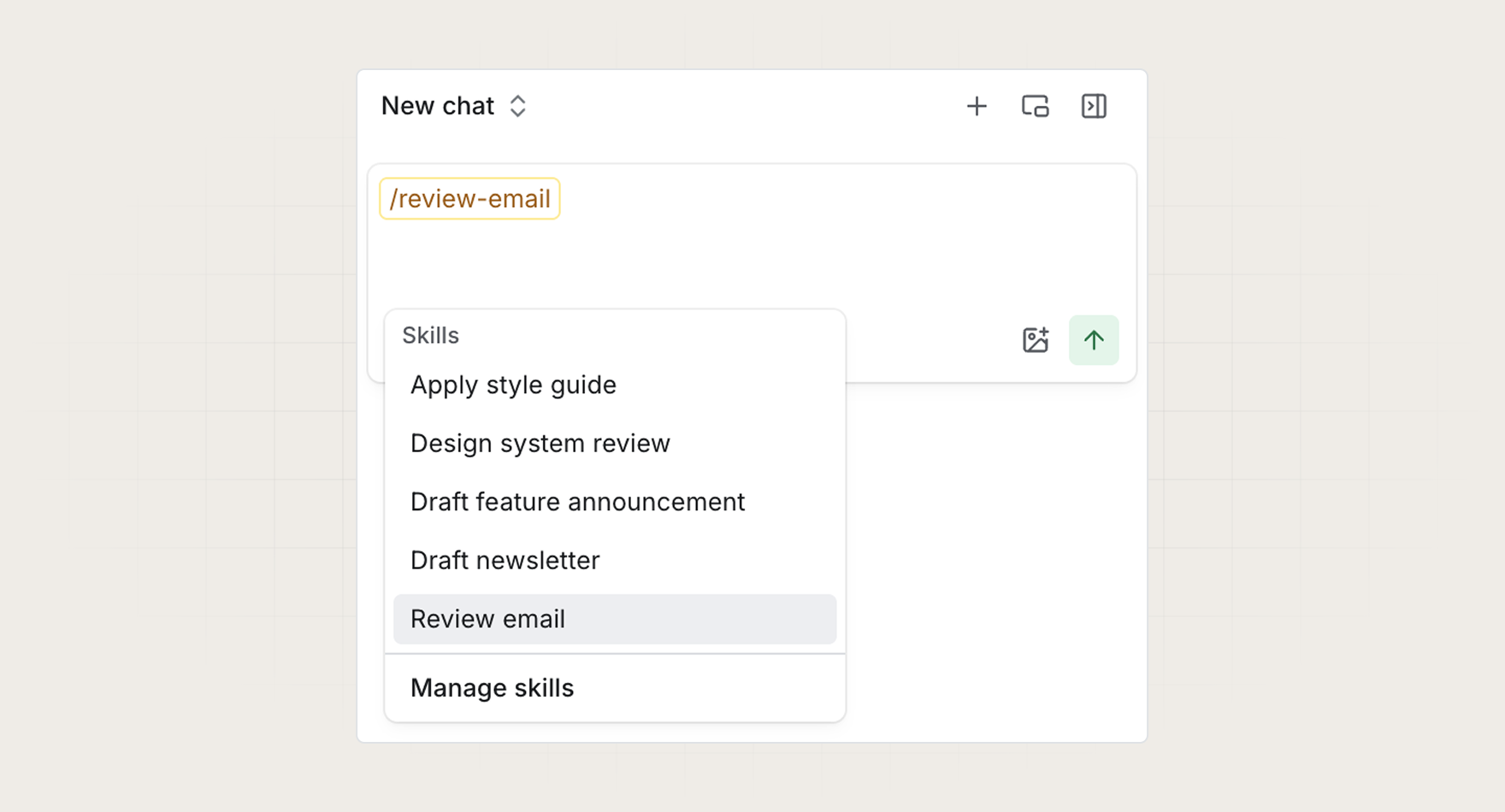
If you're a lifecycle marketer drafting emails, you probably run through the same checklist every time: proofread the copy, verify links aren't broken, and confirm you're following deliverability best practices like alt text on images. Skills let you wrap that checklist into a command like /review-email and run it on demand.
How skills work
A skill is a named set of instructions you define once and reuse across your team. When you invoke a skill in the Knock agent, it runs through the steps you defined, asks for input when it needs something from you, and applies changes in place.
Skills can be used for things like:
- Reviewing copy for typos and style guide compliance.
- Checking that links in your emails resolve and aren't broken.
- Auditing emails for deliverability best practices, like alt text on images.
- Any other repeatable workflow you run across your messaging.
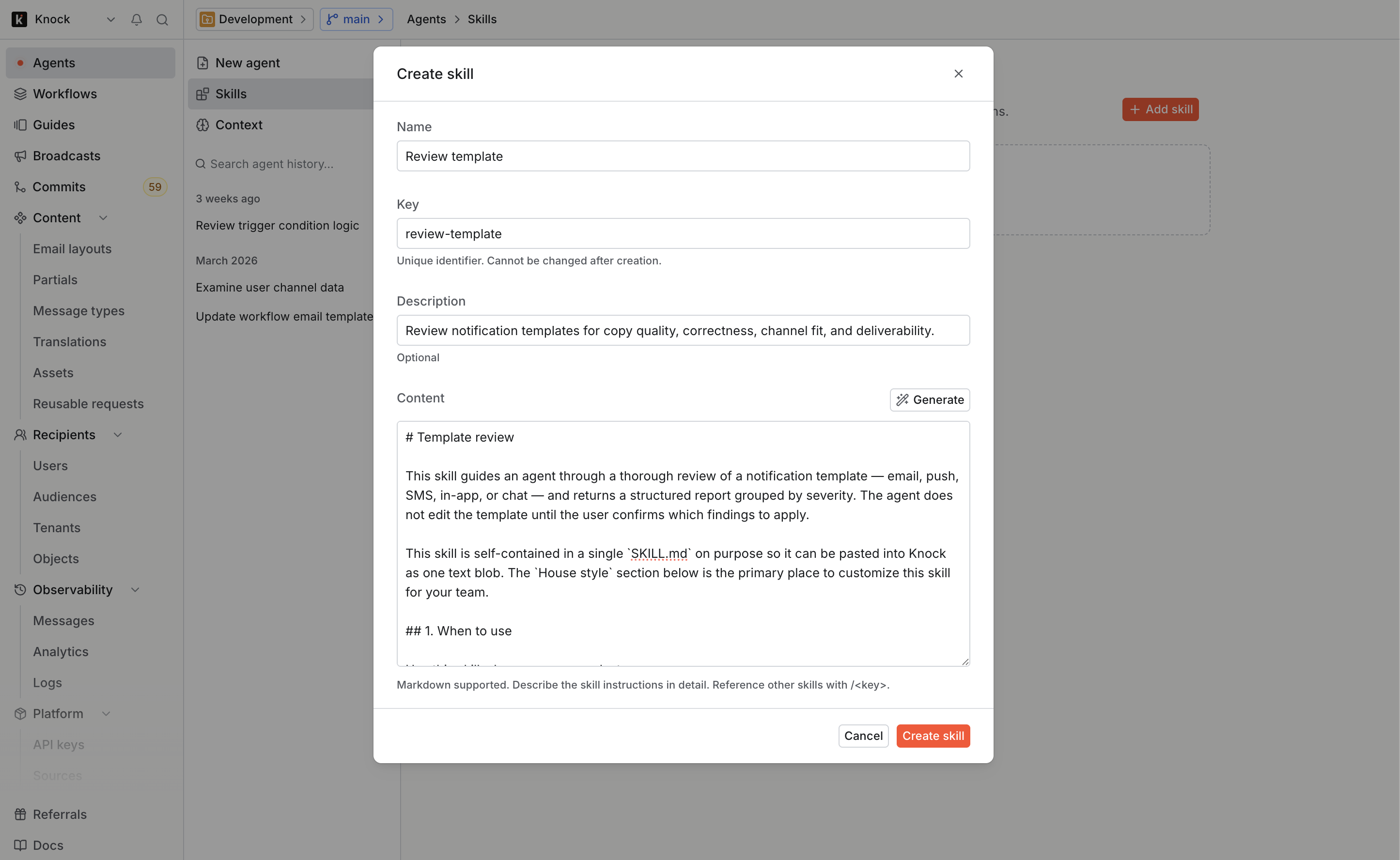
Running a skill
Once you've created a skill, you can run it by typing / in the Knock agent and selecting it from the menu. The agent takes it from there, working through each task in your skill and pausing to ask for your input when it needs a decision, like how to fix a broken link.
When the agent finishes, you get a summary of what changed and what still needs your attention.
Get started
Skills are available today for all Knock customers. Head to the Knock agent in your dashboard to create your first skill, or read more in our documentation.