Today we're shipping a refreshed email layouts experience, rebuilt for consistency and greater control while you work with templates in Knock.
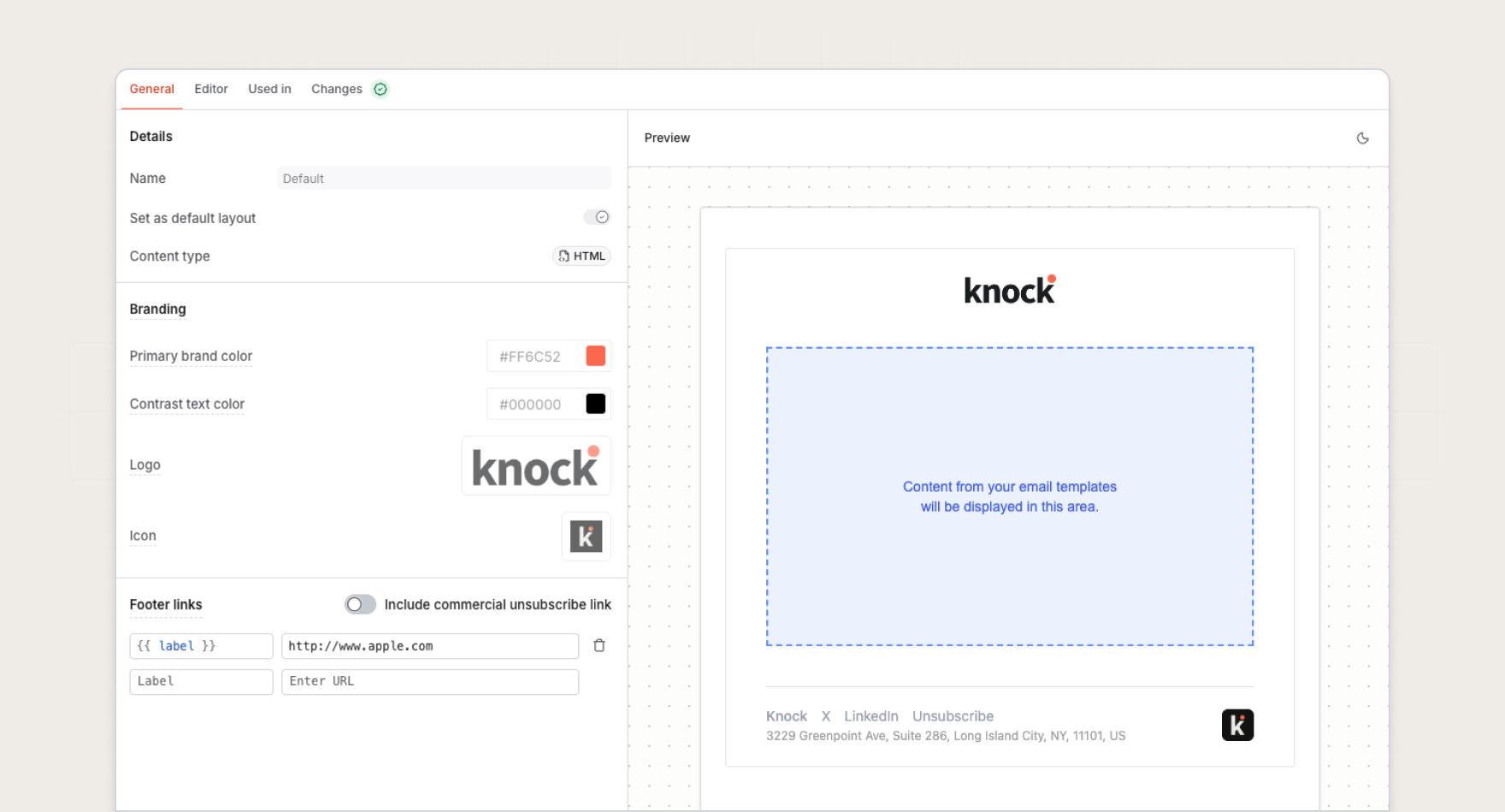
Improved layout management
Layout management now has a consistent, three-pane experience, making layouts, workflows, and templates feel like one cohesive system.
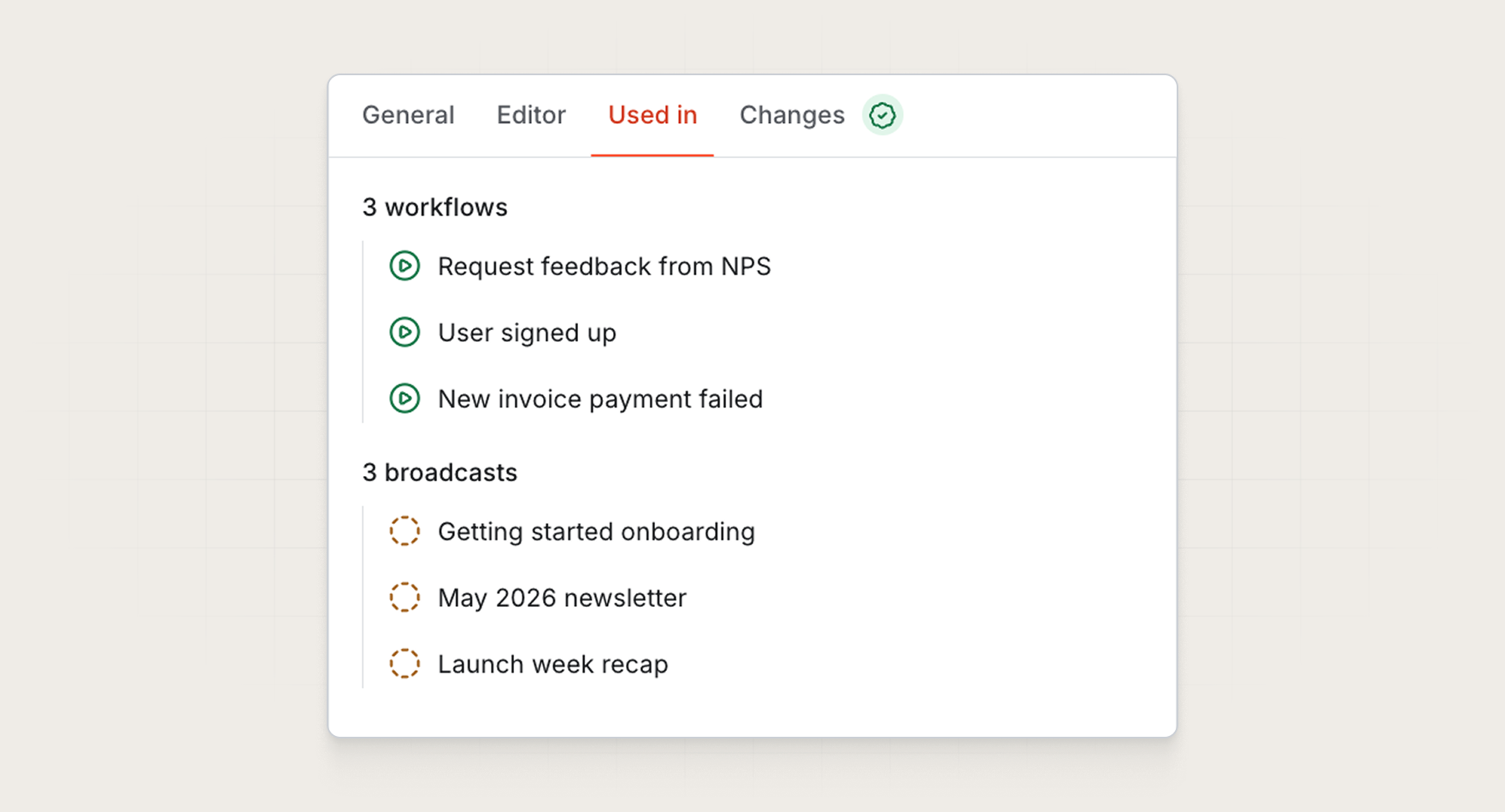
Each layout page now has a "Used in" tab to see which workflows and broadcasts are using it. This makes it much easier to understand the impact of a change before you make it, which is especially useful for layouts used across many templates.
More layout controls while editing
When editing emails, we've made the layout selector more prominent, so assigning or swapping a layout no longer requires digging through settings.
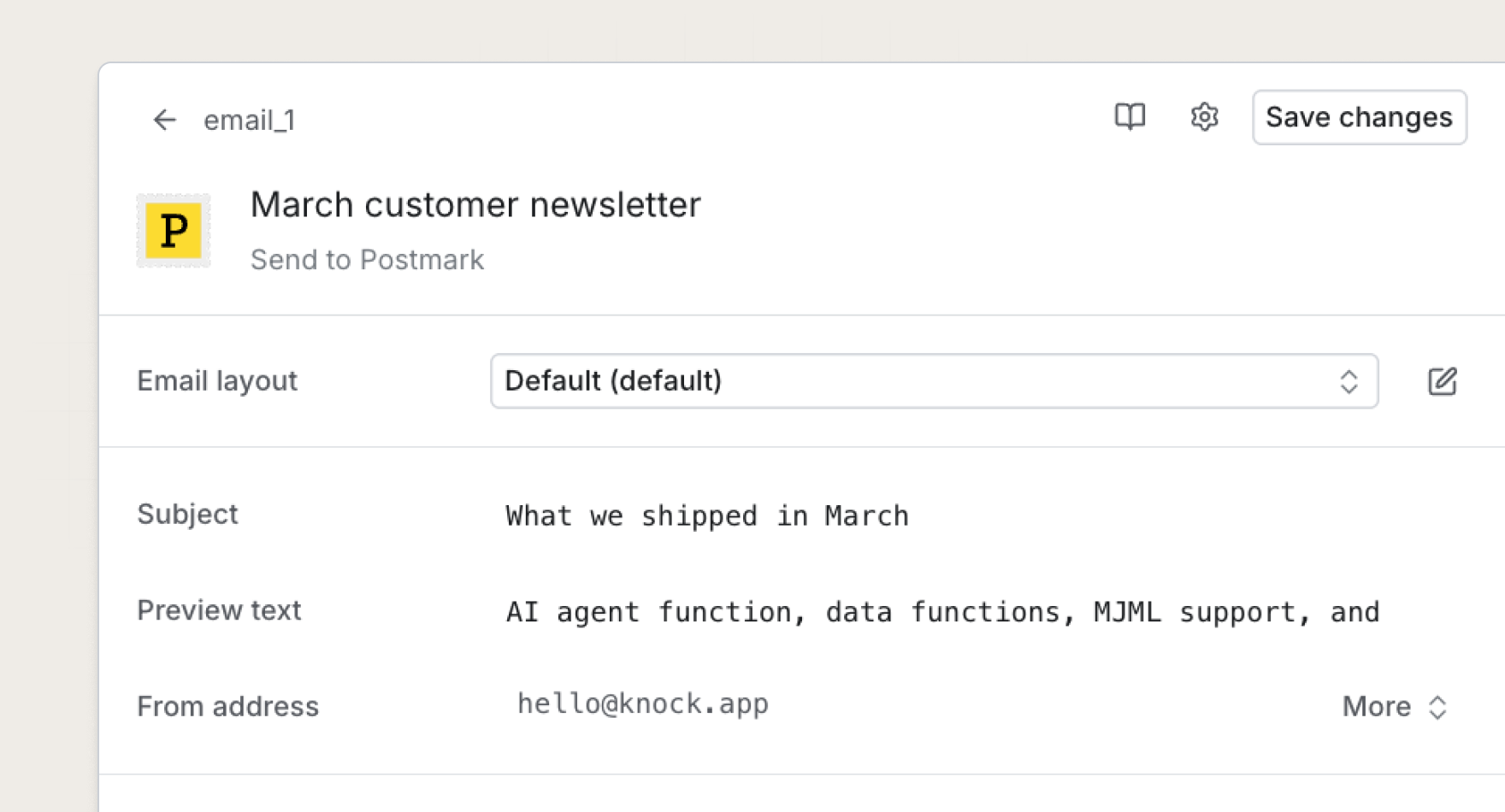
Additionally, you can now apply branding overrides at the layout level, giving teams that manage multiple brands or tenants more flexibility, without duplicating templates.
Dark mode support
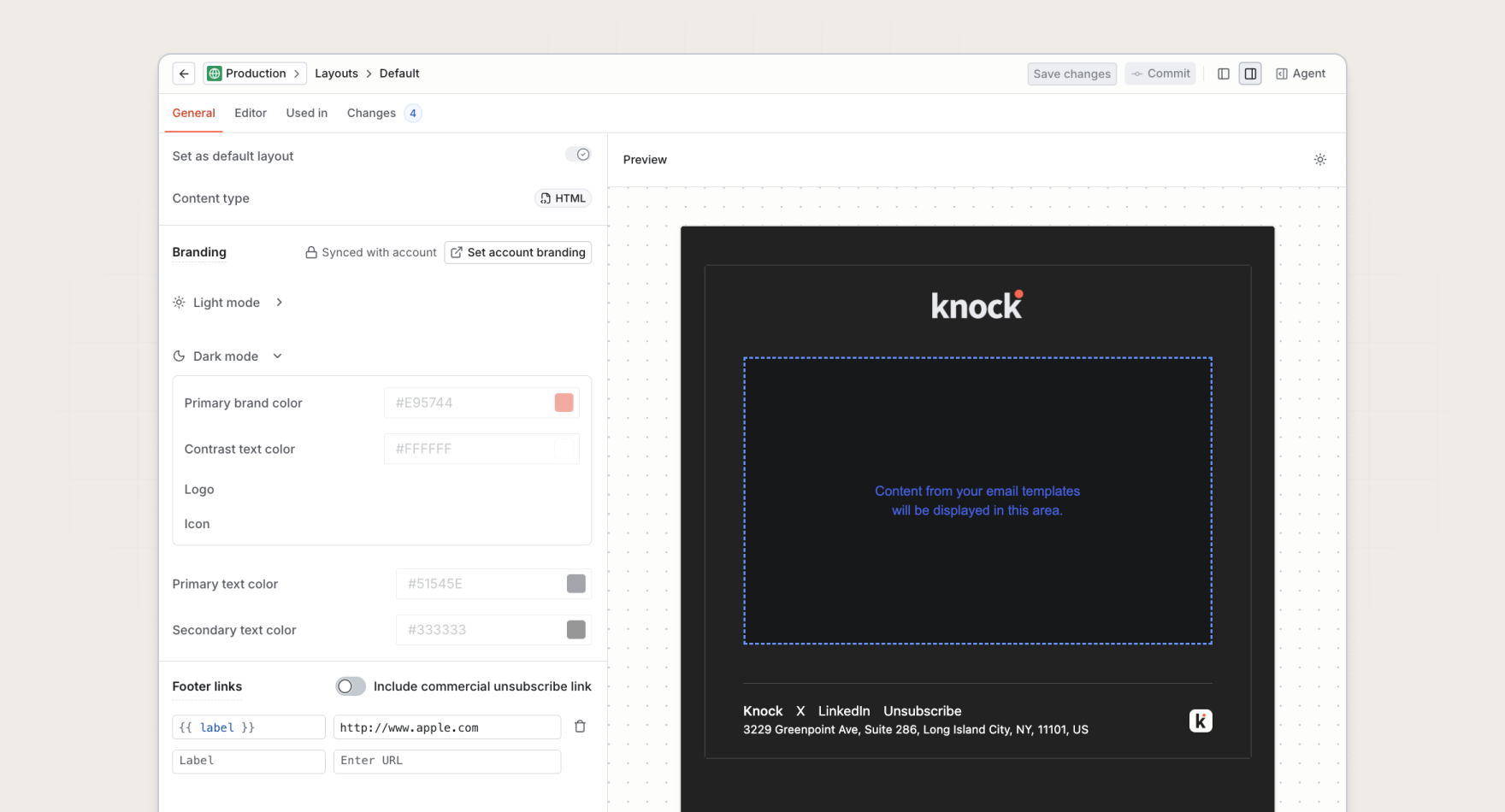
Knock's email layouts now support dark mode out of the box. You can now upload dark mode assets and set dark mode branding variables that we'll automatically be rendered for users that use dark mode in their email client.
Get started
The new layouts experience is available for all customers today. Learn more in our documentation.