Microsoft Teams preview generator
Build a realistic Microsoft Teams chat preview with a bot message, avatars, body text, and optional header and action buttons. Export a PNG for professional mockups of your Teams notifications.
Channel settings
Messages

Choose a file or drop it here
JPEG, PNG, SVG, or GIF up to 2MB. Square image recommended, at least 64px by 64px
Preview
Sales alerts
ChatPhotos
Unify3:07 PM
📣 Someone from Gong (Closed Lost) visited the website
🏢 Company: Gong
🔗 Website: gong.io
👥 Employee count: 1,500
🧑💻 Customer status: Prospect
Record owner: @Dwight Schrute
Open in UnifyLinkedIn
Type a message
How to use this tool
- Set the channel name in channel settings, then click "Add message" to add another Microsoft Teams message. Upload a bot avatar, set bot name and timestamp, and enter body text with an optional header and buttons.
- Messages update in real time within the Microsoft Teams chat mockup.
- Click "Download" to save a PNG screenshot of the preview.
Browse more tools
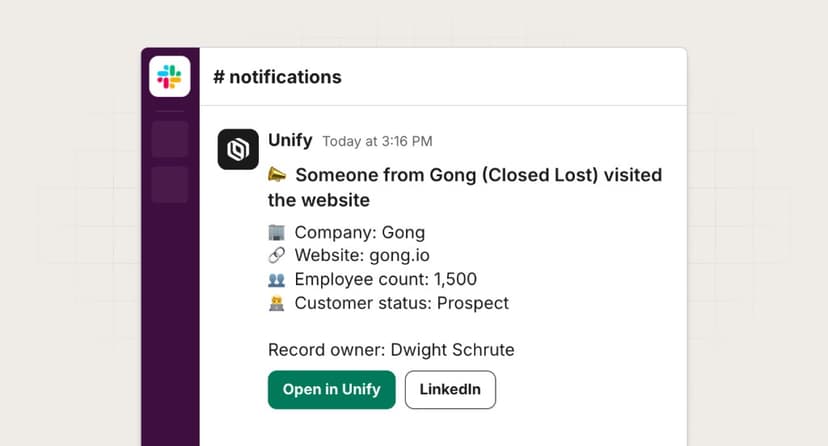
Slack preview generator
Build a realistic Slack channel message preview with avatars, body text, and optional header and action buttons.
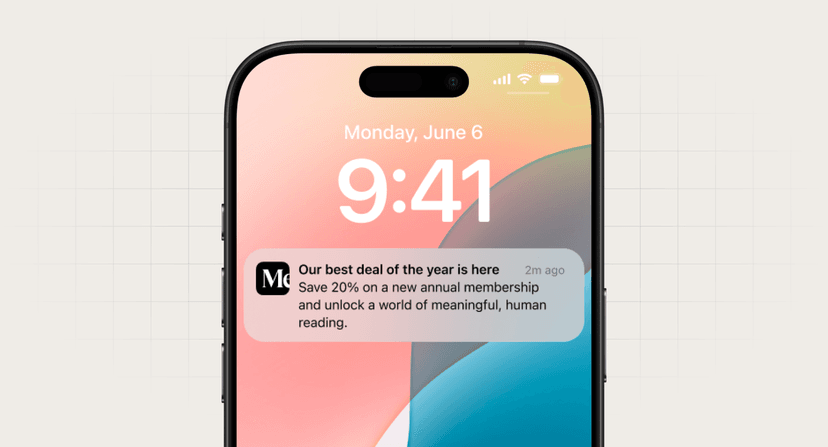
Push notification preview generator
Generate realistic push notification previews for iPhone and Android devices.
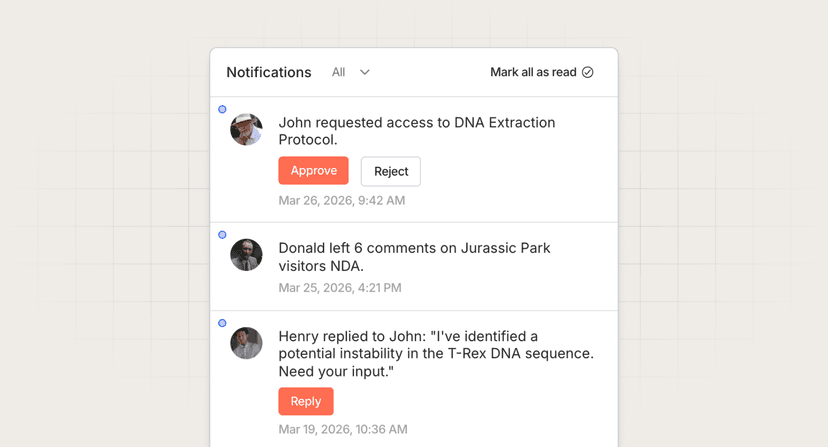
In-app feed preview generator
Build a customizable in-app notification feed preview with avatars, body text, and action buttons.