Push notification preview generator
Generate realistic push notification previews for iPhone and Android devices. Customize icons and message content to create professional mockups for your push notifications.
Device settings
Drop a JPEG, PNG, SVG, or GIF up to 2MB here, or upload one. Recommended size is 256x256 pixels.
Messages
Message 1
33 / 50 characters
84 / 150 characters
Preview
Browse more tools
View all tools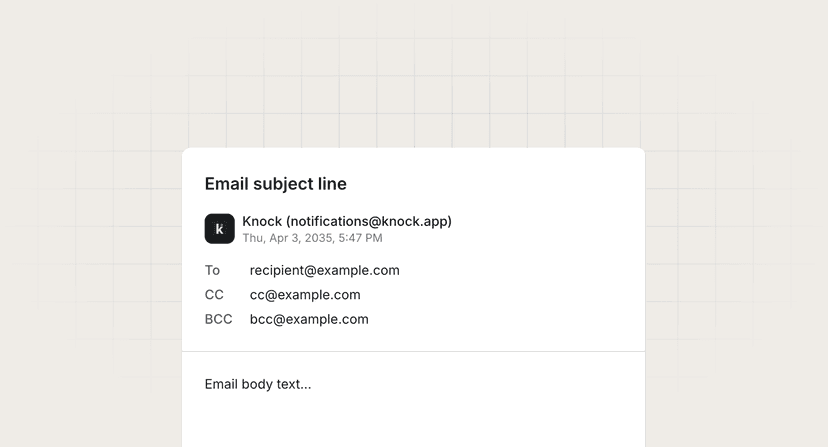
Mailto link generator
Create mailto links with pre-filled recipients, subject lines, and body text.
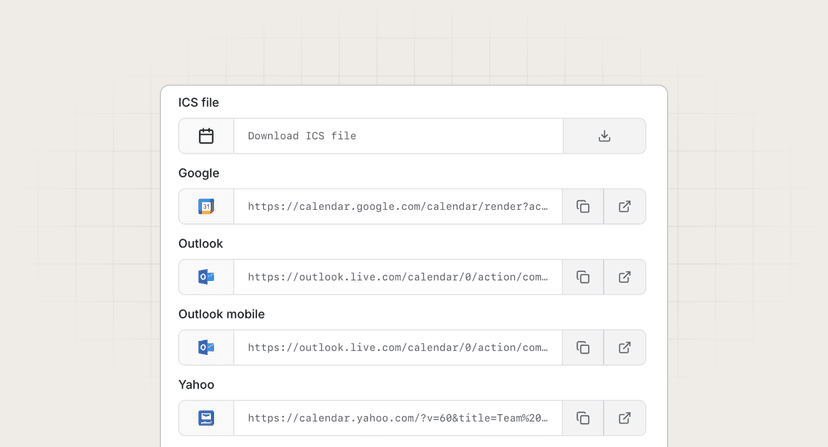
Calendar link generator
Generate calendar event links for Google Calendar, Apple Calendar, Outlook, and more.
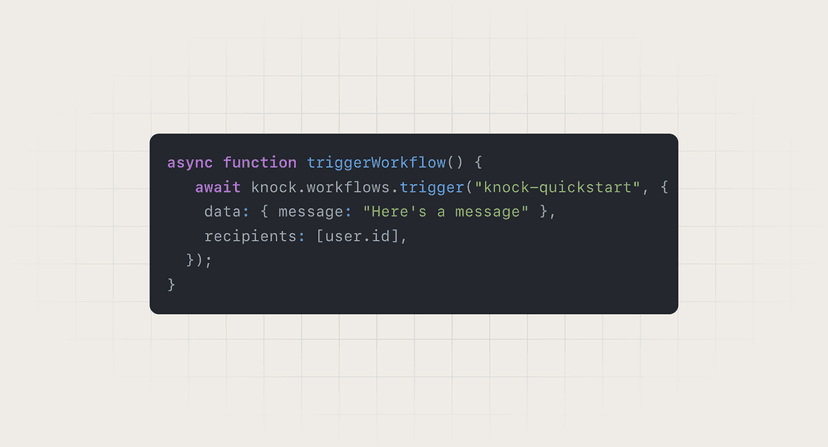
Code snippet generator
Transform your code into beautifully styled, email-compatible HTML snippets with syntax highlighting.