Slack preview generator
Build a realistic Slack channel message preview with avatars, body text, and optional header and action buttons. Export a PNG for professional mockups of your Slack notifications.
Channel settings

Drop a JPEG, PNG, SVG, or GIF up to 2MB here, or upload one. Square image recommended, at least 64px by 64px.
Messages
Message 1

Drop a JPEG, PNG, SVG, or GIF up to 2MB here, or upload one. Square image recommended, at least 64px by 64px.
Preview

Browse more tools
View all tools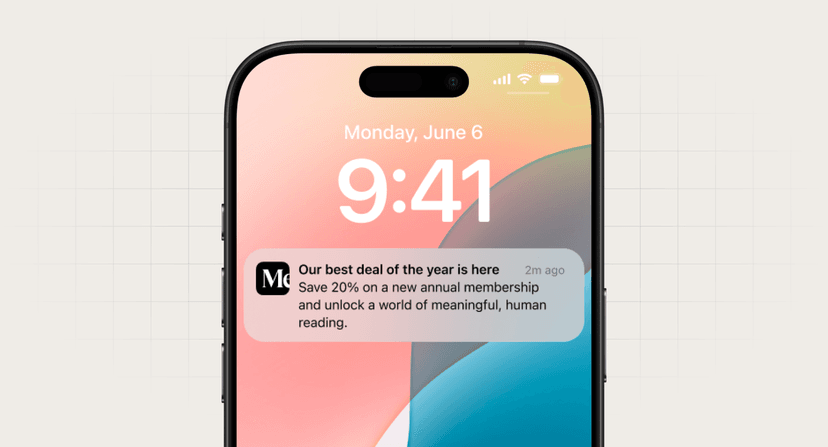
Push notification preview generator
Generate realistic push notification previews for iPhone and Android devices.
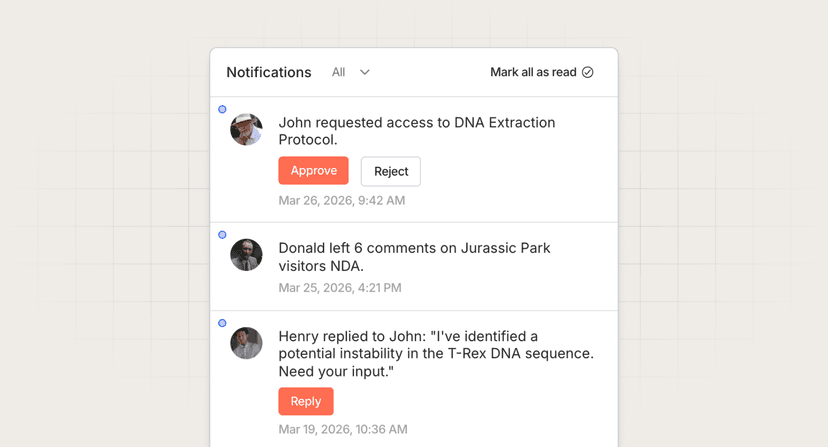
In-app feed preview generator
Build a customizable in-app notification feed preview with avatars, body text, and action buttons.
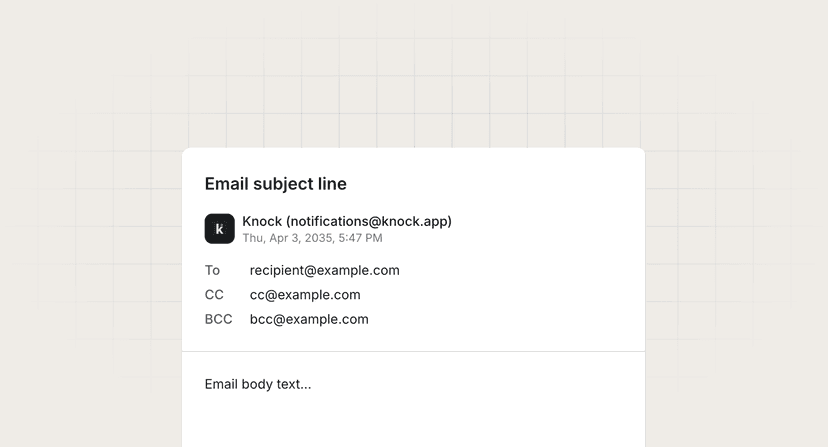
Mailto link generator
Create mailto links with pre-filled recipients, subject lines, and body text.