Tools
  • / BIMI record checker

BIMI record checker

Look up BIMI records to verify brand logo configuration for any domain. Check logo URL, VMC certificate presence, and raw TXT record details to ensure your brand displays in supporting email clients.

What is BIMI?

BIMI (Brand Indicators for Message Identification) enables organizations to display their brand logo next to authenticated emails in supporting inboxes like Gmail and Apple Mail. It builds on top of existing email authentication (SPF, DKIM, and DMARC) to provide a visual trust signal to recipients.

BIMI records are stored as TXT records at the subdomain default._bimi.yourdomain.com. The record contains a URL to your brand logo (SVG format) and optionally a Verified Mark Certificate (VMC).
BIMI prerequisites

RequirementDetails
DMARCPolicy set to p=quarantine or p=reject
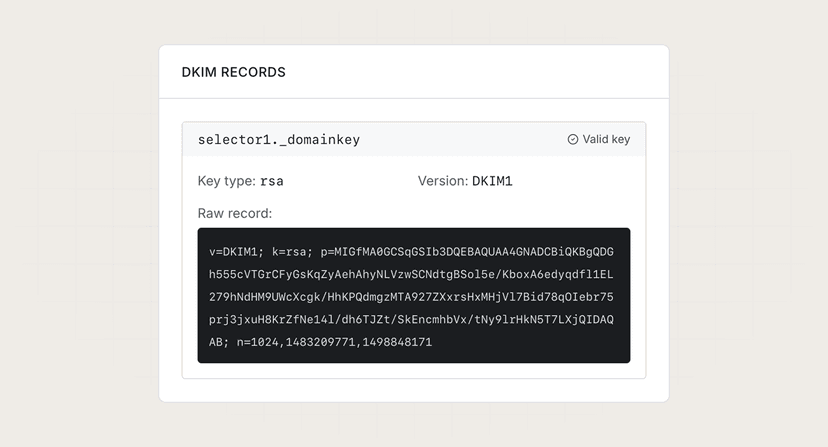
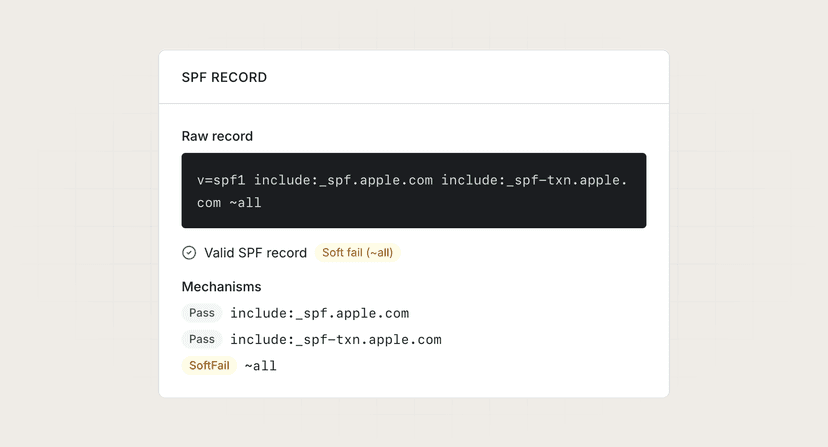
SPF + DKIMPassing authentication for your domain
SVG logoTiny PS or SVG 1.2 format, hosted on HTTPS
VMCOptional but required by some providers (e.g., Gmail)

How to use this tool

  1. Enter a domain name (e.g., "example.com").
  2. Click "Check" to look up the BIMI record.
  3. Review the results to see logo URL, VMC certificate, and the raw TXT record.
BIMI record
BIMI record found

default._bimi.example.com

Record details
VersionBIMI1
Logo URLPresent
https://assets.example.com/logo.svg
VMC certificatePresent
https://assets.example.com/vmc.pem
Raw record
v=BIMI1; l=https://assets.example.com/logo.svg; a=https://assets.example.com/vmc.pem