What this template solves
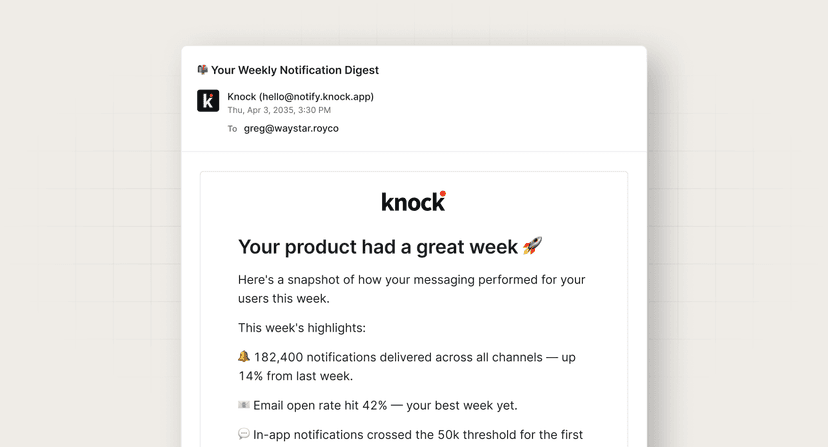
- Prevents surprise overages by warning users before they hit hard limits.
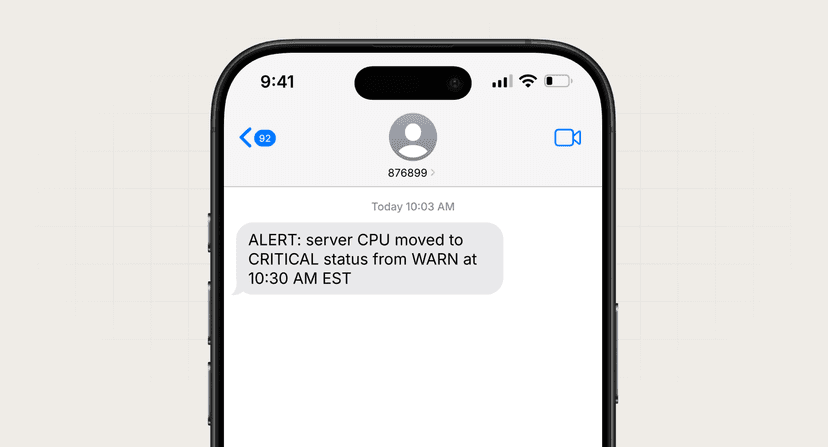
- Routes critical thresholds to high-attention channels like SMS.
- Gives SaaS products a standard pattern for quota and usage monitoring alerts.
- Reduces support tickets from users who didn't know they were approaching a limit.
When to use this template
Use this template when:
- Your product has metered usage (API calls, storage, seats, credits).
- You need different notification strategies for warning vs. critical thresholds.
- Users should be able to choose which channels receive threshold alerts.
- You want to proactively drive upgrades before limits are exceeded.
How it works (step-by-step)
- Trigger. Your system detects a usage metric crossing a configured threshold (e.g., 80% or 100%).
- Evaluate severity. Pass
warningorcriticalin the trigger payload based on the threshold level. - Route by severity. Warning alerts send email only; critical alerts send email and SMS.
- Respect channel preferences. Only send to channels listed in
data.threshold.channels.
Best practices
- Use two tiers. Warning at 80% and critical at 95–100% gives users time to act.
- Include context. Always name the metric, current percentage, and what happens at 100%.
- Link to action. Point users to upgrade, reduce usage, or view their dashboard.
- Throttle repeats. Don't re-fire the same threshold alert on every API call.
Common mistakes to avoid
- Alerting too late. By the time users hit 100%, it's often too late to prevent disruption.
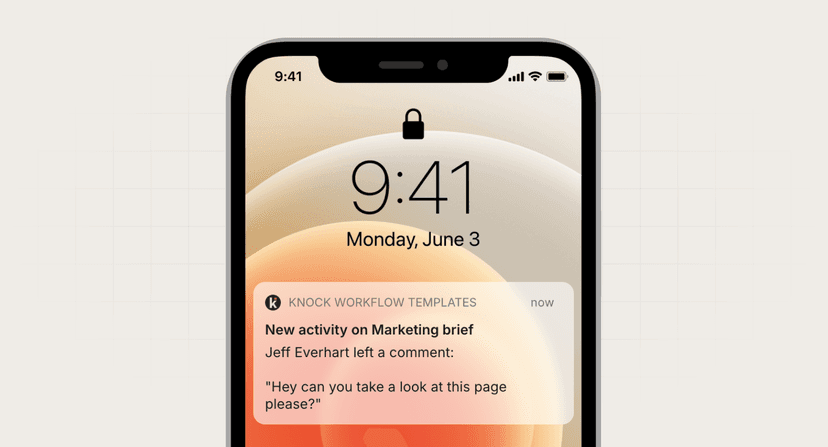
- Same channel for all severities. Critical limits deserve SMS or push, not just email.
- Missing units. "You've used 80%" is less useful than "You've used 8,000 of 10,000 API calls."
FAQ
What metrics should I alert on?
Start with the limits that cause the most pain: API quotas, storage, seat counts, and billing thresholds.
Should I alert on every threshold crossing?
No. Alert once per threshold tier per billing period, then reset when usage drops or the period renews.
How do I handle team accounts?
Notify account admins and optionally individual users who contribute most to usage.