What this template solves
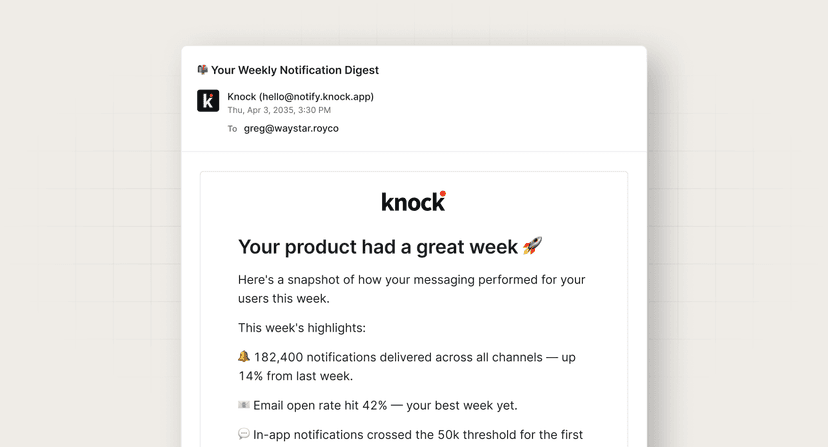
- Prevents alert fatigue by intelligently batching multiple system events instead of bombarding users with individual notifications.
- Gives power users control over their notification experience without engineering involvement.
- Reduces notification noise while ensuring critical alerts still reach users promptly.
- Enables different alert strategies for different user segments based on their engagement level.
When to use this template
Use this template when:
- Your system generates high volumes of alerts that could overwhelm users if sent individually.
- You have power users who need granular control over which alerts they receive and how.
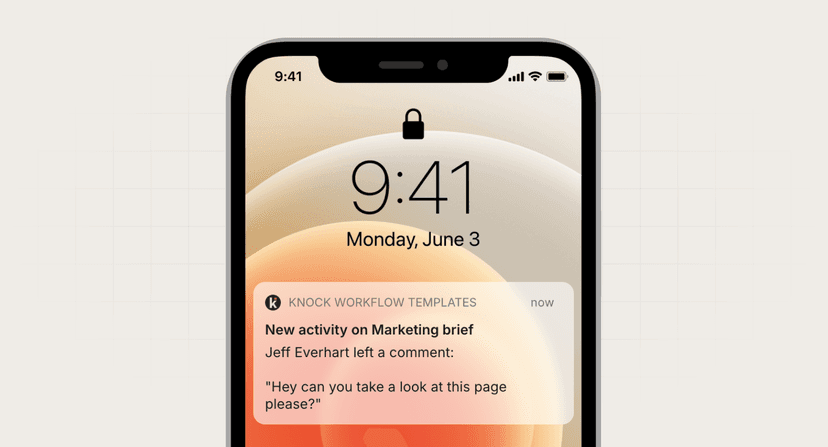
- You want to support multiple channels (email, SMS, Slack) based on alert severity and user preference.
- You need to balance real-time alerting for critical issues with digest-style updates for routine events.
- Your monitoring or analytics platform needs to notify users about threshold breaches or anomalies.
How it works (step-by-step)
- Trigger. System generates an alert event (e.g., API rate limit approaching, error threshold exceeded).
- Check user channel selections. Workflow checks user's alert configuration for this alert type.
- Evaluate batching rules. Based on alert priority and user settings, determine if alert should be sent immediately or batched.
- Channel selection. Route alert to user's preferred channel(s) based on severity and preferences.
- Send or batch. Either send immediately for critical alerts or add to batch for periodic delivery.
Best practices
- Severity-based routing. Send critical alerts immediately while batching informational ones. Use channels appropriately—SMS for critical, email for batched summaries.
- Smart batching windows. Use shorter windows (5-15 min) for important alerts and longer ones (hourly/daily) for informational updates.
- Preference UI matters. Provide an intuitive interface where users can configure alerts by type, channel, and batching behavior without overwhelming them with options.
- Include unsubscribe options. Even power users need an escape hatch. Include one-click options to reduce alert frequency or disable specific alert types.
Common mistakes to avoid
- Over-batching critical alerts. Never batch security alerts, system outages, or time-sensitive warnings. These should always bypass batching rules.
- Ignoring timezone differences. Sending batched alerts at 3 AM local time destroys trust. Schedule batches during business hours for each user's timezone.
- Making configuration too complex. Start with sensible defaults and let users customize from there. Too many options paralyze users and increase support burden.
- Not showing what's being batched. Users need visibility into pending alerts. Provide a way to view queued alerts before the batch sends.
FAQ
What's the ideal batch window for different alert types?
Critical alerts: immediate. Important alerts: 5-30 minutes. Informational alerts: 1-4 hours. Daily summaries: once per day at user's preferred time.
How do I prevent alert storms from overwhelming users?
Implement rate limiting per alert type, automatic escalation to batching during high volume periods, and circuit breakers that summarize alerts when thresholds are exceeded.
Should I let users configure alerts via API or just UI?
Both. UI for most users, API for power users who want to programmatically manage alerts across multiple accounts or integrate with their own systems.
How do I handle alerts for users who never configure preferred channels?
Start with conservative defaults: batch most things, send only critical alerts immediately, use email as primary channel, and gradually educate users about customization options.