What this template solves
- Ensures critical incidents reach on-call engineers through high-attention channels.
- Escalates automatically when initial notifications go unacknowledged.
- Keeps non-critical incidents from waking people up at night.
- Provides a standard on-call notification pattern for DevOps and platform teams.
When to use this template
Use this template when:
- You operate production systems with severity-based incident response.
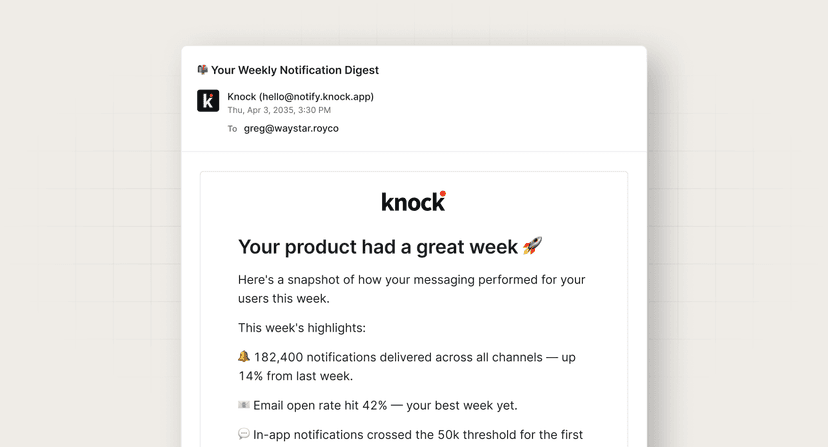
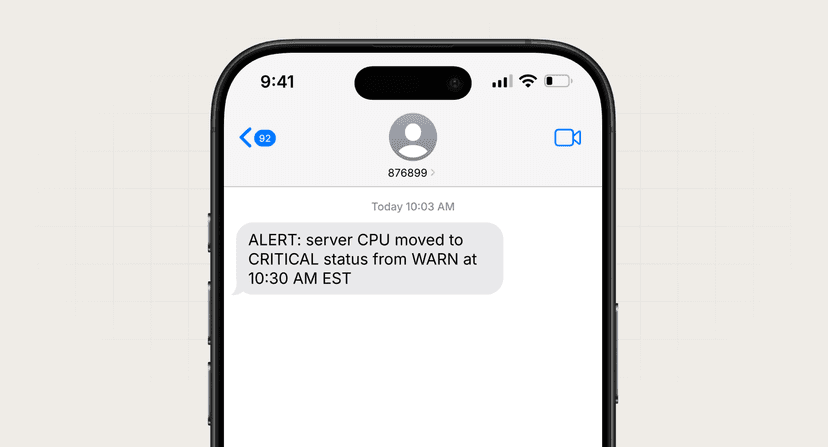
- Critical incidents require push and SMS, while warnings can wait for email.
- You need automatic escalation if nobody acknowledges within a time window.
- Your monitoring stack triggers incidents into Knock via API or webhook.
How it works (step-by-step)
- Trigger. Monitoring system fires an incident with severity, title, description, and URL.
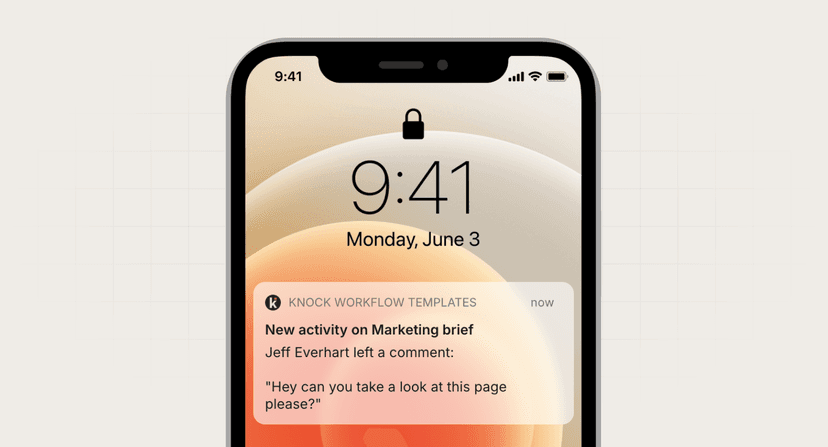
- Route by severity. Critical incidents send push + SMS immediately; warnings send email only.
- Wait for acknowledgment. After 30 minutes, check if the push notification was seen.
- Escalate if unseen. Send an email escalation to ensure the incident isn't missed.
Best practices
- Define severity clearly. Document what qualifies as critical vs. warning to avoid alert storms.
- Include runbook links. Every incident notification should link to troubleshooting steps.
- Respect on-call schedules. Integrate with paging tools or schedule-aware routing in your app.
- Allow acknowledgment. Let users ack from push or in-app to stop escalation.
Common mistakes to avoid
- Escalating everything. Reserve push + SMS for incidents that truly need immediate response.
- No acknowledgment path. Escalation without a way to stop it creates notification loops.
- Vague titles. "Error detected" is useless; "Payment API error rate > 5%" is actionable.
FAQ
How long should the escalation delay be?
15–30 minutes is typical for critical production incidents. Adjust based on your SLA requirements.
Should I send SMS for every critical incident?
Only if SMS is reserved for true emergencies. Overusing SMS trains people to ignore it.
What if the on-call person is in a meeting?
Escalation email serves as a fallback. For full coverage, integrate with a dedicated paging service.