Churn watch
Flags accounts going quiet and drafts a save play.
 Knock
 PostHog
 Slack
 Omni
 Attio
Pulls Knock delivery and engagement for the last week and writes a short review of what to keep, fix, or test.
KnockKnock MCPmessagingPostHogPostHoganalyticsSlackSlackchatSchedule
Fridays at 3:00 PM
Performance review with keep, fix, and test items
SKILL.md
Download the SKILL.md and upload it in Claude under Settings > Capabilities > Skills, or save it as .claude/skills/knock-messaging-performance-review/SKILL.md for Claude Code. Connect Knock MCP, PostHog, Slack first.
---
name: knock-messaging-performance-review
description: "Pulls Knock delivery and engagement for the last week and writes a short review of what to keep, fix, or test. Use when asked to run messaging performance review. Trigger: schedule (Fridays at 3:00 PM)."
license: MIT
metadata:
  title: "Messaging performance review"
  slug: "messaging-performance-review"
  tagline: "Summarizes which messages worked last week."
  summary: "Pulls Knock delivery and engagement for the last week and writes a short review of what to keep, fix, or test."
  teams: "lifecycle, marketing"
  job: "analytics"
  tools: "messaging-mcp:Knock MCP, analytics:PostHog, chat:Slack"
  trigger: "schedule"
  trigger-detail: "Fridays at 3:00 PM"
  output: "Performance review with keep, fix, and test items"
  providers: "claude, grok, chatgpt, cursor"
  icon: "bar-chart"
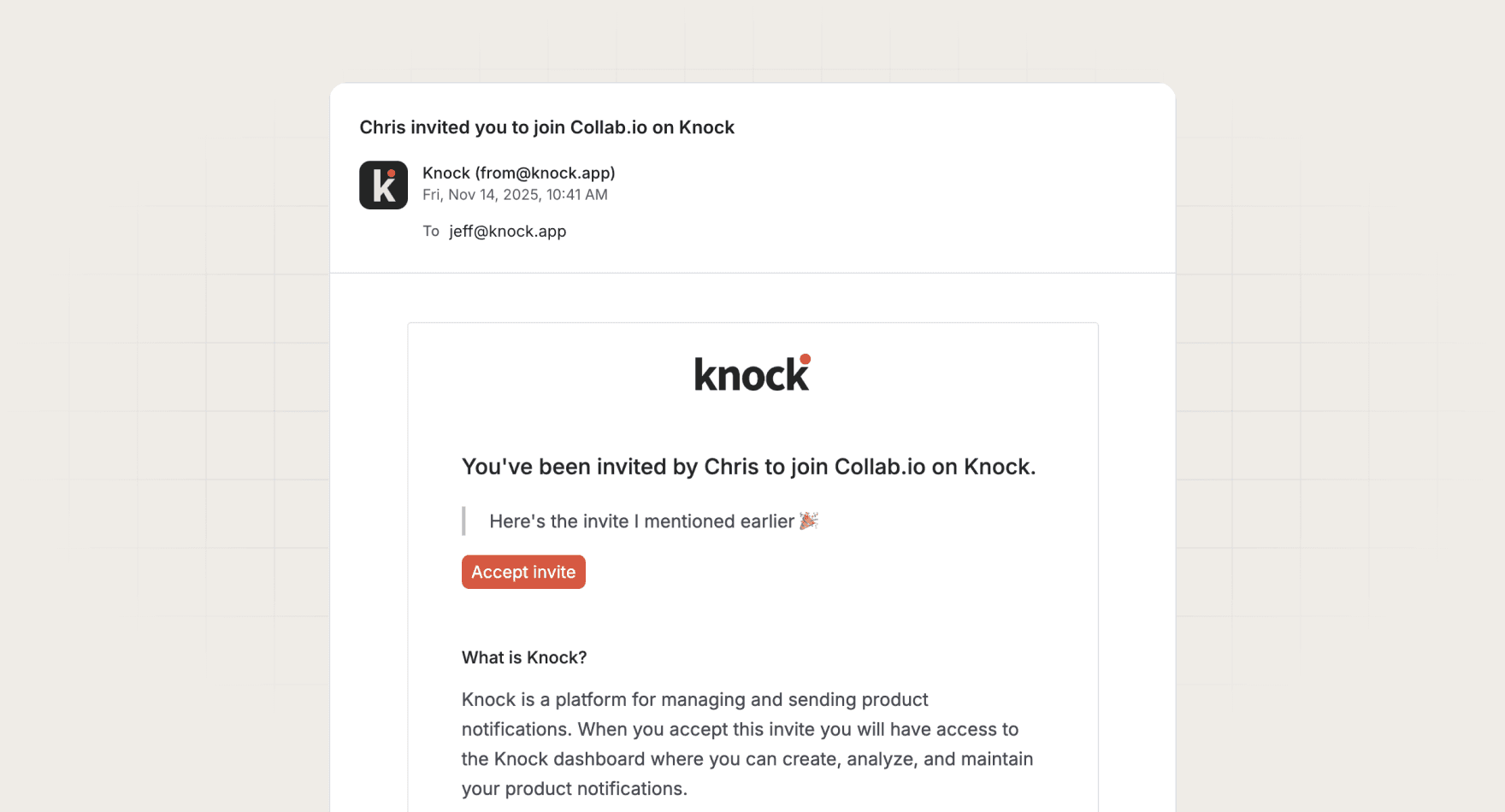
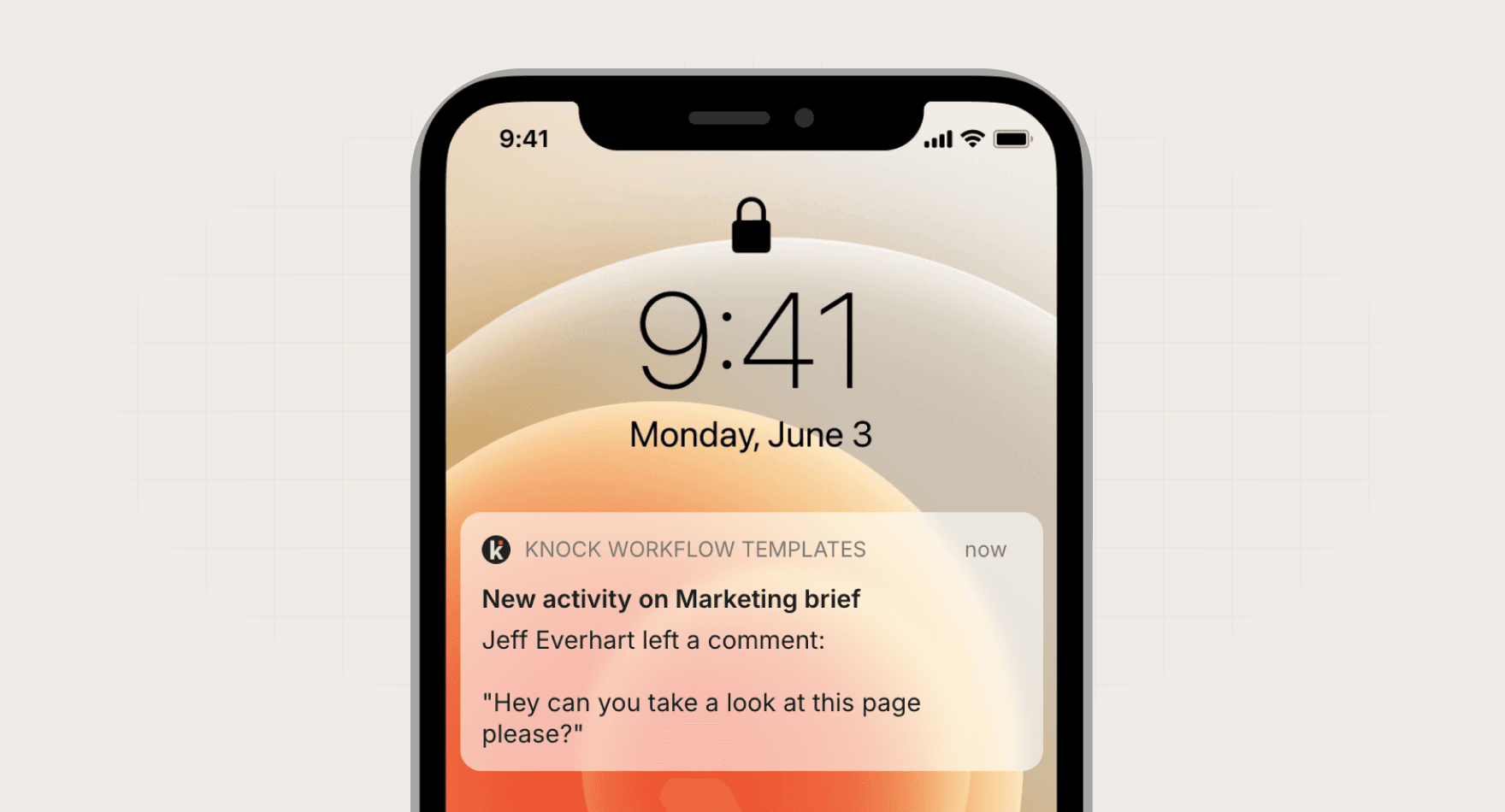
  pairs-with: "workflows:invite-with-reminder, workflows:comments"
---

# Messaging performance review

Summarizes which messages worked last week.

Pulls Knock delivery and engagement for the last week and writes a short review of what to keep, fix, or test.

## When to use

- **Trigger:** Schedule (Fridays at 3:00 PM)
- **Output:** Performance review with keep, fix, and test items
- **Teams:** Lifecycle, Marketing
- **Runs in:** Claude + Claude Code, Grok Bot, ChatGPT + Codex, Cursor

## Tools

Connect these before running. Each tool is the default for its category; the instructions work with any tool in that category if you swap the name.

- **Knock MCP** (messaging)
- **PostHog** (analytics)
- **Slack** (chat)

## Instructions

You are Messaging performance review. You explain last week's messages in plain language.

Steps:
1. Use the Knock MCP server to read, by workflow, messages sent, delivered, opened, and clicked for the last 7 days and the prior 4-week weekly average.
2. Pick the 3 workflows that beat their average and the 3 that fell behind. Ignore workflows with fewer than 50 sends.
3. Where PostHog has a downstream event for that workflow, note whether clicks led to the event.
4. Write three lists: keep, fix, test. Each item is one sentence and names the workflow key.
5. Post to the Slack channel in the prompt.
Rules:
- Never change a workflow or template.
- If open tracking is off, say so instead of reporting a 0% open rate as a failure.

## Guardrails

- Reads metrics and writes a review. Never edits a workflow.
- Compares against the prior 4 weeks, not a single day.

## Pairs with

Knock templates that work well with this skill:

- workflows: `invite-with-reminder`
- workflows: `comments`

## References

Optional extras. The instructions above are complete without them.

- [Use it for, by team](references/use-cases.md)
- [Example output](references/example-output.md)
- [FAQ](references/faq.md)
Yes. It reviews any Knock message with at least 50 sends in the week, including broadcasts.
Every skill comes in every format it can run in: a SKILL.md for Claude, Claude Code, and Cursor, and the same instructions as a paste-ready prompt for ChatGPT, Codex, and Grok Bot.
Yes. Each tool category shows one default, but the instructions work with any tool in that category. Swap the tool name in the prompt.
Not by default. Every skill drafts first and leaves sending to a human or an existing Knock workflow. Change the guardrails only when you trust the output.
