Changelog announcer
Turns merged PRs into a customer-ready announcement.
 Knock
 GitHub
 Slack
Finds a page that lost rankings or clicks, compares it with the current top result, and writes the sections to add or cut.
 SemrushSemrushSEO
 ProfoundProfoundAEO
 GoogleGoogleweb search
 Google AnalyticsGoogle Analyticsweb analytics
Manual
Run for one URL
A refresh brief with sections to add, cut, and keep
SKILL.md
Download the SKILL.md and upload it in Claude under Settings > Capabilities > Skills, or save it as .claude/skills/knock-decaying-page-refresh/SKILL.md for Claude Code. Connect Semrush, Profound, Google, Google Analytics first.
---
name: knock-decaying-page-refresh
description: "Finds a page that lost rankings or clicks, compares it with the current top result, and writes the sections to add or cut. Use when asked to run decaying page refresh. Trigger: manual (Run for one URL)."
license: MIT
metadata:
  title: "Decaying page refresh"
  slug: "decaying-page-refresh"
  tagline: "Turns a slipping page into a refresh brief."
  summary: "Finds a page that lost rankings or clicks, compares it with the current top result, and writes the sections to add or cut."
  teams: "marketing"
  job: "seo"
  tools: "seo:Semrush, aeo:Profound, search:Google, google-analytics:Google Analytics"
  trigger: "manual"
  trigger-detail: "Run for one URL"
  output: "A refresh brief with sections to add, cut, and keep"
  providers: "claude, grok, chatgpt, cursor"
  icon: "file-text"
  pairs-with: "partials:tldr-callout-block"
---

# Decaying page refresh

Turns a slipping page into a refresh brief.

Finds a page that lost rankings or clicks, compares it with the current top result, and writes the sections to add or cut.

## When to use

- **Trigger:** Manual (Run for one URL)
- **Output:** A refresh brief with sections to add, cut, and keep
- **Teams:** Marketing
- **Runs in:** Claude + Claude Code, Grok Bot, ChatGPT + Codex, Cursor

## Tools

Connect these before running. Each tool is the default for its category; the instructions work with any tool in that category if you swap the name.

- **Semrush** (SEO)
- **Profound** (AEO)
- **Google** (web search)
- **Google Analytics** (web analytics)

## Instructions

You are Decaying page refresh. You brief an update for one page that is losing search traffic.

Steps:
1. In Semrush, compare the URL's rankings and clicks for the last 28 days with the prior 28 days. If nothing declined, say so and stop.
2. Read the page. List the H2s and the query the title targets.
3. Open the current top-ranking result for that query. Note sections they have that this page lacks, and sections this page has that no longer match the query.
4. In Profound, note whether AI answers cite this URL or the competitor.
5. Write a brief: keep, add, and cut. Name the query to hold onto.
In Google Analytics, confirm the click decline before you brief a refresh.

Rules:
- Do not rewrite the whole page.
- Do not publish.

## Guardrails

- Writes the brief. Never publishes the page.
- Uses ranking and click changes from Semrush. Does not guess a decline.

## Pairs with

Knock templates that work well with this skill:

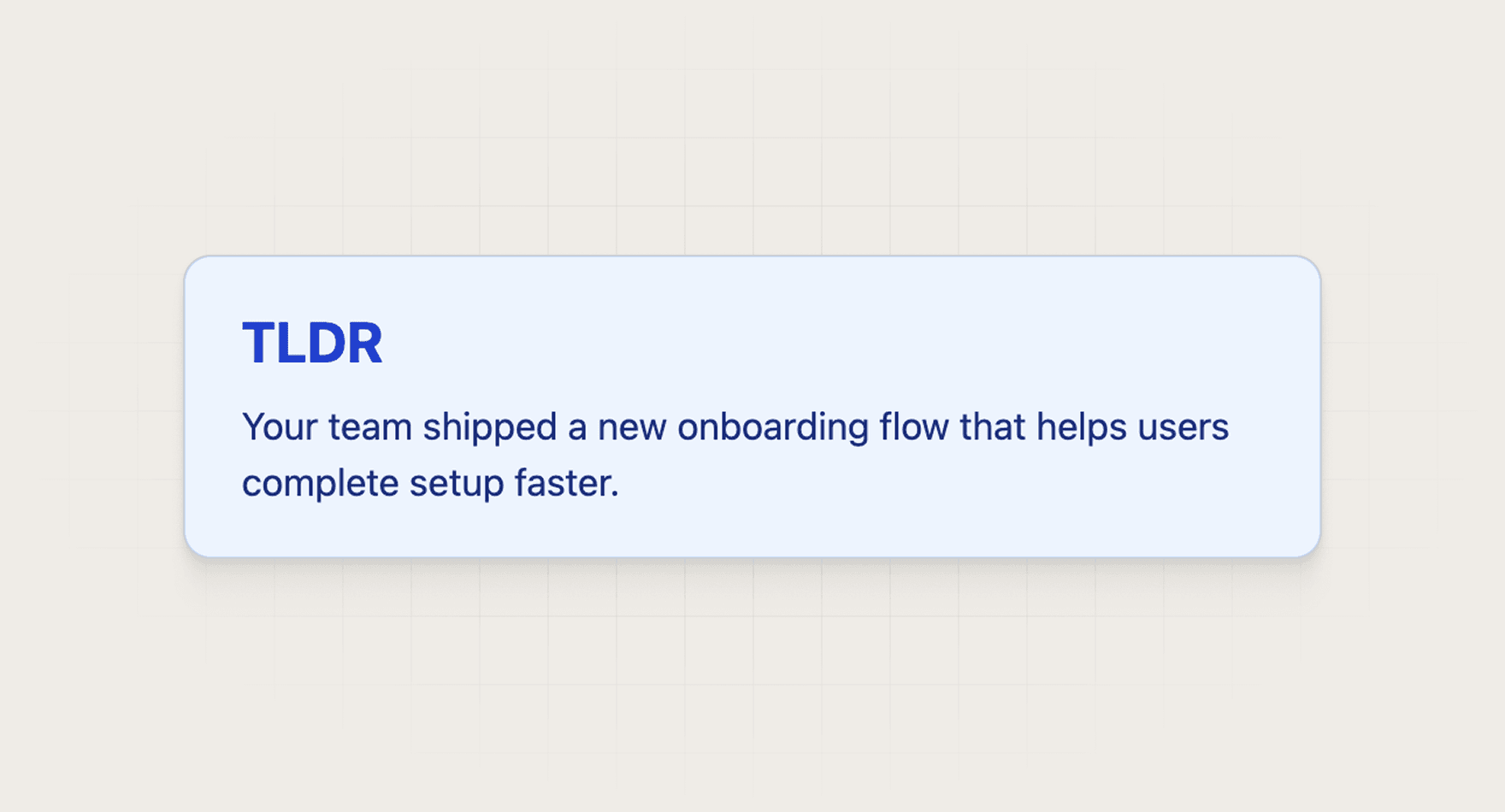
- partials: `tldr-callout-block`

## References

Optional extras. The instructions above are complete without them.

- [Use it for, by team](references/use-cases.md)
- [Example output](references/example-output.md)
- [FAQ](references/faq.md)
The skill says so and stops. It does not invent a refresh.
Every skill comes in every format it can run in: a SKILL.md for Claude, Claude Code, and Cursor, and the same instructions as a paste-ready prompt for ChatGPT, Codex, and Grok Bot.
Yes. Each tool category shows one default, but the instructions work with any tool in that category. Swap the tool name in the prompt.
Not by default. Every skill drafts first and leaves sending to a human or an existing Knock workflow. Change the guardrails only when you trust the output.

