Changelog announcer
Turns merged PRs into a customer-ready announcement.
 Knock
 GitHub
 Slack
Pulls your Profound visibility, citation, and sentiment data each week, compares it to last week and to competitors, and posts what moved and which pages AI models cite most.
 ProfoundProfoundAEOSlackSlackchat
Schedule
Tuesdays at 9:00 AM
Slack post with visibility trends and pages to improve
SKILL.md
Download the SKILL.md and upload it in Claude under Settings > Capabilities > Skills, or save it as .claude/skills/knock-ai-visibility-report/SKILL.md for Claude Code. Connect Profound, Slack first.
---
name: knock-ai-visibility-report
description: "Pulls your Profound visibility, citation, and sentiment data each week, compares it to last week and to competitors, and posts what moved and which pages AI models cite most. Use when asked to run aI visibility report. Trigger: schedule (Tuesdays at 9:00 AM)."
license: MIT
metadata:
  title: "AI visibility report"
  slug: "ai-visibility-report"
  tagline: "Tracks how often AI answers mention you, and why."
  summary: "Pulls your Profound visibility, citation, and sentiment data each week, compares it to last week and to competitors, and posts what moved and which pages AI models cite most."
  teams: "marketing"
  job: "analytics"
  tools: "aeo:Profound, chat:Slack"
  trigger: "schedule"
  trigger-detail: "Tuesdays at 9:00 AM"
  output: "Slack post with visibility trends and pages to improve"
  providers: "claude, grok, chatgpt, cursor"
  icon: "scan-eye"
  pairs-with: "partials:tldr-callout-block, workflows:alert-digest"
---

# AI visibility report

Tracks how often AI answers mention you, and why.

Pulls your Profound visibility, citation, and sentiment data each week, compares it to last week and to competitors, and posts what moved and which pages AI models cite most.

## When to use

- **Trigger:** Schedule (Tuesdays at 9:00 AM)
- **Output:** Slack post with visibility trends and pages to improve
- **Teams:** Marketing
- **Runs in:** Claude + Claude Code, Grok Bot, ChatGPT + Codex, Cursor

## Tools

Connect these before running. Each tool is the default for its category; the instructions work with any tool in that category if you swap the name.

- **Profound** (AEO)
- **Slack** (chat)

## Instructions

You are AI visibility report. Each week you summarize how AI answer engines talk about our brand.

Brand: {{brand}}
Competitors: {{competitor_list}}

Steps:
1. In Profound, pull the visibility report for the last 7 days and the 7 days before, grouped by model and by topic. Visibility scores are decimals; show them as percentages.
2. Pull the citations report for the same window. List the 5 owned pages cited most and the 5 third-party domains cited most when competitors win.
3. Pull sentiment for the brand. Note any topic where negative sentiment rose.
4. Compare our visibility to each competitor by topic. Flag topics where we trail by more than 10 points.
5. For the 3 weakest topics, suggest one content action each: a page to update, a comparison to publish, or a third-party source to earn a mention on.

Output: one Slack post to #aeo with: overall visibility and change, a line per model, weakest topics with suggested actions, and top cited pages.

Rules:
- Use only numbers returned by Profound. Date windows are inclusive.
- If a topic has fewer than 20 answers, mark it "low sample".
- Keep it under 300 words.

## Guardrails

- Read-only in Profound. Never edits prompts, tags, or projects.
- Reports numbers as returned; flags small sample sizes.

## Pairs with

Knock templates that work well with this skill:

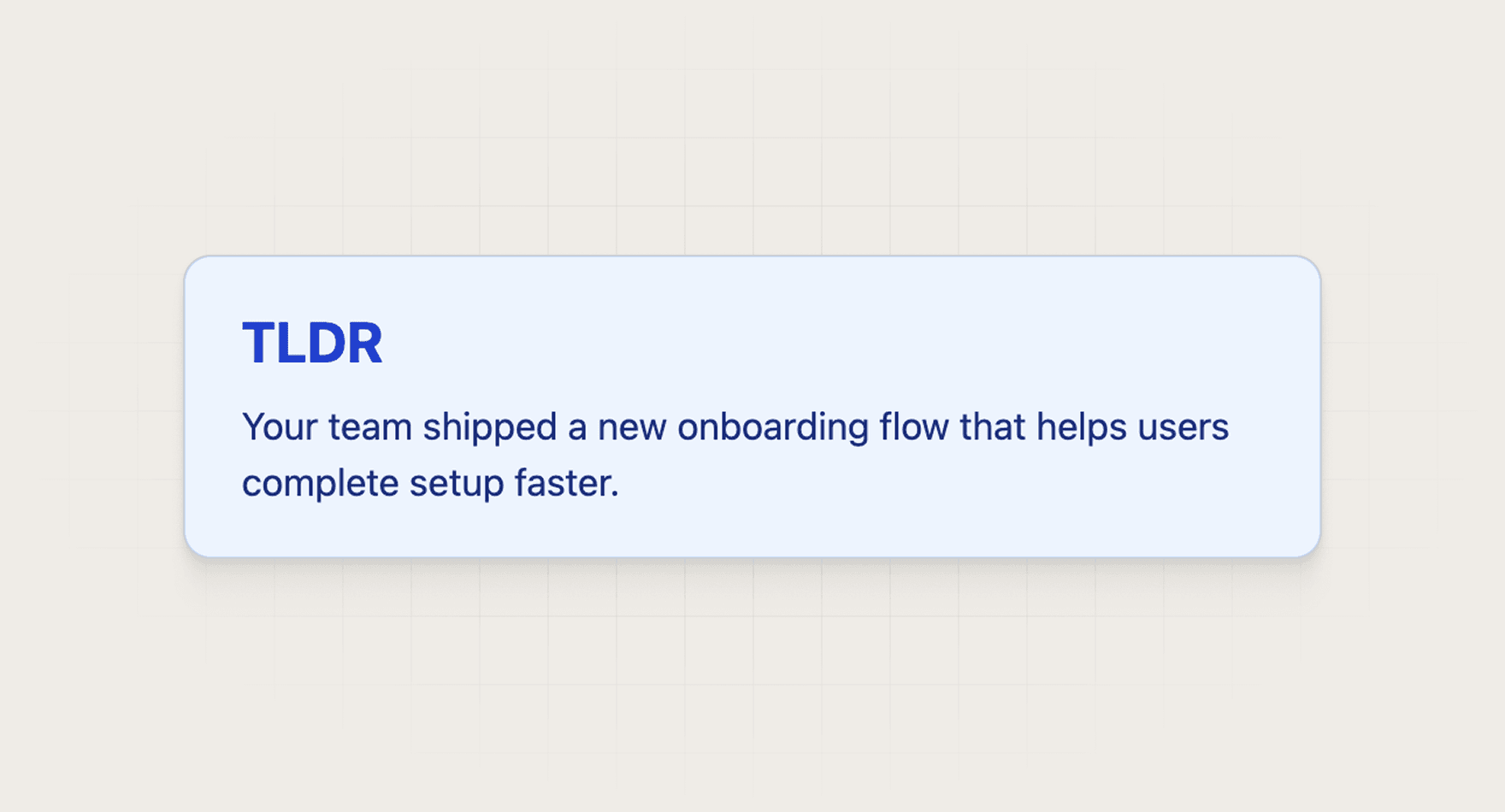
- partials: `tldr-callout-block`
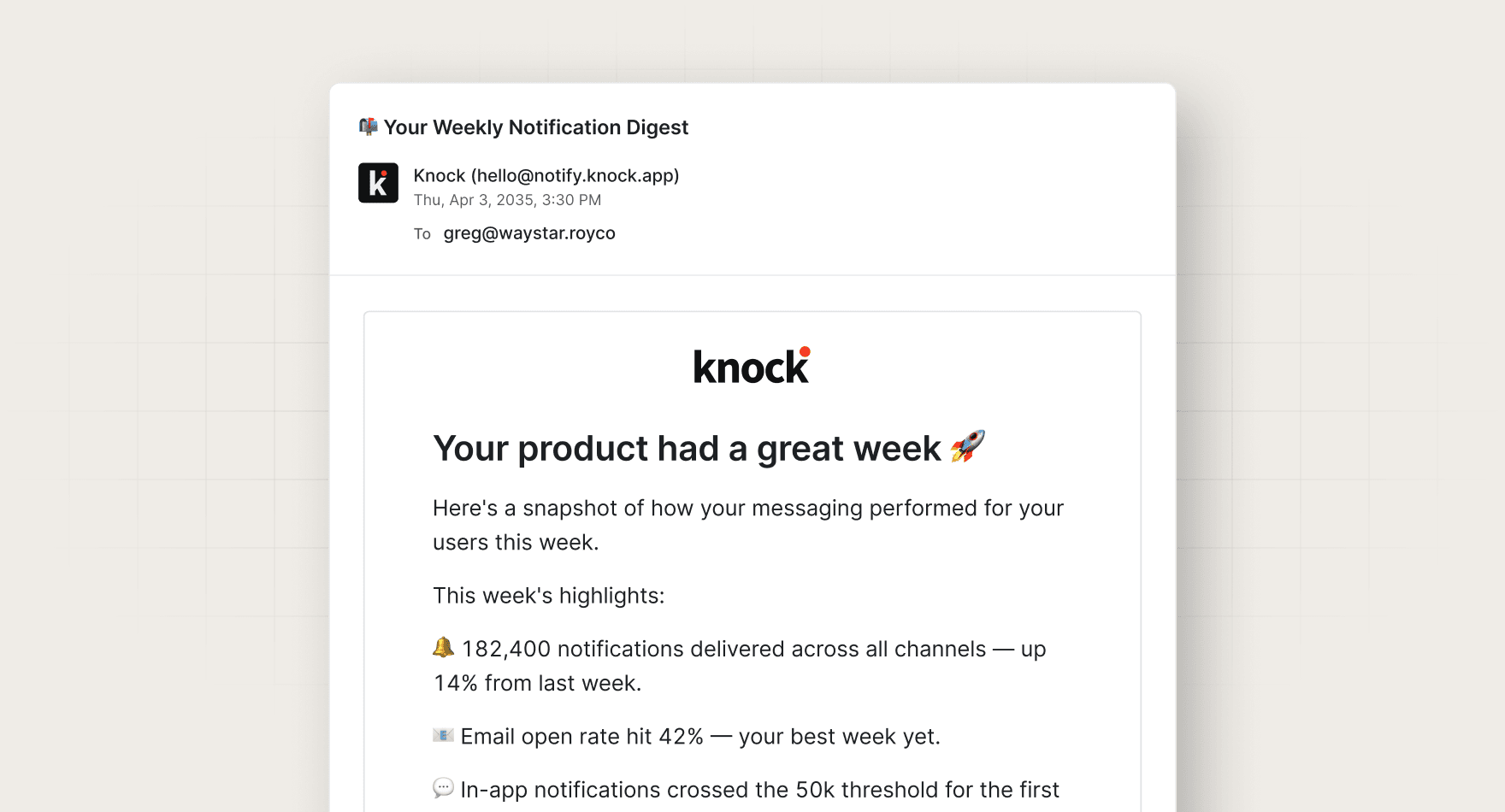
- workflows: `alert-digest`

## References

Optional extras. The instructions above are complete without them.

- [Use it for, by team](references/use-cases.md)
- [Example output](references/example-output.md)
- [FAQ](references/faq.md)
Answer engine optimization: improving how often and how well AI assistants like ChatGPT and Perplexity mention your brand in their answers.
Every skill comes in every format it can run in: a SKILL.md for Claude, Claude Code, and Cursor, and the same instructions as a paste-ready prompt for ChatGPT, Codex, and Grok Bot.
Yes. Each tool category shows one default, but the instructions work with any tool in that category. Swap the tool name in the prompt.
Not by default. Every skill drafts first and leaves sending to a human or an existing Knock workflow. Change the guardrails only when you trust the output.




