Knock vs. UserPilot
In-app messaging that feels like your product
Create responsive modals, banners, and nudges that match your product UI and branding. Target users at the right moment to drive engagement and conversion.




Top reasons teams choose Knock over UserPilot
Learn why companies reach for Knock when looking for UserPilot alternatives.
Always on brand
Match your product's typography, colors, spacing, and animations exactly, so every in-app message feels like an extension of your product.
Native, snappy performance
Build any in-app messaging experience you can imagine, rendered with your own components for fast, responsive performance.
Agentic customer engagement
Knock is built for agents to do the work. Build guides and the journeys around them with a prompt, and manage messaging from Claude, Slack, or the terminal.
Preferences that apply everywhere
Users set channel and category preferences once. Knock applies them to guides, broadcasts, and workflows, so an opt-out on one channel is honored on the others.
Advanced sending controls
Apply batching, digests, throttling, and idempotency so product messages and notifications stay timely. No custom logic needed.
One system for all messaging
Coordinate in-app messaging alongside email, SMS, push, and chat. Smart controls help you reach the right users at the right time, avoiding message fatigue.
On-brand, native in-app messaging
Ship paywalls, dialogs, and nudges powered by your components. Enable non-engineers to edit copy and targeting in Knock.
Introducing: faster uploads
You’ve never seen file uploads like this.
Introducing: Collab.io 4.0
A whole new way to collaborate with your team.
Bigger, bolder assets
Upgrade to upload and store assets over 250+ megabytes
Introducing Collab AI

Build and collaborate - faster than ever - with a helpful set of AI tools.
Publish your site
Learn how to publish your work to your clients
Publish to web
Create a website from your Collab pages
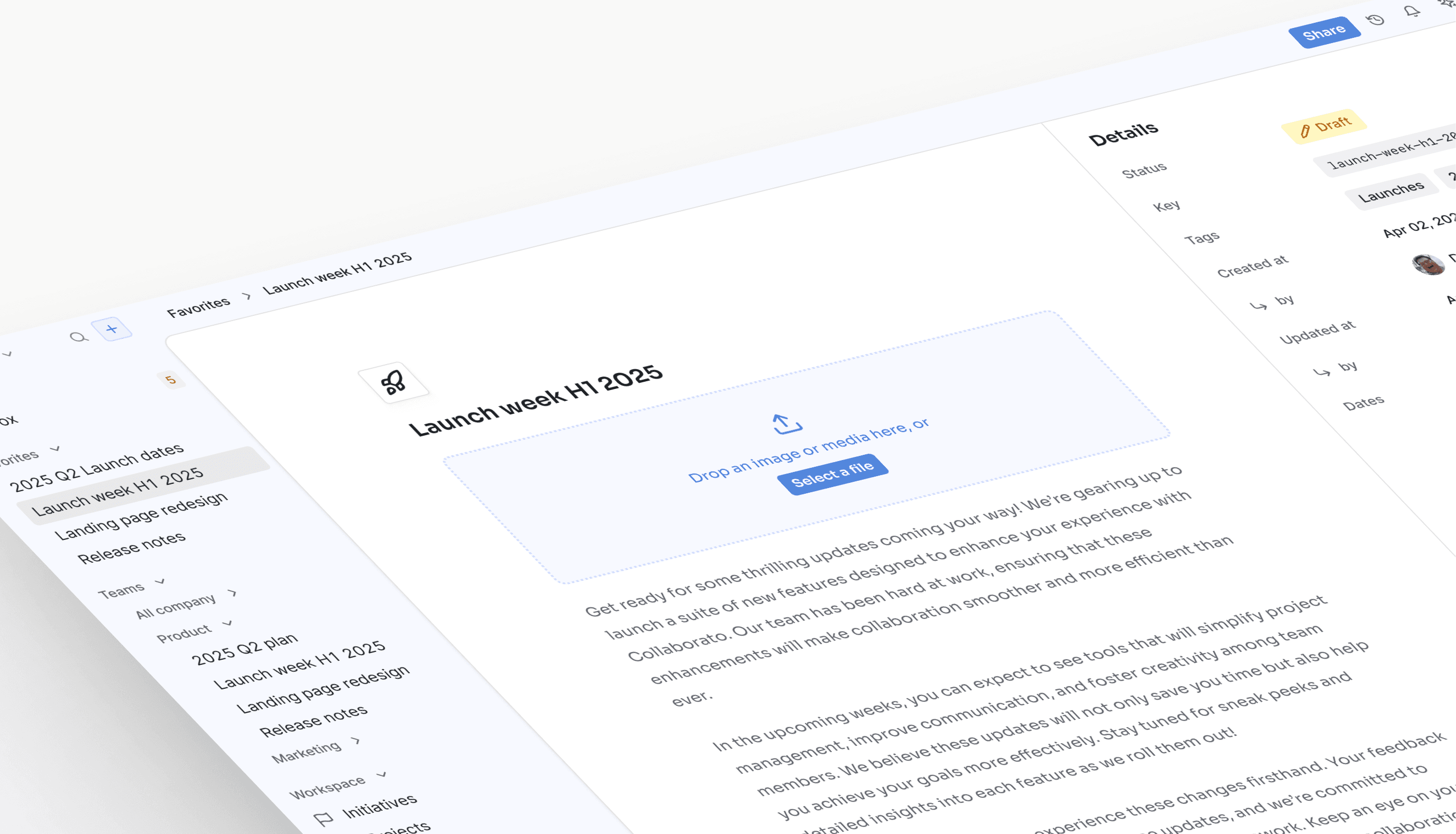
Launch week H1 2025
We’re excited to share a series of updates to Collaborato, all focused on streamlining collaboration for you and your team!
A preview of what’s to come...
Ship coordinated, cross-channel messaging
Coordinate in-app and out-of-app flows that reach the right users at the right moments. Send dynamic, on-brand messages across email, in-app, push, SMS, and chat.
The First project banner guide being edited, at Collab.io: the title, Create your first project, then the body, Start from a template and invite your team, are typed into empty fields, and the banner preview in the Collab.io app trades its placeholders for them. Its Create a project button opens /projects/new, it targets the New signups audience, and it shows on pages whose URL contains /projects.

Ship banners, modals, and tooltips with your own components.
banner / modal / card / tooltip
Knock vs. UserPilot feature comparison
| Feature | Knock | UserPilot |
|---|---|---|
| Lifecycle and marketing | ||
| One-time and recurring broadcasts to audiences | Yes (broadcasts, sent from the dashboard) | In-app announcements |
| Dynamic audiences built from user properties and events | Yes, reusable across workflows, broadcasts, and guides | Yes, for in-app targeting |
| Multi-step lifecycle journeys (onboarding, activation, win-back) | Yes (workflows with branching, delays, and AI agent steps) | In-app flows and checklists |
| Workflow and broadcast analytics | Yes | Product usage analytics |
| Goals with conversion attribution | Yes | Goal tracking |
| In-app messages, banners, and nudges in your own components | Yes (guides) | Pre-built flows, banners, and tooltips |
| Drag-and-drop email editor for non-technical users | Yes | No |
| Self-serve copy and targeting edits without a deploy | Yes | Yes |
| One system for every message | ||
| Product, lifecycle, and transactional messaging in one platform | Yes | Focused on in-app product adoption |
| Email, SMS, push, in-app, Slack, Microsoft Teams, and WhatsApp | Yes, native | In-app |
| Bring your own providers (25+, such as Amazon SES and Twilio) | Yes | No |
| Batching, digests, throttling, and idempotency | Yes, built in | No |
| Cross-channel user preference center | Yes | In-app targeting and dismissal |
| Multi-tenancy | Yes | No |
| Reliability and control | ||
| Delivery logs with downstream provider responses | Yes | In-app engagement events |
| Git-style versioning and multiple environments | Yes | No |
| CLI, Management API, and MCP server | Yes | REST API |
| 99.99% uptime | Yes | Contact UserPilot for SLA details |
Frequently asked questions
Knock is developer-first messaging infrastructure that provides APIs and SDKs for engineering teams to build custom notification systems. UserPilot is a digital adoption platform designed for product teams to create in-app guides and onboarding experiences without code.
Knock supports product, growth, and engineering-owned messaging driven by events, while UserPilot focuses on product adoption and user onboarding through no-code builders.
While UserPilot can display in-app messages, it's primarily built for product adoption and onboarding use cases. Developers often find UserPilot's no-code approach limiting for complex notification logic, whereas Knock provides granular, programmatic control through APIs and event-driven workflows designed specifically for transactional product and customer messaging use cases.
Yes, Knock provides native in-app messaging components through Guides that enable engineering teams to build custom dialogs, paywalls, and nudges using their own React components. Unlike UserPilot's pre-built templates, Knock gives you full control over the design and behavior of your in-app experiences.
In addition, features like Workflows and Broadcasts allow engineering, product, and growth teams to work collaboratively in Knock to send relevant lifecycle messaging and one-off promotional messages, just like UserPilot.
UserPilot offers product adoption analytics and user behavior tracking for onboarding flows. Knock also provides detailed engagement analytics across channels, plus end-to-end observability for delivery tracking, message debugging, and API logs that give you complete visibility into your messaging infrastructure.
Knock starts with a one-time technical integration. In return, your team gets more control and flexibility, with features like infrastructure as code, version control, and programmatic management.
Yes, many companies use both platforms. It's common to see engineering teams using Knock to handle transactional messaging (alerts, updates, collaboration messages) while product teams use UserPilot to manage onboarding flows and product adoption experiences.
Knock typically offers more cost-effective pricing for teams building holistic messaging systems. While UserPilot requires annual contracts, Knock provides transparent usage-based pricing starting at $0 for the first 10,000 notifications, making it accessible for startups and growing companies, with volume discounts for larger enterprise organizations.
Both platforms offer enterprise compliance features. Knock provides SOC 2 Type 2 certification and supports GDPR/CCPA requirements. UserPilot offers similar compliance but typically requires enterprise contracts.
Knock is designed for rapid implementation by developers, with most teams shipping notifications within hours using pre-built components. UserPilot typically requires weeks of configuration, content creation, and team training.
Most engineering teams migrate from UserPilot to Knock within 2-4 weeks, depending on notification complexity. Knock's developer-first approach and responsive support team help accelerate the process.