Today we're shipping a pre-built Clay data source for Knock. Connect an HTTP API enrichment column from any Clay table to Knock to have it sync enrichment data, create users, and trigger messaging workflows.
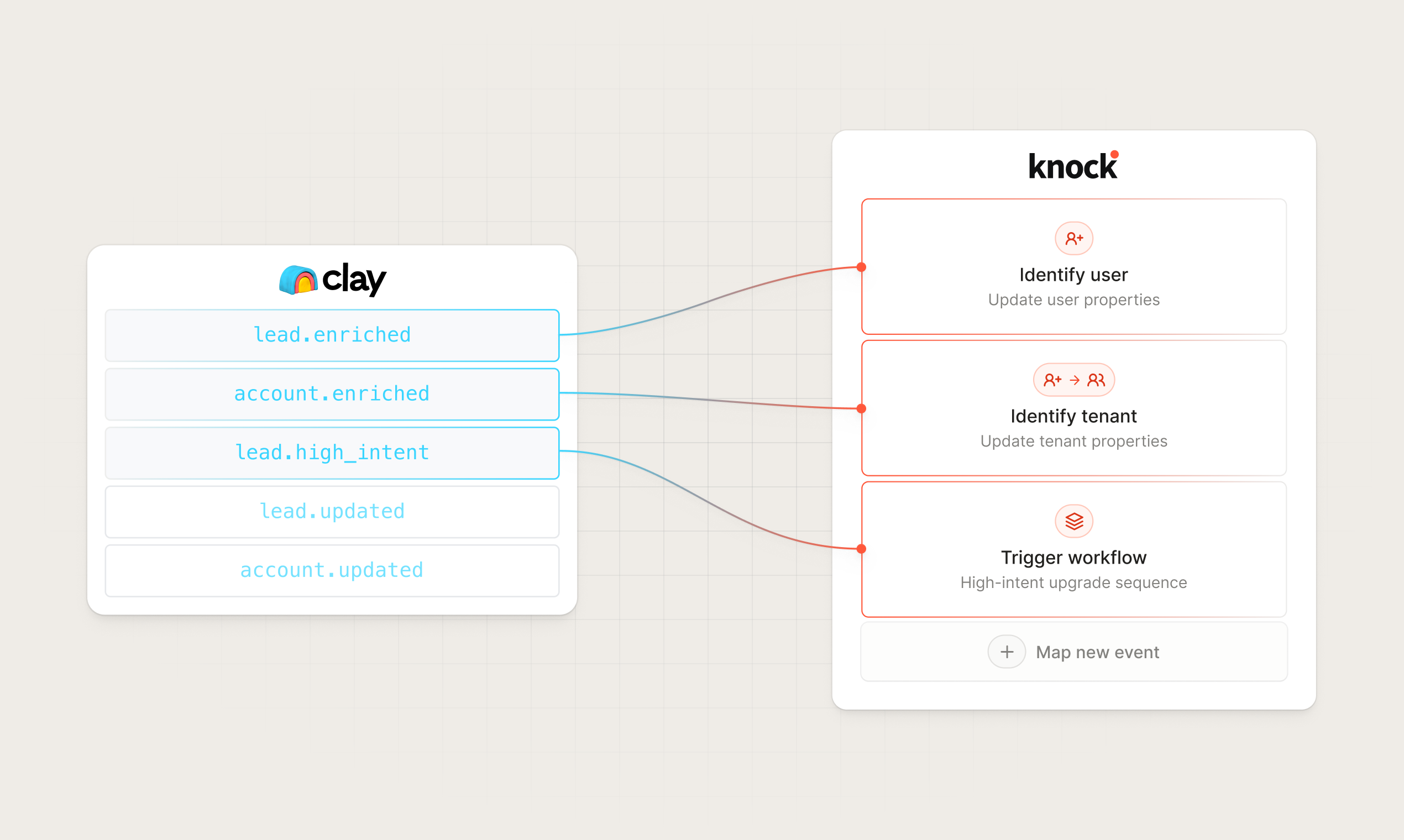
Why Clay + Knock
Clay tables run enrichment and research workflows that produce the contact and account data sales and marketing teams act on: job titles, company domains, ICP scores, and more. These are the moments great go-to-market teams share with their reps.
The Clay data source enables you to:
- Sync enriched contacts to Knock as rows finish processing. Sync contact data from Clay into Knock the moment an HTTP API enrichment completes, so downstream messaging has full context on each recipient.
- Send personalized, cross-channel messaging. Use enriched Clay data in Knock to personalize email, SMS, push, and in-app messages, then coordinate delivery across channels based on each contact’s attributes, intent, and lifecycle stage.
- Trigger internal sales and marketing alerts. Alert your team in Slack or email when a high-fit contact or account lands, a lead crosses an intent threshold, or any other event you define in your Clay table.
- Skip the integration work. Knock verifies every incoming payload, routes events by name, and stores the full row as properties, so you can focus on the messages you want to send instead of plumbing.
Pre-configured events
The Clay source ships with a default action mapping for the event sales teams reach for first:
lead.enriched— identify the user in Knock, keyed offbody.email.
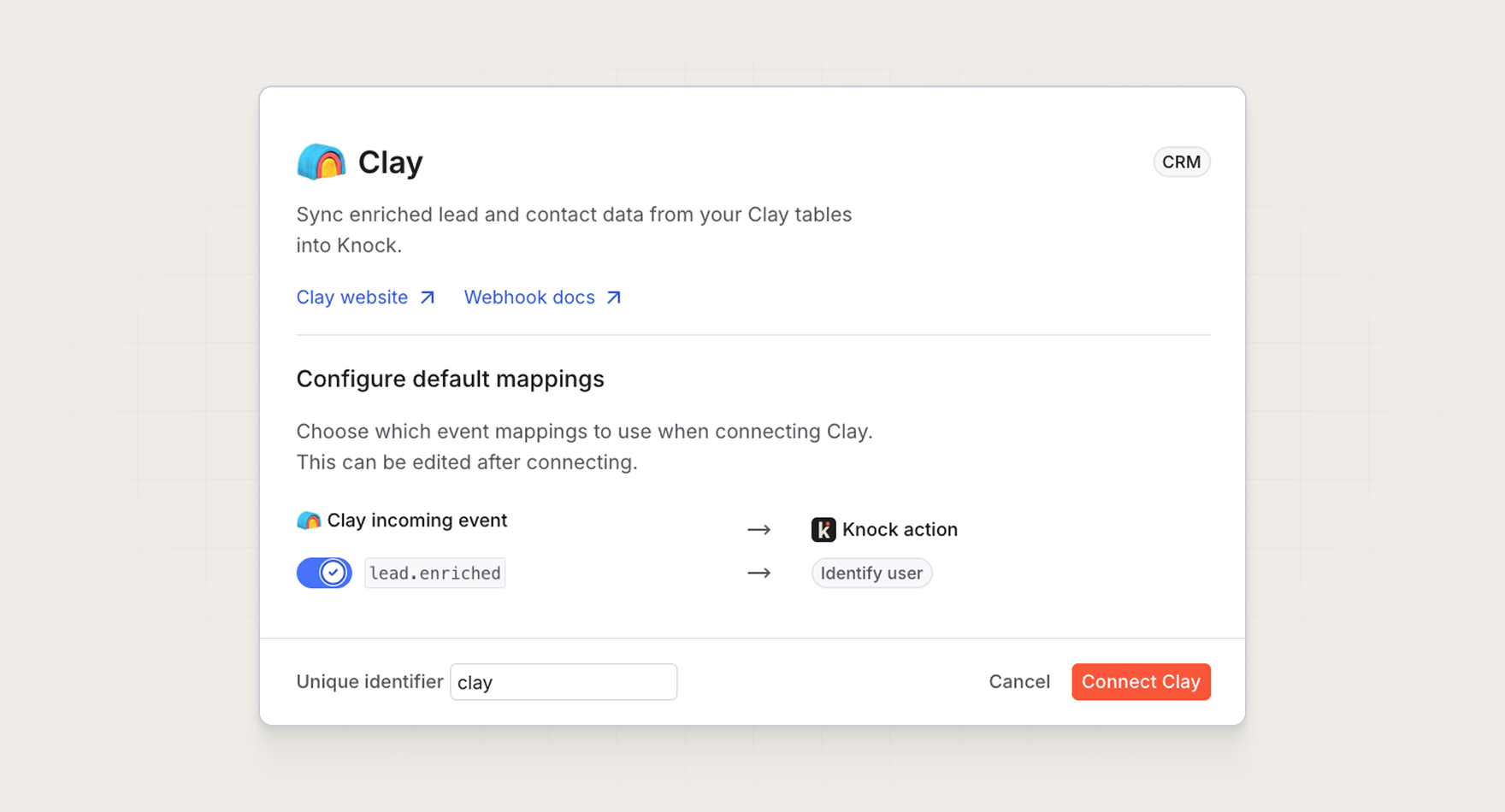
Your HTTP API enrichment column can send any event name in body.event, so you can extend the defaults with mappings for the rest of your enrichment workflow:
account.enriched— identify an account as a Knock object.lead.high_intent— trigger anew-high-intent-leadworkflow.contact.updated— re-identify a user when Clay re-runs enrichment on an existing contact.
See the pre-configured events section of our docs for the full list and recommended actions.
Get started
The Clay data source is available today for all Knock customers. Head to "Platform > Sources" in the dashboard to connect your Clay table, or read more in our documentation.