Today we're launching schema management. Schema management gives you control over the different schemas that Knock stores, so you can shape how your user, tenant, and object data appears everywhere your team works in Knock.
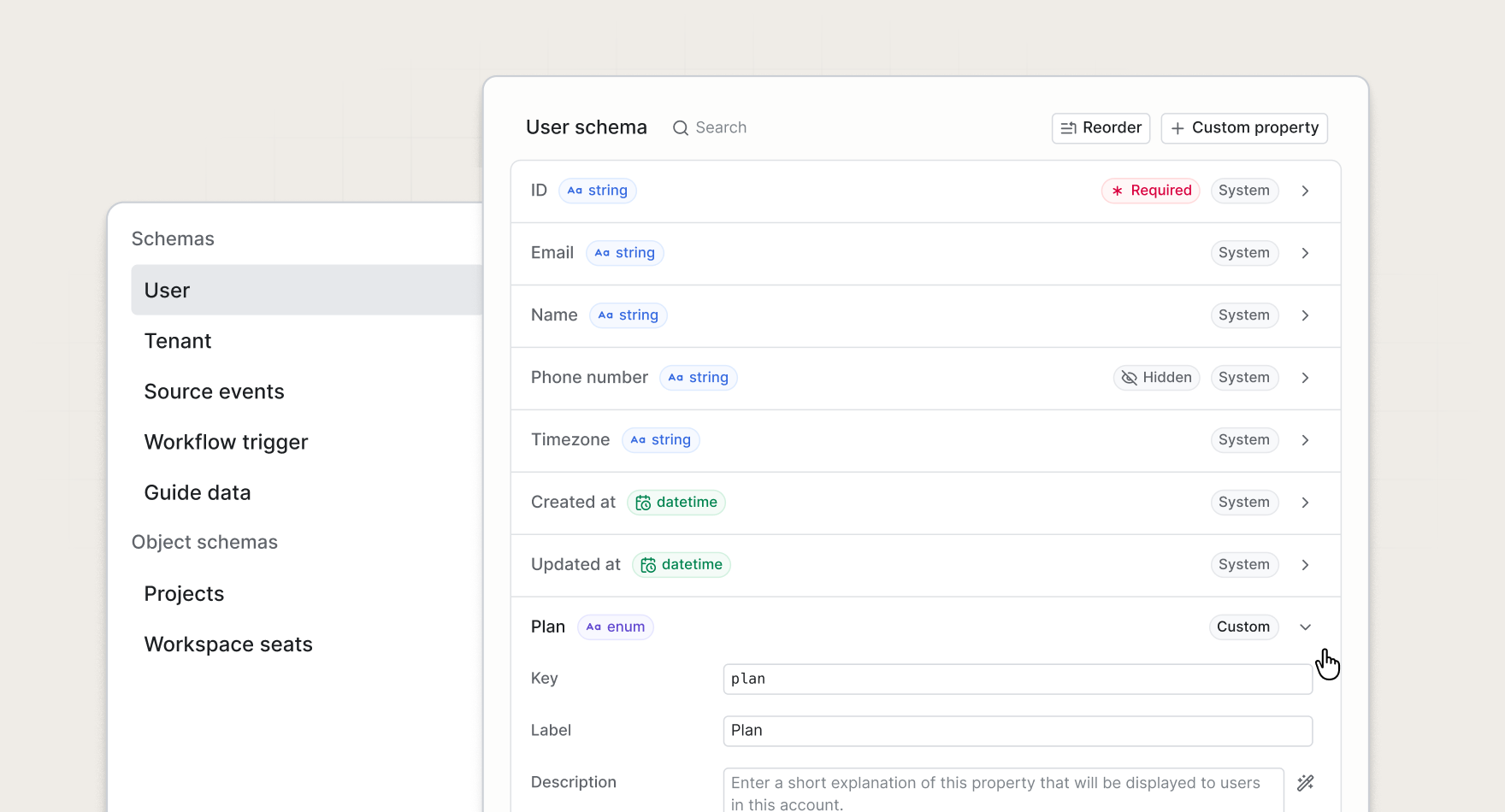
Configure properties however you like
As your product grows, data can accumulate quickly. Internal IDs, nested objects, and properties your messaging team will never touch can clutter every property picker in the dashboard.
Schema management allows you to keep this data clean:
- Hide properties you don't want to surface. Tidy up the properties your team sees without rewriting your data model. Hiding a property is non-destructive, so anything that references it keeps working, and the property is still returned by the API.
- Customize property descriptions. Add custom, human-readable descriptions so your team knows exactly what each property means and when to use it.
- Add custom preview values. Set preview text so message previews render with realistic data instead of empty placeholders.
One schema, everywhere it counts
Your schema configuration drives the properties users see throughout Knock. Variable suggestions in the template editor offer only visible properties. Condition and segment builders list the same curated set. User, tenant, and object tables only show properties according to your schema setup.
Change a description or preview text once, and it updates across the dashboard.
Give your agent better context
Custom descriptions do more than help your team. The Knock agent reads your schema to understand what properties exist and what they mean. A well-curated schema, based on the language your team uses to prompt the agent, gives the agent better context to build more accurate templates, audiences, and workflows.
Keep schemas in version control
Schema configuration is available through the Management API and the Knock CLI. Pull schemas from an environment into a local schemas/ directory, commit your schema configuration alongside your workflows, and push changes back when you are ready.
knock schema pull --all
knock schema push user --environment=production
This is the same workflow you already use for other Knock resources. Your schema configuration lives in git, so it's reviewable and repeatable across environments.
Get started
Schema management is available today for all Knock customers. Open Settings > Schemas in the dashboard to configure your schema, or read more in our documentation.