Today we've added two new settings to the workflow test runner that make it faster and safer to validate workflows before you ship them. Turn them on when you run a test from the dashboard to control how it executes without changing your workflow configuration.
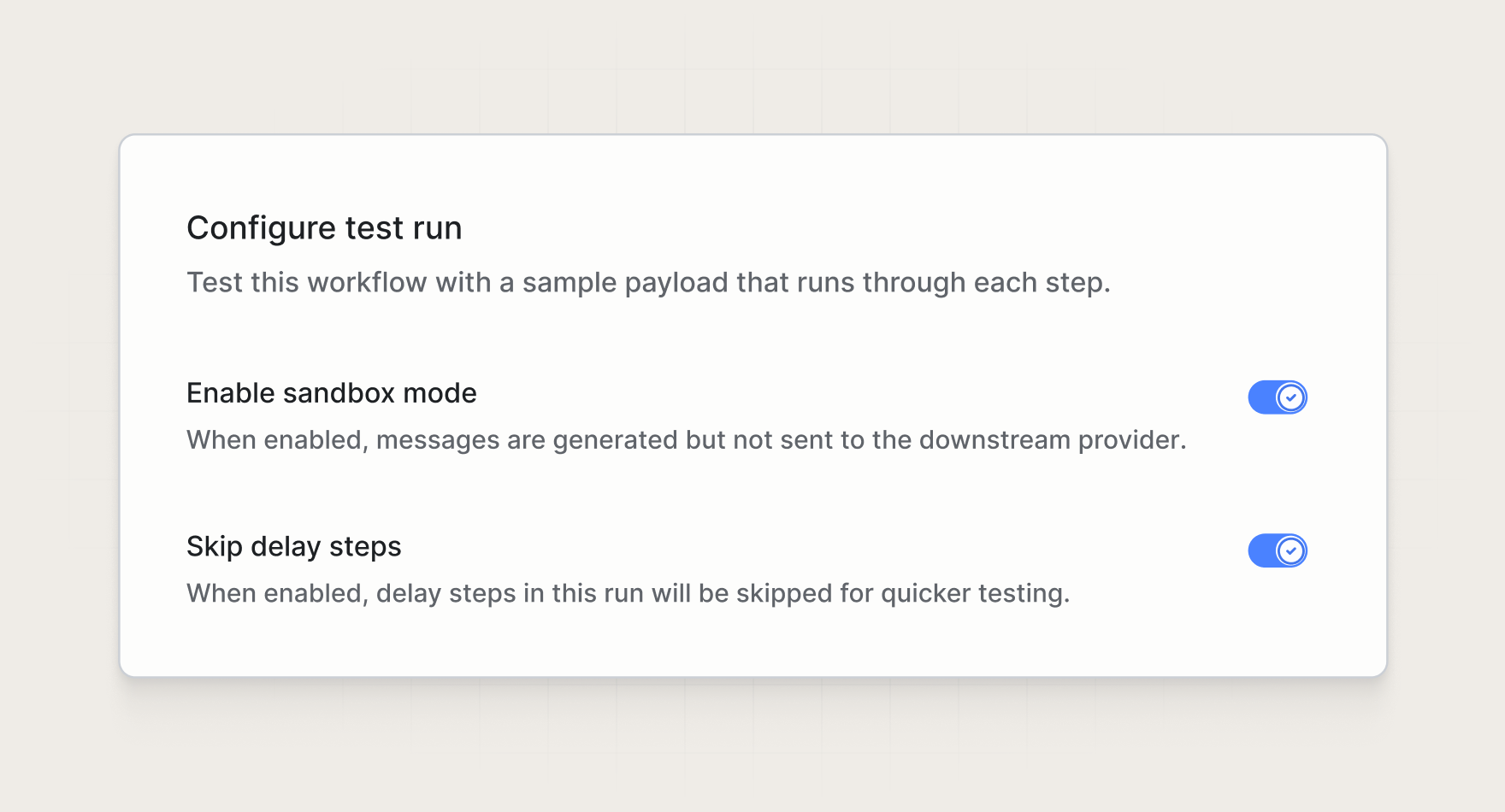
Sandbox mode
Sandbox mode enables you to generate and preview messages for a given channel without delivering them. When enabled, Knock will never send the request to your downstream provider, blocking all delivery.
This gives your team a safe way to run end-to-end tests and inspect rendered output without sending real messages to recipients.
Skip delays
When skip delays is enabled, every delay step in the workflow is force skipped, so the workflow executes straight through without waiting for delays to elapse.
This is useful when you want to test a workflow that has long or multi-day delay windows without waiting to verify its logic.
Get started
Sandbox mode and skip delays are available today in the workflow test runner for all Knock customers. Read more in our documentation.