Today we're releasing asset management, a centralized way to upload, host, and manage image files directly in Knock for use in your messaging templates.
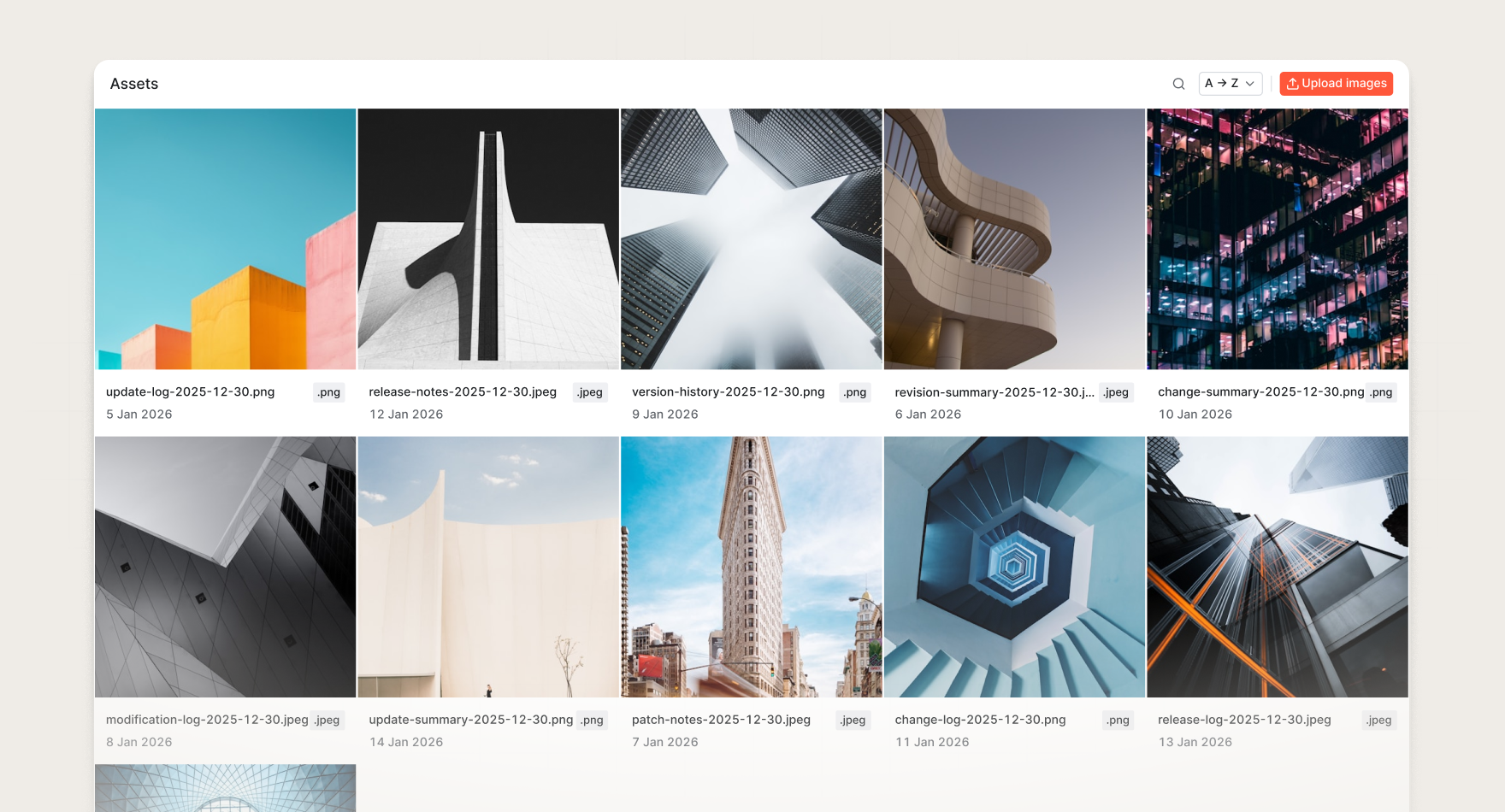
With asset management, you can now:
- Store assets directly in Knock. Upload and store images like logos, icons, and graphics in your Knock account without needing external hosting.
- Reuse assets across templates. Browse and insert uploaded assets into any message template with a single click. No more copying and pasting URLs.
- Centralized control. Assets live in one place and are referenced everywhere, so you can update visuals across messages without touching templates, making it easier to keep your brand assets consistent.
Currently, only image files are supported, including PNG, JPEG, GIF, and SVG. In the future, we may support additional asset types.
Asset management is available today for all Knock customers. Navigate to Content > Assets to upload and manage your assets, or read the documentation to learn more.