Production write access enables you to create and update content resources in any environment, without requiring promotion from development.
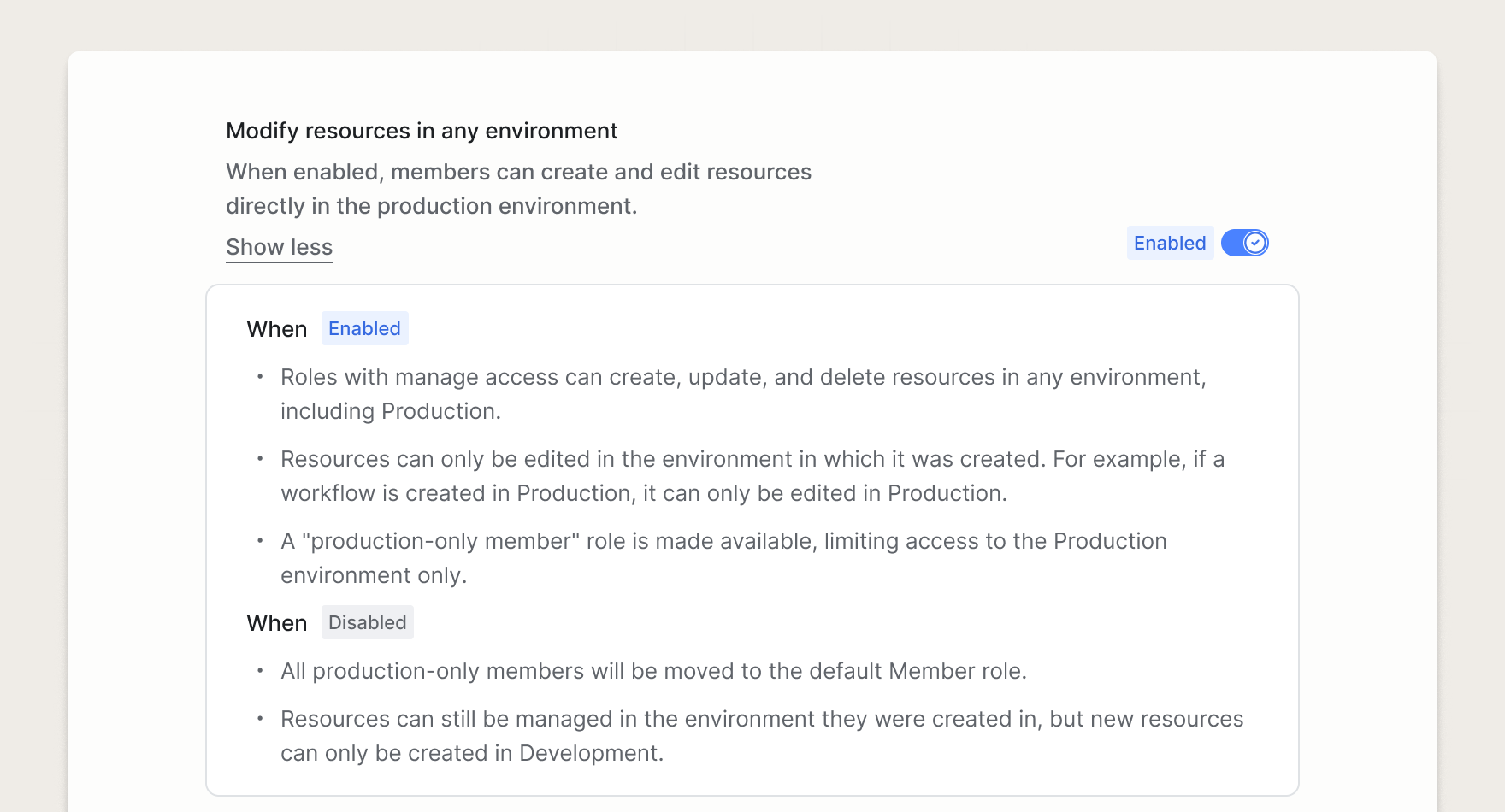
This feature is enabled by default for all new customers. If you're an existing customer, production write access is an opt-in setting. To enable production write access, navigate to the Permissions page under the Admin section of your account settings.
When you enable production write access in your account:
-
All roles with edit permissions can edit resources in any environment. Owner, admin, and member roles can create and edit content resources (like workflows and guides) directly in production.
-
The Production-only Member role becomes available. This role gives a user access to the production environment, and no others. It enables non-technical team members to work in production without touching any resources that are managed in development. Learn more about the Production-only Member role.
-
Content resources can only be edited in the environment in which they were created. This means that any content resources you want to follow your environment lifecycle (create in development, promote to production) are only editable in development. For use cases that don't need the governance of environment promotion, you can create directly in production.
Production write access keeps production-critical resources (like high-volume transactional workflows) version controlled by the development environment, while enabling marketing and product teams to work in a simpler, production-only way for lifecycle journeys and product announcements.