Marketing automation platforms help teams coordinate customer messaging across email, in-app, push, SMS, and chat channels through workflows that trigger based on user behavior, preferences, and lifecycle stages. These platforms enable marketing, product, and engineering teams to collaborate on customer engagement without building notification infrastructure from scratch.
Choosing the right marketing automation platform determines whether your team ships messaging features in days or months, whether multiple stakeholders can iterate independently or queue behind engineering, and whether your notification system scales gracefully or becomes a maintenance burden. The wrong choice creates bottlenecks, vendor lock-in, and technical debt that compounds over time.
This guide examines the top 7 marketing automation platforms, breaking down their key features, strengths, and ideal use cases to help you make an informed decision.
The top 7 marketing automation platforms at a glance
- Knock. Best for teams that need developer-grade infrastructure with cross-functional collaboration.
- Braze. Best for large marketing teams focused on mobile-first engagement.
- Customer.io. Best for SaaS companies prioritizing behavioral messaging via email and in-app.
- Iterable. Best for enterprise marketing teams that have a focus on experimentation.
- ActiveCampaign. Best for businesses seeking email marketing with basic automation.
- HubSpot. Best for companies who want marketing, sales, and CRM tooling in one platform.
- Klaviyo. Best for e-commerce businesses optimizing for revenue attribution.
What is a marketing automation platform?
Marketing automation platforms orchestrate customer communications across multiple channels based on triggers, user attributes, and behavioral data. These systems let teams design workflows that send the right message to the right user at the right time, without manual intervention for each communication.
Modern marketing automation platforms bridge marketing, product, and engineering teams by providing visual workflow builders alongside developer APIs, enabling both technical and non-technical stakeholders to collaborate on customer engagement strategy.
How to evaluate marketing automation platforms
Developer experience and API flexibility. The platform should provide robust APIs, SDKs, and webhooks that integrate cleanly with your existing stack. Look for comprehensive documentation, local development tools, and the ability to manage workflows as code when needed.
Cross-functional collaboration capabilities. Effective platforms enable marketing, product, and engineering teams to work together without creating bottlenecks. Visual workflow builders should empower non-technical users while maintaining the control and versioning developers require.
Channel coverage and orchestration. Beyond supporting multiple channels, the platform should intelligently coordinate across them. This includes features like conditional channel routing, time-based sequencing, and unified preference management so users never receive duplicate notifications.
Scalability and reliability. The system should handle your current volume while scaling to 10x that amount without performance degradation. Look for guaranteed uptime SLAs, automatic failover, and infrastructure that's proven at enterprise scale.
Pricing transparency and predictability. Understand exactly what drives costs as you scale. Avoid platforms with opaque pricing, sudden tier jumps, or charges for basic features like testing environments or team collaboration.
Based on these criteria, we've shortlisted 7 platforms that represent different approaches to marketing automation, from developer-grade infrastructure to marketing-focused solutions.
Knock
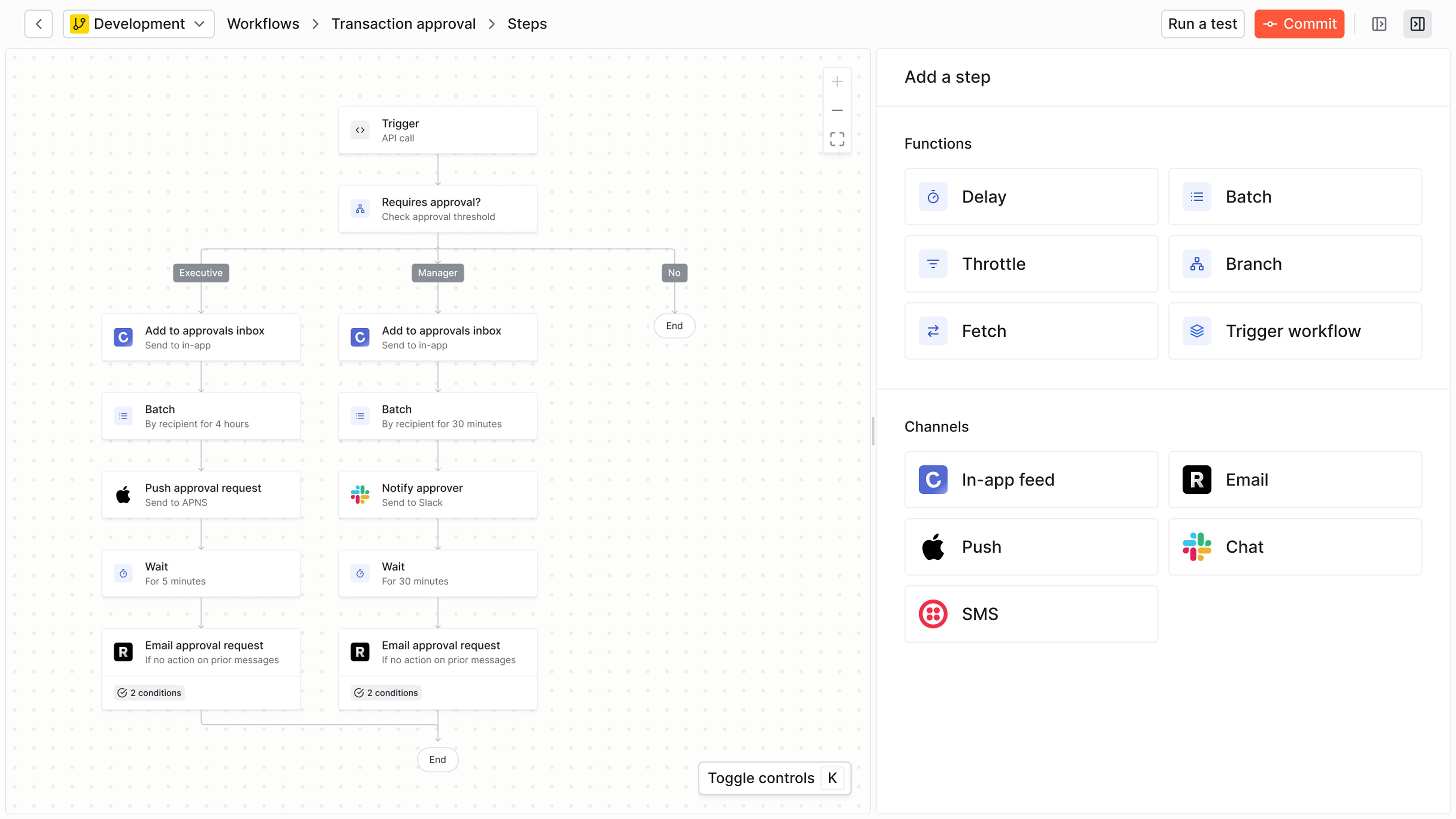
Knock is a customer engagement platform that gives developers the infrastructure they need while enabling product managers, marketers, and operations teams to collaborate on messaging workflows without code. The platform handles notifications across in-app, email, push, SMS, Slack, and other channels through a unified API and visual workflow builder.
Best for
Teams where engineering, product, marketing, and operations all need to collaborate on customer messaging. Knock works particularly well for B2B SaaS companies, marketplaces, and product-led growth organizations that require both technical control and cross-functional agility.
Strengths
- Intelligent cross-channel orchestration. Knock coordinates messaging across all channels from a single workflow, with built-in features for batching, throttling, and scheduling. Users can manage their communication preferences across all channels, and the system updates automatically.
- Cross-functional collaboration without bottlenecks. Product managers and marketers can design and iterate on messaging workflows through visual builders while engineers maintain control over data models and system integrations. Changes deploy without code releases, and non-technical stakeholders can A/B test messaging, update templates, and analyze performance independently.
- Developer-first infrastructure. Knock provides comprehensive APIs, SDKs for every major language, and local development environments. Engineers can manage workflows as code, implement custom logic through webhooks, and integrate Knock into existing CI/CD pipelines. The platform includes features like environment branching, version control, and rollback capabilities that match modern development workflows.
- Production-ready reliability. The platform includes enterprise-grade infrastructure with 99.99% uptime SLA, automatic scaling, multi-region redundancy, and SOC 2 Type II compliance. Companies like Vercel, Linear, and Webflow trust Knock to power mission-critical notifications.
Limitations
- Learning curve for less technical teams. While Knock provides visual workflow builders, the platform's full capabilities require some technical understanding. Marketing teams accustomed to drag-and-drop simplicity may need time to leverage advanced features like conditional logic and data transformations.
Pricing
Knock offers a free tier with 10,000 notifications per month. Paid plans start at $250/month for 50,000 notifications and include all features with volume-based discounting. Enterprise plans provide custom volume, dedicated support, and SLA guarantees. Unlike competitors, Knock doesn't charge separately for team members, environments, or channels.
How it compares
Knock provides more developer control than Braze or Iterable while maintaining better cross-functional accessibility than building custom infrastructure. Compared to Customer.io, Knock offers superior in-app notification capabilities and more flexible workflow orchestration. Unlike HubSpot or ActiveCampaign, Knock is API-first rather than marketing-suite-first, making it better suited for product-led companies.
Braze
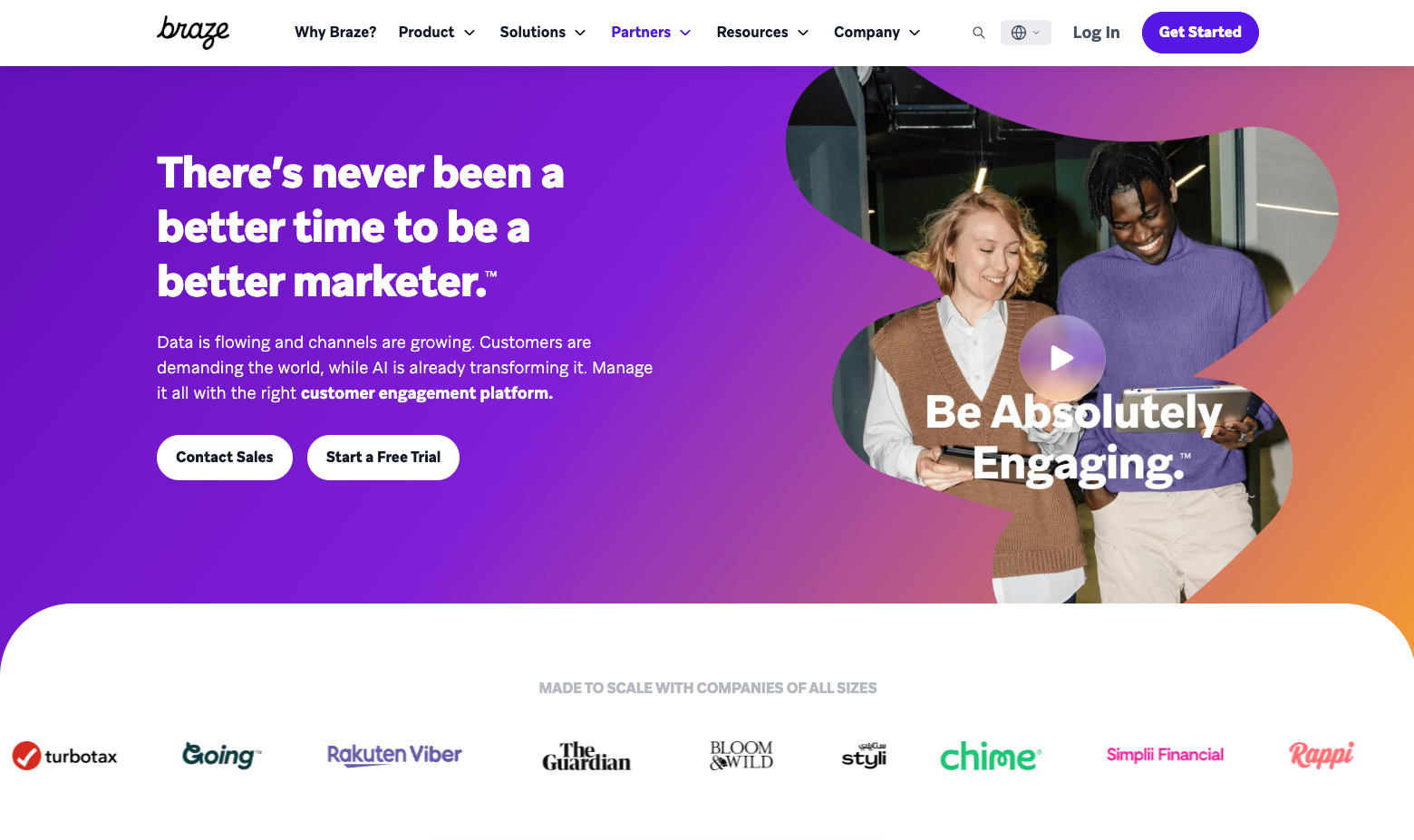
Braze is a customer engagement platform focused on mobile-first marketing automation with sophisticated audience segmentation and personalization capabilities. The platform emphasizes real-time behavioral triggers and multi-channel campaign orchestration primarily for consumer-facing mobile applications.
Best for
Large enterprise marketing teams at B2C companies with significant mobile app usage. Braze works well for organizations with dedicated marketing operations teams who can invest in the platform's extensive configuration and learning curve.
Strengths
- Sophisticated audience segmentation. Braze provides powerful tools for creating dynamic audience segments based on user attributes, behaviors, and engagement patterns. The platform handles complex targeting scenarios and real-time audience updates at scale.
- Mobile-first feature set. Purpose-built for mobile engagement with advanced push notification capabilities, in-app messaging optimized for mobile experiences, and deep integrations with mobile analytics platforms.
- Extensive channel support. Covers email, push, in-app, SMS, and emerging channels with unified campaign management and cross-channel analytics.
Limitations
- Steep learning curve. Braze's extensive feature set requires significant onboarding time. Most organizations need dedicated Braze administrators and often bring in specialized agencies for implementation and ongoing optimization.
- Marketing-focused, less developer-friendly. While Braze provides APIs, the platform primarily serves marketing teams. Engineering teams often find the developer experience lacking compared to API-first alternatives, with limited local development tooling and workflow-as-code capabilities.
- High total cost of ownership. Beyond software costs, Braze typically requires dedicated personnel, agency support, and significant integration effort. Pricing starts in the enterprise tier, making it impractical for smaller organizations.
Pricing
Braze doesn't publish pricing publicly. Enterprise plans typically start around $50,000 annually with costs scaling based on monthly active users. Implementation often requires additional agency support ranging from $25,000 to $100,000.
How it compares
Braze targets large B2C marketing organizations, while Knock serves cross-functional teams at B2B and product-led companies. Knock provides superior developer experience and enables faster time-to-production, while Braze offers more extensive marketing-specific features like canvas workflow builders and predictive audiences. For teams where engineering needs to maintain control while enabling marketing autonomy, Knock provides better balance.
Customer.io
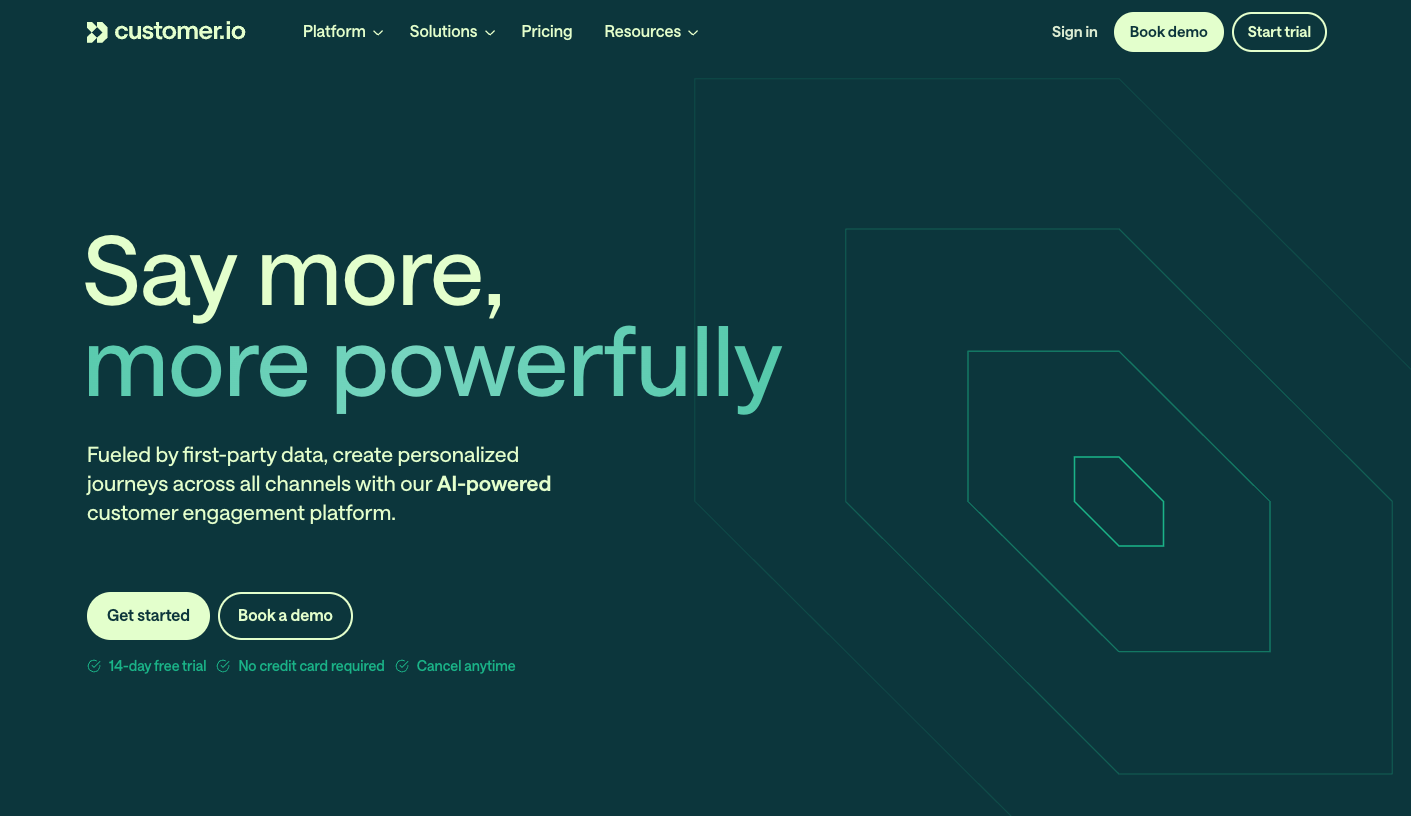
Customer.io is a marketing automation platform designed for behavioral messaging based on product usage data. The platform emphasizes event-driven communication triggered by user actions, making it popular with product-led growth companies.
Best for
Product-led growth companies where product managers and growth teams drive messaging strategy based on in-app behavior. Customer.io works well for organizations prioritizing trial-to-paid conversion and product adoption messaging.
Strengths
- Event-based messaging model. Customer.io excels at translating product events into targeted messages. The platform makes it straightforward to trigger communications based on feature usage, trial milestones, or engagement patterns.
- User-friendly workflow builder. The visual campaign builder balances power and accessibility, enabling product managers to design sophisticated behavioral workflows without extensive technical knowledge.
- Reasonable pricing for mid-market. Compared to enterprise platforms like Braze, Customer.io offers more accessible pricing for growing companies, with transparent tiers based on profile count.
Limitations
- Limited in-app notification capabilities. While Customer.io handles email, push, and SMS effectively, the platform's in-app messaging features lag behind specialized solutions. Building notification feeds or complex in-app experiences requires additional development work.
- Workflow orchestration constraints. Complex scenarios involving multiple channels, dynamic timing, or sophisticated batching logic can become difficult to implement cleanly. Advanced use cases often require workarounds or custom code.
- Developer experience gaps. Customer.io provides APIs, but the platform lacks some developer-focused features like local development environments, workflow version control, and infrastructure-as-code capabilities that technical teams expect.
Pricing
Customer.io's Essentials plan starts at $100/month for up to 5,000 profiles. Professional plans begin around $1,000/month with volume-based pricing that can reach $3,000-5,000/month for larger companies. Enterprise pricing requires custom quotes.
How it compares
Customer.io provides a more marketing-focused experience with simpler onboarding, while Knock offers superior technical capabilities for complex workflows and in-app notifications. Teams needing sophisticated notification feeds, advanced orchestration logic, or strong developer tooling typically prefer Knock. Organizations primarily focused on email marketing automation may find Customer.io's simpler interface appealing.
Iterable
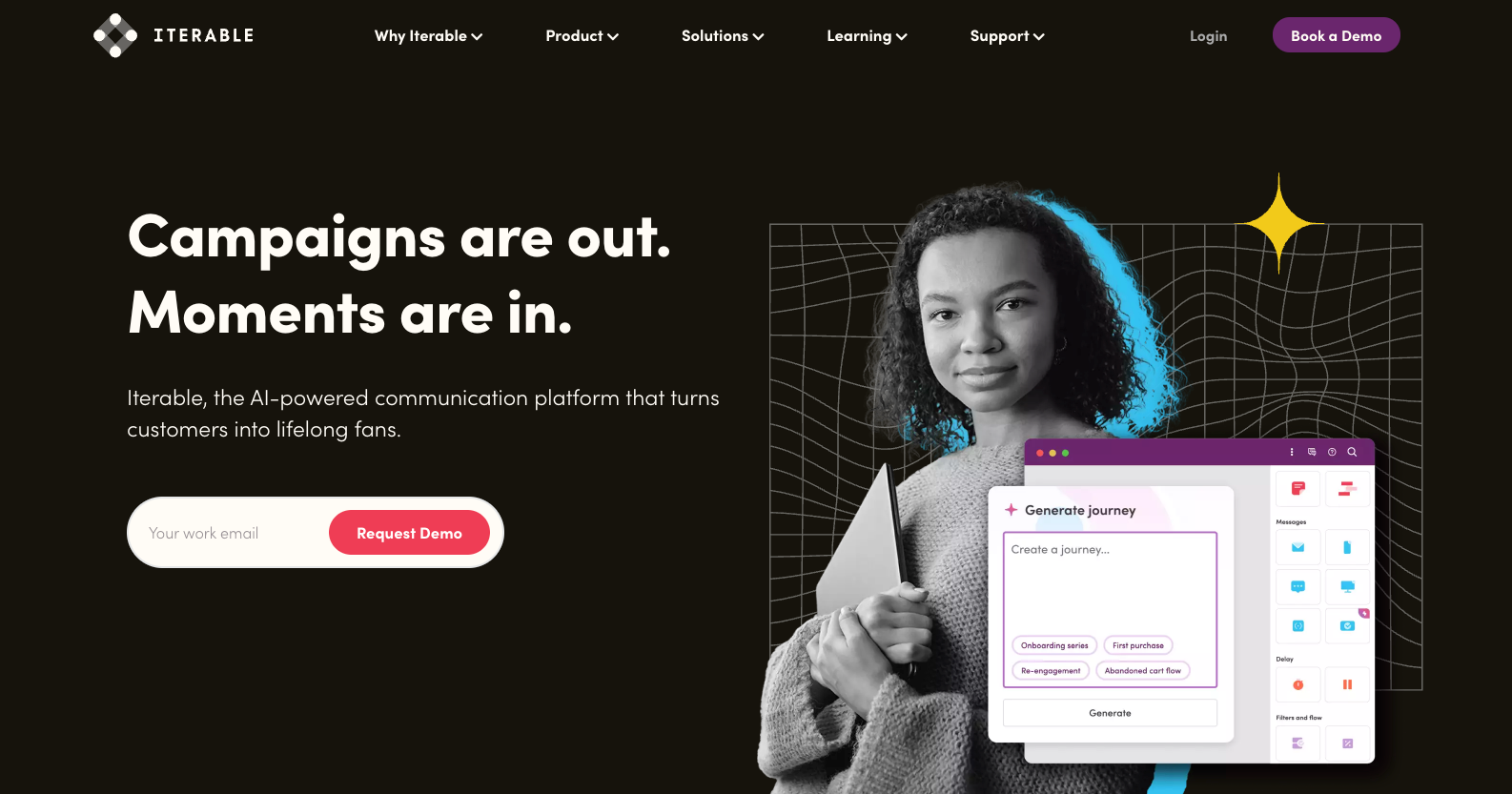
Iterable is a growth marketing platform emphasizing multi-channel campaign orchestration and workflow automation. The platform targets marketing teams running complex, coordinated campaigns across email, mobile, and web channels.
Best for
Growth marketing teams at B2C companies who manage extensive campaign calendars and need sophisticated testing and optimization capabilities. Iterable works well for organizations with dedicated marketing operations personnel.
Strengths
- Comprehensive campaign management. Iterable provides extensive tools for planning, executing, and analyzing multi-channel marketing campaigns. The platform handles complex campaign calendars, audience targeting, and performance tracking in one interface.
- Advanced experimentation capabilities. Built-in A/B testing, holdout groups, and multi-variant testing enable data-driven optimization. Marketing teams can test messaging, timing, and channel selection systematically.
- Marketing team accessibility. The platform balances sophisticated capabilities with usability for non-technical marketing personnel. Campaign creation doesn't require engineering support for most use cases.
Limitations
- Developer experience secondary. While Iterable provides APIs, the platform primarily serves marketing teams. Engineering organizations often find the developer experience lacking, with limited flexibility for custom integrations and workflows.
- Complexity overhead. Iterable's extensive feature set can overwhelm smaller teams. Organizations without dedicated marketing operations often struggle to leverage the platform's full capabilities, paying for features they don't use.
- Limited transactional messaging. Iterable focuses on marketing campaigns rather than transactional or product notifications. Teams needing robust systems for order confirmations, account alerts, or real-time product updates typically require additional infrastructure.
Pricing
Iterable's pricing isn't publicly available. Select plans typically start around $1,000/month for smaller companies, with Growth and Enterprise tiers scaling to $3,000-10,000+/month based on profile volume and features. Annual contracts are standard.
How it compares
Iterable targets marketing-led organizations running extensive campaign programs, while Knock serves teams where product, engineering, and growth collaborate on customer messaging. Knock provides better infrastructure for transactional notifications, in-app feeds, and developer-controlled workflows. Iterable offers more extensive marketing campaign tools and pre-built integrations with marketing technology stacks.
ActiveCampaign
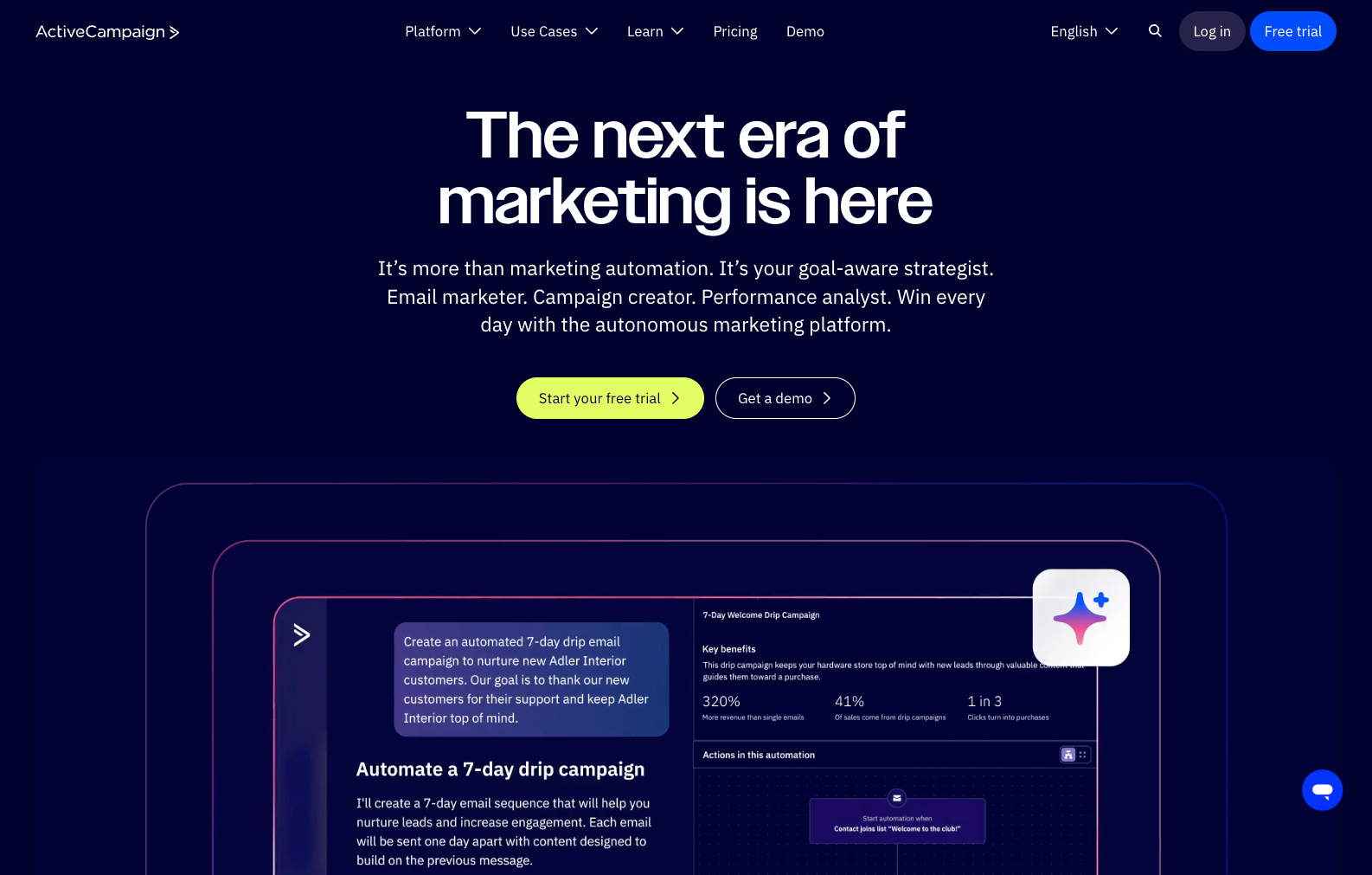
ActiveCampaign is an email marketing platform with basic automation capabilities designed for small businesses. The platform combines email campaigns, simple workflow automation, and CRM features in an accessible package.
Best for
Small businesses and startups primarily focused on email marketing with basic automation needs. ActiveCampaign works well for companies taking their first steps beyond manual email sending.
Strengths
- Accessible for non-technical users. ActiveCampaign provides straightforward email campaign creation and simple automation workflows without requiring technical expertise. Small teams can implement basic marketing automation independently.
- Integrated CRM functionality. The platform combines email marketing with contact management, deal tracking, and sales automation features, providing an all-in-one solution for small business operations.
- Affordable entry point. Compared to enterprise marketing automation platforms, ActiveCampaign offers accessible pricing for small businesses and early-stage startups.
Limitations
- Limited channel support. ActiveCampaign focuses primarily on email, with minimal capabilities for push notifications, in-app messaging, or SMS compared to modern multi-channel platforms.
- Basic automation capabilities. The platform's workflow automation handles simple scenarios but lacks the sophistication required for complex, multi-step customer journeys or advanced orchestration logic.
- Poor developer experience. ActiveCampaign provides minimal API capabilities and lacks features that technical teams expect. Building custom integrations or managing workflows programmatically proves difficult.
- Scalability constraints. The platform works for small businesses but struggles as organizations grow. Companies typically outgrow ActiveCampaign's capabilities as their marketing sophistication increases.
Pricing
Plans start at $29/month for up to 1,000 contacts on the Starter tier. Professional plans begin at $149/month, and Enterprise plans start at $259/month with additional costs as contact volume grows.
How it compares
ActiveCampaign serves small businesses focused primarily on email marketing, while Knock provides comprehensive notification infrastructure for product-led companies. Teams needing multi-channel messaging, developer APIs, or sophisticated workflow orchestration quickly outgrow ActiveCampaign's capabilities. Knock is purpose-built for scenarios where ActiveCampaign's feature set proves insufficient.
HubSpot
HubSpot is an integrated marketing, sales, and customer service platform that includes marketing automation as one component of a larger ecosystem. The platform emphasizes all-in-one convenience over specialized marketing automation capabilities.
Best for
Companies wanting unified marketing, sales, and CRM functionality in one platform, particularly organizations focused on inbound marketing methodology and content-driven lead generation.
Strengths
- Integrated platform ecosystem. HubSpot combines marketing automation, CRM, sales tools, and customer service in one platform. This integration eliminates data synchronization challenges between separate systems.
- Extensive content marketing tools. The platform provides robust capabilities for blogging, landing pages, SEO optimization, and content management that extend beyond pure marketing automation.
- Large marketplace and community. HubSpot's extensive partner ecosystem provides integrations, templates, and support resources that benefit organizations invested in the platform.
Limitations
- Marketing automation capabilities lag specialists. While HubSpot includes automation features, the depth and sophistication lag behind platforms focused specifically on marketing automation. Complex workflows and advanced orchestration prove challenging.
- Developer experience limited. HubSpot's APIs exist primarily to integrate the platform with external systems rather than enable programmatic workflow management. Technical teams often find the developer experience frustrating.
- Costs escalate with usage. HubSpot's pricing model includes per-contact fees and feature gating that can lead to unexpected cost increases as usage grows. Enterprise-level automation features require expensive plan tiers.
- Overkill for notification infrastructure. Companies primarily needing transactional notifications or product messaging often pay for CRM, sales, and marketing features they don't use.
Pricing
Marketing Hub Starter plans begin at $20/month for basic features. Professional plans start at $890/month and Enterprise plans at $3,600/month, with additional costs for contacts above plan limits and add-on features.
How it compares
HubSpot serves companies wanting unified marketing, sales, and CRM systems, while Knock provides specialized notification infrastructure. For teams primarily needing transactional messaging, product notifications, or developer-controlled workflows, Knock delivers superior capabilities at lower cost. Organizations already invested in HubSpot's CRM and sales tools may prefer keeping marketing automation in the same ecosystem despite its limitations.
Klaviyo
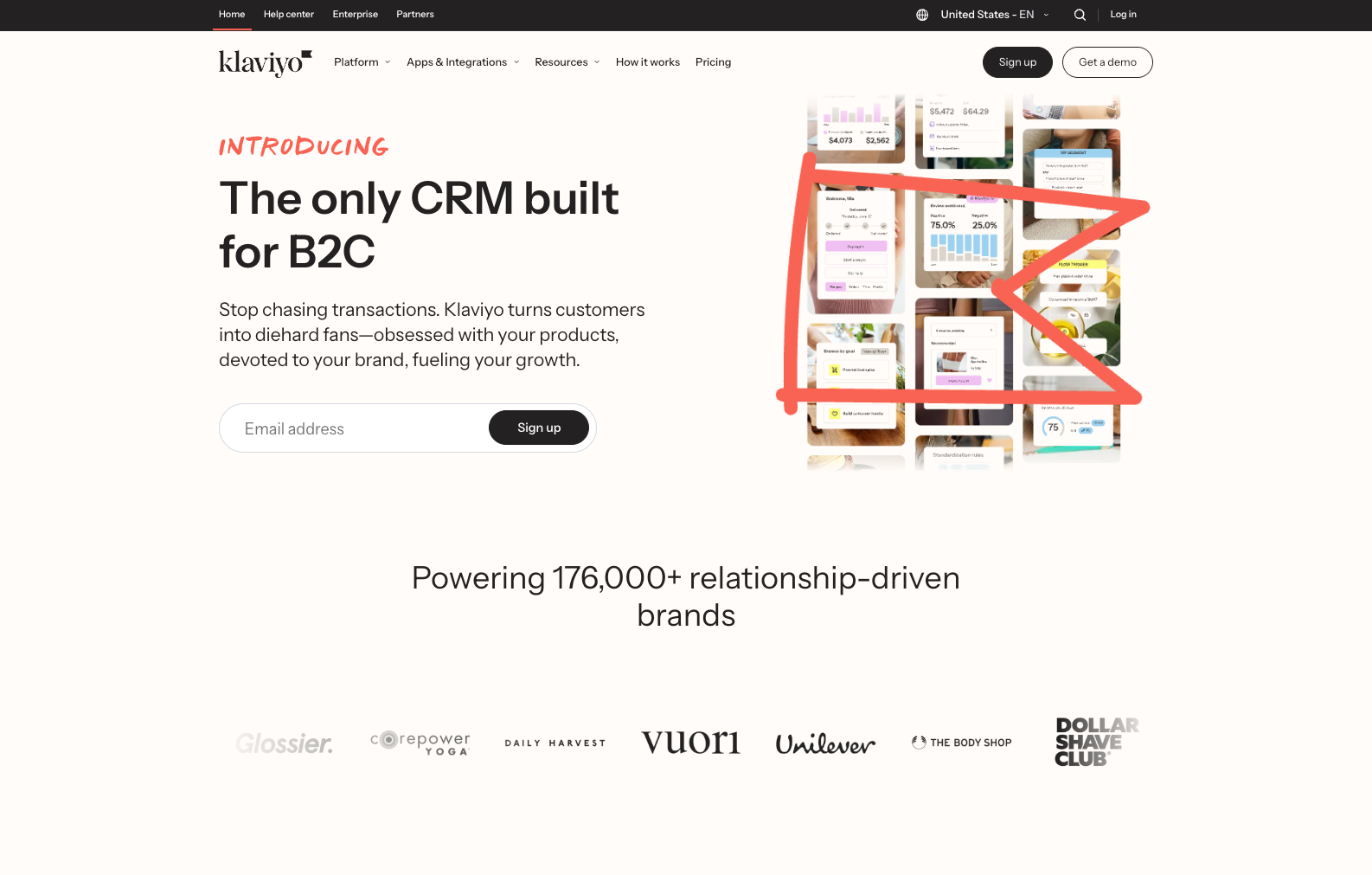
Klaviyo is an e-commerce marketing automation platform optimized for revenue attribution and transactional messaging tied to purchase behavior. The platform integrates deeply with e-commerce platforms like Shopify and emphasizes ROI measurement.
Best for
E-commerce businesses focused on maximizing revenue through targeted cross-channel campaigns based on purchase history, cart abandonment, and customer lifetime value.
Strengths
- E-commerce integration depth. Klaviyo connects seamlessly with major e-commerce platforms, automatically syncing product catalogs, inventory, purchase data, and customer profiles for targeted campaigns.
- Revenue attribution tracking. The platform directly attributes revenue to specific campaigns and workflows, enabling clear ROI measurement for marketing efforts. This visibility helps optimize spending and campaign performance.
- Transactional email optimization. Klaviyo excels at transactional e-commerce messages like order confirmations, shipping notifications, and post-purchase follow-ups that drive repeat purchases.
Limitations
- E-commerce specific. Klaviyo's feature set focuses narrowly on e-commerce use cases. SaaS companies, marketplaces, or B2B organizations find limited applicability for many platform capabilities.
- Limited developer capabilities. The platform prioritizes marketer accessibility over technical flexibility. Engineering teams find minimal support for custom workflows, programmatic management, or advanced integrations.
Pricing
Klaviyo uses email and SMS contact-based pricing. Free tier includes up to 250 email contacts and 150 SMS/MMS credits. Paid plans start around $20/month for 500 contacts, scaling to $100/month for 2,500 contacts and $700/month for 15,000 contacts, with SMS priced separately.
How it compares
Klaviyo serves e-commerce businesses focused on purchase-driven marketing automation, while Knock provides notification infrastructure for product-led companies across industries. Teams needing in-app notifications, cross-channel orchestration, or developer-controlled workflows choose Knock. E-commerce businesses focused on email/SMS marketing with Shopify integration may prefer Klaviyo's specialized feature set.
How to choose the right marketing automation platform
Small teams. Knock provides the fastest path to production with pre-built components, comprehensive documentation, and infrastructure that scales without operational burden. Teams can implement sophisticated notification systems in days rather than months, without maintaining custom code or managing delivery infrastructure.
Enterprise organizations. For enterprise companies where multiple teams including engineering, product, marketing, and operations need to collaborate on messaging, Knock provides the technical control developers require alongside visual, low-code tooling that empowers non-technical stakeholders. The platform includes enterprise features like SSO, audit logs, and dedicated support while maintaining the flexibility that large organizations need.
Technical teams. Knock and Customer.io provide API-first infrastructure designed for engineering workflows. Knock offers superior developer experience with comprehensive SDKs, local development environments, and workflow-as-code capabilities, while Customer.io provides simpler onboarding for teams prioritizing ease of use over technical flexibility.
Non-technical teams. ActiveCampaign and HubSpot balance basic marketing capabilities with ease of use for teams without technical resources. However, organizations planning to scale or requiring sophisticated automation typically outgrow these platforms and benefit from Knock's combination of power and accessibility.
Budget-conscious organizations. Knock and Customer.io offer predictable pricing that scales reasonably with growth. Knock's transparent per-notification pricing avoids surprise costs from contact-based models, while Customer.io provides clear tier-based pricing. Both avoid the hidden costs and sudden price jumps common in enterprise platforms like Braze or Iterable.
Compliance-heavy industries. Knock and Braze provide enterprise-grade security, SOC 2 Type II compliance, and data residency options required in regulated industries. Knock adds version control, audit trails, and workflow approval capabilities that compliance teams need while maintaining developer agility.
Marketing automation platform FAQs
What's the difference between marketing automation platforms and customer engagement platforms?
Marketing automation platforms typically focus on marketing-led campaigns and broadcast messaging, while customer engagement platforms handle both marketing communications and transactional product notifications. Customer engagement platforms like Knock provide infrastructure for all user-facing messaging including account alerts, product notifications, and real-time updates, whereas traditional marketing automation focuses primarily on promotional campaigns and lifecycle marketing.
Do I need engineering resources to use Knock?
Initial setup requires engineering involvement to integrate Knock's APIs and configure data sources, similar to any marketing automation platform. However, once implemented, product managers, marketers, and operations teams can create workflows, update templates, and analyze performance independently through visual builders. Engineering involvement is only needed for custom integrations or advanced use cases.
Can Knock replace my ESP like SendGrid or Mailgun?
Knock works with your existing email service providers rather than replacing them. The platform orchestrates when and how messages send across all channels including email, while leveraging providers like SendGrid, Postmark, or AWS SES for actual delivery. This approach gives you better deliverability than handling email infrastructure directly while adding sophisticated workflow orchestration on top.
How does Knock handle user preferences and unsubscribes?
Knock provides comprehensive preference management that works across all channels from a single interface. Users can set granular preferences for notification categories, channels, and frequency. The system automatically respects these preferences across all workflows, handling unsubscribes, quiet hours, and channel-specific settings without custom code. This prevents notification fatigue while keeping users engaged through their preferred channels.
What level of technical knowledge is required to build workflows in Knock?
Knock's visual workflow builder enables non-technical users to create sophisticated notification flows including delays, branching logic, and multi-channel orchestration. Product managers and marketers commonly build and iterate on workflows independently. More advanced scenarios involving custom data transformations or complex conditional logic may require technical input, but the platform provides extensive documentation and examples to reduce the learning curve.
Automate customer messaging with Knock
Marketing automation has evolved beyond email campaigns and broadcast messaging. Modern teams need infrastructure that handles transactional notifications, in-app messaging, and cross-channel orchestration alongside traditional marketing communications.
Knock provides that infrastructure with developer-grade APIs, visual workflow builders, and enterprise reliability. Engineering teams get the control and flexibility they need while product managers, marketers, and operations teams gain independence to iterate on messaging without code deploys.
Whether you're building your first notification system or replacing fragile homegrown infrastructure, Knock helps you ship sophisticated customer messaging in days rather than months.
Start building with Knock's free tier or schedule a demo to see how teams like Vercel, Linear, and Webflow power customer engagement at scale.