Email marketing platforms help businesses send targeted campaigns, nurture leads, and engage customers through automated workflows and personalized messaging. Choosing the right platform determines whether your team can efficiently execute campaigns, collaborate across functions, and scale communication as your business grows.
This guide examines the top 8 solutions in 2026, breaking down their key features, strengths, and ideal use cases to help you make an informed decision.
The top 8 email marketing platforms at a glance
- Knock. Best for cross-functional teams that need true cross-channel messaging, with developer-friendly APIs and collaborative workflow tools for maximum control.
- HubSpot. Best for companies who need a CRM with built-in marketing and sales tools.
- Mailchimp. Best for small businesses prioritizing ease of use and basic automation.
- ActiveCampaign. Best for marketing teams prioritizing email automation over multi-channel engagement.
- Klaviyo. Best for e-commerce brands that need deep Shopify integration and revenue attribution.
- Braze. Best for enterprise mobile-first companies requiring sophisticated cross-channel orchestration.
- Customer.io. Best for SaaS companies focused primarily on email and in-app messaging.
- Iterable. Best for enterprise marketing teams prioritizing experimentation.
What is an email marketing platform?
Email marketing platforms enable businesses to design, send, and track email campaigns to their audience. These tools typically include features like template builders, contact management, automation workflows, and analytics to measure campaign performance.
The right platform helps teams increase engagement, drive conversions, and build lasting customer relationships through targeted email communication.
How to evaluate email marketing platforms
When selecting an email marketing platform, consider these key factors:
- Multi-channel capabilities. Look for platforms that support email alongside SMS, push notifications, and in-app messaging so you can reach customers on their preferred channels without managing separate tools.
- Collaboration features. Ensure the platform enables both technical and non-technical team members to build and manage campaigns without creating bottlenecks or requiring constant engineering support.
- Workflow flexibility. Prioritize solutions that offer visual workflow builders alongside API access, giving you the power to create sophisticated automations while maintaining developer control when needed.
- Deliverability and compliance. Verify the platform provides strong deliverability infrastructure, authentication support (SPF, DKIM, DMARC), and compliance features for regulations like GDPR and CAN-SPAM.
- Scalability and pricing. Choose a platform with transparent pricing that scales predictably with your growth, avoiding surprise costs as your contact list or message volume increases.
Based on these criteria, we've shortlisted 8 solutions that represent the strongest options in the market.
Knock
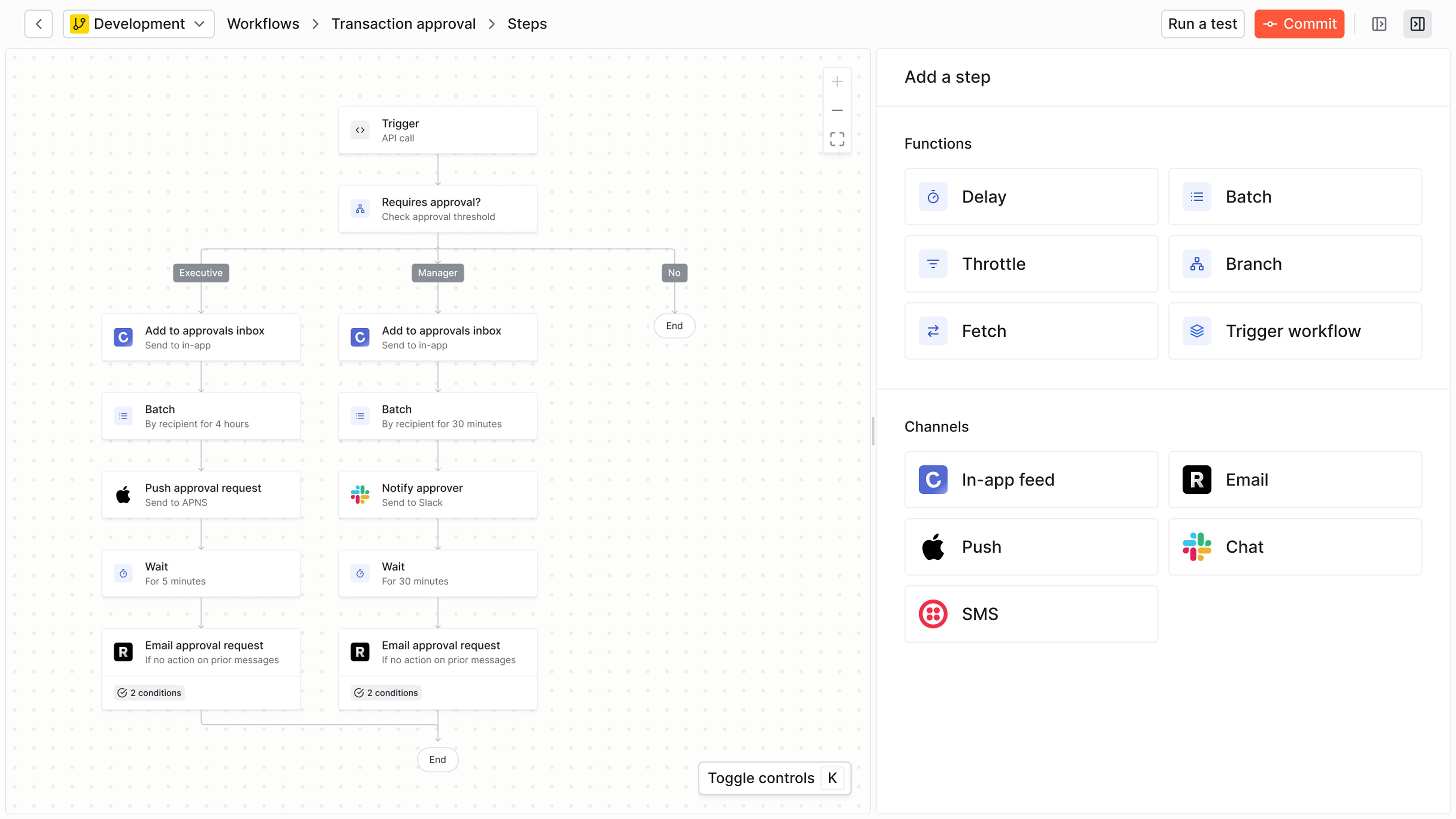
Knock is a customer engagement platform that combines email marketing with SMS, push, in-app, and chat messaging in a single workflow system.
Built for collaboration between engineering, product, marketing, and operations teams, Knock provides visual workflow builders and template editors alongside powerful APIs and developer tooling. The platform emphasizes control and flexibility, enabling teams to build sophisticated multi-channel campaigns without sacrificing speed or requiring constant engineering involvement.
Best for
Companies looking for an advanced email marketing tool that also need to reach users across other channels with unified messaging. Knock works especially well for product-led SaaS companies, marketplaces, and platforms where engineering, product, and growth teams collaborate on customer communication.
Organizations choosing Knock typically value its developer-friendly infrastructure combined with tools that empower non-technical stakeholders to create and iterate on campaigns independently.
Strengths
- Multi-channel orchestration. Build workflows that intelligently route messages across email, SMS, push, in-app, and chat based on user preferences and behavior, all from a single platform.
- Collaborative workflow design. Visual workflow editor enables product managers and marketers to design complex automations while developers maintain control through version-controlled templates and API-first architecture.
- Flexible template system. Build reusable email components that maintain consistency across campaigns. The visual template editor lets both technical and non-technical teams create and modify layouts without touching code.
- Developer experience. Comprehensive APIs, SDKs for every major language, and features like local development environments and CI/CD integration make Knock a natural fit for engineering workflows.
- Transparent pricing. Usage-based pricing scales predictably with your business, and you only pay for messages sent rather than per-contact or per-feature charges.
Limitations
- Learning curve for less technical teams. While Knock provides visual tooling for non-technical users, teams may need engineering support for complex implementations.
Pricing
The free Developer tier includes 10,000 messages per month. The Starter plan begins at $250/month for 50,000 messages and removes Knock branding. The Enterprise tier offers discounted pricing for high-volume senders.
How it compares
Unlike traditional email marketing platforms like Mailchimp or HubSpot that focus primarily on broadcast campaigns, Knock treats email as one channel in a broader customer engagement strategy. This makes Knock more comparable to platforms like Braze or Iterable, but with stronger developer tooling and more accessible pricing for growing companies. Teams choosing Knock over alternatives typically value the ability to unify transactional and marketing messages in a single system without vendor lock-in.
HubSpot
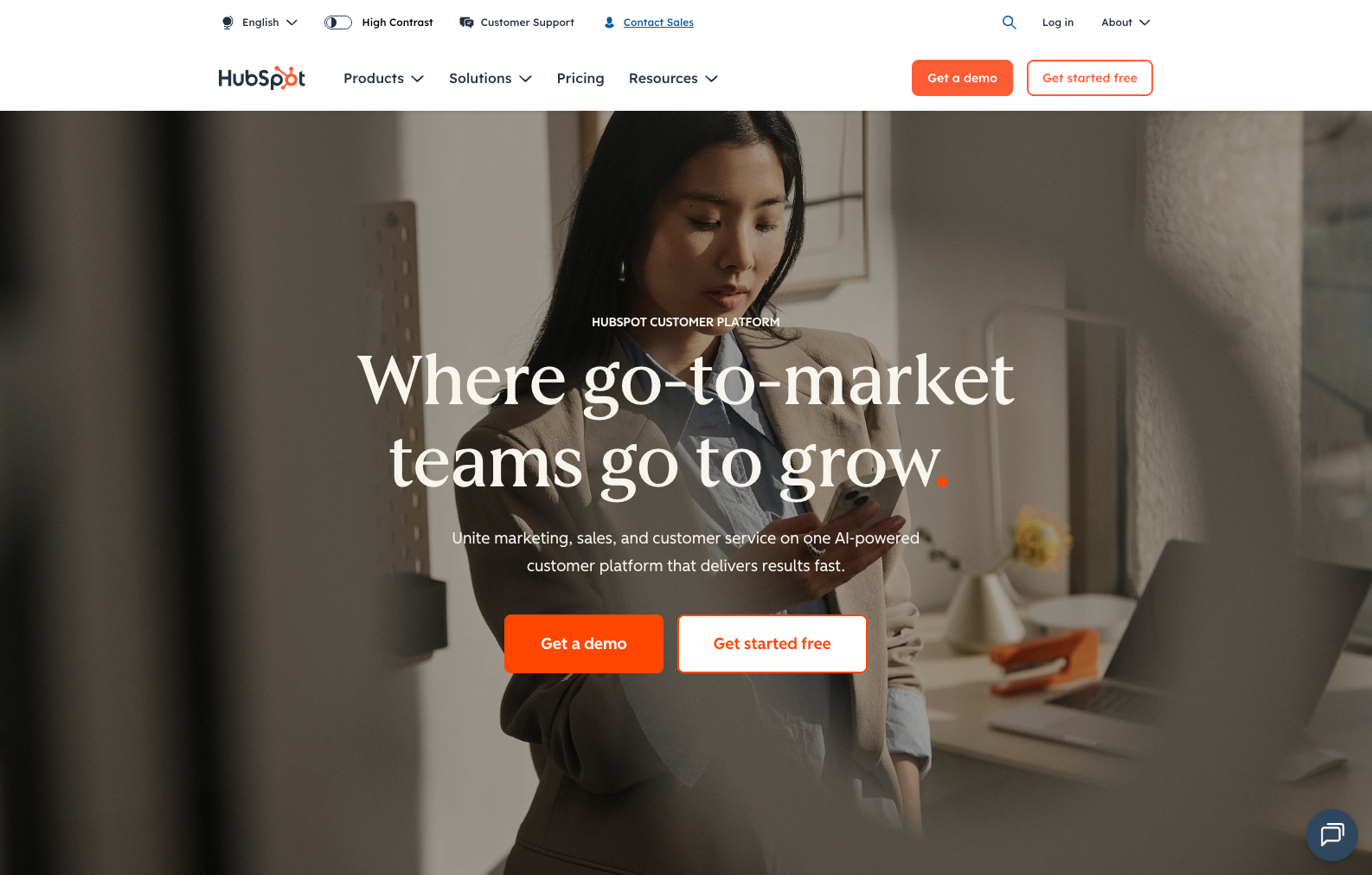
HubSpot is a CRM platform that includes email marketing as part of its broader marketing, sales, and service hub suite.
Best for
Companies that want to consolidate marketing and sales tooling into one platform. HubSpot works well for B2B companies with integrated sales and marketing teams that benefit from unified contact management, lead scoring, and pipeline tracking alongside email campaigns.
Strengths
- CRM integration. Native connection between marketing emails and sales pipeline provides visibility into how campaigns influence deals and revenue.
- Content management system. Built-in website and landing page builder eliminates the need for separate tools and creates seamless workflows from visitor to customer.
- Extensive app marketplace. Thousands of integrations enable connections with most business tools, and HubSpot's ecosystem includes agencies and consultants for implementation support.
- Marketing automation. Sophisticated workflow builder enables complex nurture sequences based on contact properties, behaviors, and lifecycle stage.
Limitations
- Pricing complexity. Costs escalate quickly as you add marketing contacts and unlock features across different hub tiers, making it expensive for growing companies.
- Feature bloat. The breadth of tools can overwhelm teams that just need email marketing, and navigating the interface requires significant training.
- Limited transactional email support. While strong for marketing campaigns, HubSpot lacks features needed for high-volume transactional messaging like order confirmations or password resets.
- Contact-based pricing. Paying per contact becomes prohibitively expensive for businesses with large databases but modest email sending needs.
Pricing
Free tier available with limited features. Marketing Hub Starter begins at $20/month for 1,000 contacts. Professional tier starts at $890/month with increased contact limits and automation features. Enterprise pricing requires custom quotes.
How it compares
HubSpot makes sense when you need a complete CRM platform and can justify the cost across multiple teams. For companies focused specifically on customer engagement and transactional messaging, platforms like Knock or Customer.io provide better price-performance and more flexibility without forcing you into a full CRM ecosystem.
Mailchimp
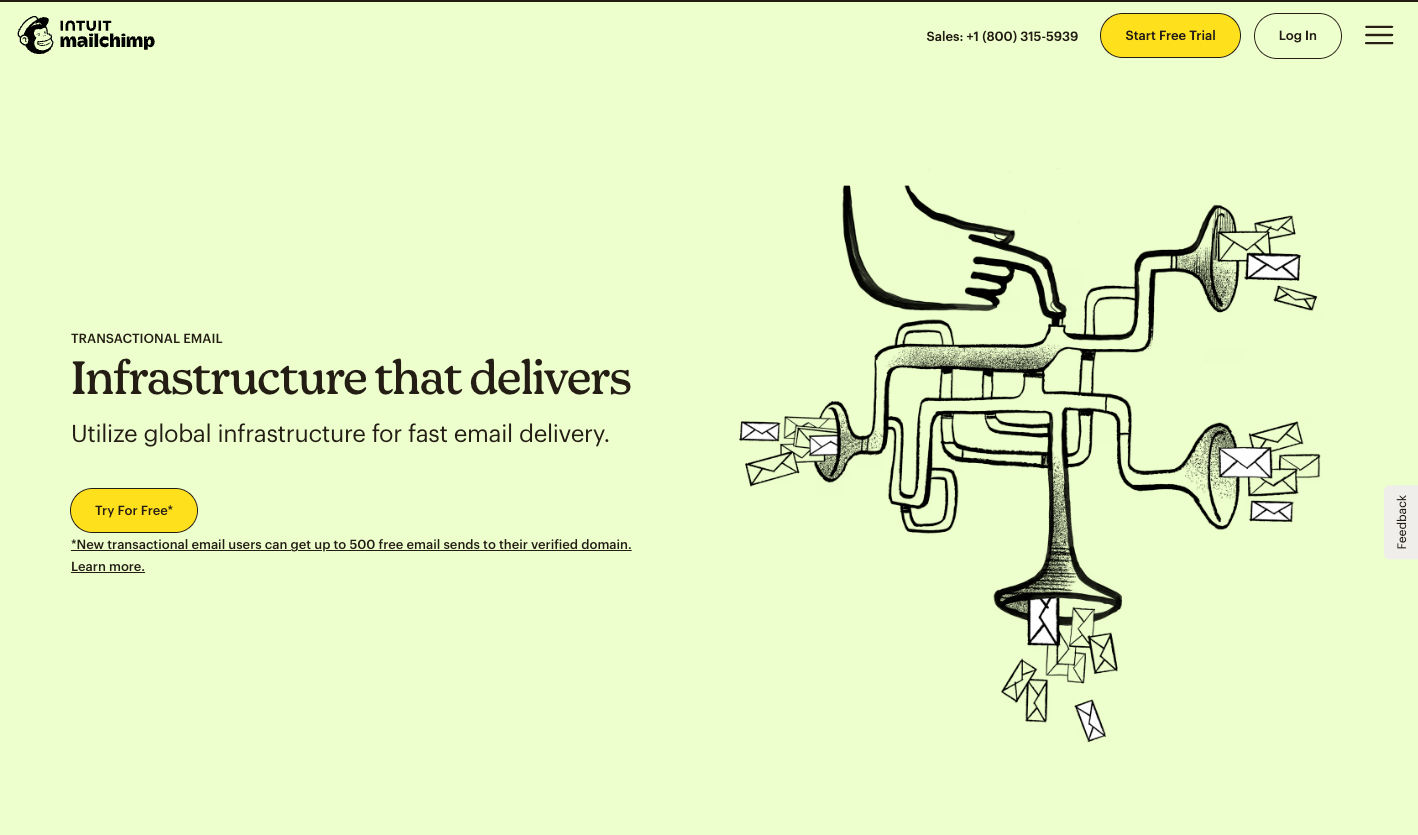
Mailchimp is a widely-adopted email marketing platform known for its accessible interface and small business focus.
Best for
Small businesses, content creators, and solopreneurs who need to send newsletters and basic campaigns without technical complexity. Mailchimp works well when email marketing is your primary channel and you don't need sophisticated multi-channel orchestration.
Strengths
- Ease of use. Intuitive drag-and-drop email builder and straightforward campaign setup enable quick wins without extensive training.
- Template library. Hundreds of pre-built email templates help teams create professional-looking campaigns quickly.
- Free tier. Generous free plan with 500 contacts and 1,000 monthly sends provides a low-risk entry point for new businesses.
- Brand recognition. Market presence means abundant third-party resources, integrations, and community support.
Limitations
- Limited automation. Workflow capabilities lag behind competitors, making complex customer journeys difficult to implement.
- Contact-based pricing. Costs increase based on total contacts rather than active engagement, penalizing businesses with large but inactive lists.
- Deliverability concerns. Shared sending infrastructure means your emails can be affected by other users' practices, potentially impacting inbox placement.
- Basic segmentation. Audience targeting options remain fairly simple compared to platforms built for sophisticated personalization.
Pricing
Free tier for up to 500 contacts. Essentials plan starts at $13/month for 500 contacts with basic automation. Standard tier begins at $20/month with advanced audience insights. Premium tier requires custom quotes.
How it compares
Mailchimp provides the simplest path to sending newsletters and promotional emails, but teams that need behavioral triggers, multi-channel messaging, or technical flexibility will quickly outgrow its capabilities. For product-driven companies sending transactional messages or complex lifecycle campaigns, platforms like Knock or Customer.io offer substantially more power.
ActiveCampaign
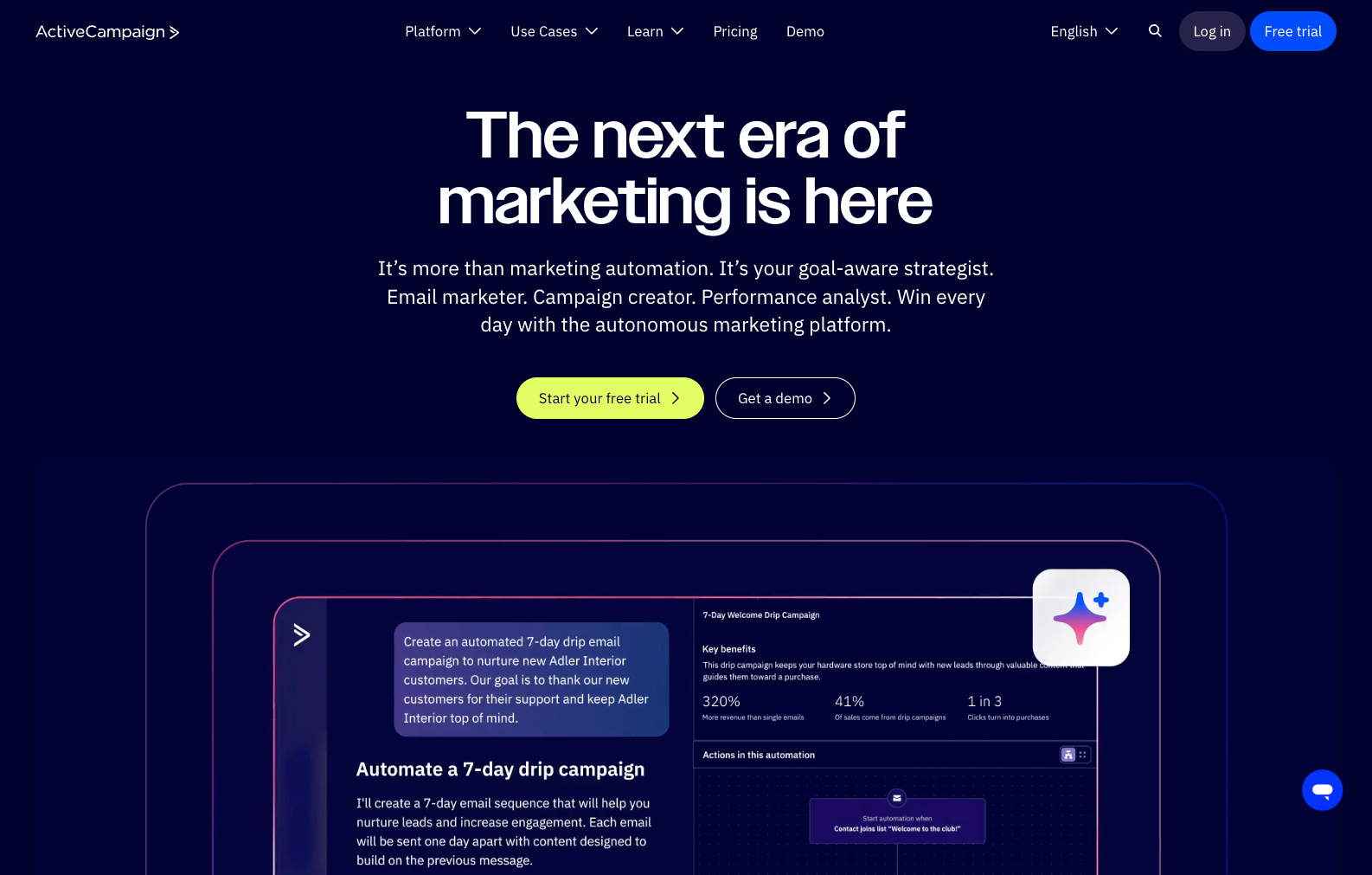
ActiveCampaign combines email marketing with marketing automation and CRM features, positioning itself as a customer experience platform.
Best for
Marketing teams at small to mid-sized B2B and B2C companies that prioritize automation sophistication over technical flexibility. ActiveCampaign works well for businesses with complex nurture sequences and sales processes that benefit from integrated CRM functionality.
Strengths
- Advanced automation. Sophisticated visual automation builder enables complex conditional logic, lead scoring, and multi-step customer journeys.
- Predictive sending. Machine learning optimizes send times based on when individual contacts typically engage with emails.
- Conversation tracking. Built-in conversations feature consolidates email, live chat, and form responses in one interface for sales follow-up.
- Site tracking. Detailed visitor tracking enables automation triggers based on website behavior and page views.
Limitations
- Learning curve. Platform complexity requires significant training investment, and teams often need external consultants for advanced implementations.
- Contact-based pricing. Pricing model penalizes businesses with large contact lists, similar to HubSpot and Mailchimp.
- Limited developer tools. API capabilities and technical documentation lag behind platforms built for engineering teams.
- Deliverability setup. Custom domain authentication and deliverability optimization require more manual configuration than competitors.
Pricing
Starts at $39/month for 1,000 contacts with basic email and automation. Plus tier begins at $70/month with CRM and advanced features. Professional tier starts at $187/month with predictive sending and custom reporting. Enterprise pricing available.
How it compares
ActiveCampaign provides more automation depth than Mailchimp but less technical flexibility than Knock or Customer.io. It occupies a middle ground for marketing teams that want sophisticated campaigns without requiring engineering support, though the learning curve remains substantial.
Klaviyo
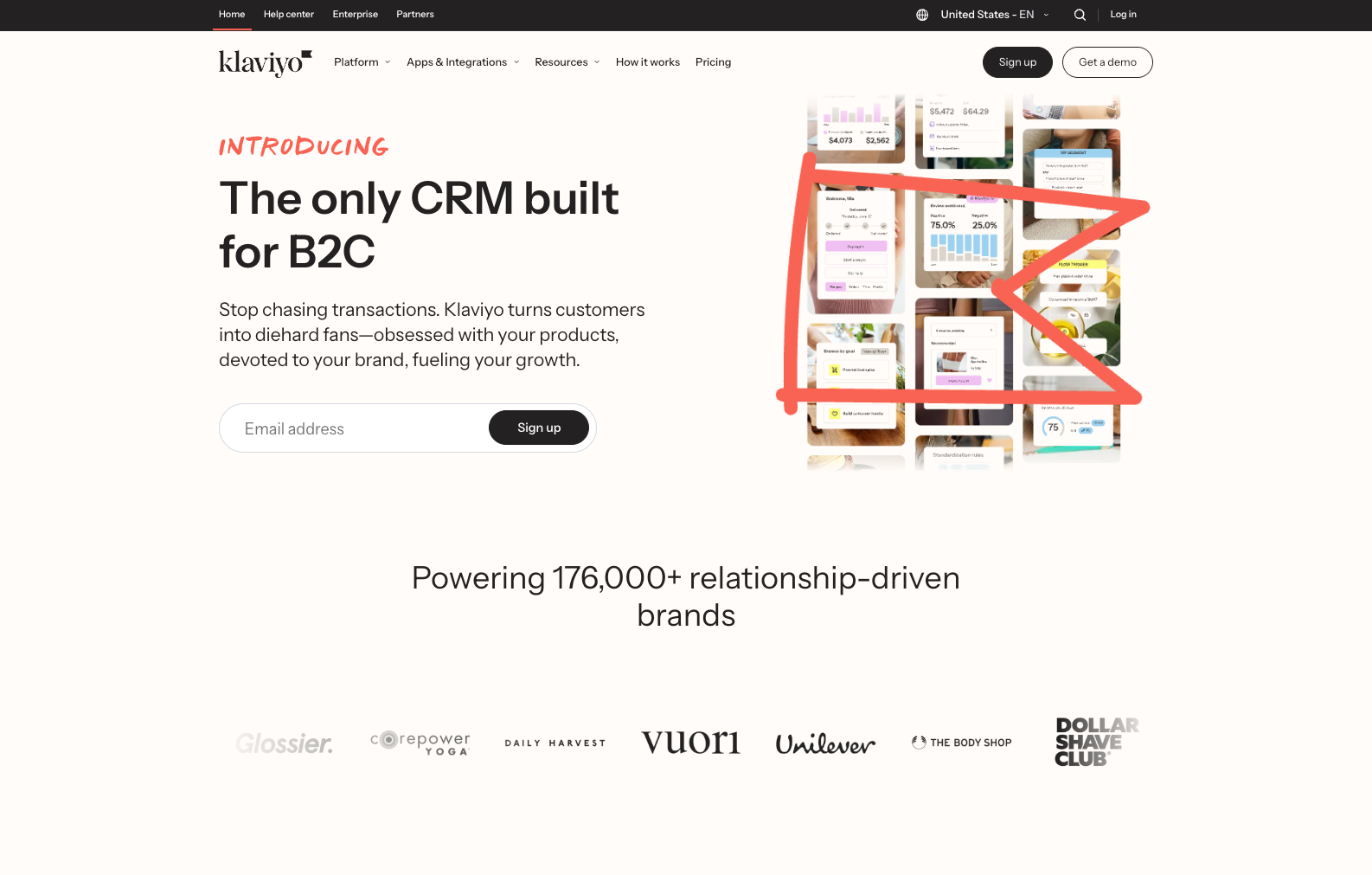
Klaviyo is a cross-channel marketing platform built specifically for e-commerce businesses with deep Shopify integration.
Best for
E-commerce brands that need granular product-level personalization and revenue attribution. Klaviyo excels for online retailers using Shopify, WooCommerce, or Magento who want to trigger campaigns based on browsing behavior, purchase history, and predicted customer lifetime value.
Strengths
- E-commerce integration. Native connections with major e-commerce platforms enable automatic syncing of orders, products, and customer data for precise segmentation.
- Revenue attribution. Detailed analytics connect email campaigns directly to sales, providing clear visibility into channel ROI and campaign effectiveness.
- Product recommendations. Dynamic content blocks automatically insert personalized product suggestions based on browsing history and purchase patterns.
- Predictive analytics. Machine learning identifies high-value customers, predicts churn risk, and optimizes campaign timing for conversions.
Limitations
- E-commerce focus. Platform features and templates assume e-commerce use cases, making Klaviyo less suitable for SaaS or B2B companies.
- Pricing escalation. Contact-based pricing combined with email and SMS charges means costs can increase quickly as your customer base grows.
- Limited transactional support. While strong for marketing campaigns, Klaviyo lacks infrastructure for high-volume transactional emails like order confirmations.
Pricing
Free tier includes 250 contacts and 500 email sends. Paid plans start at $20/month for 251-500 contacts with email only. SMS charged separately based on usage. Pricing increases substantially with contact growth.
How it compares
For e-commerce businesses deeply integrated with platforms like Shopify, Klaviyo provides unmatched product-level personalization and revenue tracking. For SaaS companies, marketplaces, or businesses needing transactional messaging alongside marketing campaigns, platforms like Knock offer more flexibility across use cases.
Braze
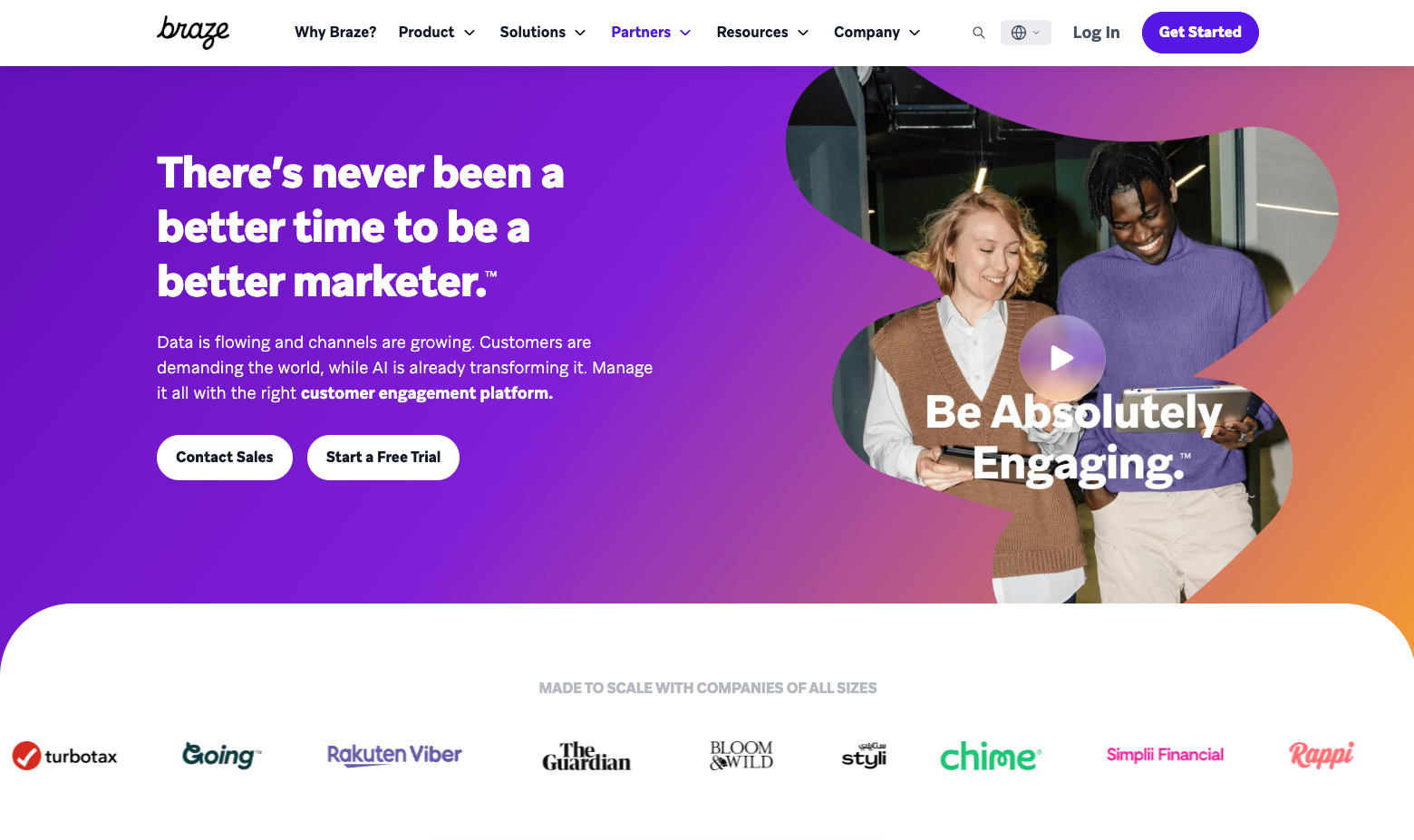
Braze is an enterprise customer engagement platform designed for mobile-first companies that need cross-channel orchestration at scale.
Best for
Large enterprises with dedicated customer engagement teams that prioritize mobile app messaging and can invest in complex implementations. Braze works well for consumer apps, media companies, and retailers with millions of users where personalization at scale drives business outcomes.
Strengths
- Enterprise scale. Infrastructure handles billions of messages monthly with advanced delivery optimization and real-time personalization across channels.
- Canvas orchestration. Sophisticated visual journey builder enables complex multi-channel flows with A/B testing, holdout groups, and conversion tracking.
- Mobile focus. Best-in-class push notification capabilities with rich media support, action buttons, and deep linking for mobile engagement.
- Data flexibility. Robust audience segmentation using real-time behavioral data and integration with customer data platforms.
Limitations
- Implementation complexity. Significant technical implementation required with typical onboarding measured in months rather than weeks.
- Cost. Enterprise-focused pricing makes Braze prohibitively expensive for small and mid-market companies, with annual contracts often exceeding six figures.
- Steep learning curve. Platform complexity requires dedicated team members and ongoing training investment to use effectively.
- Limited transparency. Custom enterprise pricing and features make it difficult to evaluate cost-benefit without engaging sales.
Pricing
Custom enterprise pricing only. Braze doesn't publish rates publicly but typically requires annual contracts with implementation fees. Expect significant investment appropriate for large-scale operations.
How it compares
Braze targets a different market than most alternatives, focusing on enterprises with complex needs and substantial budgets. For companies that don't need mobile-first enterprise scale, platforms like Knock, Customer.io, or Iterable provide similar multi-channel capabilities with more accessible pricing and faster implementation.
Customer.io
Customer.io is a messaging platform built for companies that need to trigger campaigns based on product usage and behavioral data.
Best for
Product-led SaaS businesses that want to send targeted messages triggered by user actions inside their application. Customer.io excels when your email strategy centers on product engagement, feature adoption, and usage-based lifecycle campaigns.
Strengths
- Visual workflow builder. Intuitive interface enables marketers to design complex campaigns without writing code while developers maintain control through APIs.
- Data warehouse integration. Native connections with Snowflake and other data warehouses enable advanced segmentation using customer data beyond the platform.
- Event-based triggers. Rich segmentation based on product usage events enables precise targeting for onboarding, activation, and retention campaigns.
Limitations
- Learning curve for less technical teams. Platform assumes some technical understanding, and non-technical users may need engineering support for complex implementations.
- Limited template library. Fewer pre-built email templates compared to marketing-focused platforms require more design work upfront.
- Pricing complexity. Multiple pricing tiers based on features and profiles can make cost forecasting difficult as you scale.
- Focused scope. While strong for product-led campaigns, businesses needing broadcast marketing or traditional lead nurture may find gaps.
Pricing
Essentials plan starts at $100/month for 5,000 profiles with basic email and in-app messaging. Premium tier begins at custom pricing with advanced features, SMS, and webhooks. Data Pipelines add-on charged separately.
How it compares
Customer.io and Knock both target technical audiences with event-driven messaging needs. Customer.io focuses more narrowly on product messaging for SaaS, while Knock provides broader multi-channel orchestration with stronger developer tooling and more transparent pricing. Teams choosing between them should consider whether they need primarily email and in-app (Customer.io) or comprehensive cross-channel capabilities (Knock).
Iterable
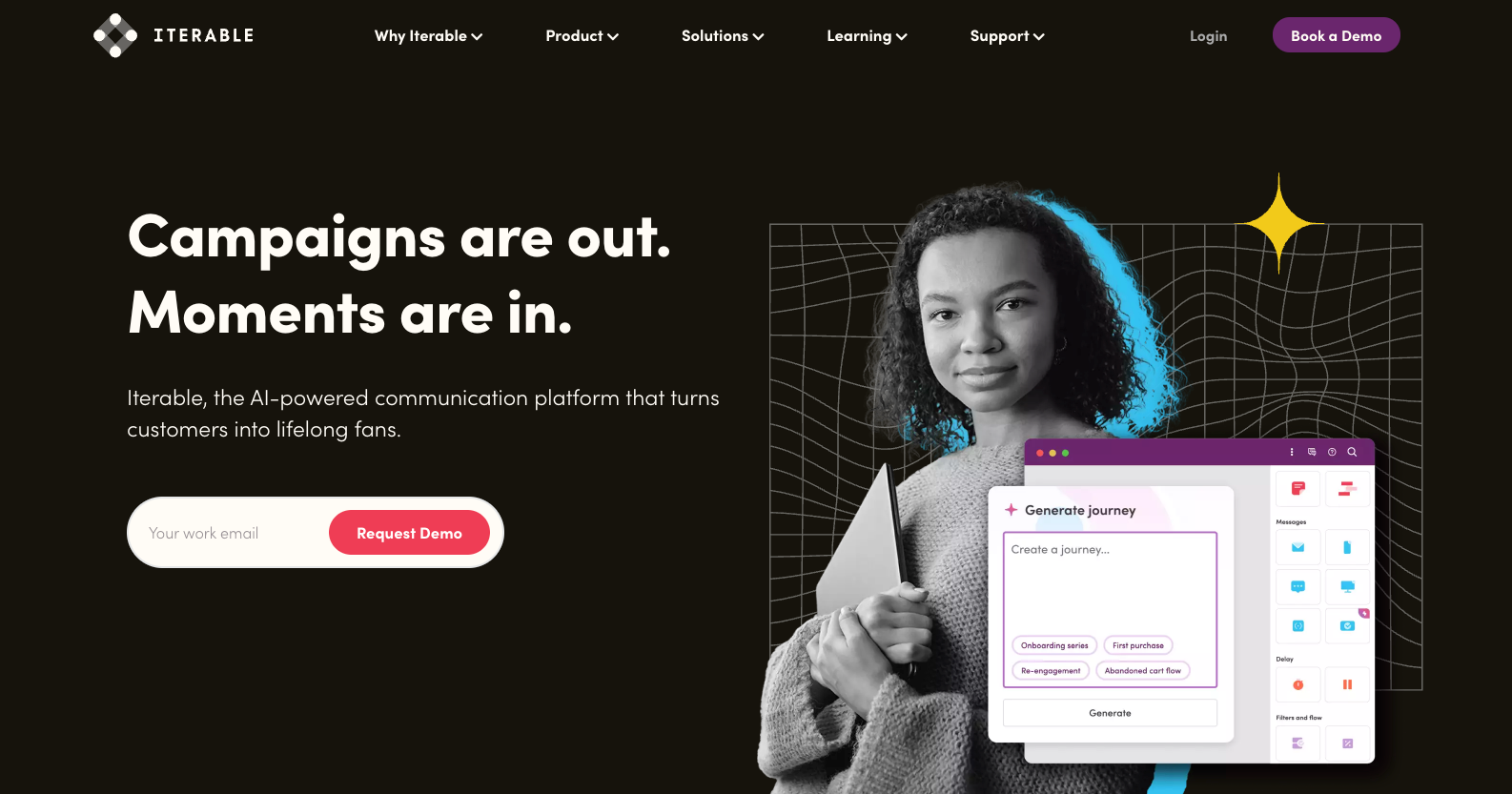
Iterable is a cross-channel marketing platform focused on experimentation and personalization for mid-market and enterprise growth teams.
Best for
Growth teams at scaling companies that prioritize testing and optimization. Iterable works well for businesses with dedicated growth or lifecycle marketing functions that need to run frequent experiments across email, SMS, and push notifications.
Strengths
- Experimentation features. Built-in A/B and multivariate testing with statistical significance tracking enables data-driven campaign optimization.
- AI-powered optimization. Machine learning features like send time optimization and channel selection help improve engagement automatically.
- Workflow templates. Pre-built journey templates for common use cases like onboarding, win-back, and cart abandonment accelerate campaign launches.
- Cross-channel analytics. Unified reporting across email, SMS, push, and in-app provides visibility into multi-channel campaign performance.
Limitations
- Hidden pricing. Custom enterprise pricing without published rates makes cost evaluation difficult until deep in the sales process.
- Learning curve. Platform complexity requires substantial training investment, and teams often need consultants for advanced implementations.
- Limited developer features. API capabilities lag behind engineering-focused platforms, making technical integrations more challenging.
- Contact-based pricing. Pricing model based on profiles becomes expensive as your database grows, similar to other enterprise platforms.
Pricing
Custom enterprise pricing only. Iterable doesn't publish rates but typically targets mid-market and enterprise companies with substantial messaging scale and corresponding budgets.
How it compares
Iterable positions between marketing-focused platforms like HubSpot and technical platforms like Knock. It provides more experimentation features than most alternatives but requires greater investment in both cost and implementation time. Teams wanting faster time-to-value with similar capabilities should consider Knock or Customer.io.
How to choose the right email marketing platform
Small teams: Knock provides the fastest path to production for small teams that need more than basic email marketing. The combination of visual workflow tools and developer-friendly APIs means you can start sending sophisticated multi-channel campaigns without building custom infrastructure or waiting for enterprise implementations. Mailchimp works if you only need simple newsletters and can accept limited automation.
Enterprise organizations: For enterprise organizations where multiple teams (engineering, product, growth, and operations) need to collaborate on messaging, Knock provides the technical control developers require with visual, low-code tooling to empower non-technical stakeholders. Braze makes sense if you're mobile-first with millions of users and can invest in lengthy implementations. Iterable fits if you prioritize experimentation features over developer experience.
Technical teams: Knock and Customer.io provide API-first infrastructure designed for engineering workflows. Both platforms enable developers to integrate customer messaging directly into application code with comprehensive SDKs and documentation. Knock offers broader multi-channel capabilities and more transparent pricing, while Customer.io focuses specifically on SaaS product messaging.
Non-technical teams: Mailchimp and HubSpot balance basic marketing capabilities with ease of use. Mailchimp works for straightforward campaigns, while HubSpot makes sense if you need integrated CRM features and can navigate the platform complexity. ActiveCampaign provides more automation depth but requires significant learning investment.
Budget-constrained: Knock offers predictable pricing that scales reasonably with growth. You pay for messages sent rather than total contacts, and pricing tiers are transparent from free tier through enterprise. Mailchimp's free tier works for very small operations, but costs increase quickly with contact growth.
Compliance-heavy: Knock and Braze provide enterprise-grade security, SOC 2 Type II compliance, and data residency options. Knock offers these features without requiring enterprise contracts or complex implementations. HubSpot and ActiveCampaign include basic compliance features but may require additional configuration.
Email marketing platform FAQs
Can I use an email marketing platform for transactional emails?
Most email marketing platforms focus on promotional campaigns and lack features needed for transactional emails like password resets, order confirmations, or account notifications. While platforms like HubSpot or Mailchimp technically support transactional sending, they don't provide the deliverability infrastructure, API speed, or reliability required for mission-critical messages. Knock is purpose-built to handle both marketing campaigns and transactional messaging in a single platform, eliminating the need to manage separate tools.
What's the difference between email marketing platforms and customer engagement platforms?
Email marketing platforms focus primarily on broadcast campaigns and newsletters sent to contact lists. Customer engagement platforms like Knock take a broader approach, treating email as one channel in a multi-channel messaging strategy that includes SMS, push, in-app, and chat. This enables you to reach customers on their preferred channels with coordinated messaging rather than managing separate tools for each channel.
Do I need technical knowledge to use Knock?
Knock is built for collaboration between technical and non-technical team members. Product managers, marketers, and operations teams can design workflows, edit templates, and launch campaigns using visual tools without writing code. Developers benefit from comprehensive APIs, version control integration, and local development environments. This means your team can move quickly without creating bottlenecks or requiring engineering involvement for every campaign change.
Can I migrate from my current email platform to Knock?
Yes. Knock provides migration support including contact list imports, template recreation assistance, and workflow mapping to help teams transition smoothly. Most customers migrate gradually, starting with new campaigns in Knock while maintaining existing flows in their legacy platform until ready to deprecate. This approach minimizes risk and ensures continuous communication with your customers during transition.
Send dynamic email marketing with Knock
The right email marketing platform should empower your team to create sophisticated customer experiences without creating technical bottlenecks or forcing you into restrictive pricing models. Knock provides the collaborative workflow tools, multi-channel orchestration, and developer-friendly infrastructure that growing companies need to scale customer engagement.
Start sending smarter, cohesive messaging today. Sign up for Knock today and send up to 10,000 messages per month for free, or schedule a demo to see how Knock can unify your customer messaging across email, SMS, push, in-app, and chat.