What this template solves
- Ensures users never miss important discussions where their input is requested.
- Creates accountability by notifying users when they're directly referenced.
- Improves collaboration velocity by quickly pulling relevant people into conversations.
- Maintains engagement even when users aren't actively monitoring the platform.
When to use this template
Use this template when:
- Your platform supports @mentioning users in comments, posts, or documents.
- You have collaborative features where users need to loop others into discussions.
- Teams use your product for asynchronous communication and decision-making.
- You want to replicate familiar @mention patterns from Slack, GitHub, or social media.
- Cross-functional collaboration requires pulling in specific expertise on demand.
How it works (step-by-step)
- Trigger. User includes @mention in their comment or post.
- Validate mention. Verify mentioned user exists and has permission to view content.
- Check user status. Determine if user is currently active in-app.
- Send notification. If user is inactive, immediately send notification via their preferred channel.
- Track engagement. Monitor if mentioned user views or responds to maintain conversation flow.
Best practices
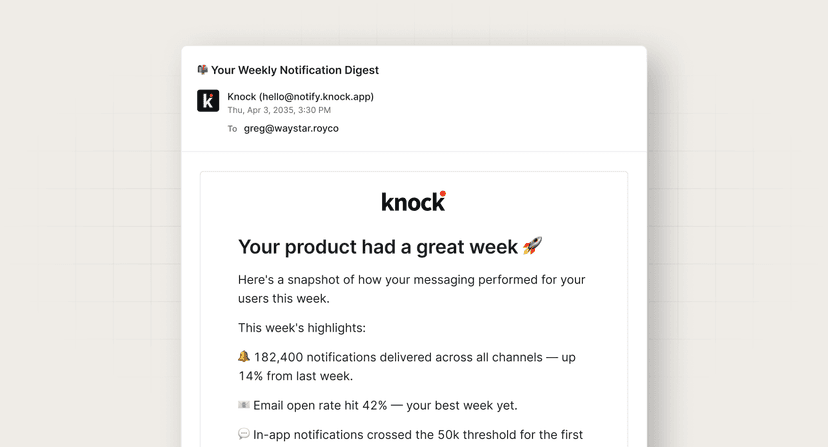
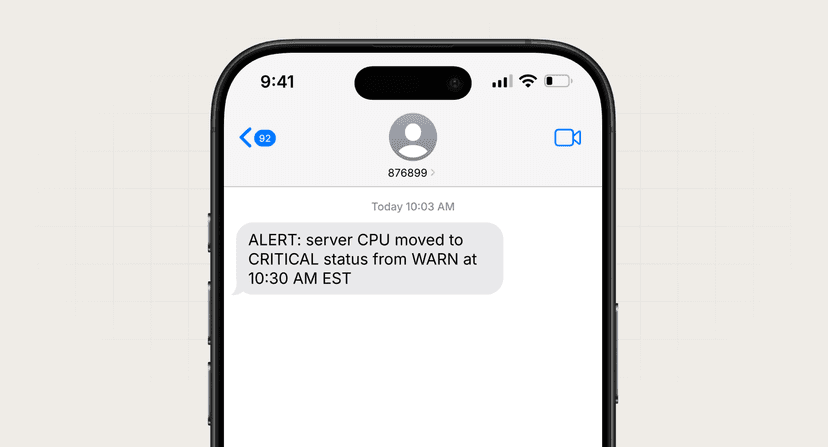
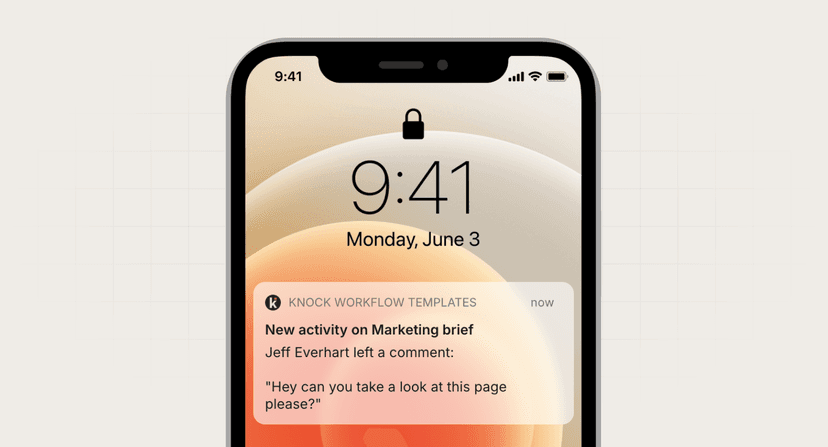
- Rich context is essential. Include who mentioned them, where, and preview of surrounding text. "@sarah mentioned you" is too vague.
- Respect notification preferences. Some users want all mentions immediately, others want batching. Let users configure mention urgency separately.
- Smart in-app handling. If user is active in-app, show subtle in-app notification instead of sending email to avoid double-notifications.
- Support mention types. Consider @here for location-based, @channel for groups, and @everyone sparingly for truly critical announcements.
Common mistakes to avoid
- Not handling permissions properly. Never notify users about mentions in content they can't access. This creates confusion and security concerns.
- Ignoring mention spam. Users who mention dozens of people can create notification storms. Implement limits and consider batching multiple mentions from same source.
- Missing indirect mentions. Users often write "Sarah" without the @ symbol. Consider offering smart detection for likely mentions.
- Poor mobile experience. Ensure mention notifications deep link directly to the mentioned content, not just the app homepage.
FAQ
Should mentions always bypass notification preferences?
Generally yes, as mentions indicate direct requests for attention. However, allow users to configure mention notifications separately from other notification types.
How do I handle mentions of users who left the organization?
Gracefully handle with in-context messaging like "Former member" and don't send notifications. Consider suggesting current team members as alternatives.
What about @everyone or @channel mentions?
Restrict these to admins or specific roles. When allowed, clearly indicate it's a broadcast mention and let users opt out of these separately.
Should I notify about mentions in edited content?
Only notify about new mentions added during edits, not re-notify about existing mentions. Track which mentions have already triggered notifications.