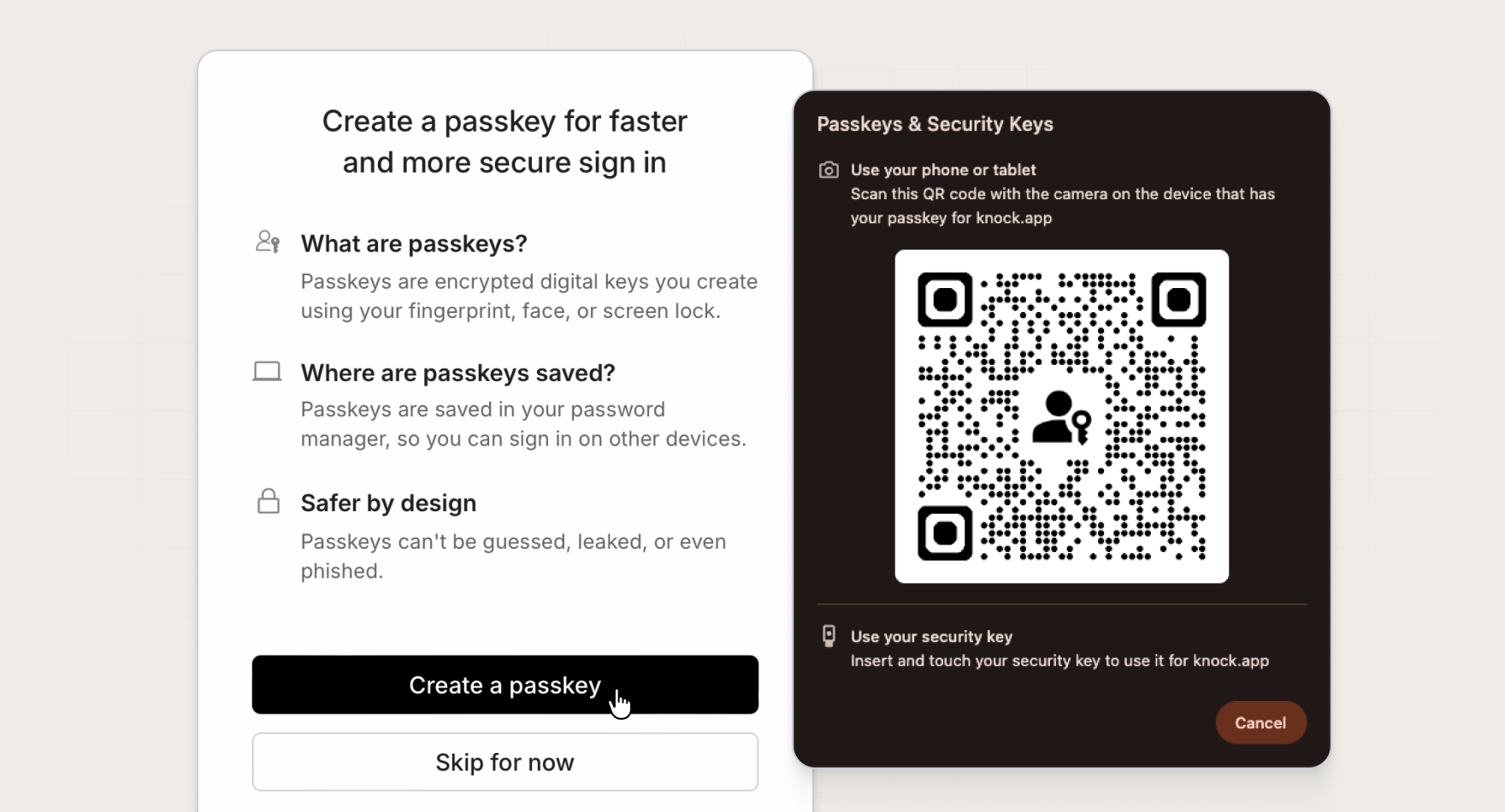
Today we're adding passkey authentication as another way to log in to the Knock dashboard. Passkeys give your team a faster, more secure way to verify their identity at login.
Sign in with a tap
Passkeys use WebAuthn, the same standard behind Touch ID, Face ID, and hardware security keys. After you sign in with email or Google, you can add a passkey in Knock's security settings.
Enroll with biometrics (Touch ID, Face ID, Windows Hello), a device PIN, a password manager, or a hardware security key—whatever your browser and device support. No authenticator app to open, no 6-digit code to type.
You can register multiple passkeys, such as one for your laptop and one for your phone. Remove any passkeys you no longer use at any time.
Works with your existing MFA setup
Passkeys sit alongside authenticator app (TOTP) MFA. If your account has MFA enforcement enabled, members can enroll with one method or both and choose how they verify at login on the MFA challenge screen.
Passkeys are phishing-resistant by design. Each login is tied to your device and the Knock dashboard, so stolen credentials alone are not enough to access your account.
Account owners and admins can reset a member's passkeys if someone loses access to their device.
Get started
Passkey authentication is available today for all Knock customers. Open your profile Security settings to add a passkey, or read more in our documentation.