Today we're introducing saved views and tags across workflows, broadcasts, guides, and partials. These improvements make it easier to organize and categorize Knock resources so teams can move faster.
Tag resources your way
Tags give you a flexible way to label resources by team, business unit, product area, or any other values that match how your organization works.
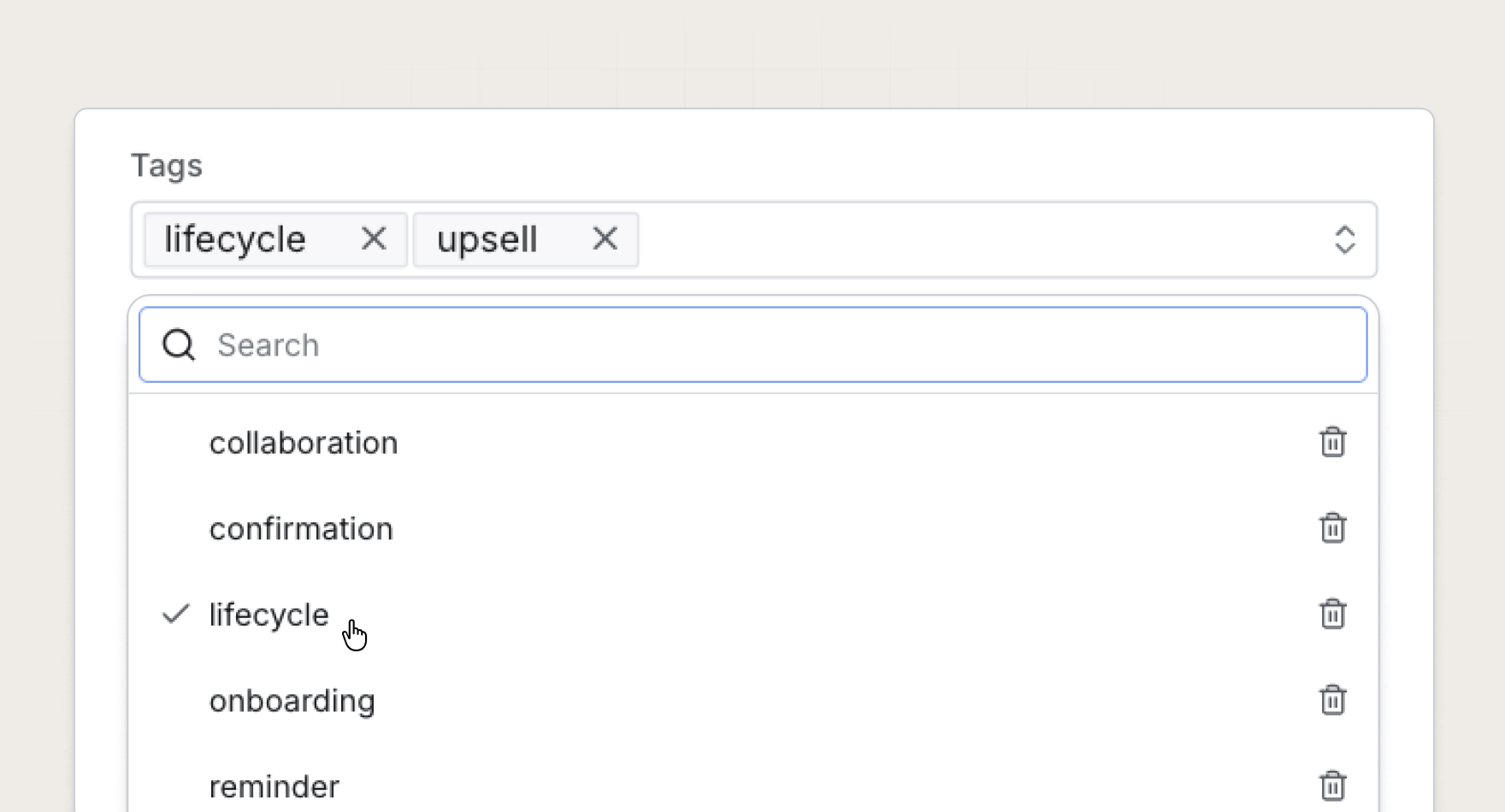
Tags are account-wide, so any tag you create is available for every resource in Knock. Apply new or existing tags directly from the dashboard, filter resources by one or more tags, and keep your messaging system organized as your team ships.
Build views your team can share
Then, turn those tags and filters into saved views your whole team can use. Turn any combination of filters into a shared, account-wide view with the click of a button.
Say you're on the Growth team and you want a view that shows only the Growth workflows your team manages. Tag the relevant workflows, filter based on the tag, and save it as a view. Anyone on the account can now navigate to that view to see what workflows the Growth team owns.
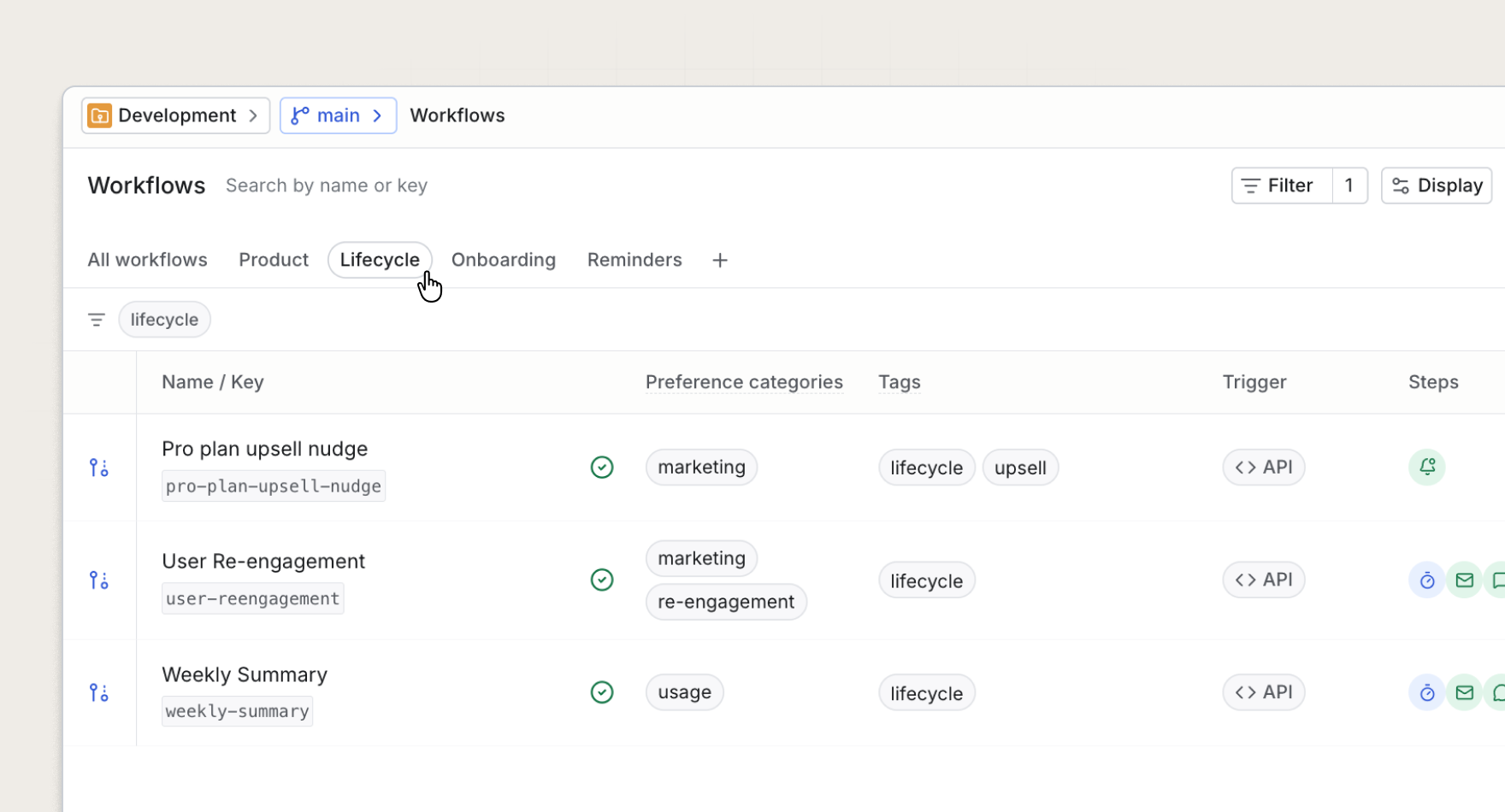
Saved views are consistent across every environment, so the same shared link works whether someone is in development or production.
Get started
Tags and saved views are available today for all Knock customers. Open the workflows, broadcasts, guides, or partials pages to create your first saved view, or read more in our documentation.