Today we're introducing data functions, a new set of workflow steps that enable you to update your data in Knock from within a workflow.
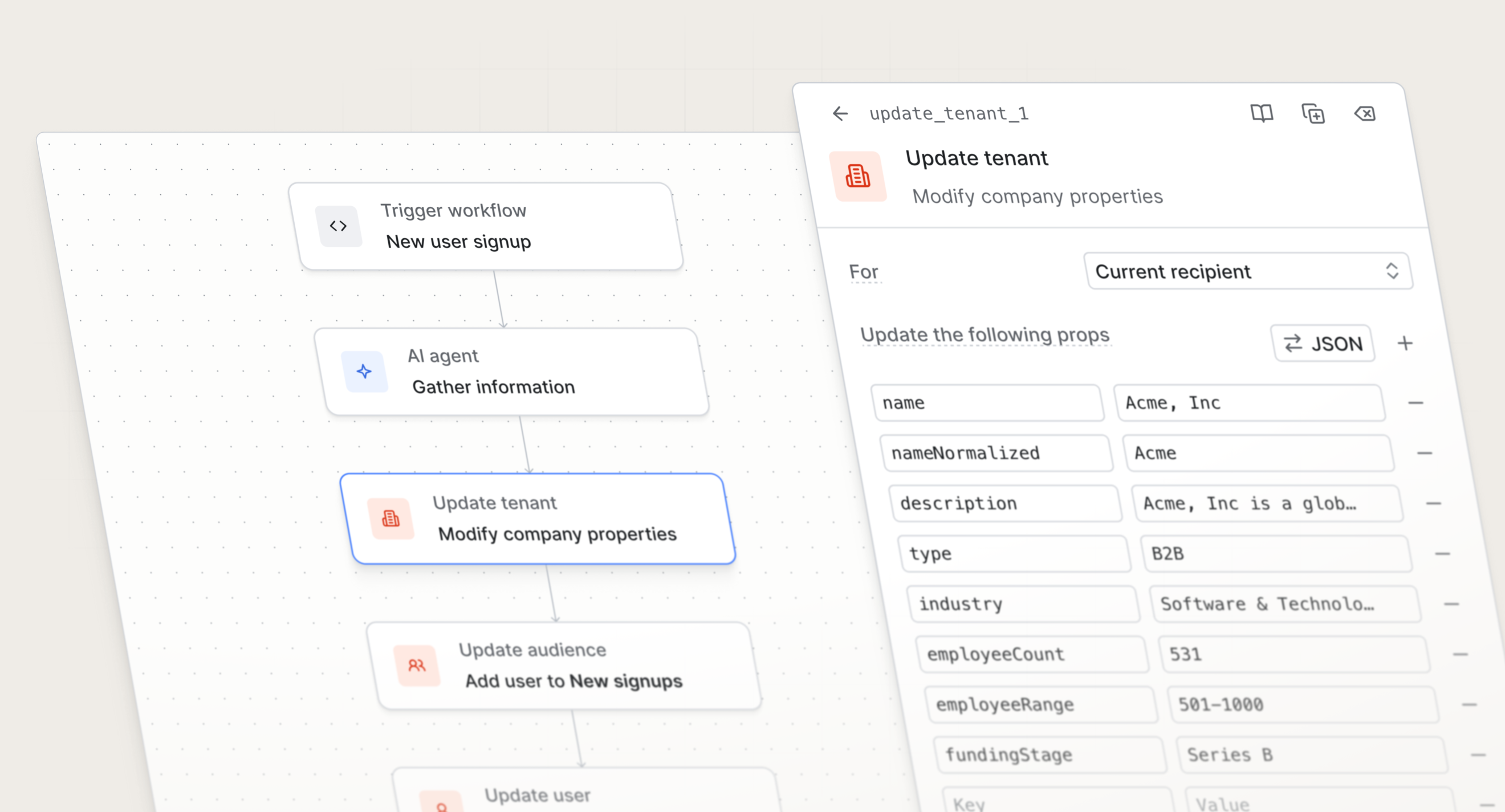
The new data functions available include:
- Update audience. Add or remove a user to or from a static audience. For example, when users hit a usage milestone, you can add them to a "Power users" audience, or remove them if they churn.
- Update user. Modify the recipient's properties or preferences. For example, you can mark the
completed_onboardinguser property as "true" when a user finishes the onboarding workflow. - Update tenant. Modify a company's properties. For example, when a workspace upgrades their plan, you can update the tenant's
plan_tierproperty to "Pro." - Update object. Modify properties on any object in your environment (e.g. projects, orders, or tasks). For example, when a task is completed, you can update the project's
completed_tasks_countso a summary notification shows the right total. - Modify workflow. Add or update a property in your workflow's data scope. This allows you to compute a value in an early step (e.g. a personalized recommendation) and use it in later branch or message steps.
Data functions help you turn real-time behavior into structured, reliable data from within a workflow. This ensures records stay enriched and up to date, powers better segmentation and personalization, and enables you to make users eligible to receive other messaging, including guides, broadcasts, or other workflows.
Data functions are available today for all Knock customers. Read more about designing workflows.