If you're outgrowing HubSpot because of scaling costs, lack of control, or looking to unlock additional messaging channels, several strong alternatives emerged in 2025 and early 2026.
HubSpot remains a solid choice for small, traditional go-to-market teams looking for email marketing and CRM functionality, but many technical teams and fast-growing companies now choose specialized tools that offer more control, enable cross-channel messaging, and provide infrastructure built for product-led growth.
The best HubSpot alternatives at a glance
- Knock. Best for product-led teams that need programmable, cross-channel messaging infrastructure.
- Customer.io. Best for growth teams wanting behavioral email and messaging automation.
- Braze. Best for large consumer apps needing real-time, multi-channel engagement at scale.
- Iterable. Best for enterprise marketing teams that run complex lifecycle campaigns.
- ActiveCampaign. Best for SMBs that want marketing automation with CRM capabilities at a lower price point.
- Klaviyo. Best for ecommerce brands that want tight data integration and revenue-attributed messaging.
- Sendbird. Best for product teams building in-app chat and business messaging experiences.
Why people look for alternatives to HubSpot
HubSpot is a marketing and CRM platform built primarily for traditional go-to-market teams. It covers email marketing, lead management, landing pages, and basic automation in a single suite, as well as some tooling for sales and support teams. But teams building modern SaaS products who need more control and sophisticated cross-channel messaging often run into the same constraints.
- Developer flexibility is limited. HubSpot's workflow and API model is designed for marketers, not engineers. Teams that need to trigger messages based on product events, build custom logic, or integrate deeply with internal data pipelines find the constraints limiting. Workarounds are possible but add friction.
- Built for marketing campaigns, not transactional and product messaging. HubSpot is built around marketing campaigns, and therefore does not have the infrastructure to support event-driven messaging. Sending a transactional notification, a digest, or a real-time in-app message based on user behavior requires significant custom work or third-party tools.
- Pricing scales in ways that surprise teams. HubSpot's pricing tiers are structured around contacts and features, which can produce unpredictable cost increases as teams grow. Unlocking more advanced features often requires jumping to a higher tier, even for a single capability.
- Cross-functional collaboration is constrained. While HubSpot offers products for marketing, sales, and support teams, there is limited functionality to support collaboration between engineering, product, and marketing teams. Since these teams frequently need to coordinate on messaging logic, HubSpot’s tooling creates friction when teams need to own or contribute to messaging configuration.
- Multi-channel orchestration is weak. If your use case requires coordinating email, SMS, push, in-app, and chat messages based on user state and preferences, HubSpot's channel coverage and orchestration depth fall short of purpose-built platforms.
Why Knock is a strong HubSpot alternative
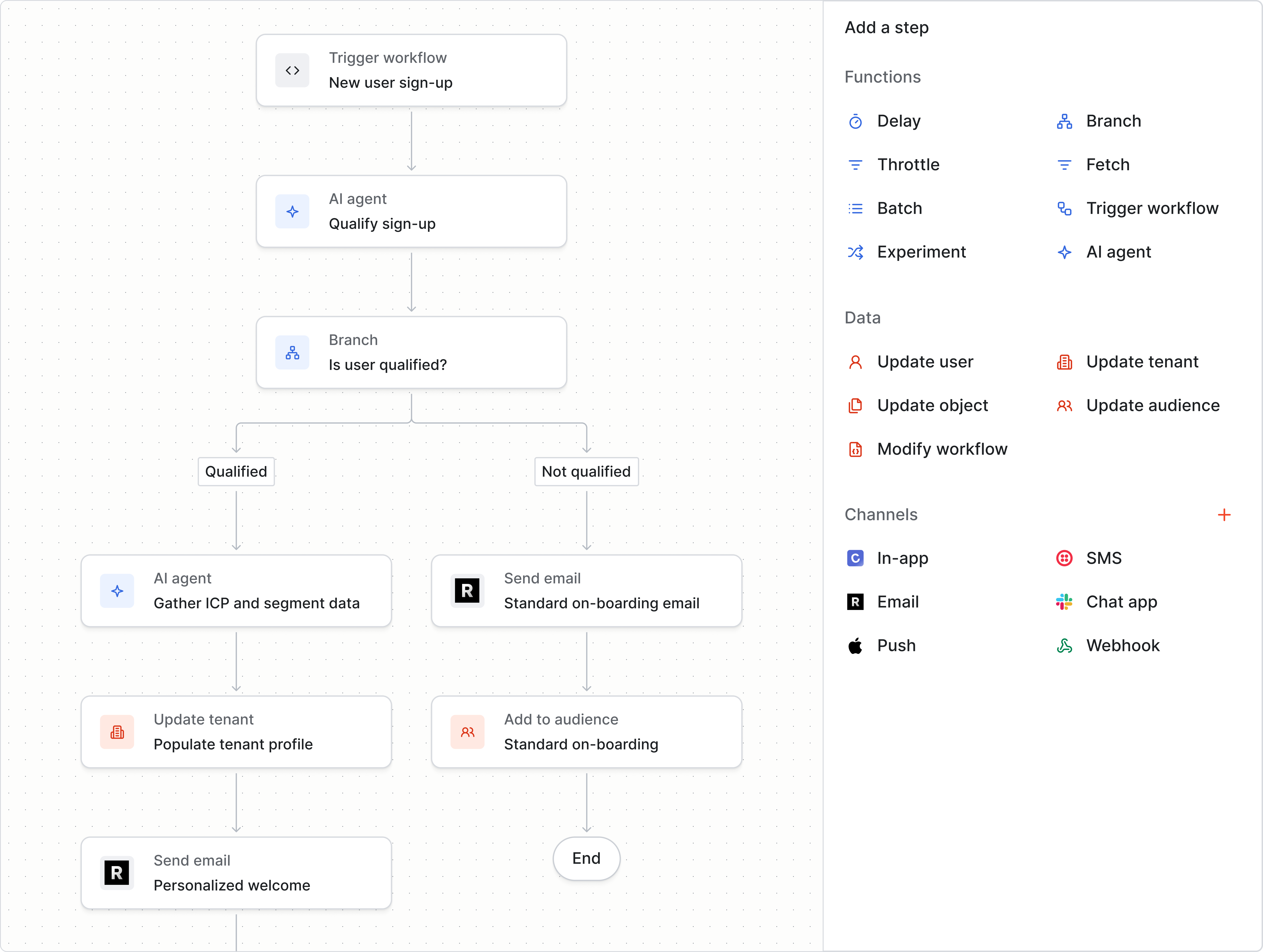
Knock is a customer engagement infrastructure platform that enables engineering, product, growth, and marketing teams to send all their product, marketing, and transactional messaging from a single platform. This leads to coordinated, on-brand communications across every customer touchpoint.
Where HubSpot is built around campaigns and CRM, Knock is built around programmable messaging workflows that activate your data and coordinate delivery across any channel, including in-app messaging.
Best for
Product-led companies where multiple teams need to collaborate on messaging. Knock is a strong fit when engineering needs API-first control, product and growth teams need a visual editor to ship campaigns and lifecycle journeys without writing code, and the use cases span transactional notifications, activity feeds, broadcasts, and real-time in-app messaging.
Strengths
- Developer-first infrastructure with visual tooling for everyone. Knock enables all teams to collaborate in the same platform. Developers get a powerful API, SDKs in all major languages, and CI/CD-compatible infrastructure-as-code tooling. Product managers and growth teams get a drag-and-drop workflow editor and template builder they can use without engineering support.
- True cross-channel orchestration. A single Knock workflow can route product, marketing, and transactional messages across email, SMS, push, in-app, and chat based on user preferences, engagement state, product conditions, and fine-grained logic.
- Advanced workflow functions. Knock supports both basic workflow functions (e.g. delays, branching, A/B tests) as well as more advanced workflow functions like batching, throttling, and AI agents. Data functions enable you to write data back to Knock from within a workflow run to update user, tenant, and object properties and add or remove users from an audience.
- Unified data activation. Knock ingests real-time data from your product, warehouse, CDP, and reverse ETL sources so teams can trigger relevant, timely messaging based on any user attribute, event, or segment change, without standing up additional data infrastructure.
- Infrastructure you can trust at scale. Knock is SOC 2 Type II certified, supports HIPAA-compliant configurations, delivers hundreds of millions of messages per month, and provides the observability, audit logging, and version control that engineering and security teams require.
Limitations
- Learning curve for less technical teams. Getting the most out of Knock's data model and workflow capabilities is easier with engineering involved in initial setup. Less technical teams will find the visual tooling approachable, but implementation moves faster with developer support.
- Priced on message volume, not contacts. Knock's pricing model is well-suited for teams with large user bases who send targeted messaging, but teams accustomed to contact-based pricing may need to model costs differently.
Pricing
Knock offers a free tier (up to 10,000 monthly notifications), a Starter plan at $250/month (up to 50,000 notifications), and enterprise pricing with volume-based discounts, SLAs, and compliance options. Pricing can be based on message volume or monthly engaged contacts, which makes costs more predictable as your user base grows.
How it compares to HubSpot
HubSpot is a marketing and CRM suite built for traditional go-to-market teams. Knock is customer engagement infrastructure re-engineered for product-led teams. Where HubSpot centers on contact management and campaign execution, Knock centers on messaging infrastructure that engineering, product, and growth teams can all use together. Teams that have outgrown HubSpot for cross-channel or product-led messaging typically run Knock alongside their CRM, using each tool for what it does best.
Customer.io
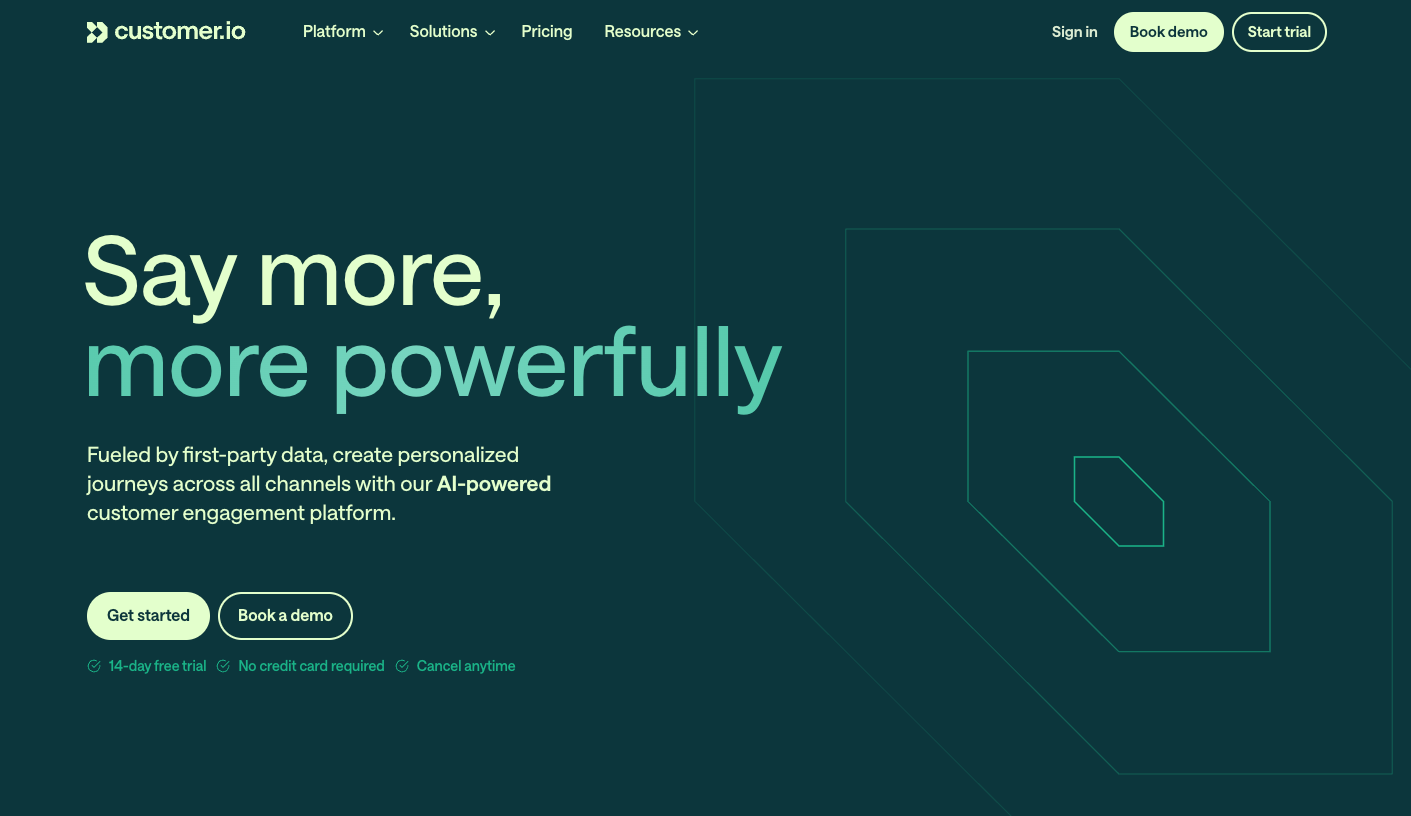
Customer.io is a behavioral messaging platform that lets teams send targeted emails, push, and SMS messages based on real-time user data and events. It sits between a traditional marketing automation tool and a developer-friendly messaging platform.
Best for
Product and growth teams at SaaS companies who want to build lifecycle messaging campaigns triggered by user behavior. Customer.io is a good fit when engineering can help with the initial data integration and the team primarily uses email as its main channel.
Strengths
- Event-driven messaging with good data integration. Customer.io ingests user attributes and events and lets teams build segments and triggers based on that data without complex custom infrastructure.
- Visual campaign builder. Non-technical users can design multi-step campaigns using a drag-and-drop interface, reducing dependence on engineering for routine message changes.
- Solid email deliverability. Customer.io has a strong track record for email delivery and provides good visibility into opens, clicks, and conversions.
Limitations
- In-app and notification infrastructure is limited. Customer.io is primarily an email and basic multi-channel platform. Teams that need sophisticated in-app notification feeds, real-time alerts, or complex orchestration across multiple channels often need supplemental tools.
- Pricing can scale quickly. Customer.io's pricing is contact-based. Teams with large user bases or high message volumes can see costs rise faster than expected.
- Less developer control over message logic. Engineering teams that want to define complex branching, batching, or conditional notification rules at the infrastructure level find Customer.io's options more constrained than API-first platforms.
Pricing
Plans start at around $100/month for basic email, scaling based on the number of tracked customers. The Data Pipelines add-on and advanced features require higher-tier plans.
How it compares to HubSpot
Customer.io is more product-focused and developer-friendly than HubSpot. It handles behavioral triggers and lifecycle messaging better, but it doesn't include CRM or sales tooling. Teams moving from HubSpot to Customer.io typically do so because they want better event-based messaging control while keeping costs lower.
Braze
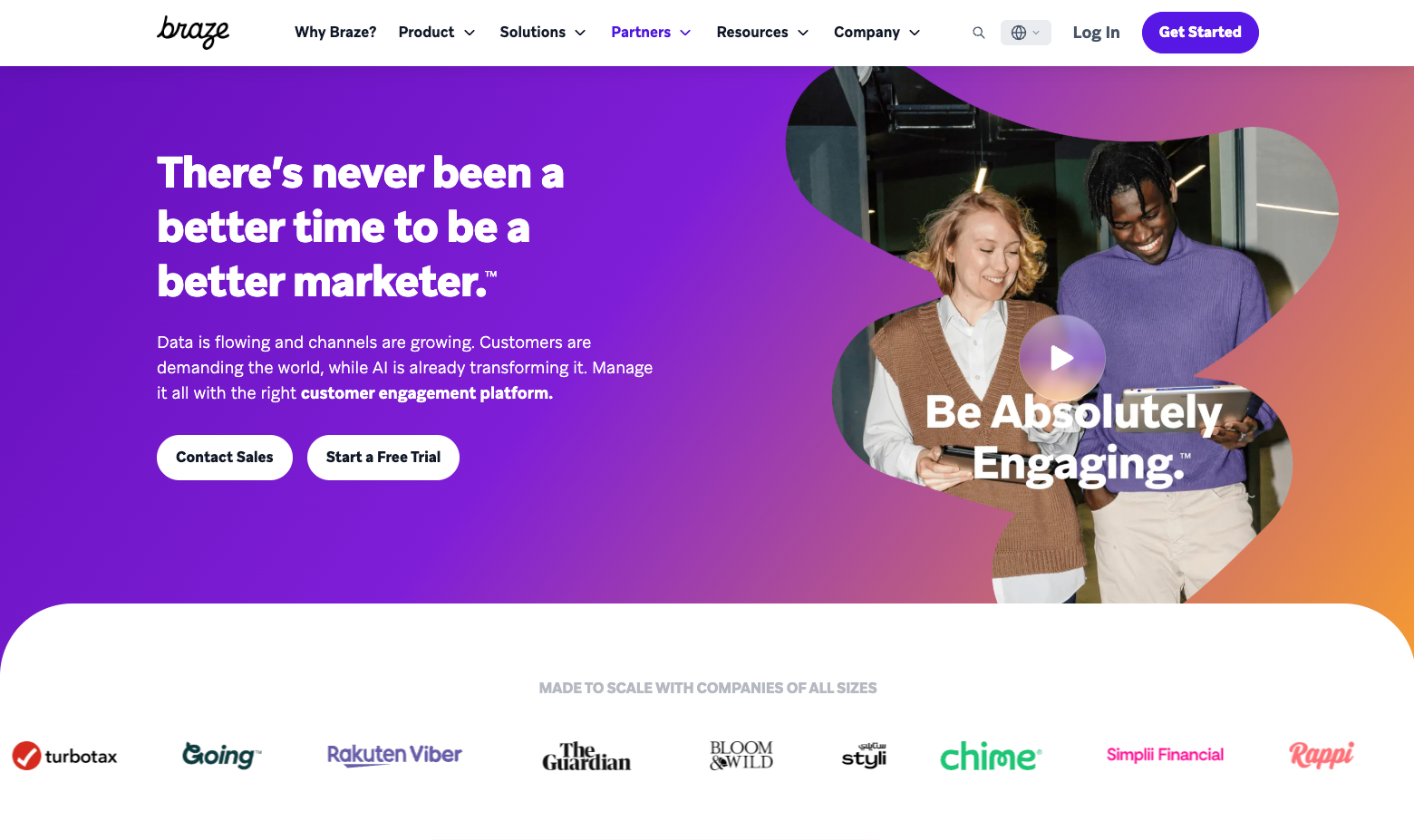
Braze is an enterprise customer engagement platform with deep multi-channel capabilities across push, email, in-app, SMS, and web. It is designed for large consumer apps and brands that need to operate messaging at significant scale.
Best for
Enterprise and mid-market consumer companies with large mobile user bases where engineering, product, and marketing all have active roles in the notification stack. Braze is a strong fit for teams that need advanced segmentation, real-time personalization, and A/B testing across channels.
Strengths
- Deep multi-channel coverage. Braze handles push, email, in-app, SMS, content cards, and web notifications in a single platform with strong cross-channel coordination capabilities.
- Advanced segmentation and personalization. Braze enables granular audience segmentation and Liquid-templated personalization that supports sophisticated campaign logic without custom engineering.
- Real-time data processing. Braze processes user events in real time, which makes it effective for time-sensitive engagement scenarios like cart abandonment, session-based triggers, and live sports or event notifications.
Limitations
- High cost and complexity. Braze is priced for enterprise budgets, and implementation typically requires dedicated technical resources. Teams without the budget or staffing for a full Braze rollout often find it difficult to extract value quickly.
- Developer experience is secondary. While Braze has APIs, it's primarily designed for marketers. Engineering teams that want to build highly programmable workflows or treat notification logic as code often find Braze's approach limiting compared to infrastructure-first platforms.
- Lengthy implementation. Full Braze implementations typically take months and require close coordination between technical and non-technical stakeholders.
Pricing
Braze does not publish pricing publicly. Contracts are typically annual and start in the tens of thousands of dollars, scaling with message volume, channels, and active users.
How it compares to HubSpot
Braze and HubSpot serve different primary personas. HubSpot is built for B2B marketing and sales teams. Braze is built for consumer engagement and mobile-first brands. Teams moving from HubSpot to Braze are typically looking for more sophisticated cross-channel engagement capabilities, not CRM replacement.
Iterable
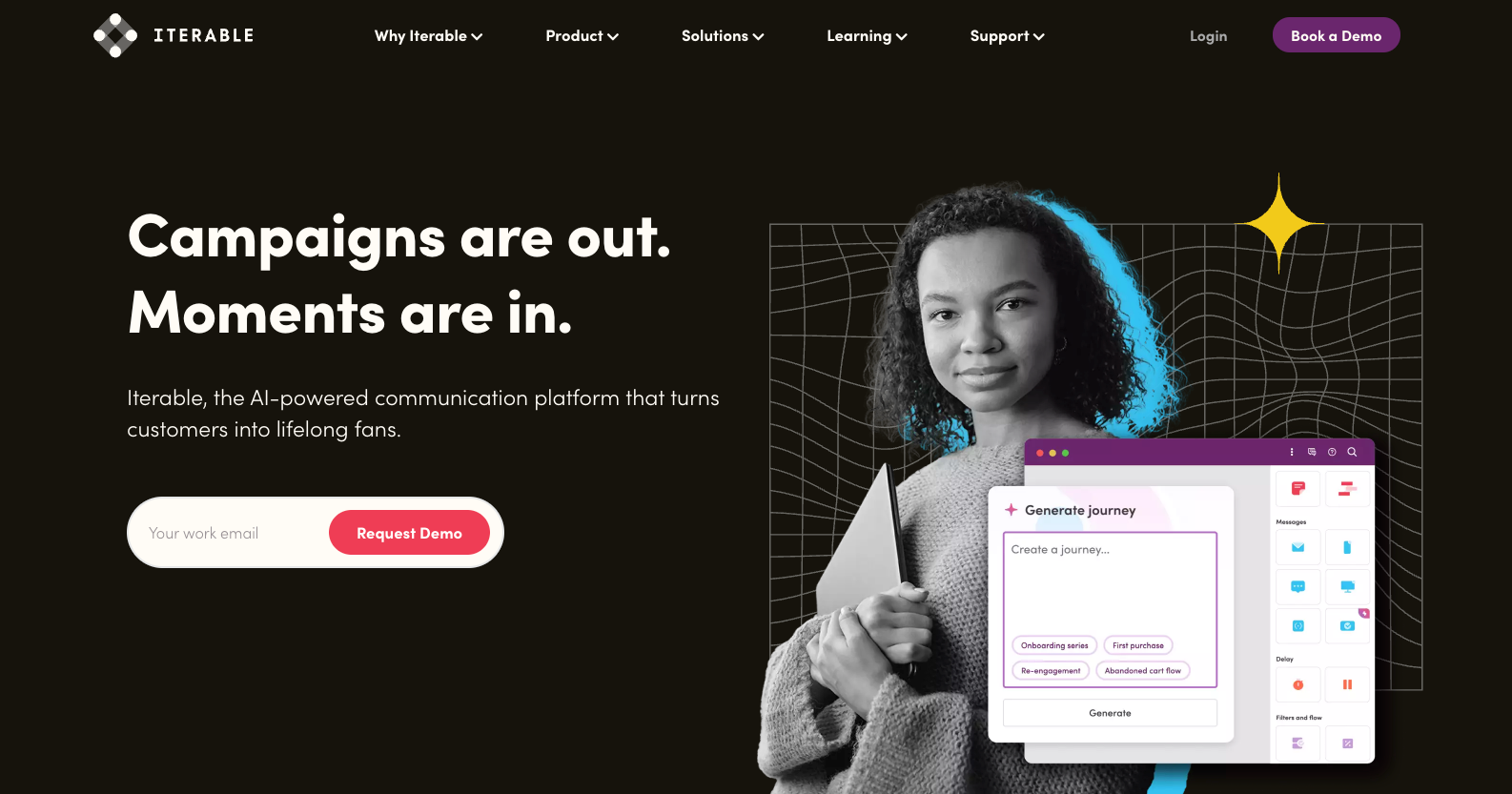
Iterable is an enterprise marketing automation and cross-channel engagement platform. It focuses on lifecycle and campaign messaging for large marketing teams with access to data and engineering support.
Best for
Enterprise marketing organizations that run complex, data-driven lifecycle campaigns across email, push, SMS, and in-app. Iterable works best when there's a dedicated marketing operations function to manage campaigns and a data engineering team to maintain integrations.
Strengths
- Powerful workflow and campaign builder. Iterable's canvas editor gives marketing teams control over complex, branching journeys with strong audience segmentation and entry/exit logic.
- Flexible data model. Iterable supports custom event schemas and user attributes, which makes it adaptable to different data architectures.
- Strong email and push capabilities. Iterable's delivery infrastructure for email and push is reliable, and it provides good analytics for campaign performance.
Limitations
- Steep learning curve. Iterable is a feature-heavy platform that takes significant time and training to use effectively. Teams without dedicated marketing operations resources often underutilize it.
- Less suited for product and engineering use cases. Iterable is designed for campaign-driven marketing, not event-triggered product notifications or transactional infrastructure. Engineering teams looking for API-first control will find it constraining.
- Cost and implementation time. Iterable is an enterprise product with pricing to match. Implementation timelines are typically long, and contracts require meaningful upfront commitment.
Pricing
Iterable does not publish standard pricing. Enterprise contracts typically start in the mid-to-high tens of thousands annually and scale with volume and channels.
How it compares to HubSpot
Iterable is more powerful than HubSpot for marketing automation and cross-channel campaigns, but it's also more complex and expensive. Teams that outgrow HubSpot's campaign capabilities and have the marketing operations maturity to support a more advanced tool often consider Iterable.
ActiveCampaign
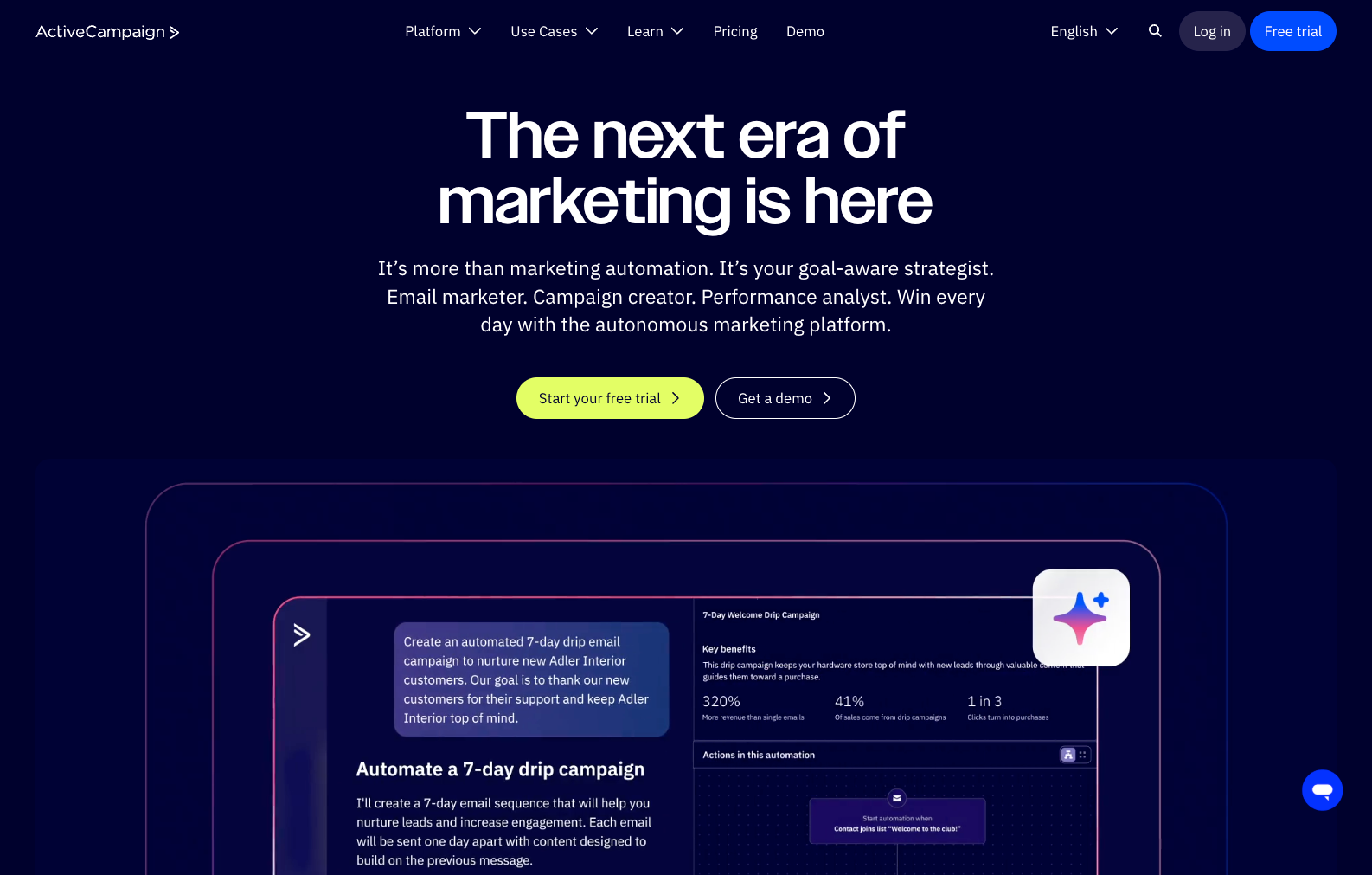
ActiveCampaign is a marketing automation and CRM platform positioned primarily for small to mid-sized businesses. It combines email marketing, basic CRM, and automation in a more affordable package than HubSpot.
Best for
SMBs and early-stage companies that want a capable marketing automation and CRM tool without HubSpot's price tag. ActiveCampaign is a reasonable choice for teams that rely on email as their primary channel and want sales and marketing in the same platform.
Strengths
- Strong email automation. ActiveCampaign's automation builder is one of the most capable in its price range, supporting complex conditional logic, lead scoring, and behavioral triggers.
- CRM and sales tools included. ActiveCampaign bundles pipeline management and contact tracking with its marketing features, which reduces the number of tools smaller teams need to manage.
- Accessible pricing. Plans start at a fraction of HubSpot's cost, making it accessible for teams with limited budgets.
Limitations
- Limited multi-channel and product notification capabilities. ActiveCampaign is primarily an email and basic SMS platform. Teams that need in-app messaging, push notifications, or programmable notification infrastructure will need additional tools.
- Scales less gracefully for larger teams. ActiveCampaign's tooling starts to feel limited as teams grow and their messaging needs become more sophisticated. Enterprise features are available but the platform is not as robust as Braze or Iterable at scale.
Pricing
Plans start at around $15/month (up to 500 contacts) and scale based on contacts and features. Marketing and sales bundles are available at higher tiers.
How it compares to HubSpot
ActiveCampaign is a cost-effective alternative for teams that primarily need email marketing and basic CRM. It lacks the breadth of HubSpot's suite but covers core use cases at a lower price. Teams looking to move up market or add product notification infrastructure will need to integrate additional tools.
Klaviyo
Klaviyo is a marketing automation platform built around ecommerce data. It integrates tightly with Shopify, WooCommerce, and other commerce platforms and focuses on driving revenue through email, SMS, and push.
Best for
Ecommerce brands that want to tie messaging directly to purchase data, browsing behavior, and revenue attribution. Klaviyo is the default choice for Shopify-based brands at almost any scale.
Strengths
- Deep ecommerce data integration. Klaviyo's native integrations with ecommerce platforms mean teams can segment and trigger messages based on cart activity, purchase history, and revenue data without custom engineering.
- Revenue attribution. Klaviyo attributes revenue to email and SMS campaigns directly, which gives marketing teams clear ROI visibility.
- Strong template and editor experience. Klaviyo's email builder is polished, and the platform includes good deliverability tooling.
Limitations
- Narrow use case outside of ecommerce. Klaviyo is purpose-built for ecommerce. B2B SaaS companies, marketplaces, or teams with complex product notification needs will find it poorly suited to their requirements.
- Contact-based pricing can be expensive at scale. As email lists grow, Klaviyo's pricing can increase significantly. Teams with large audiences but lower engagement rates may find the cost-to-value ratio deteriorates.
Pricing
Free up to 250 contacts; paid plans start at around $20/month and scale based on contact count. SMS is billed separately.
How it compares to HubSpot
Klaviyo and HubSpot serve very different audiences. Klaviyo is for ecommerce teams; HubSpot is for B2B go-to-market teams. Teams switching between the two are typically doing so because their business model has shifted or because they want better ecommerce data integration.
Sendbird
Sendbird is a communications platform that provides APIs and SDKs for building in-app chat, messaging, and notification experiences. It is infrastructure for product teams, not a marketing automation tool.
Best for
Product and engineering teams building embedded chat, direct messaging, or in-app communication features as part of their core product. Sendbird is well-suited for marketplaces, healthcare apps, and social products where chat is a primary user interface.
Strengths
- Purpose-built chat infrastructure. Sendbird provides a complete set of APIs, SDKs, and UI components for building production-grade chat features without building from scratch.
- Moderation and compliance features. Sendbird includes built-in content moderation, data retention controls, and compliance features that are important for regulated industries like healthcare and fintech.
- Cross-platform SDK coverage. Sendbird supports iOS, Android, web, and React Native, which simplifies building chat experiences across platforms.
Limitations
- Not a notification or marketing platform. Sendbird is for embedded communication features, not outbound messaging, lifecycle campaigns, or cross-channel notification orchestration. Teams that need both chat and notifications will need multiple platforms.
- Pricing is volume-sensitive. Sendbird's pricing is based on MAUs and message volume, which can become significant for high-engagement applications.
Pricing
Sendbird offers a free tier and paid plans starting at a few hundred dollars per month, scaling with MAUs and feature needs. Enterprise pricing is available for larger deployments.
How it compares to HubSpot
Sendbird and HubSpot are not direct comparisons. Teams that list both are typically looking at them for different purposes. If you're replacing HubSpot because you need in-app chat as a product feature, Sendbird is worth evaluating. If you need outbound notifications or marketing automation, Sendbird is not a substitute.
How to choose the right HubSpot alternative
The right HubSpot alternative depends on your team structure, team goals, and technical requirements. Here's a breakdown by scenario.
Small teams. Knock provides the fastest path to production for small, technical teams that need cross-channel messaging infrastructure without building it from scratch. Customer.io is a strong option for teams that want email automation with fewer features and a lighter implementation lift.
Enterprise teams. For enterprise organizations where multiple teams (engineering, product, growth, and operations) need to collaborate on messaging, Knock provides the technical control developers require with visual, low-code tooling to empower non-technical teams. Braze and Iterable are worth evaluating for organizations with large marketing operations teams and complex campaign requirements.
Technical teams. Knock and Customer.io both provide API-first messaging infrastructure designed for engineering workflows. Knock offers more depth for teams that need to treat messaging logic as code, support complex orchestration, or build cross-channel tooling.
Non-technical teams. ActiveCampaign and, to a lesser extent, Customer.io balance marketing capabilities with ease of use. Both offer visual editors and campaign builders accessible to non-developers, though they require some technical support for initial data integration.
Budget-constrained. Knock and ActiveCampaign offer predictable, usage-based pricing that scales reasonably with growth. Knock's volume-based pricing avoids surprises as your user base grows. ActiveCampaign offers strong email automation at a lower starting cost than most enterprise alternatives.
Compliance-heavy. Knock and Braze provide enterprise-grade security, SOC 2 compliance, and data residency options for teams in regulated industries. Sendbird is worth evaluating if your compliance needs are centered on in-app chat and communication data.
HubSpot alternatives FAQs
Do these alternatives support the same channels as HubSpot?
Most alternatives support email, SMS, and push. Knock adds in-app messaging and chat (e.g. Slack, Teams, and WhatsApp) as first-class channels, with cross-channel orchestration logic that coordinates delivery across all of them based on user state and preferences. HubSpot's channel coverage is weighted toward email, and multi-channel coordination is limited compared to purpose-built platforms like Knock.
Which alternatives work well for cross-functional teams?
Knock is built specifically for cross-functional collaboration. Product managers can update workflow logic and copy in the visual editor without engineering support. Engineers control the underlying triggers, data model, and infrastructure. Operations teams have access to delivery logs and audit trails. Braze offers similar collaboration features at enterprise scale, though with a higher implementation cost.
Which alternatives offer the most control over messaging logic?
Knock and Customer.io give engineering teams the most control over messaging logic. Knock's API-first model lets teams define workflow triggers, conditional branching, batching, throttling, and channel routing in code, while the visual editor gives product and growth teams the ability to iterate without opening a ticket. Braze offers strong control for marketers but is less ergonomic for engineering teams that want to manage messaging as infrastructure.
How do these alternatives compare for transactional notifications?
Knock is purpose-built for transactional and product notifications alongside lifecycle and broadcast messaging. Customer.io handles transactional email but has more limited support for in-app and real-time messaging. HubSpot and Iterable are not well-suited for high-volume transactional messaging. Braze can handle transactional notifications at enterprise scale, but the platform cost and complexity are often higher than teams need for this use case alone.
Engage customers with Knock
Knock gives engineering, product, growth, and operations teams a single platform to send product, marketing, and transactional messaging across every channel. Whether you're migrating from HubSpot or building from scratch, Knock gets you to production fast without the maintenance burden of custom messaging infrastructure.
Start for free or talk to the team to see how Knock fits your stack.