Knock vs. Braze
Unlock customer engagement that runs itself
Modern teams choose Knock to launch messaging flows with a prompt. Set your goals, and Knock agents identify, build, and ship the customer journeys to hit them.




Top reasons teams choose Knock over Braze
Learn why companies reach for Knock when looking for Braze alternatives.
Agentic customer engagement
Knock is built for agents to do the work. Build complex customer journeys with a prompt, generate on-brand templates, and manage all your messaging from Claude, Slack, or the terminal.
One system for all messaging
Manage your product, marketing, and transactional messaging from one place. Send messages across email, in-app, SMS, push, and chat, triggered from API calls, events, or audience changes.
Native in-app messaging
Show in-app banners, modals, and cards that use your own UI components. Guides share audiences and analytics with broadcasts and workflows, so in-app nudges can be coordinated with other messaging in one system.
Advanced sending controls
Apply batching, digests, throttling, and idempotency to lifecycle messaging and product notifications. Send timely messaging without fear of notification overload. No custom logic needed.
Infrastructure-grade reliability
Knock's messaging infrastructure powers billions of notifications in production for world-class organizations like Vercel, Webflow, and Zapier, with 99.99% uptime, git-style versioning, and full observability.
Usage-based pricing
Connect providers you already use, such as Amazon SES and Twilio, and only pay for the messages you send. Every plan gives you unlimited contacts, team members, workflows, and channels on every plan, with no hidden costs.
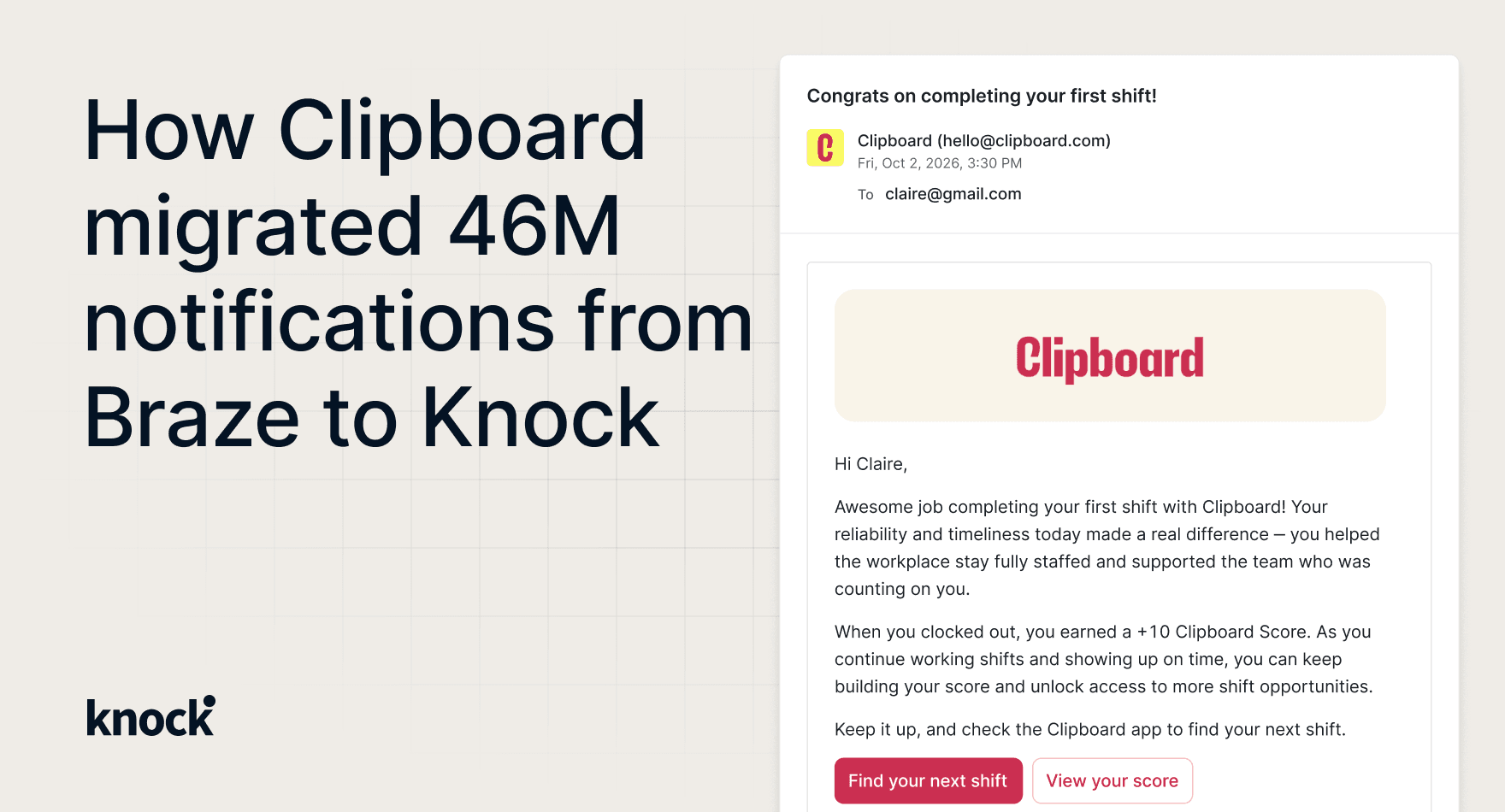
Clipboard moved 46M monthly notifications off Braze
Clipboard migrated from Braze to Knock for better observability into every message. Now its engineering, operations, and product teams run all their messaging in Knock.
Ship coordinated, cross-channel messaging
Coordinate in-app and out-of-app flows that reach the right users at the right moments. Send dynamic, on-brand messages across email, in-app, push, SMS, and chat.
The New user onboarding workflow in the builder, at Collab.io. An agent step is dragged in from Add a step under the new-user-signup trigger and its prompt is typed: Claude Sonnet 5 writes a welcome line for the recipient that fits their role, into a welcome_line response property. The welcome email greets the recipient by first name, then uses that line. After a 3 day delay, a branch on Created a project? sends a Day 3 tips email to people who have not created one yet and an in-app feed message to everyone else.
Trigger smart automations that send messages across any channel.
email / in-app / push / SMS / chat
Unify product, CDP, and warehouse data
Sync data and events from your product, CDP, warehouse, and connected tools to build dynamic audiences and trigger messaging based on any attribute or signal.
Product usage from the Knock SDKs, traits from a CDP such as PostHog, Segment, or Amplitude, account data synced by Hightouch from a warehouse such as Snowflake, Databricks, or BigQuery, and billing data from Stripe flow into one user model in Knock as user properties.
A dynamic audience updates as those properties change, and a user entering the audience triggers a workflow.
Knock vs. Braze feature comparison
| Feature | Knock | Braze |
|---|---|---|
| Lifecycle and marketing | ||
| One-time and recurring broadcasts to audiences | Yes (broadcasts, sent from the dashboard) | Yes (campaigns) |
| Dynamic audiences built from user properties and events | Yes, reusable across workflows, broadcasts, and guides | Yes (segments) |
| Multi-step lifecycle journeys (onboarding, activation, win-back) | Yes (workflows with branching, delays, and AI agent steps) | Yes (Canvas) |
| Workflow and broadcast analytics | Yes | Yes |
| Goals with conversion attribution | Yes | Yes |
| In-app messages, banners, and nudges in your own components | Yes (guides) | Templated in-app messages |
| Drag-and-drop email editor for non-technical users | Yes | Yes |
| Self-serve copy and targeting edits without a deploy | Yes | Yes |
| One system for every message | ||
| Product, lifecycle, and transactional messaging in one platform | Yes | Focused on marketing |
| Email, SMS, push, in-app, Slack, Microsoft Teams, and WhatsApp | Yes, native | Email, SMS, push, in-app, and WhatsApp; webhooks for custom channels |
| Bring your own providers (25+, such as Amazon SES and Twilio) | Yes | Amazon SES, SendGrid, and SparkPost for email |
| Batching, digests, throttling, and idempotency | Yes, built in | API batching, throttling, and transactional email idempotency |
| Cross-channel user preference center | Yes | Yes (subscription groups and preference centers) |
| Multi-tenancy | Yes | Workspaces isolate brands, regions, and environments |
| Reliability and control | ||
| Delivery logs with downstream provider responses | Yes | Message Activity Log retains errors for 60 hours |
| Git-style versioning and multiple environments | Yes | Canvas version history and separate workspaces for environments |
| CLI, Management API, and MCP server | Yes | REST API and MCP server |
| 99.99% uptime | Yes | Contact Braze for SLA details |
Teams that evaluated Braze and chose Knock
These teams looked at Braze for product and transactional messaging and chose Knock. Mentimeter still uses Braze for marketing campaigns.

Medium evaluated Braze and chose Knock
Medium evaluated Knock, Courier, Novu, and Pingram alongside Iterable and Braze. Marketing platforms like Braze could not deliver the technical depth Medium needed.
“Before, there was more than three weeks of total time including PM time, design time, and engineering time. Now with Knock, there's virtually no engineering time for most of our messaging. It's about three days for a non-engineer to get in, build an email, test it, and make sure it does what they want.”
Nick Webb, Senior Backend Engineer results
- 90% reduction in the time to ship new notifications
- About 3 days for a non-engineer to build and test an email, down from more than 3 weeks
- Black Friday push campaign had a higher conversion rate than the email campaign

Mentimeter moved transactional email off Braze
Mentimeter relied on Braze for all email. Knock now runs transactional email and in-app notifications, and Mentimeter still uses Braze for marketing campaigns.
“We felt that Knock was there not only to sell a product but to build a true partnership. The platform fulfilled all our requirements, and we had an open line of communication where we could provide feedback and collaborate on solutions.”
Oscar Albrecht, Engineering Director results
- Cross-channel notifications launched in 2 weeks
- An in-house build was estimated at 6 months
Migrate from Braze to Knock with a prompt
Move the messages you send from Braze into Knock. Knock agents help you connect channels, import your data, rebuild resources, and test your setup.
Connect your channels
Create a channel for each provider you send through. Add email, SMS, push, chat, and in-app channels in the same place, then move the messages you send from Braze onto those channels.
Import your data
Bulk identify users with their properties, preferences, and channel data, and set up tenants so feeds and preferences can be scoped to each account. You can also sync users, tenants, and events from your warehouse.
Rebuild resources
Ask the Knock agent to migrate Braze message templates, recreate active journeys as Knock workflows, and to map preference categories.
Test, then switch traffic
The Knock agent tests workflows in a development environment and checks each run in the workflow debugger. When ready, promote them to production and turn off the matching Braze sends.
Frequently asked questions
While Knock and Braze both run lifecycle marketing (broadcasts, audience targeting, multi-step journeys, in-app messages, and campaign analytics), the difference is that Knock is built for agents from the ground up.
Agents can build, test, and ship every workflow, template, and campaign through Knock's MCP server and CLI, with native connectors to ChatGPT, Claude, Cursor, Grok Bot, Slack, and more. Every change lives in git and goes through review like the rest of your product.
Additionally, Knock runs those lifecycle campaigns on the same platform that sends your product and transactional messages, so every team works from one set of audiences, templates, and delivery logs. Braze is a dashboard-first platform focused on marketing campaigns, so many teams have to run a separate system for transactional notifications.
Yes. Marketing and growth teams use Knock broadcasts to send one-time and recurring campaigns to dynamic audiences, workflows to run onboarding, activation, and win-back journeys, and guides to show in-app announcements and nudges. Broadcasts can chain channels, for example an in-app message followed by an email if the user doesn't engage, and can reference tenant data such as a customer's current plan. Workflow and broadcast analytics and goals with attribution show which campaigns drive conversions.
Yes. After a one-time integration to send user data and events, marketing, operations, and product teams build audiences, design emails in a drag-and-drop editor, launch broadcasts, edit in-app copy and targeting, and review analytics on their own, with no deploys. At Clipboard, the operations team runs recurring campaigns with Knock broadcasts, the engineering team owns transactional workflows, and the product team runs in-app surveys with guides.
Yes. Clipboard moved about 46 million monthly notifications from Braze to Knock, covering push, email, and SMS, and shut Braze down in August 2026. Today Clipboard's engineering, operations, and product teams all send from Knock, and the migration removed more than 35,000 lines of code they had written to fill gaps around Braze. Read the Clipboard story.
Both provide campaign engagement analytics. Knock reports opens, clicks, impressions, and dismissals across workflows and broadcasts, tracks goals with attribution, and streams data to your warehouse. Knock also adds end-to-end delivery observability, so any team can see why a specific message did or didn't reach a user, including the provider's response.
You can, and some teams start that way while migrating. Running two systems means duplicate audiences, inconsistent templates, separate preference settings, and two bills. Because Knock handles lifecycle, product, and transactional messaging, most teams consolidate onto Knock once their campaigns are moved.
Braze can send transactional messages and provides rate limiting and idempotency for its transactional email endpoint. Knock applies transactional primitives such as batching, digests, and idempotency across its workflow engine, alongside delivery logs, versioning, and multiple environments.
Knock sends billions of messages in production for companies such as Vercel, Webflow, and Zapier with 99.99% uptime, and handles both scheduled campaigns and real-time, event-driven messages on the same infrastructure.
Knock supports email, SMS, push, and in-app, plus native Slack, Microsoft Teams, and WhatsApp, and webhooks for custom channels. You can connect 25+ providers, for example Amazon SES for email or Twilio for SMS in 180+ countries, and switch providers without rebuilding campaigns.
Knock has transparent usage-based pricing that starts at $0 for the first 10,000 messages, with volume discounts for larger companies. All plans include unlimited data ingestion and unlimited channels with no onboarding or service fees; you pay for messages sent. Braze uses custom-quoted contracts with no public rate card.
Knock holds SOC 2 Type 2 certification and supports GDPR and CCPA requirements on every plan.
Most teams migrate in 2 to 4 weeks, depending on how many campaigns and workflows they run. Larger programs can move in phases: Clipboard migrated worker notifications in one quarter and workplace notifications in the next, then moved SMS in a single cutover. Knock's Braze migration tutorial and support team help with both campaign and workflow moves.