A complete toolkit for in-app messaging
Composable UI and realtime, stateful APIs for shipping native in-app inboxes, feeds, and lifecycle messages.



On-brand, native in-app messaging
Ship paywalls, dialogs, and nudges powered by your components. Enable non-engineers to edit copy and targeting in Knock.
Introducing: faster uploads
You’ve never seen file uploads like this.
Introducing: Collab.io 4.0
A whole new way to collaborate with your team.

Bigger, bolder assets
Upgrade to upload and store assets over 250+ megabytes
Introducing Collab AI

Build and collaborate - faster than ever - with a helpful set of AI tools.
Publish your site
Learn how to publish your work to your clients
Publish to web
Create a website from your Collab pages
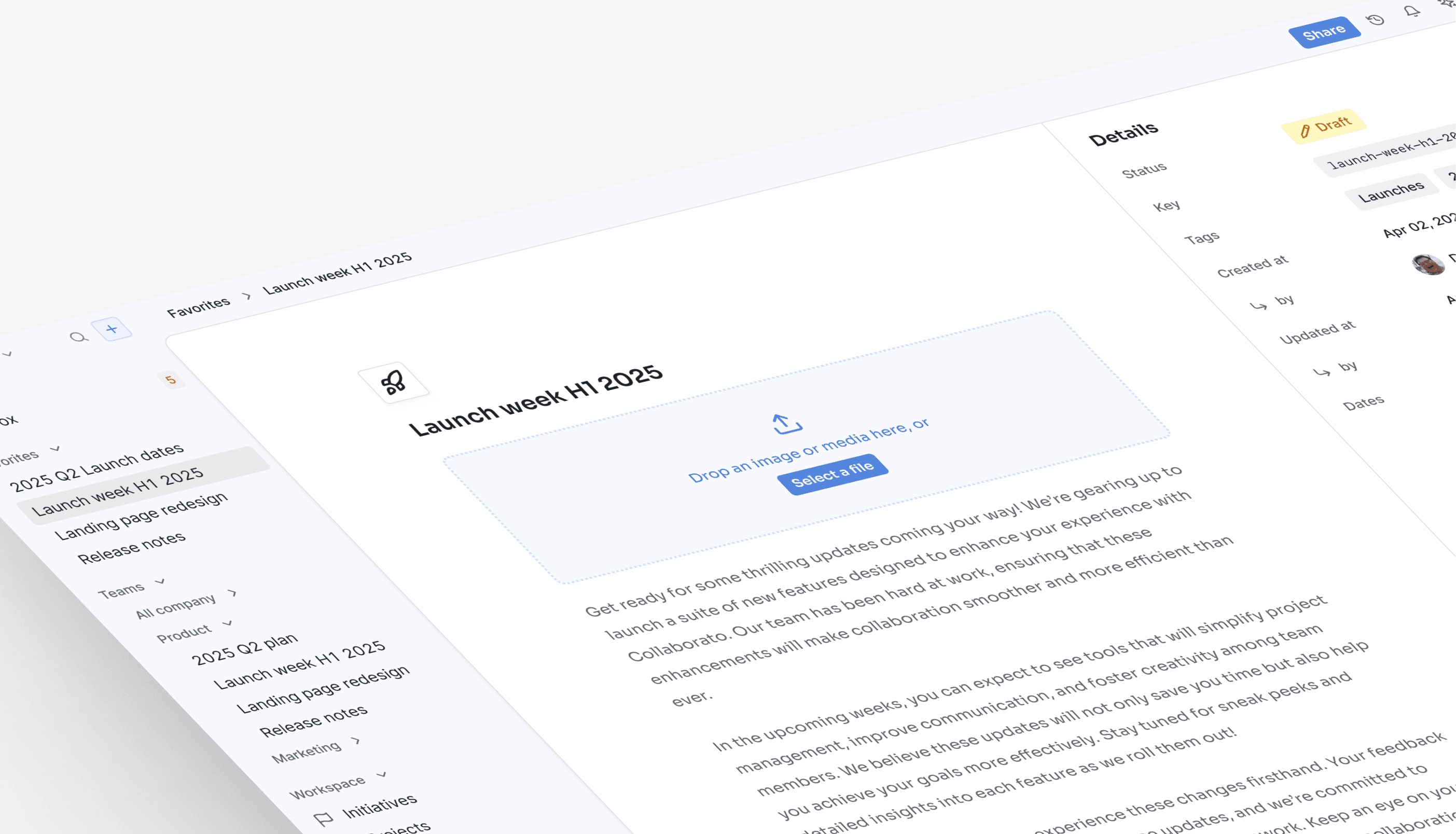
Launch week H1 2025
We’re excited to share a series of updates to Collaborato, all focused on streamlining collaboration for you and your team!
A preview of what’s to come...
Power notification feeds, toasts, and inboxes
Leverage the Knock SDK to deliver real-time notifications that your product renders in a native in-app feed or inbox.
Five notification use cases connect to the Knock SDK, which adds each message to the top of a notifications feed.
Granular control over every in-app message
Our component-first approach keeps in-app messaging performant and on-brand, with real-time delivery, state, and preferences handled for you.
Cross-channel orchestration
Coordinate in-app and out-of-app flows that reach the right users at the right moments across email, in-app, SMS, push, and chat.
Your design system
Render in-app banners, modals, and paywalls with your own components to stop design system drift.
Native performance
Every message renders in your product, so the UI stays fast, reliable, and ARIA compliant.
Real-time delivery
A managed socket delivers real-time messages across in-app guides, inboxes, feeds, and toasts, without polling.
Preference controls
Users choose which in-app messages they receive. Knock skips a message when a preference turns it off.
Engagement analytics
Track how many users saw, interacted with, and archived your in-app messages so you can understand what works.
Launch in-app messaging with a prompt
Pick your agent and a use case, then use the prompt to build it.
Your agent
Use case
Your prompt
Prompt
Build an in-app onboarding flow for new signups using Knock. Based on what we're building, show a welcome message in the in-app feed on day 0, and an in-app guide on the first screen until they finish setup.
All starter prompts, for people and agents
Connect your agent to the Knock MCP server at https://mcp.knock.app/mcp, or install the Knock CLI with npm install -g @knocklabs/cli. Then use any prompt below.
- Knock: Build in Knock
- Claude: First make sure to install the Knock connector.
- ChatGPT: First make sure to install the Knock plugin.
- Cursor: First make sure to install the Knock plugin.
- Grok: First make sure to install the Knock plugin.
- Slack: First make sure to connect Knock in Slack.
- MCP: First make sure to connect the Knock MCP server.
- CLI: First make sure to install the Knock CLI.
Onboarding (Lifecycle)
Build an in-app onboarding flow for new signups using [Knock](https://knock.app). Based on what we're building, show a welcome message in the in-app feed on day 0, and an in-app guide on the first screen until they finish setup.
Re-engagement (Lifecycle)
When a user returns after 14 days away. Based on what we're building, create an in-app feed message using [Knock](https://knock.app) that points them back to what they left unfinished. Archive it once they open that page.
Trial ending (Lifecycle)
When a trial has 3 days left. Based on what we're building, create an in-app message using [Knock](https://knock.app) with an upgrade action. Remove it as soon as the account upgrades.
Upgrades (Lifecycle)
When an account on the free plan reaches 90% of its usage allotment. Based on what we're building, show an in-app guide using [Knock](https://knock.app) with an upgrade action and a dismiss action.
Invites (Lifecycle)
When a user has been active in the product. Based on what we're building, create an in-app guide using [Knock](https://knock.app) that asks them to invite a teammate. Dismiss it once they send an invite or close it.
Referrals (Lifecycle)
When a user completes a successful outcome in the product. Based on what we're building, create an in-app guide using [Knock](https://knock.app) that asks them to refer a friend. Dismiss it once they send a referral or close it.
Access request (Transactional)
When someone requests access to a resource. Based on what we're building, create an in-app feed message using [Knock](https://knock.app) for the owner, with approve and reject actions.
Mentions (Transactional)
When someone is mentioned in a comment. Based on what we're building, create an in-app feed message using [Knock](https://knock.app) right away. Mark it read when they open the thread.
New comments (Product)
When a document gets new comments. Based on what we're building, create a workflow using [Knock](https://knock.app) that batches them into one in-app feed message, such as five new comments, instead of one message per comment.
Status update (Transactional)
When a record changes status. Based on what we're building, create an in-app feed message using [Knock](https://knock.app) for the people watching it, and include the new status.
Survey (Product)
After a software user reaches a set amount of product activity. Based on what we're building, create an NPS survey as an in-app guide using [Knock](https://knock.app), and record the score in the product.
Feature launch (Promotional)
Based on what we're building, create an in-app modal using [Knock](https://knock.app) that announces a new feature for users who opted in to product updates.
Promotions (Promotional)
Based on what we're building, create an in-app guide using [Knock](https://knock.app) that offers a limited-time discount on a paid plan. Dismiss it when the discount ends, or once they upgrade or close it.
Messaging infrastructure you can trust
99.99% uptime
We run Knock as critical infrastructure for your product.
Scaled delivery
Knock delivers hundreds of millions of messages per month.
Dedicated success
Our team helps you plan, build, and launch your messaging.
Secure access
Security is standard with support for SSO, RBAC, and SCIM.

HIPAA


SOC2

GDPR

CCPA
Frequently asked questions
Push notifications reach a user's device when your app is closed, through providers such as APNs and FCM. In-app notifications render inside your product while the user is in it, in a feed, inbox, toast, banner, or modal. Knock runs both from the same workflow, so an in-app message can fall back to push or email when a user doesn't see it.
Knock has client SDKs for React, JavaScript, React Native, Expo, iOS and macOS (Swift), Android (Kotlin), and Flutter. React, React Native, Expo, and Swift include pre-built feed components. The Android SDK provides API methods and a managed websocket connection, with no pre-built UI.
A feed returns a per-user list of messages for a feed-based UI, such as a notification center, inbox, or toasts. A guide renders a single message to a user when they visit a specific page, such as a banner, modal, or paywall. Both are in-app channels in Knock, and both render in your own UI.
No. Knock's in-app API includes websocket support, and the client SDKs manage the connection, so new messages appear in the feed without a backend to build or socket servers to run.
Yes. Use the pre-built components and override their styles, or build headless UI with the SDK hooks and the in-app API. Guides always render with your own components, and content comes from the Knock dashboard.
Every feed message has an engagement status of unseen, seen, or read, and users can archive messages. The default badge counts unseen messages, so the count clears once a user opens the feed. You can count unread messages instead.
Yes. Tenant scoping filters a feed so users only see notifications for their active workspace. You can also filter a feed by workflow or by a resource in your product.
Feed messages count toward message usage. The Free plan is $0 per month and includes 10,000 messages per month. The Starter plan is $250 per month and includes 50,000 messages, then $0.005/ea.
Guides use active user pricing: an active user sees at least one guide in a month. The Developer plan includes 500 guide recipients, and the Starter plan includes 2,500 guide recipients, then $0.05/ea. Guide views don't count toward message usage.
Knock delivers in-app messages to your own native UI through feeds and guides, and runs them in the same workflows as push, email, SMS, and chat. For a feature-by-feature view, see the Knock vs. OneSignal comparison at knock.app/comparisons/onesignal.